
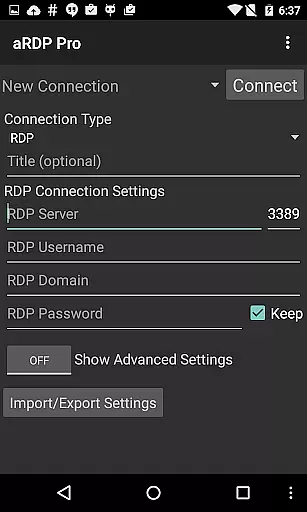
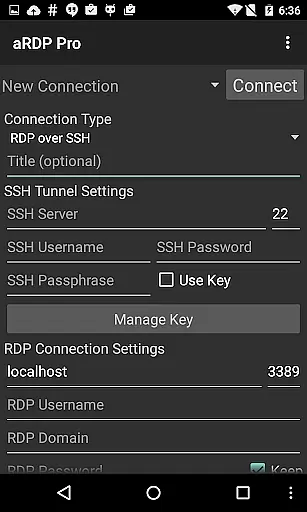
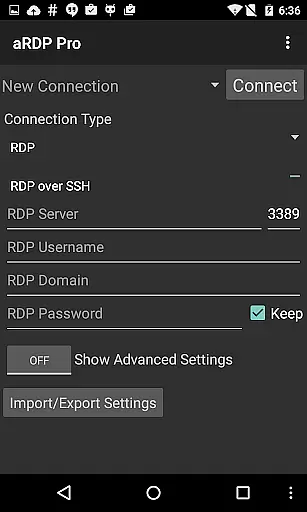
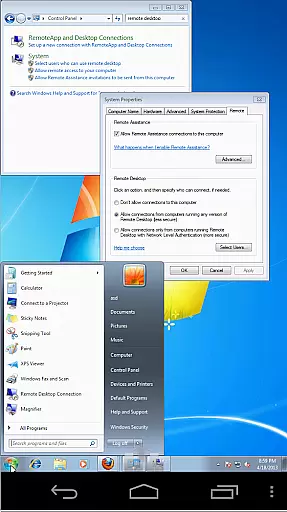
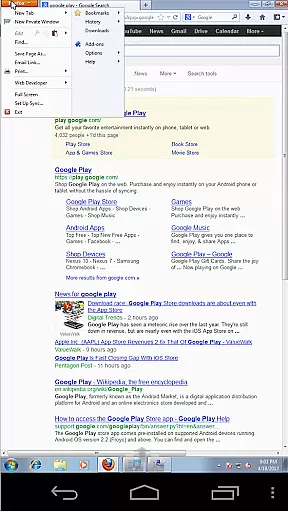
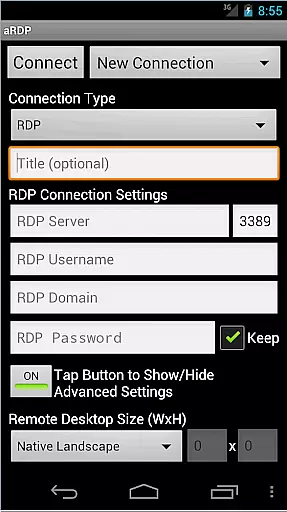
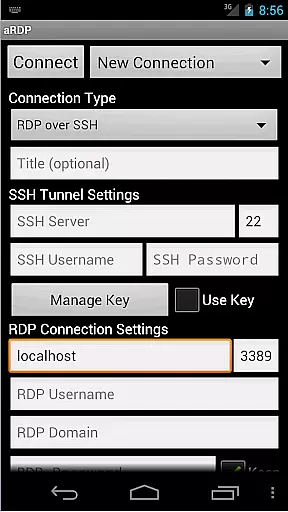
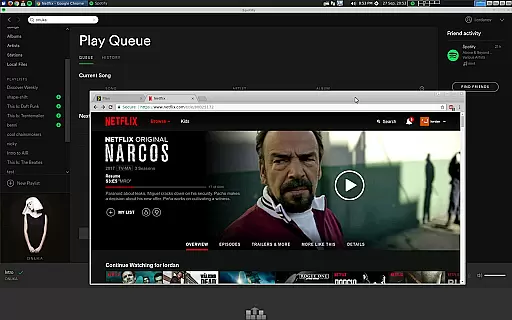
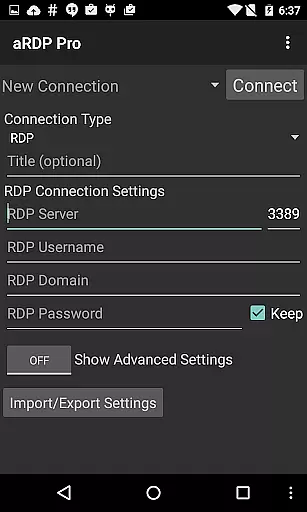
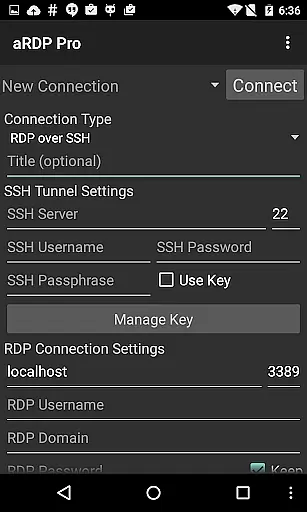
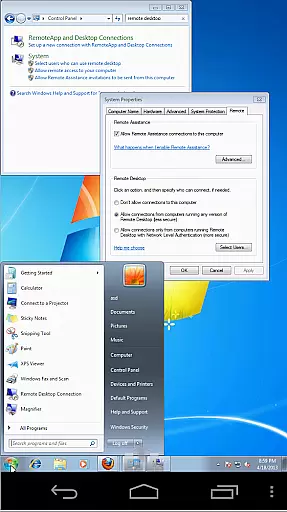
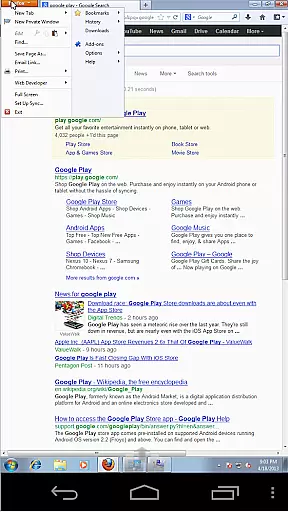
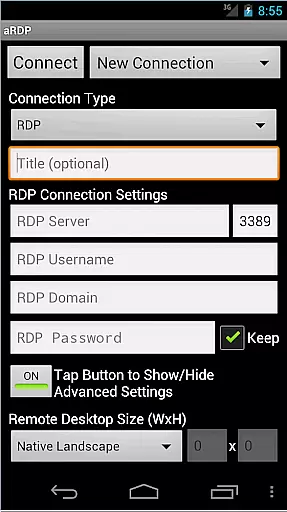
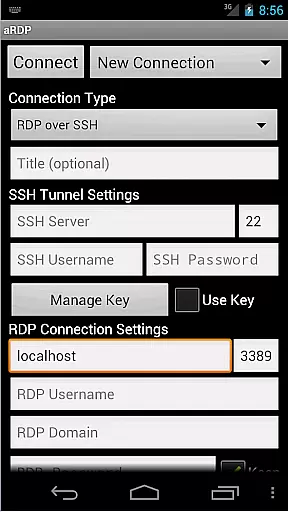
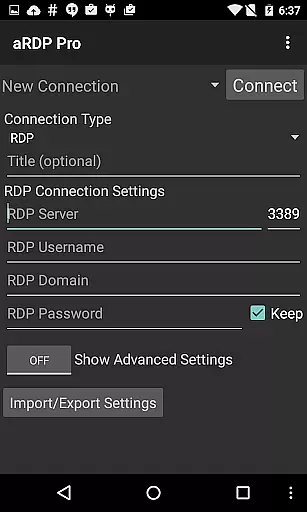
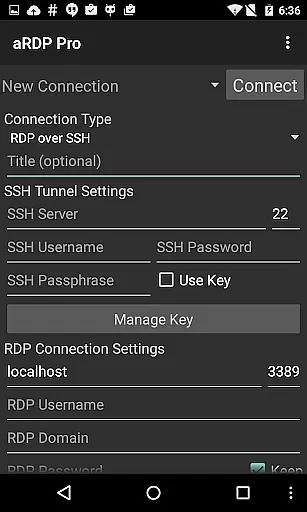
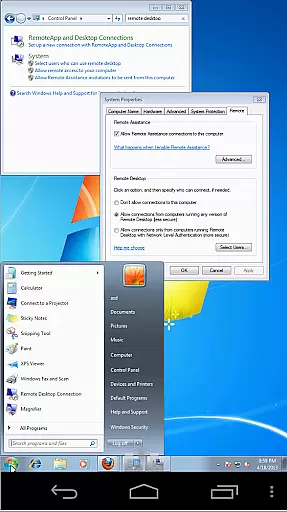
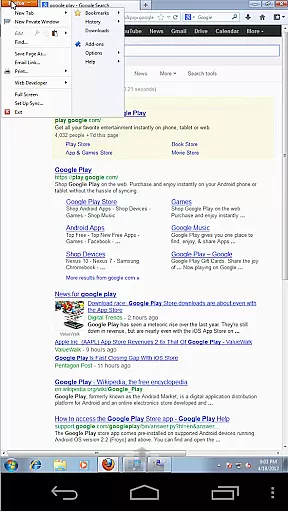
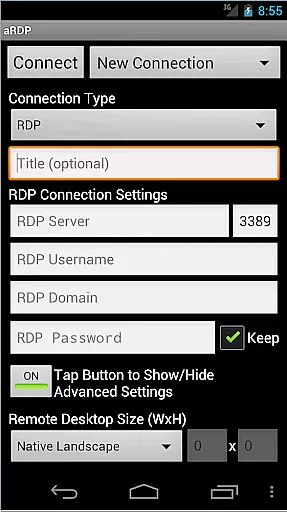
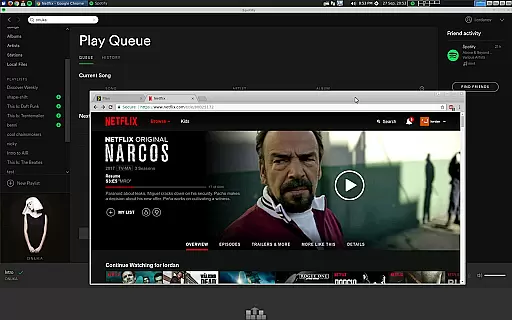
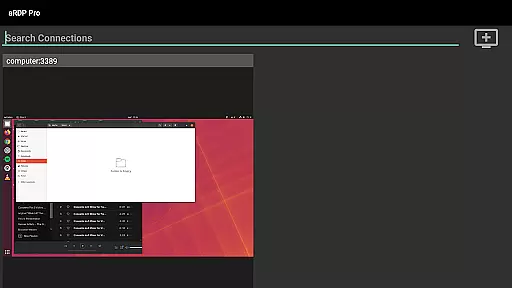
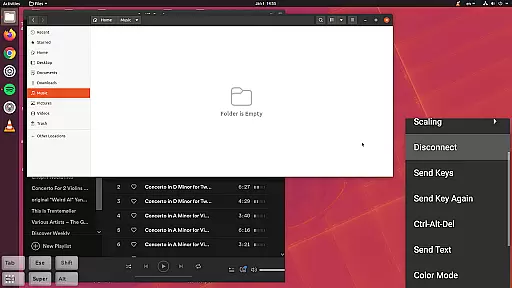
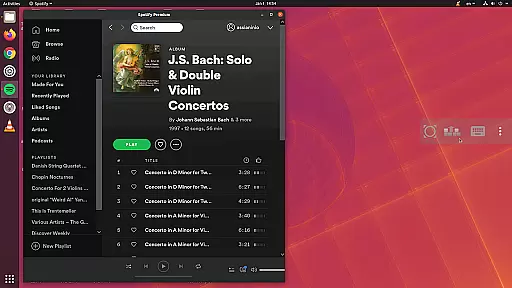
aRDP Pro is a premier open-source Remote Desktop Protocol (RDP) client, designed for users who require secure and efficient remote access to their computers. It leverages the robust FreeRDP library to offer seamless control over Windows systems and Linux machines with xrdp installed.
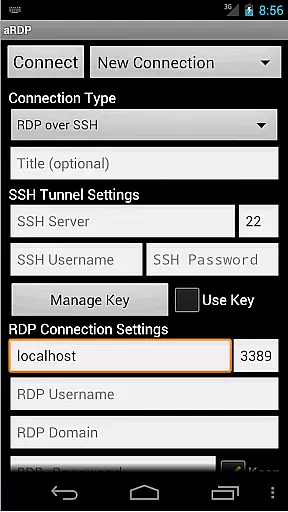
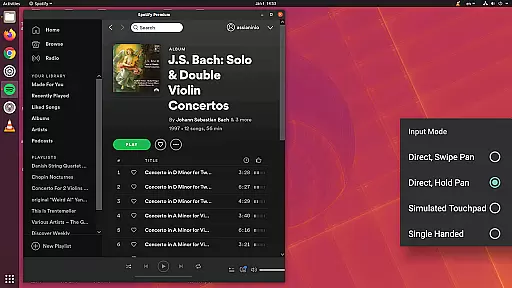
Key features include SSH tunneling for enhanced security, sound redirection, multi-touch gestures for mouse control, and support for various input modes. The app also supports dynamic resolution changes, making it versatile for different screen sizes and orientations.
Ideal for IT professionals and remote workers, aRDP Pro ensures productivity by providing reliable access to desktop environments from Android devices, ensuring you stay connected and in control wherever you are.
aRDP Pro stands out with its comprehensive feature set tailored for productivity. The app supports RDP file integration in the Pro version, MFA/2FA SSH authentication, and master password functionality, ensuring secure and personalized access.
Users benefit from advanced functionalities like SD card redirection, console mode, and fine-tuned session styling. Multi-language support, full mouse capabilities on Android 4.0+, and UI optimizations for tablets and smartphones enhance usability.
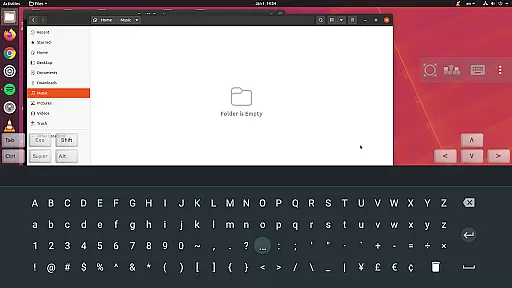
Innovative input methods such as multi-touch gestures, stowable on-screen keys, and FlexT9 keyboard support make navigation intuitive. Additionally, clipboard integration and various color depths ensure a smooth and adaptable remote desktop experience.
Core task management in aRDP Pro refers to the app's ability to handle remote desktop connections efficiently and securely. This feature is crucial for users who need to manage multiple tasks across different systems from their mobile devices.
aRDP Pro excels in this area by providing robust support for Remote Desktop Protocol (RDP) with advanced options such as RDP Gateway Support, SSH tunneling, and multi-factor authentication. These features ensure that users can connect to their remote machines safely and reliably, regardless of network conditions.
Users benefit from seamless integration with various operating systems including Windows and Linux. The app allows dynamic resolution changes and full rotation support, making it adaptable to different screen sizes and orientations. Additionally, the intuitive touch controls enable efficient navigation and interaction with the remote desktop.
The value of core task management in aRDP Pro lies in its comprehensive set of tools that enhance productivity. Whether you're an IT professional managing servers or a remote worker accessing your office computer, aRDP Pro ensures that your tasks are performed smoothly and securely.
Cross-device synchronization reliability in aRDP Pro ensures that user settings and connection details are consistently maintained across different devices. This functionality is essential for users who switch between smartphones, tablets, and other gadgets while maintaining their workflow.
aRDP Pro achieves high reliability through automatic session saving and export/import capabilities for settings. Users can start a session on one device and continue seamlessly on another without losing any configuration data. This includes saved credentials, preferred input modes, and customized display settings.
The app also supports Samsung multi-window and DEX environments, allowing users to multitask effectively. With clipboard integration, users can copy and paste text between their local device and the remote desktop, enhancing the continuity of work across platforms.
By ensuring reliable cross-device synchronization, aRDP Pro provides a consistent and uninterrupted user experience. This reliability empowers users to focus on their tasks rather than worrying about technical inconsistencies, thereby boosting overall productivity and convenience.
Secure SSH connections
Multi-touch gestures
Dynamic resolution
Clipboard integration
Multi-language support
No iOS version
Complex setup
Limited Windows 10 Home
Occasional bugs
Advanced features Pro-only

AI Video AI Image Private LLM AI Browser Llama Gemma Ollama Connect LLM Studio
 4.3
4.3
The long-awaited modern gallery app for your Nextcloud server
4.70
Professional calendar app for Google Calendar, MS Outlook & Exchange
4.20
CalenGoo is a very flexible and feature-rich calendar app
4.40
* block pre-roll ads, pop-up and forced redirect ads * Samsung certification app
4.00
Secure your apps with lock screens, use custom themes and different features.
4.40
Lightweight PDF, Word, Excel reader.
4.60
Note taking, handwriting, record audio, PDF annotation, planner & journal
4.20
2026 USPS Alpha/Color coded calendar Sunday/Rotating day off schedules
4.5
Protect and view your important info on your phone and tablet with eWallet®
4.80
Scan paperwork into PDF/JPG, generate your own e-signature and send fax or email
4.70
Okta MFA
4.70
Client for Nextcloud Deck
4.60
Enjoy classic gameplay with customizable features and retro-style graphics.
4.30
A customizable calendar for your Wear OS watch
4.20
Pwnagotchi companion app
4.20
Easily read and manage all your PDF files
4.10
IP Camera Viewer - Android TV : RTSP Surveillance camera viewer for Android TV
4.4
A comprehensive suite of tools designed specifically for Lactation Consultants
4.2


User Reviews