
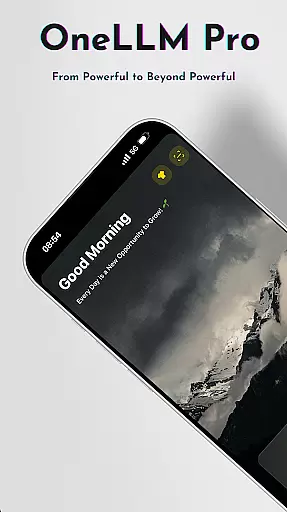
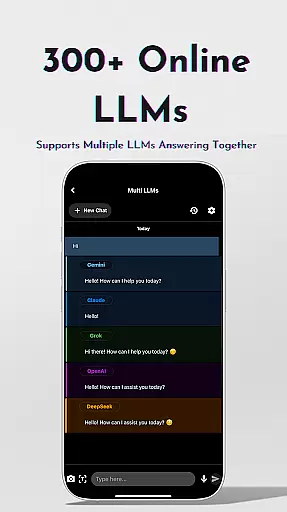
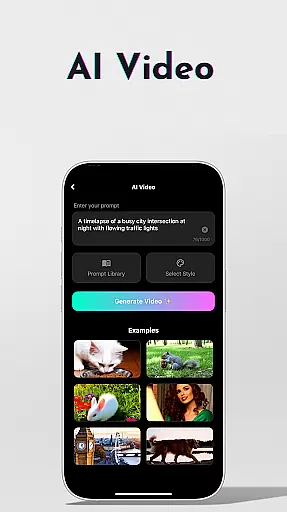
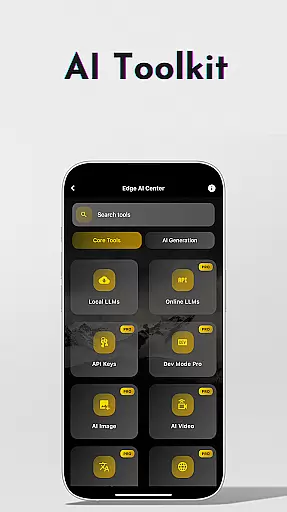
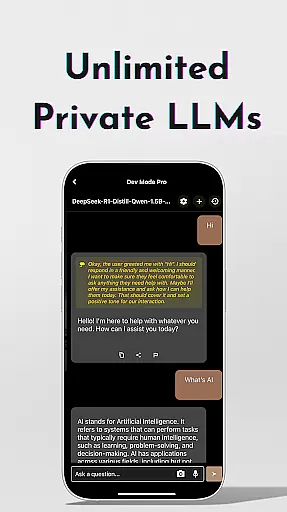
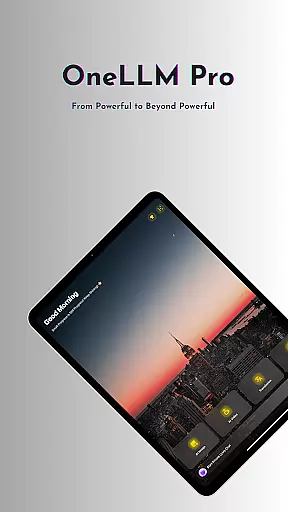
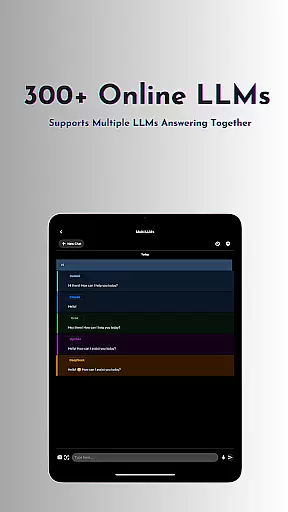
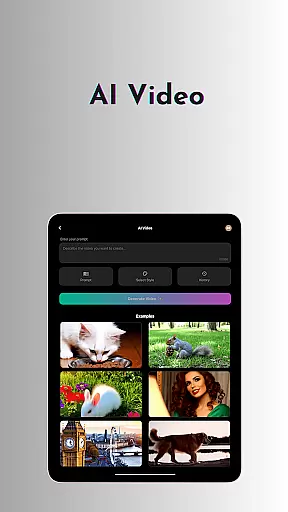
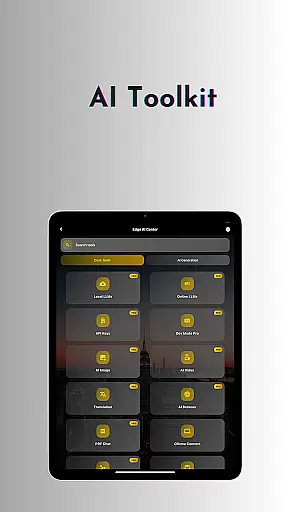
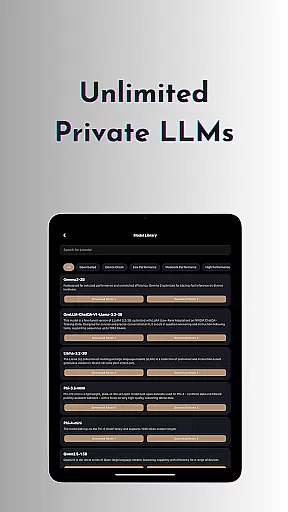
OneLLM Pro is a cutting-edge productivity app that seamlessly integrates local and cloud AI capabilities, offering users an extensive suite of tools for enhanced efficiency. With nearly double the on-device AI tools compared to its predecessor, it covers a wide range of use cases, from private offline LLMs to online access of over 300 advanced models like ChatGPT 4o and Claude.
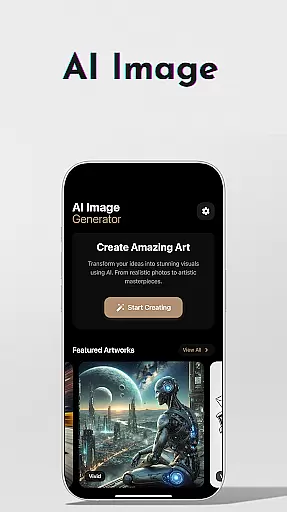
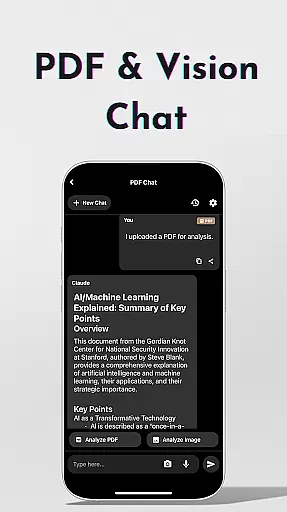
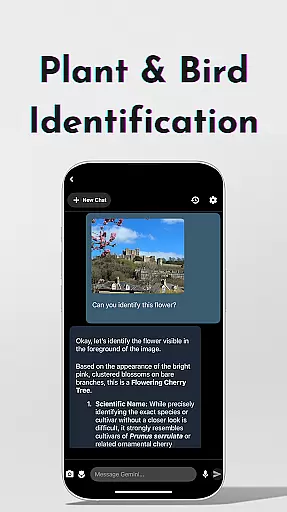
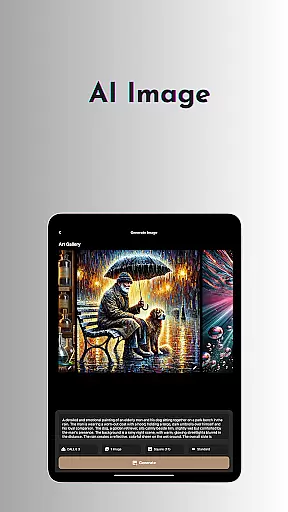
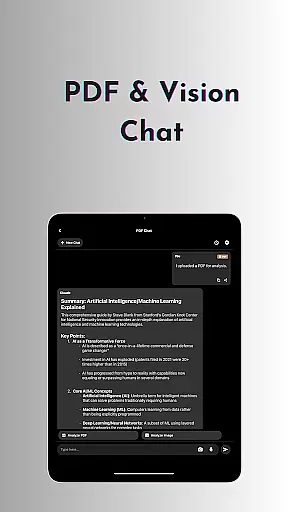
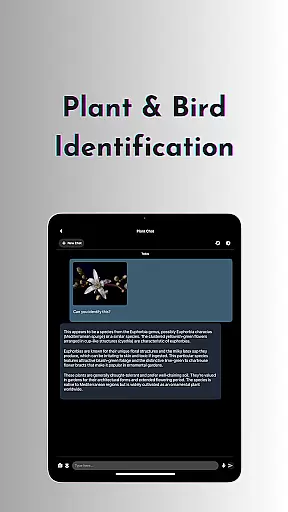
The app's core features include unlimited private and local LLMs, AI video generation, image creation through Stable Diffusion/DALL·E 3, offline OCR document scanning, Ollama Connect for PC/server connections, private speech-to-text transcription, AI browser functionality, password generation, chat with PDF/image capabilities, LLM Dev Mode for developers, plant and bird identification, multi-LLM simultaneous response mode, and a study assistant.
OneLLM Pro is optimized for all devices, ensuring exceptional performance whether you're using an entry-level smartphone or a flagship model. Its smart LLM matching system recommends models based on your device's specifications, while Hugging Face integration allows easy customization. The app maintains user privacy through local processing and offers an ad-free experience, making it ideal for professionals seeking maximum productivity without compromising data security.
OneLLM Pro stands out with its comprehensive feature set designed to maximize productivity across various tasks. The app provides both local and cloud-based AI capabilities, allowing users to choose between maximum privacy with offline processing or leverage powerful cloud performance for demanding tasks. This dual capability ensures users can work efficiently regardless of internet connectivity.
Among its standout features are AI video generation that transforms ideas into cinematic masterpieces, AI image creation collaborating with top imaging experts, and offline OCR document scanning for internet-independent productivity. The Ollama Connect feature enables seamless connection to large LLMs running on PCs or servers, while private speech-to-text transcription facilitates secure note-taking during meetings and lectures.
Additional notable features include an AI browser for digesting complex articles quickly, password generator for creating secure credentials, chat functionality with PDFs and images for efficient document analysis, and LLM Dev Mode for advanced parameter tuning. The app also offers specialized tools like plant and bird identification, multi-LLM simultaneous response mode for streamlined workflows, and a comprehensive study assistant supporting various input methods. These features, combined with Hugging Face integration and smart LLM matching, create a versatile productivity powerhouse.
Core task management is essential for productivity applications as it enables users to organize, prioritize, and track their tasks efficiently. OneLLM Pro excels in this area by offering a comprehensive suite of AI-powered tools designed to streamline workflows.
The application provides features such as Study Assistant, which supports text input, photo capture, or image uploads, making learning seamless and interactive. Additionally, the Multi-LLM Simultaneous Response Mode allows users to get instant answers from leading LLMs with a single click, eliminating the need to switch between different apps.
Users benefit from an organized approach to task handling, ensuring that no important deadlines or details are missed. The ability to analyze documents in one click and focus on key content saves valuable time, enhancing overall productivity.
OneLLM Pro's task management capabilities ensure that both simple and complex projects can be managed effectively, adapting to various user needs and preferences. This adaptability makes it a powerful tool for anyone looking to optimize their daily routines.
Cross-device synchronization reliability is crucial for maintaining consistency and accessibility across multiple devices. OneLLM Pro addresses this need by providing robust synchronization features that keep all your data up-to-date and accessible wherever you go.
The app supports both local and cloud AI processing, allowing users to choose the best option for their privacy and performance requirements. With Smart LLMs Matching, the app intelligently recommends LLMs optimized for each deviceu2019s specifications, ensuring peak performance while conserving storage and battery life.
OneLLM Pro also integrates with platforms like Hugging Face, enabling easy downloading and customization of models directly within the app. This flexibility ensures that users have access to the latest AI advancements without compromising on speed or reliability.
By focusing on real-time updates and seamless integration, OneLLM Pro guarantees that users can rely on consistent and accurate information across all their devices, enhancing their productivity and peace of mind.
Extensive AI toolkit
Offline functionality
Cloud integration
Privacy-focused design
Cross-device optimization
Complex for beginners
Resource-intensive
Premium pricing
Limited free features
Steep learning curve

Take control of your clipboard with Clipper!
 3.90
3.90
Stay on top of your to-dos with Google Tasks, part of Google Workspace.
4.60
Functional QR scanner and barcode reader that requires little storage space.
4.60
Quickly and easily keep track of your work shifts
4.70
Scientific calculator for Android - looks and operates like the real thing!
4.90
Share files & memories safely. Keep your photos and videos secure.
4.40
Ultimate Virtual AI Character for immersive Roleplay Chat. Perfect Companion
3.90
Seamlessly read, manage, and organize all your PDF files solution in one place
4.40
Browse and view your photos and videos from the phone with photo & video hide.
4.10
App lock - lock apps with fingerprint, password, pin or pattern, protect privacy
4.70
Absolutely the best CNC machinist speed and feed calculator around. fswizard.com
4.60
The AI assistant that thinks with you - write, code, and solve complex tasks
4.60
AI Chatbot and AI writing assistant powered by ChatGPT.
4.60
CalenGoo is a very flexible and feature-rich calendar app
4.40
A customizable calendar for your Wear OS watch
4.20
Total remote control for your Android device, PC and cloud services (IFTTT)!
4.20
Professional calendar app for Google Calendar, MS Outlook & Exchange
4.20
Wake up & get tasks done! Add alarms & reminders on the Clock Launcher.
4.00
A Revolutionary All-in-One Artificial Intelligence Tools
3.80


User Reviews