
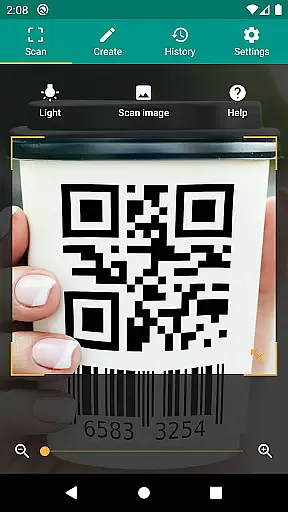
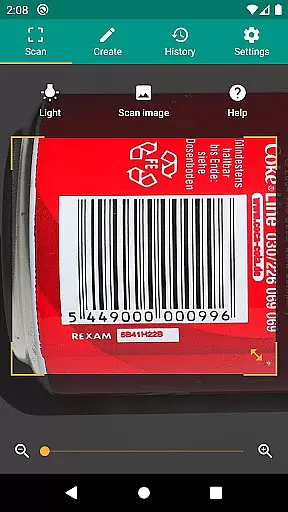
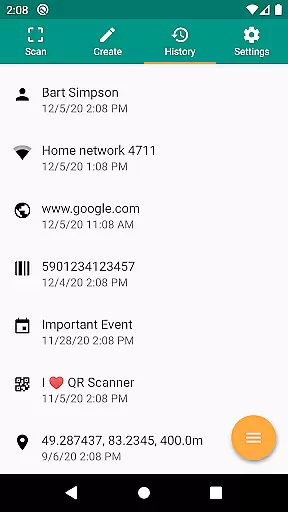
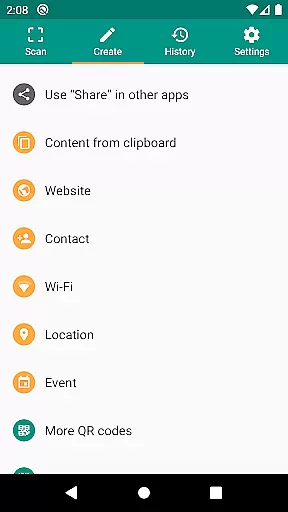
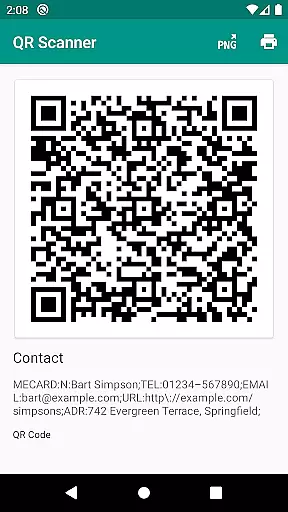
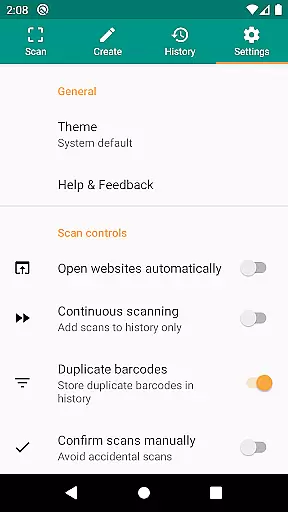
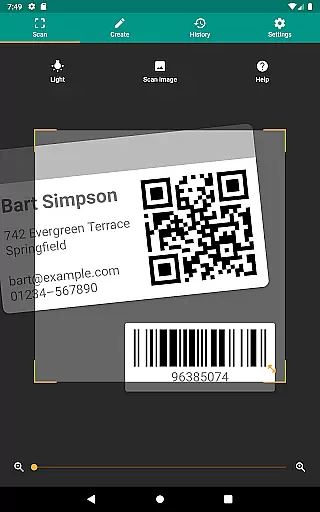
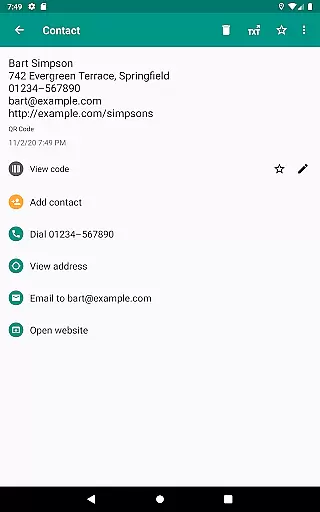
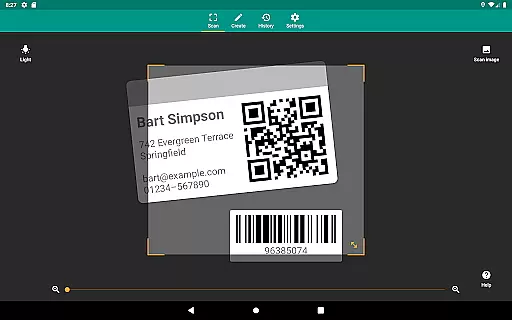
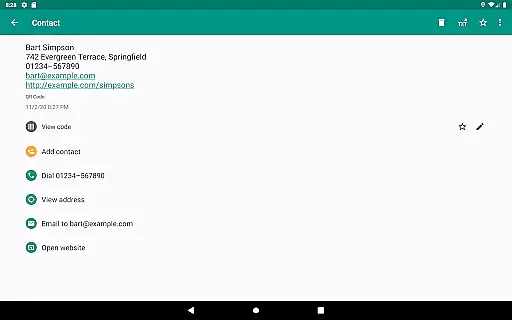
QR & Barcode Scanner is a versatile productivity tool designed to streamline your daily tasks through advanced scanning technology. This app allows users to effortlessly scan QR codes and barcodes, extracting valuable information from various formats including UPC, EAN, and Code 39. Whether you're managing inventory or simply looking up product details, this scanner provides relevant actions such as opening URLs, adding calendar events, and connecting to WiFi hotspots.
Beyond basic scanning, the app incorporates essential features like a built-in flashlight for low-light environments and pinch-to-zoom functionality for distant codes. Security is prioritized with Google Safe Browsing integration, ensuring safe link navigation. The minimal permission requirement enhances user privacy, allowing barcode scanning without accessing device storage. With its CSV export capability, QR & Barcode Scanner becomes an indispensable tool for small business owners seeking efficient data management solutions.
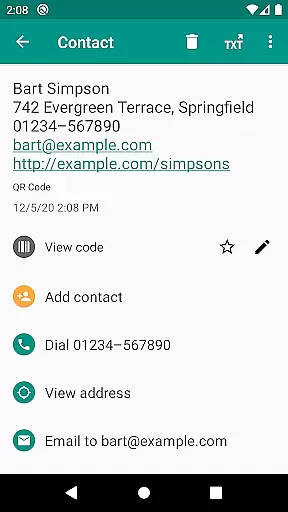
QR & Barcode Scanner stands out with its comprehensive feature set tailored for productivity enthusiasts. The app supports all common barcode formats, enabling users to scan everything from product codes to complex data matrices. Its intelligent processing triggers relevant actions based on scanned content - from launching website links to creating calendar events and reading VCards.
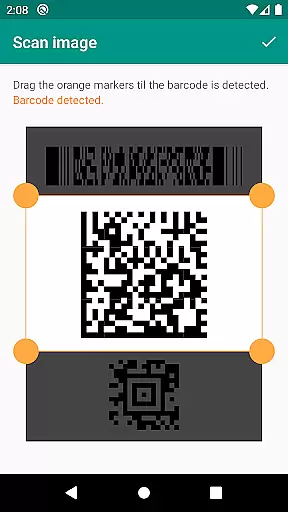
Advanced functionality includes Chrome Custom Tabs integration for enhanced security and faster loading times. The innovative image-based scanning allows code detection from picture files, while the built-in QR code generator facilitates seamless data sharing between devices. Particularly noteworthy is the customizable search options, letting users add preferred shopping websites for targeted information retrieval. These features, combined with unlimited history management and annotation capabilities, make QR & Barcode Scanner an essential tool for both personal and professional use.
QR & Barcode Scanner excels in core task management by offering a comprehensive suite of tools for scanning and generating QR codes and barcodes. This app supports all common barcode formats, including QR, Data Matrix, Aztec, UPC, EAN, Code 39, and many more.
The application allows users to perform relevant actions based on the scanned code, such as opening URLs, connecting to WiFi hotspots, adding calendar events, reading VCards, and finding product and price information. These features ensure that users can manage their tasks efficiently and effectively.
With minimal permissions required, users can scan images without giving access to their device storage, maintaining privacy and security while managing their data tasks. The built-in QR code generator enables sharing arbitrary data, such as website links, by displaying them as QR codes on the screen.
Overall, QR & Barcode Scanner provides an essential toolset for productivity, ensuring that users can handle various tasks related to QR codes and barcodes with ease and confidence.
Cross-device synchronization is a critical feature for users who rely on consistent data access across multiple devices. QR & Barcode Scanner ensures reliable synchronization by allowing users to manage unlimited history and export it as a CSV file.
This functionality supports importing data into Excel or saving it to any cloud storage such as Google Drive. By doing so, users can maintain a seamless workflow and access their scanned data from any device with internet connectivity.
In addition to exporting and importing capabilities, the app offers annotation features for scans. Users can annotate their scans and manage product inventory or implement quality assurance processes within their small businesses. This ensures that data remains consistent and up-to-date across all devices.
By providing robust cross-device synchronization, QR & Barcode Scanner enhances user productivity and data management, making it an indispensable tool for both personal and professional use.
Comprehensive format support
Robust security features
Minimal permission requirements
Versatile scanning options
Efficient data management tools
Limited iOS compatibility
Occasional scanning inaccuracies
Basic UI design
No cloud sync
Heavy on older devices

A Revolutionary All-in-One Artificial Intelligence Tools
 3.80
3.80
A customizable calendar for your Wear OS watch
4.20
When you Focus, so will your Bean in this cozy focus timer
4.30
Send files, sync SMS, notifications & clipboard across devices via local network
4.40
Device's storage information in a simple and clear graphical form (infographics)
4.10
App Lock with fingerprint, password: Lock apps & hide photos with lock screens
4.60
Cloud storage, automatic phone backup, and more.
4.10
Quickly and easily keep track of your work shifts
4.70
Put a lock on your cloud: Take the security of your data into your own hands
3.70
Native client for Forgejo and Gitea
5.00
aCalendar+ makes your day, week and month
4.70
The AI assistant that thinks with you - write, code, and solve complex tasks
4.60
CalenGoo is a very flexible and feature-rich calendar app
4.40
Docker, Kubernetes management over Portainer Mobile
4.40
Access, manage and transfer files on Android, PC, Mac, NAS and cloud storages.
4.30
Total remote control for your Android device, PC and cloud services (IFTTT)!
4.20
Pwnagotchi companion app
4.20
Make your handwriting beautiful, even more than pen on paper.
3.60
ID.me Authenticator is a simple and free Two Factor Authentication solution
3.50


User Reviews