
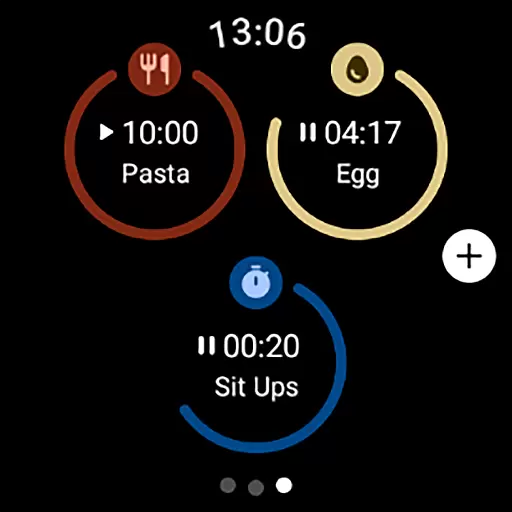
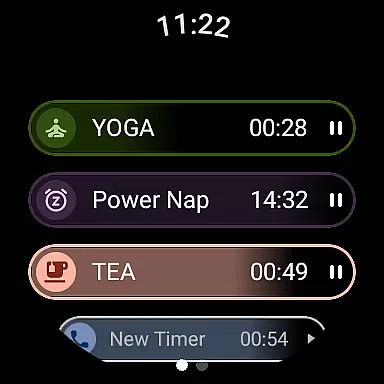
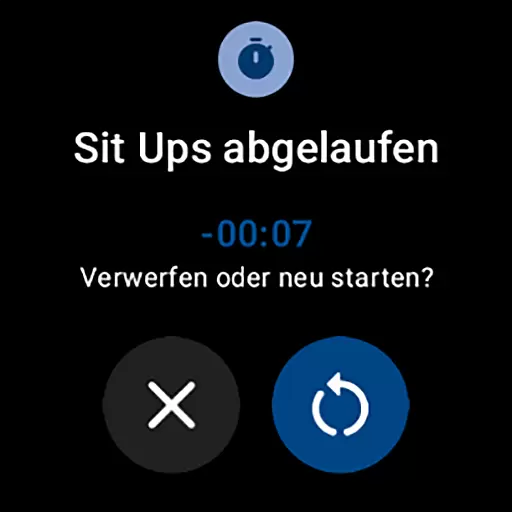
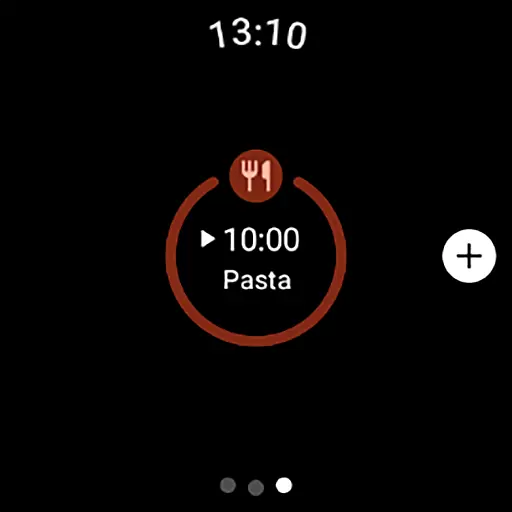
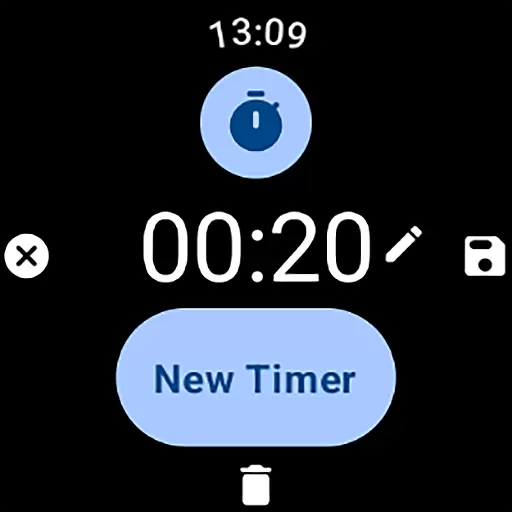
MultiTimerPro for Wear OS is a powerful productivity tool designed to revolutionize time management on your smartwatch. This app allows users to run multiple timers simultaneously, breaking free from the limitation of setting only one timer at a time. Whether you're cooking several dishes, timing different workout routines, or managing various tasks throughout the day, MultiTimerPro ensures you stay on track with precision.
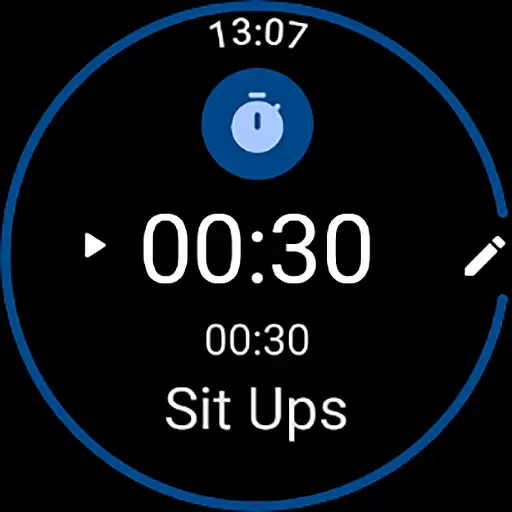
The app features an intuitive interface that makes creating and managing timers effortless. Each timer can be customized with unique names, durations, icons, and colors, allowing for clear differentiation between tasks. Additionally, sound notifications ensure you never miss an alert. With its newly added Tile functionality, accessing your favorite timers has never been easier, making multitasking more efficient than ever before.
MultiTimerPro stands out with its robust feature set tailored for productivity enthusiasts. The app's multi-timer functionality is its core advantage, enabling users to handle several timing tasks concurrently without confusion. This is particularly useful in dynamic environments where tracking multiple activities is essential.
User experience is prioritized through an intuitive interface that simplifies navigation and timer management directly from your Wear OS device. Customization options are abundant, allowing users to personalize each timer with specific labels, visual indicators, and audible alerts. These features collectively enhance task organization and ensure timely reminders, empowering users to optimize their schedules effectively.
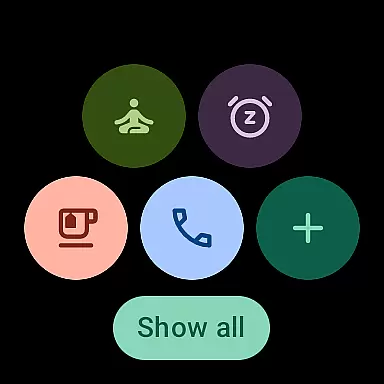
Furthermore, the introduction of Tile support streamlines quick access to frequently used timers, enhancing usability. By combining these advanced features with a sleek design, MultiTimerPro delivers a superior time management solution that adapts to various user needs and scenarios.
Effective task management is crucial for productivity, and MultiTimerPro excels in this area by offering users the ability to handle multiple tasks simultaneously. This Wear OS app allows you to set and manage various timers at once, which is perfect for organizing different activities throughout your day.
The app's multi-timer functionality stands out by enabling users to keep track of several time-sensitive tasks without losing focus. Whether you're timing cooking intervals, workout sessions, or work sprints, MultiTimerPro ensures that each activity is allocated the correct amount of time, enhancing overall efficiency.
With an intuitive interface designed for ease of use, creating and editing timers becomes a seamless process. Users can customize each timer with specific names, durations, icons, and colors, making it easier to identify tasks at a glance. This level of personalization not only streamlines task management but also makes it more engaging and enjoyable.
By upgrading to MultiTimerPro, users can redefine their approach to time management on smartwatches. The app empowers individuals to take control of their schedules like never before, ensuring they never miss important moments due to lack of proper timekeeping tools.
Cross-device synchronization is essential for maintaining consistency across different platforms, and MultiTimerPro addresses this need effectively. By integrating with Wear OS, the app ensures that your timers are always up-to-date and accessible wherever you go.
This reliable synchronization feature means that whether you're using your smartphone or smartwatch, all your timers will be accurately reflected across devices. This seamless connectivity allows users to start a timer on one device and check its progress on another without any discrepancies.
MultiTimerPro takes synchronization a step further by incorporating sound notifications into its system. Now, users receive audible alerts when their timers conclude, ensuring they stay informed even if they're not actively monitoring their devices. This added layer of notification guarantees no timer goes unnoticed.
Overall, MultiTimerPro enhances user experience through dependable cross-device synchronization. With consistent updates and timely alerts, managing daily activities has never been more efficient or stress-free. Download now to enjoy unparalleled reliability in your time management tools.
Multiple timers
Intuitive UI
Customizable options
Sound notifications
Tile support
Premium cost
Wear OS only
Complex settings
Limited stock features
Battery intensive

AI Video AI Image Private LLM AI Browser Llama Gemma Ollama Connect LLM Studio
 4.4
4.4
QuickBooks Workforce lets teams view pay info and track time in one place.
4.70
When you Focus, so will your Bean in this cozy focus timer
4.30
Ads Free App! Editor, Hide File, Copy, Move, Delete and Rename.. all facility av
1.70
Smart PDF reader & editor to view, organize and manage PDF documents easily.
3.70
Stay on top of your to-dos with Google Tasks, part of Google Workspace.
4.60
The AI assistant that thinks with you - write, code, and solve complex tasks
4.60
A comprehensive suite of tools designed specifically for Lactation Consultants
4.0
Scan paperwork into PDF/JPG, generate your own e-signature and send fax or email
4.70
Use powerful, industry-leading AI tools to generate visual charts from any data
4.80
Protect and view your important info on your phone and tablet with eWallet®
4.80
Okta MFA
4.70
To do list widget with a notebook organizer, checklist, simple shopping list
4.60
Docker, Kubernetes management over Portainer Mobile
4.40
A customizable calendar for your Wear OS watch
4.20
Total remote control for your Android device, PC and cloud services (IFTTT)!
4.20
Device's storage information in a simple and clear graphical form (infographics)
4.10
Take control of your clipboard with Clipper!
3.90
Mega cloud explorer plugin for Solid Explorer
3.80


User Reviews