
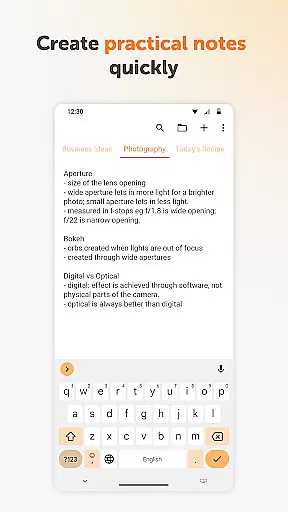
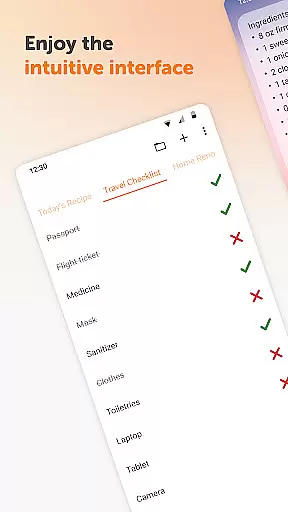
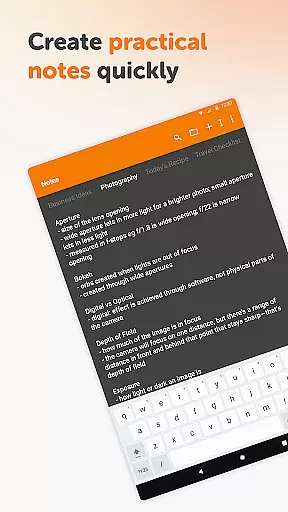
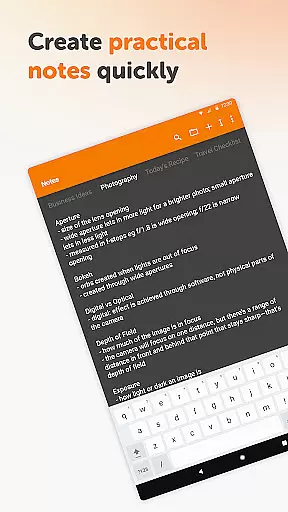
Simple Notes Pro is a productivity-focused note-taking app designed to help users quickly capture ideas, create shopping lists, and manage daily tasks. The app emphasizes simplicity and efficiency, offering an intuitive interface that allows users to start taking notes immediately without any complex setup. With features like autosave, customizable widgets, and support for multiple plain text notes, it ensures users never lose important information while providing flexibility in organizing their thoughts.
Beyond basic note-taking, Simple Notes Pro includes tools such as to-do lists, reminders, and a clean material design with dark theme support. These elements make it ideal for both personal and professional use, whether you're jotting down startup ideas or planning meetings. Its offline functionality enhances privacy and reliability, making it a dependable tool for anyone seeking a straightforward yet powerful digital notebook.
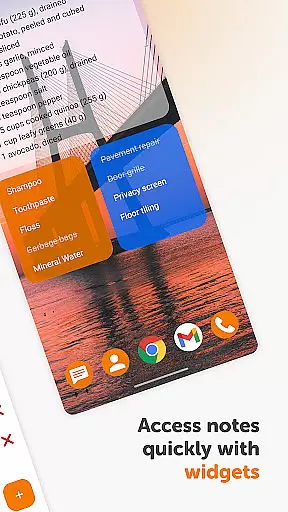
One of the standout features of Simple Notes Pro is its ability to streamline task management through customizable and resizable widgets. Users can access their notes directly from their home screen, ensuring quick access to frequently used lists or reminders. Additionally, the app supports multiple independent notes, enabling seamless organization of various projects or topics within a single platform.
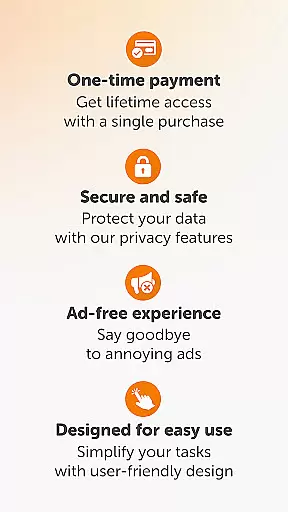
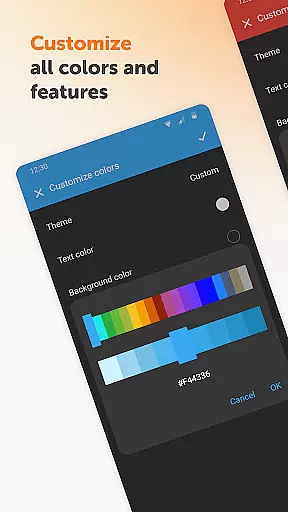
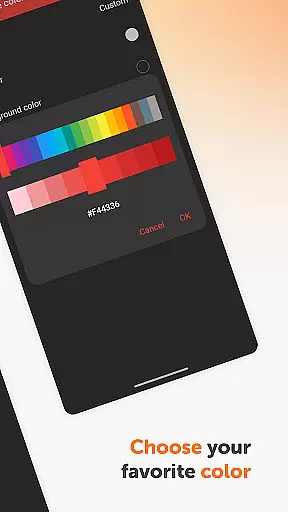
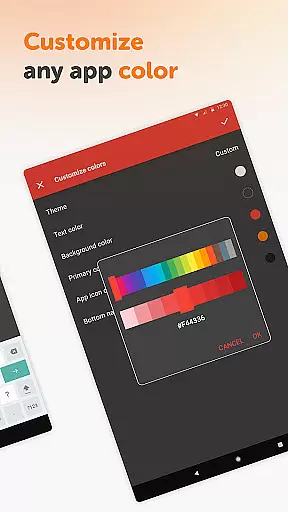
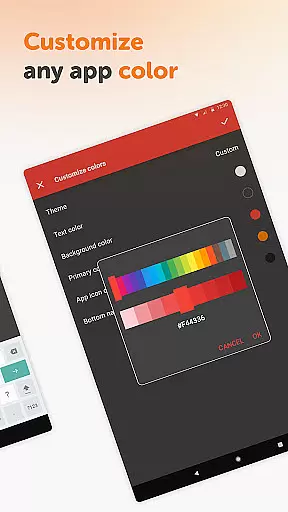
The app also prioritizes user experience by eliminating ads and unnecessary permissions, creating a clutter-free environment. Its open-source nature allows for transparency and customization, including adjustable color schemes tailored to individual preferences. Furthermore, the inclusion of autosave functionality ensures that no data is lost accidentally, while the option to switch between light and dark themes enhances readability across different lighting conditions.
Task management is a cornerstone of productivity applications, and Simple Notes Pro excels in providing users with an intuitive platform to organize their daily activities. This app allows you to create quick lists, checklists, and backup notes for any idea that comes to mind, ensuring nothing important slips through the cracks.
The application's autosave feature ensures that your changes are always captured, eliminating the risk of losing valuable information due to accidental closures or mishaps. With support for multiple independent plain text notes and lists, it offers a flexible way to manage various tasks simultaneously without cluttering your workspace.
Simple Notes Pro stands out by offering a customizable and resizable widget, which provides swift access to your notes and lists. This functionality not only saves time but also enhances your ability to stay organized throughout the day, making it an invaluable tool for both personal and professional use.
In today's fast-paced world, having reliable cross-device synchronization is crucial for maintaining workflow continuity. Simple Notes Pro addresses this need by ensuring that all your notes and lists are consistently updated across your devices. This means you can start a task on your mobile phone and continue working on it from another device without missing a beat.
The app's lack of internet access might seem counterintuitive at first, but it actually enhances privacy, security, and stability compared to other apps that rely heavily on cloud services. By keeping data local, Simple Notes Pro minimizes risks associated with online breaches while still delivering a seamless user experience.
Moreover, the absence of ads and unnecessary permissions further solidifies its commitment to providing a clean, uninterrupted environment for task management. Users can trust that their information remains private and secure, allowing them to focus solely on being productive.
User-friendly interface
No ads or intrusive permissions
Autosave feature prevents data loss
Customizable widget options
Offline functionality for privacy
Limited advanced formatting tools
No cloud sync available
Basic design may feel outdated
Few collaboration features
Restricted multimedia integration

Client for Nextcloud Deck
 4.60
4.60
Mind Map and brainstorm, note taking and idea collection
4.80
Protect and view your important info on your phone and tablet with eWallet®
4.80
Device's storage information in a simple and clear graphical form (infographics)
4.10
App lock - lock apps with fingerprint, password, pin or pattern, protect privacy
4.70
Tally and goal counter for Wear OS & mobile
4.50
Simple notepad & memo. Take notes, to-do list, shopping list with reminders.
4.80
Daily processing of PDF documents.
4.40
Set up, print, and get support—in one place
4.20
We're working to become the best machining app on the market! www.cncdirt.com
4.80
Direct Chat without saving contacts & Dual WA Account on Single Device
4.70
Okta MFA
4.70
A simple Whisper AI keyboard for reliable speech transcription and rewording
4.60
CalenGoo is a very flexible and feature-rich calendar app
4.40
Share files & memories safely. Keep your photos and videos secure.
4.40
Customizable calendar widget for seamless event sync, planning & scheduling.
4.00
Auto-shutoff Alarm with Sunrise, Sunset & Fixed Options.
3.50
Simple and reliable communication between inmates, friends and family
3.20
IP Camera Viewer - Android TV : RTSP Surveillance camera viewer for Android TV
4.1


User Reviews