
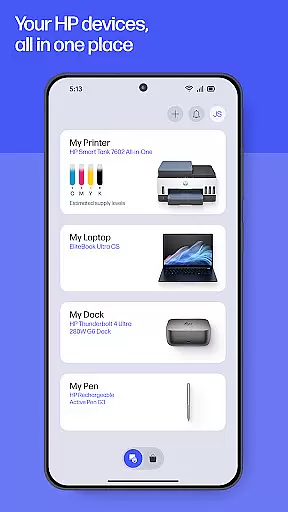
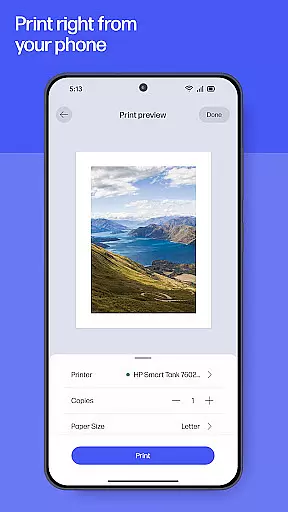
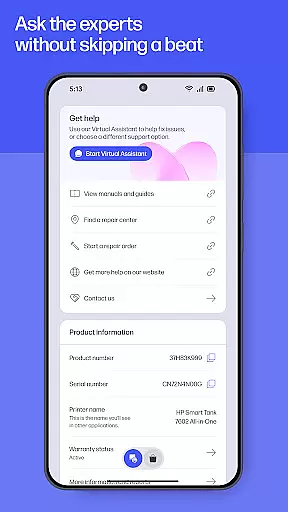
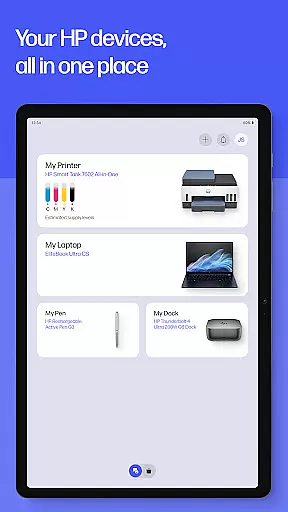
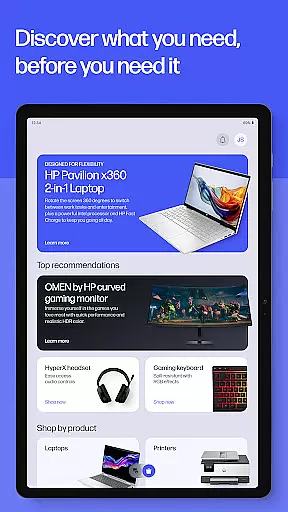
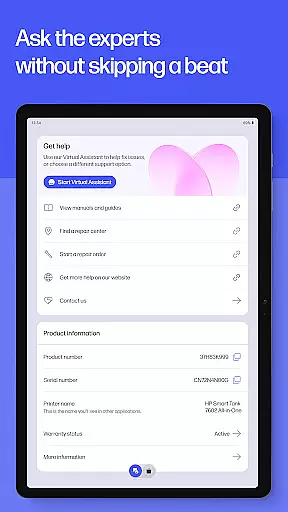
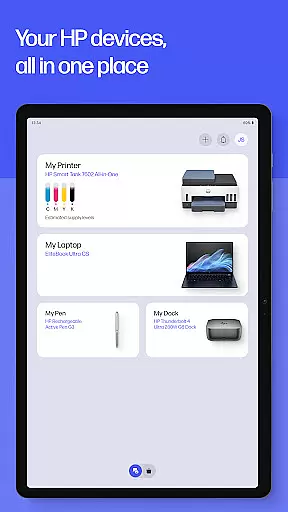
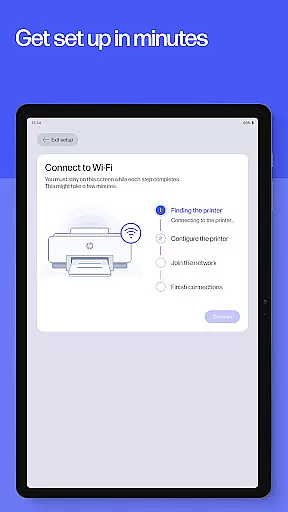
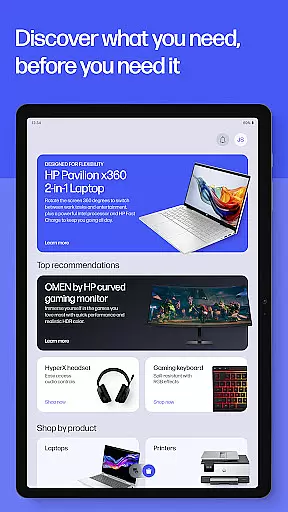
The HP app is a comprehensive productivity tool designed to enhance your experience with HP devices. This all-in-one solution allows users to set up new printers, personalize settings, print, scan, and access support seamlessly. With features like guided setup, ink level monitoring, and instant help through live chat or phone support, the app ensures maximum efficiency for both home and office use.
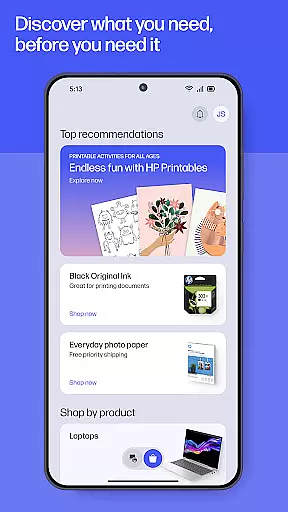
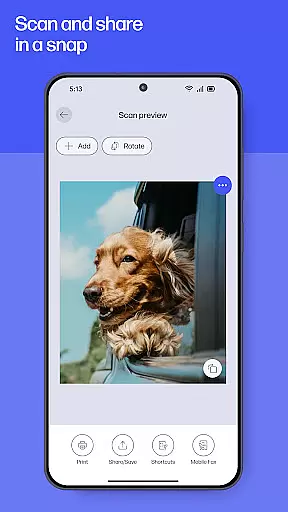
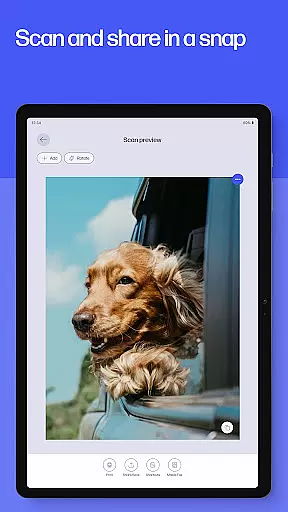
Users can take advantage of advanced functionalities such as HP Printables for creative projects, photo printing, document scanning, and even fax capabilities. The app also provides practical tools like Print Shortcuts and notifications for low printer supplies, ensuring uninterrupted workflow. Whether you need to print a school form or digitize important documents, the HP app offers a complete suite of services to optimize your device usage.
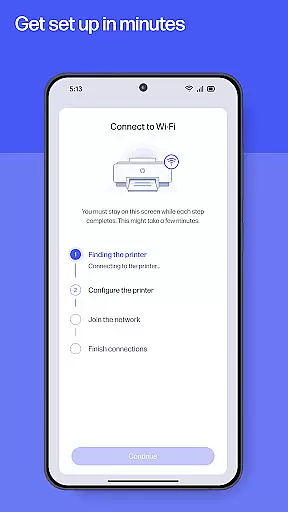
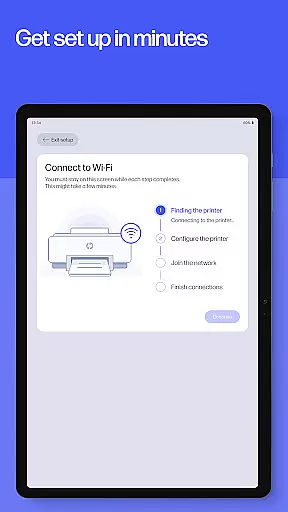
The HP app stands out with its extensive range of features tailored to boost productivity. One of the key highlights is the Easy Setup functionality, which simplifies the process of configuring new devices by offering step-by-step guidance. Once set up, users can manage their printers and computers efficiently, including checking ink levels and customizing device settings to match their preferences.
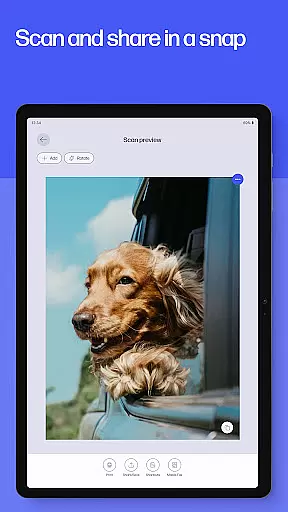
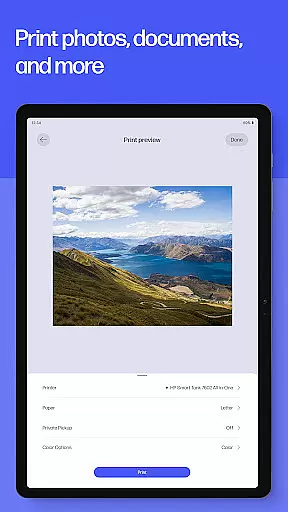
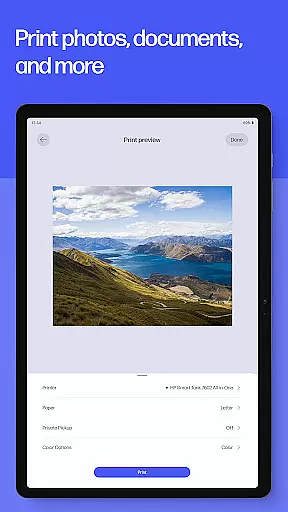
In addition to basic operations, the app includes specialized tools such as HP Printables, allowing users to explore and print various creative templates. The Scan and Print feature lets users adjust documents before printing, while the Fax functionality supports sending and receiving faxes directly from the app. These innovations ensure that whether you're handling everyday tasks or require advanced options like Print Shortcuts and supply notifications, the HP app delivers an unmatched user experience.
Task management is a critical feature for productivity apps, and the HP app excels in this area by offering users comprehensive tools to manage their printing, scanning, and device maintenance tasks efficiently.
The app provides guided setup processes for new devices, ensuring that users can quickly get their printers or computers up and running. This eliminates the guesswork often associated with setting up new technology, making it accessible even for those who may not be tech-savvy.
Additionally, the HP app allows users to stay on top of essential tasks such as checking ink levels, ordering supplies, and managing print jobs from various locations. These capabilities ensure that users are always informed about the status of their devices and can take proactive steps to maintain them.
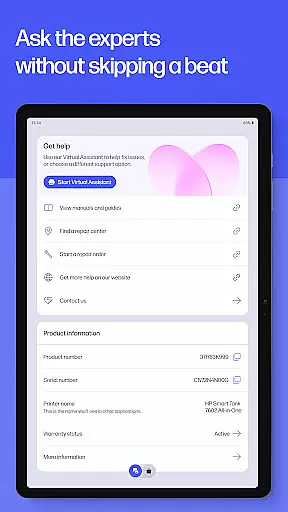
By integrating task management features with easy access to support and device settings, the HP app empowers users to make the most of their HP devices while minimizing downtime and maximizing productivity.
Cross-device synchronization is vital for users who interact with multiple devices and need consistent information across all platforms. The HP app ensures reliable synchronization, allowing users to seamlessly manage their HP devices whether they're at home, in the office, or on the go.
With features like Print Shortcuts and HP Warranty Check, users can customize their experience on one device and expect those preferences to carry over to other devices logged into the same HP account. This consistency enhances the user experience by reducing the need to reconfigure settings when switching between devices.
Moreover, the app's ability to send notifications when supplies are low or when updates are available ensures that users never miss important alerts, regardless of which device they're using. This real-time communication helps prevent interruptions in workflow and keeps productivity high.
By prioritizing cross-device synchronization reliability, the HP app delivers a seamless and efficient user experience that supports modern, dynamic work environments where users frequently transition between different devices throughout their day.
User-friendly interface
Comprehensive device management
Advanced printing options
Instant support access
Regular feature updates
Limited to HP devices
Some features English-only
Internet connection required
HP account necessary
Potential future charges

AI Video AI Image Private LLM AI Browser Llama Gemma Ollama Connect LLM Studio
 4.2
4.2
When you Focus, so will your Bean in this cozy focus timer
4.30
Easily read and manage all your PDF files
4.10
Android Wallet Password Manager
4.80
A simple, portable logger for POTA, SOTA, Field Day, and more
4.3
Pwnagotchi companion app
4.20
Cloud storage, automatic phone backup, and more.
4.10
Functional QR scanner and barcode reader that requires little storage space.
4.60
A Pixel Art watchface inspired by other iconic 90s designs for Wear OS devices!
4.40
Native client for Forgejo and Gitea
5.00
The long-awaited modern gallery app for your Nextcloud server
4.70
Direct Chat without saving contacts & Dual WA Account on Single Device
4.70
App lock - lock apps with fingerprint, password, pin or pattern, protect privacy
4.70
Quickly and easily keep track of your work shifts
4.70
Client for Nextcloud Deck
4.60
A simple Whisper AI keyboard for reliable speech transcription and rewording
4.60
Docker, Kubernetes management over Portainer Mobile
4.40
This small app MUST BE INSTALLED after purchase, else license won't work
4.40
Unlock AutoNotification
4.00


User Reviews