
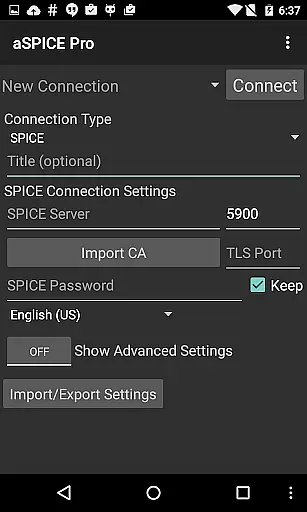
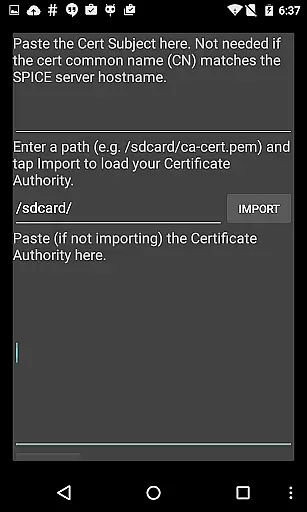
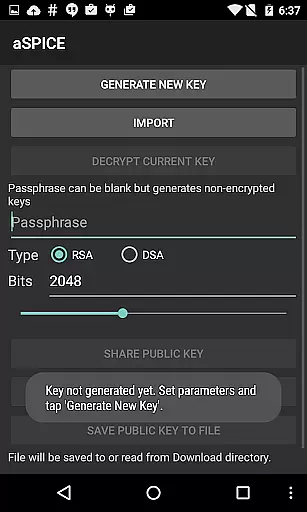
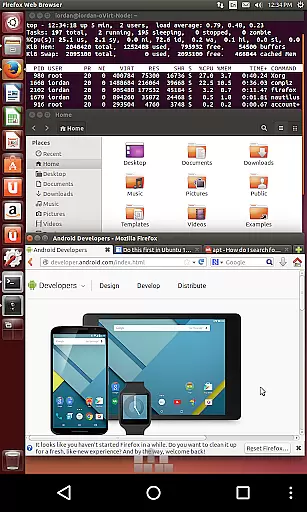
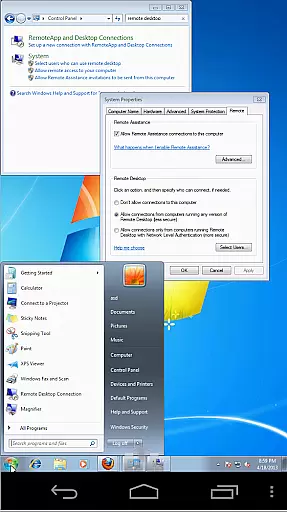
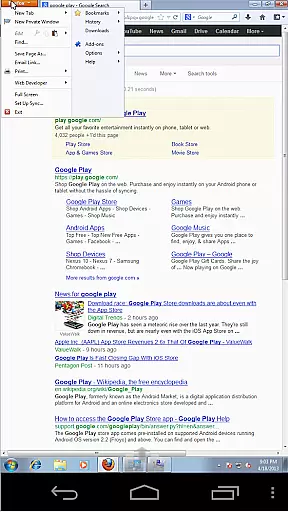

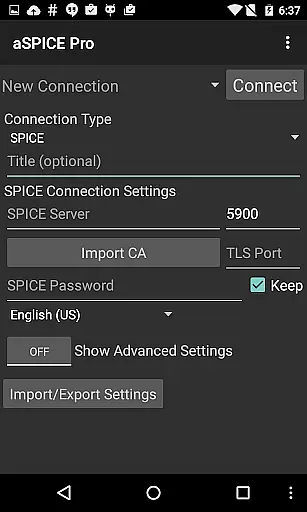
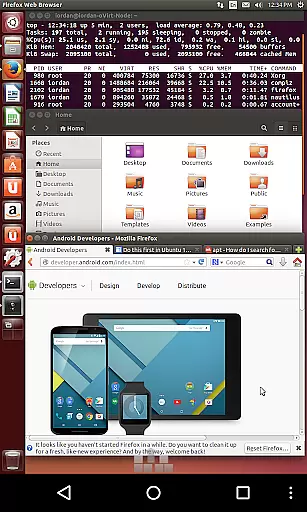
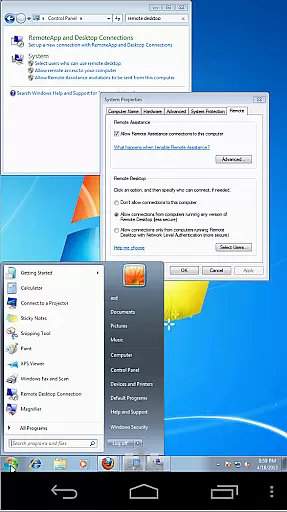
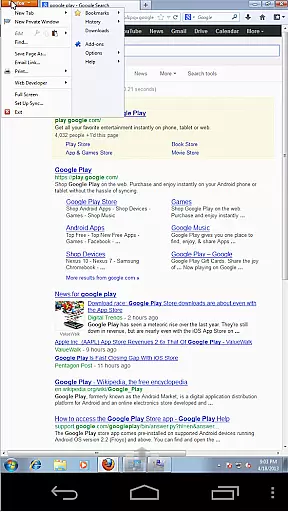

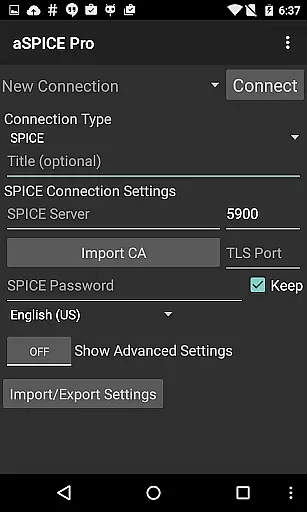
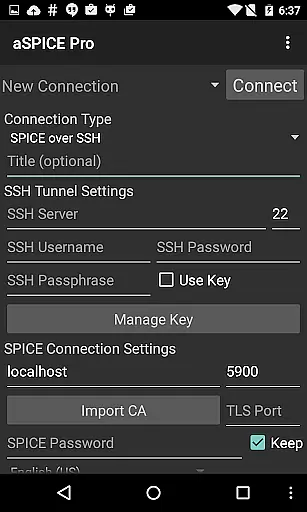
aSPICE Pro Secure SPICE Client is a powerful productivity tool designed for users who need secure and versatile remote desktop access. This application supports the SPICE protocol, making it possible to control any SPICE-enabled QEMU virtual machine regardless of the guest operating system. With features like Master password support, MFA/2FA SSH authentication, and USB redirection, aSPICE ensures both security and functionality.
One of the standout capabilities of aSPICE is its multi-touch control over the remote mouse, allowing users to perform various click actions through simple touch gestures. Additionally, the app provides sound support, dynamic resolution changes, and full rotation support, which makes it adaptable to different devices and orientations. Whether you are using a smartphone or a tablet, aSPICE offers an optimized UI experience tailored to your screen size.
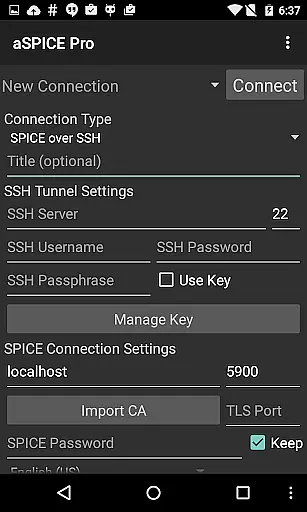
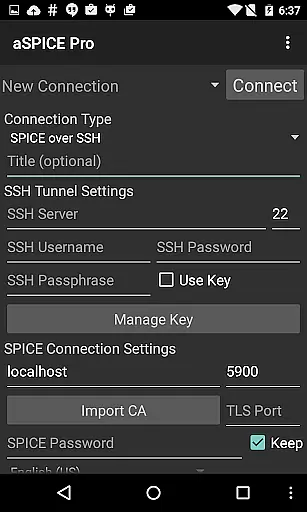
The application also excels in providing extensive connectivity options such as SSH tunneling, which enhances security and allows access to machines behind firewalls. Users can benefit from multiple input modes, including Direct, Simulated Touchpad, and Single-handed modes, ensuring flexibility and ease of use. Overall, aSPICE Pro is an indispensable tool for anyone looking to efficiently manage virtual environments on the go.
aSPICE Pro Secure SPICE Client boasts a wide array of features that cater to both security-conscious and productivity-driven users. One of the primary functionalities is its ability to control any SPICE-enabled QEMU virtual machine with any guest OS, offering unparalleled versatility. The inclusion of Master password support and MFA/2FA SSH authentication ensures that your connections remain secure, while USB redirection and audio support enhance the user experience by providing additional operational capabilities.
Multi-touch control is another significant feature, enabling users to interact with the remote desktop intuitively. Actions such as left-click, right-click, and middle-click can be performed using one, two, or three-finger taps respectively. Scrolling and pinch-zooming further augment the interactive experience, allowing users to navigate and adjust their view effortlessly. Moreover, dynamic resolution changes permit reconfiguration of the desktop environment even while connected, giving users complete control over their virtual machines from BIOS to OS.
Additional noteworthy features include full rotation support, multi-language options, and comprehensive mouse support on Android 4.0+. The app also supports SSH tunneling, automatic connection session saving, and various scaling modes like Zoomable, Fit to Screen, and One to One. Input modes such as Direct, Simulated Touchpad, and Single-handed offer diverse ways to interact with the remote desktop. Furthermore, aSPICE includes stowable on-screen keys, FlexT9 and hardware keyboard support, and tested compatibility with Hackerskeyboard, making it a robust solution for remote desktop management.
In the realm of productivity applications, core task management is pivotal for ensuring users can efficiently organize and execute their tasks. aSPICE Pro Secure SPICE Client excels in this area by providing robust features tailored to manage virtual computing environments effectively.
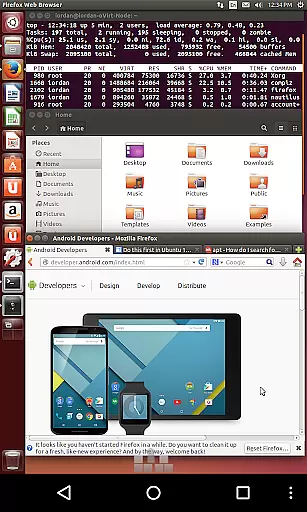
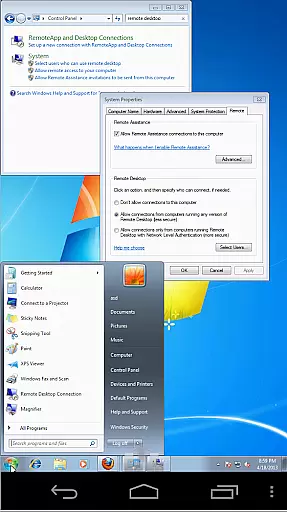
The application allows users to control any SPICE-enabled QEMU virtual machine regardless of the guest operating system. This flexibility ensures that whether you're working with Windows, Linux, or any other OS, aSPICE provides seamless integration and control, making task management across different platforms straightforward and efficient.
Additionally, aSPICE supports multi-touch controls, enabling intuitive interactions such as one-finger tap for left-clicks, two-finger tap for right-clicks, and three-finger tap for middle-clicks. These gestures simplify navigation and task execution within virtual machines, enhancing user productivity.
Furthermore, the app includes SSH tunneling for added security, allowing users to reach machines behind firewalls safely. This feature not only secures your connections but also broadens access to remote systems, thereby streamlining complex workflows and boosting overall task management capabilities.
Cross-device synchronization is crucial for productivity tools, ensuring that users can seamlessly transition between devices without losing progress or data integrity. aSPICE Pro Secure SPICE Client addresses this need by offering reliable synchronization features that enhance user experience across various platforms.
One of the standout features of aSPICE is its support for automatic connection session saving. This means that users can disconnect from a session on one device and reconnect from another without losing their place or settings. Such continuity is vital for professionals who switch between desktops, tablets, and smartphones throughout their day.
Moreover, aSPICE offers extensive input mode options, including Direct, Simulated Touchpad, and Single-handed modes. These diverse input methods ensure that users can interact with their virtual machines comfortably, regardless of the device they are using. The adaptability of these input modes enhances synchronization reliability, as users do not have to adjust to drastically different control schemes when switching devices.
Finally, the app's comprehensive support for different screen sizes and orientations, along with Samsung multi-window functionality, ensures that the interface remains consistent and usable across devices. This consistency reduces the learning curve and adaptation time needed when moving between devices, further solidifying aSPICEu2019s reputation for reliable cross-device synchronization.
Secure SSH connections
Multi-touch controls
Dynamic resolution
Full rotation support
SSH tunneling
Complex setup required
Limited clipboard
No iOS version
High learning curve
Premium cost

A customizable calendar for your Wear OS watch
 4.20
4.20
When you Focus, so will your Bean in this cozy focus timer
4.30
Absolutely the best CNC machinist speed and feed calculator around. fswizard.com
4.60
aCalendar+ makes your day, week and month
4.70
Activate Two Factor Authentication (2FA or Multi OTP), Password manager and more
4.10
Calendar 2023 widget for Android. Appointment scheduler, planner, and reminder
4.60
Docker, Kubernetes management over Portainer Mobile
4.40
The ultimate file manager for rooted devices. The original and still the best.
4.00
Scientific calculator for Android - looks and operates like the real thing!
4.90
Quickly and easily keep track of your work shifts
4.70
Direct Chat without saving contacts & Dual WA Account on Single Device
4.70
Client for Nextcloud Deck
4.60
Functional QR scanner and barcode reader that requires little storage space.
4.60
PDF scanner & converter for files, photos, lottery, QR codes. One swipe away!
4.50
All in One PDF Reader: Manage, Read and Edit your Documents
4.20
Easily read and manage all your PDF files
4.10
Make apps & sites with natural language prompts
4.10
Ultimate Virtual AI Character for immersive Roleplay Chat. Perfect Companion
3.90
Create study competitions, track your hours, and stay consistent with friends
4.1


User Reviews