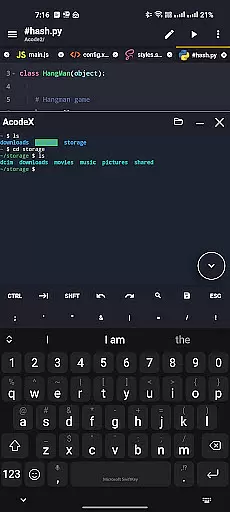
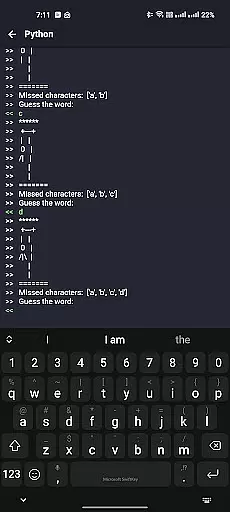
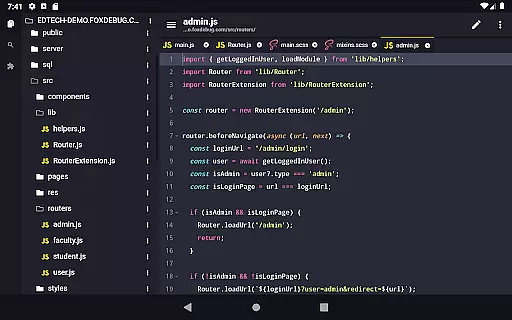
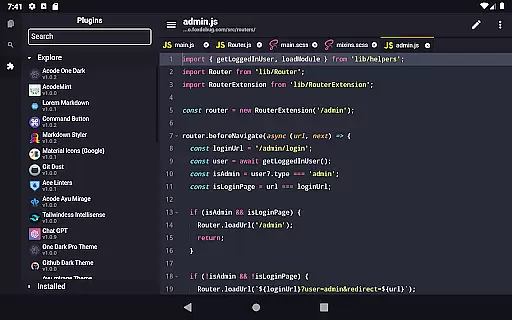
Acode is a powerful, lightweight code editor and web IDE for Android devices. It offers an ad-free experience with extensive syntax highlighting for over 100 programming languages. The app supports GitHub integration, FTP/SFTP, and includes an interactive JavaScript console for debugging.
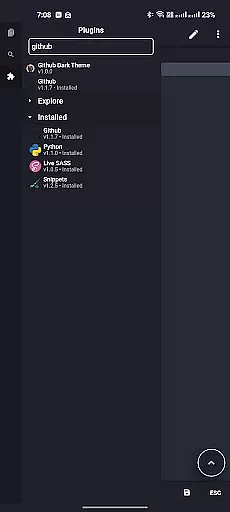
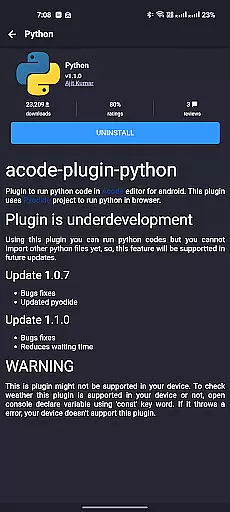
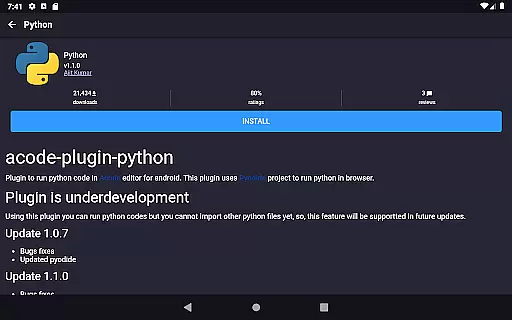
With its newly introduced Plugin System, Acode now provides over 30 plugins to enhance functionality. Users can enjoy features like enhanced Ace Editor, search in all files, customizable quick tools, and fast file listing. Its high performance and multi-file support make it suitable for both beginners and professional developers.
Whether you're building websites, editing Python scripts, or managing Java projects, Acode streamlines the coding process. The intuitive interface, personalized themes, and in-app file browser ensure a seamless workflow, making it an essential tool for productivity on the go.
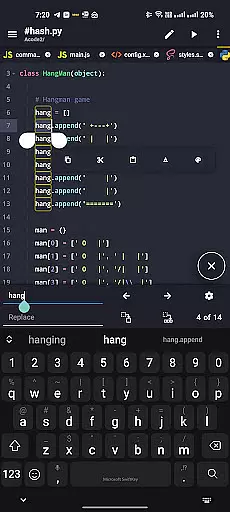
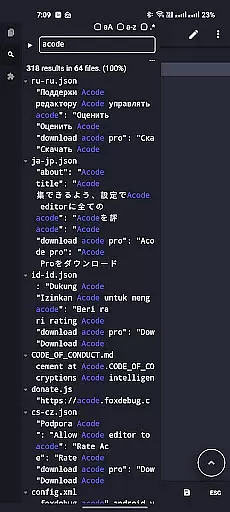
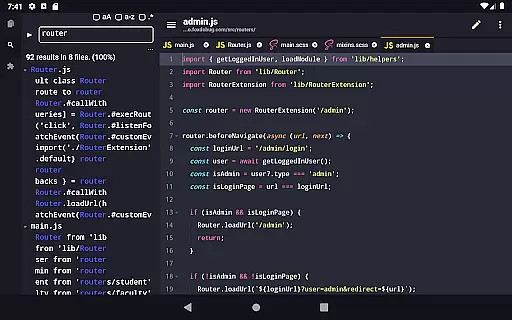
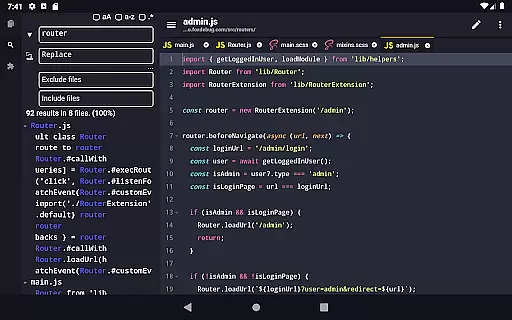
Acode stands out with its innovative Plugin System, allowing users to extend the app's capabilities through a wide range of plugins. The enhanced Ace Editor (version 1.22.0) ensures efficient code editing, while the beta feature 'Search in All Files' enables text replacement across projects. These tools significantly boost productivity and customization options.
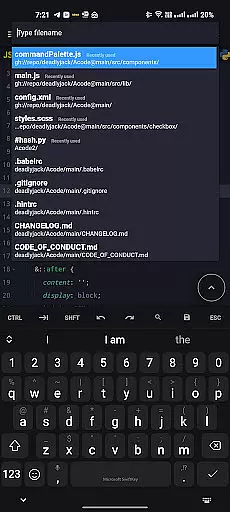
The app also offers practical functionalities such as customizable quick tools, fast file listing via Ctrl+P, and keyboard shortcuts for actions like saving files (Ctrl+S). With GitHub and FTP/SFTP support, Acode simplifies project management and file handling. Its interactive JavaScript console and in-app preview further enhance the development experience.
Performance-wise, Acode handles large files with over 50,000 lines smoothly, ensuring uninterrupted workflow. Multi-file support, file recovery, and personalized themes cater to diverse coding styles. This combination of advanced features makes Acode a versatile choice for developers seeking efficiency and flexibility.
Task management is a cornerstone of productivity applications, and Acode excels in this area by providing developers with the tools they need to efficiently handle their coding projects. At its core, Acode offers multi-file support that allows users to work on several files simultaneously, which is essential for productive multitasking.
Acode's file management system ensures that you can keep your projects organized, making it easier to navigate through different parts of your work. The app also supports files with over 50,000 lines, ensuring a smooth workflow even with large documents. This high performance is crucial for developers who work with extensive codebases.
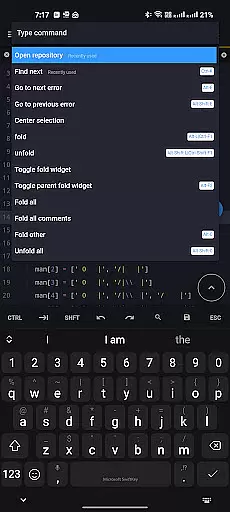
In addition to handling multiple files, Acode provides keyboard shortcuts that speed up coding tasks, allowing developers to execute commands quickly without taking their hands off the keyboard. These shortcuts are customizable, enabling users to tailor them according to their personal preferences and streamline their workflow further.
With features like file recovery, Acode ensures that users never lose their valuable work due to unexpected interruptions or crashes. This reliable safety net gives peace of mind and allows coders to focus on what truly mattersu2014their codeu2014knowing that their efforts are safeguarded against unforeseen events.
Cross-device synchronization is vital for users who operate across multiple devices, ensuring that their work is accessible wherever they go. Acode addresses this need by integrating seamlessly with GitHub, allowing developers to sync their projects effortlessly between different environments.
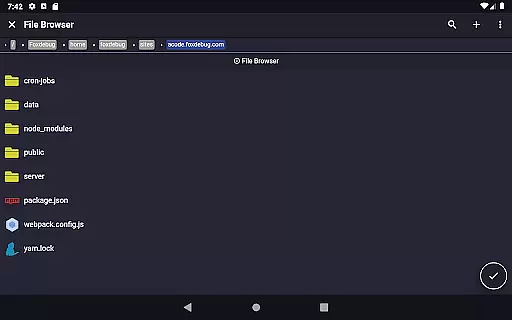
The FTP/SFTP support within Acode enhances its synchronization capabilities, offering an efficient way to manage files remotely. This feature enables users to upload, download, and edit files directly from their servers, maintaining consistency and reliability across all connected devices.
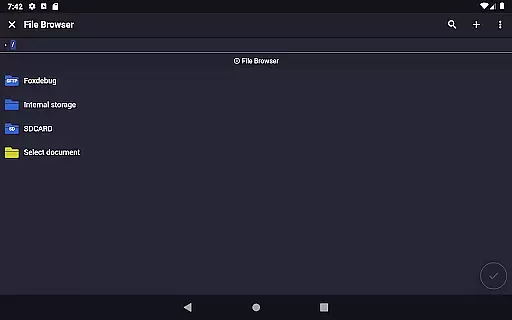
Acode's in-app file browser complements these synchronization features by providing direct access to files within the application. Users can browse through their project directories and manage their files without leaving the editor, creating a cohesive and uninterrupted workflow.
By combining these robust synchronization options with an ad-free experience, Acode delivers a clean and distraction-free environment that prioritizes user productivity. Developers can trust that their work will be up-to-date and consistent, regardless of where they choose to code, thus enhancing both flexibility and efficiency in their daily routines.
Lightweight and fast
Extensive plugin support
GitHub and FTP integration
Interactive JavaScript console
Multi-file editing capability
Limited iOS availability
Advanced features require learning
Occasional beta bugs
No native desktop version
Plugin system still growing
Secure, fast, open-source, VNC and SSH Remote Desktop for Windows, Linux and Mac
 4.70
4.70
Take control of your clipboard with Clipper!
3.90
Mega cloud explorer plugin for Solid Explorer
3.80
Wake up & get tasks done! Add alarms & reminders on the Clock Launcher.
4.00
Send files, sync SMS, notifications & clipboard across devices via local network
4.40
A simple, portable logger for POTA, SOTA, Field Day, and more
4.5
Multilingual translator for text, voice, and image translation!
4.90
Docker, Kubernetes management over Portainer Mobile
4.40
This small app MUST BE INSTALLED after purchase, else license won't work
4.40
Best Tool for the professionals Electrician, Electrical contractors, etc.
4.90
A beautiful digital clock with autostart and many other functions
4.70
Calendar 2023 widget for Android. Appointment scheduler, planner, and reminder
4.60
App Lock with fingerprint, password: Lock apps & hide photos with lock screens
4.60
A lightweight JSON & XML files creator, editor and viewer (Premium Version)
4.40
Easily read and manage all your PDF files
4.10
Intelligent AI Assistant
4.10
Customizable calendar widget for seamless event sync, planning & scheduling.
4.00
Find and delete junk files & block unwanted notifications & manage files
3.70
Auto-shutoff Alarm with Sunrise, Sunset & Fixed Options.
3.50


User Reviews