
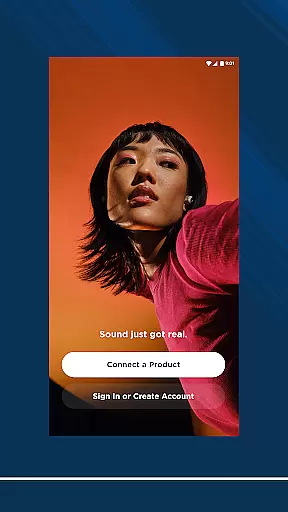
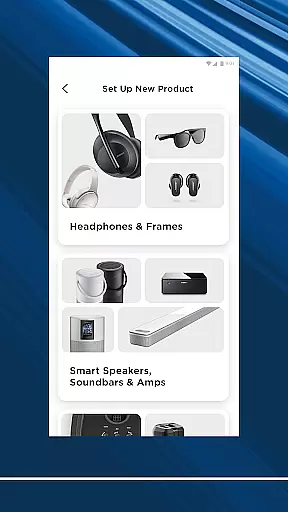
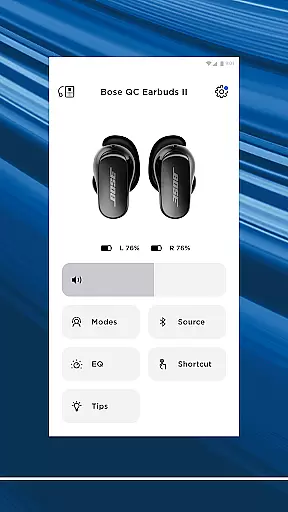
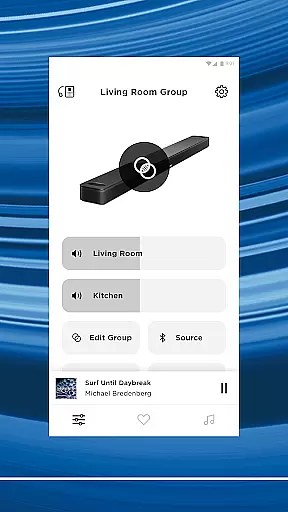
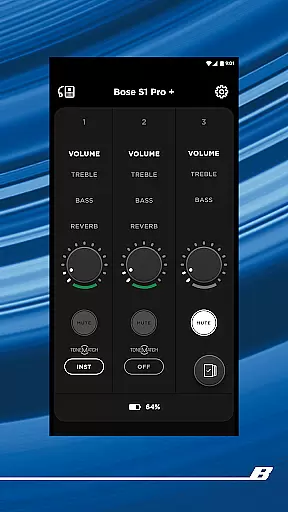
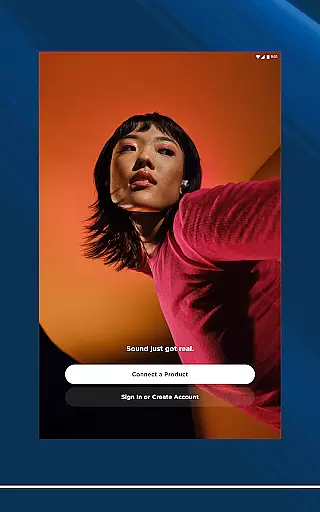
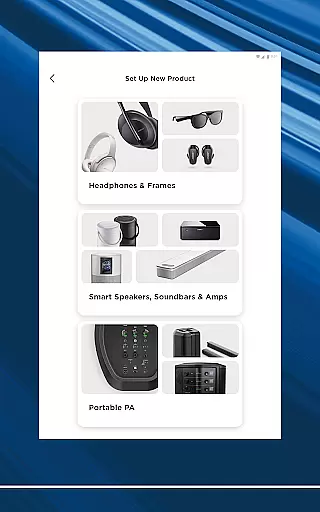
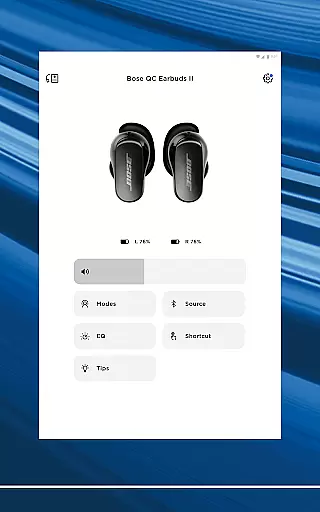
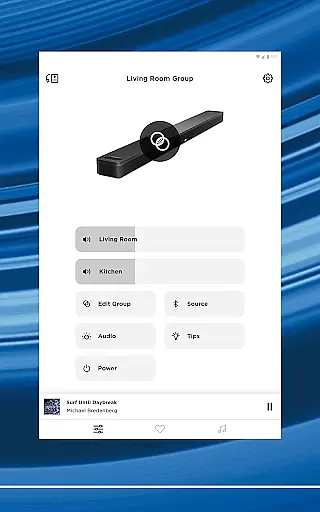
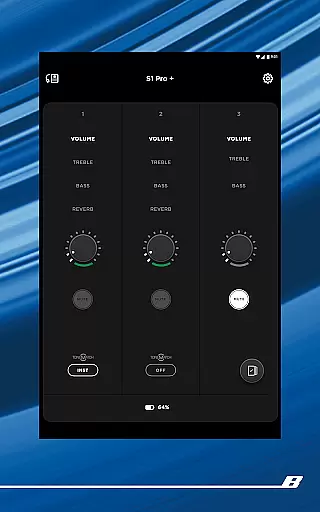

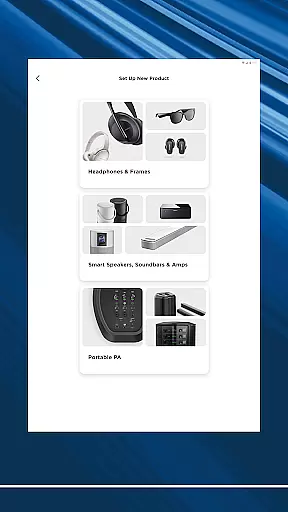
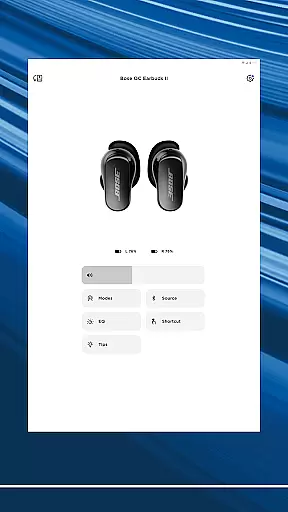
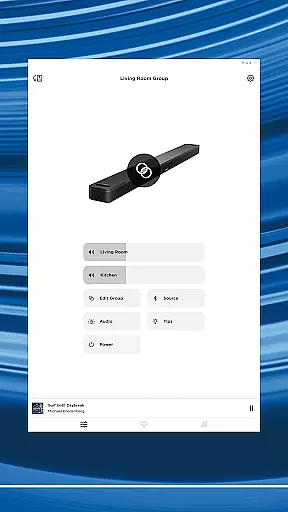
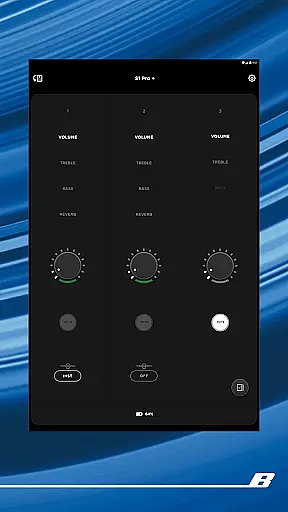
The Bose app is your ultimate control center for all Bose products, allowing seamless management of speakers, soundbars, headphones, and more from a single interface. Designed to enhance your audio experience, the app provides intuitive controls for noise cancellation, EQ settings, and product customization.
Whether you're setting up new devices or controlling existing ones, the Bose app offers effortless navigation and personalized features. Enjoy synchronized music across your home or create distinct audio zones - all with just a few taps. The app also supports popular streaming services, making it your one-stop destination for immersive audio experiences.
Bose app stands out with its comprehensive device compatibility and advanced customization options. The QuietComfort feature lets users adjust noise cancellation levels through Quiet Mode and Aware Mode, while ActiveSense technology ensures optimal ambient sound balance.
Users can personalize their listening experience through detailed EQ settings and on-product shortcut configurations. The app's intuitive interface enables easy setup of multi-room audio systems and quick access to favorite playlists through preset functionality. Integration with major streaming platforms like Spotify, Pandora, and Amazon Music provides unparalleled convenience.
Additional features include firmware updates, product diagnostics, and seamless integration with various Bose product lines, ensuring your devices always perform at their best while maintaining future compatibility.
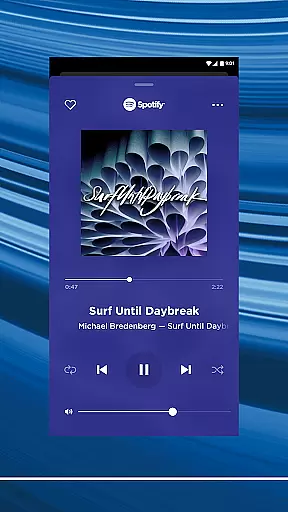
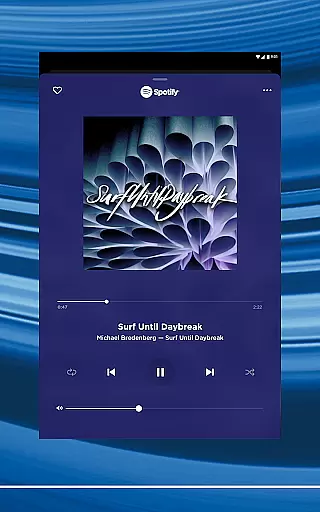
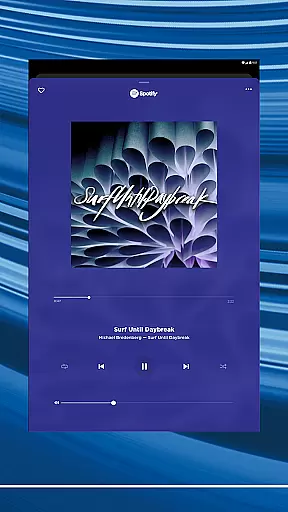
The Bose app offers seamless integration with major music streaming services like Spotify, Pandora, Amazon Music, and more, providing users access to an extensive music library. This vast selection ensures that listeners can find and enjoy their favorite tracks across different platforms without any hassle.
Each music service integrated into the Bose app is officially licensed, guaranteeing copyright authenticity. Users can trust that the music they stream is legitimate and supports the artists and rights holders properly. This commitment to copyright compliance enhances the credibility of the app and assures users of a legal and ethical listening experience.
By centralizing multiple music services within a single application, the Bose app simplifies the user experience. Listeners can browse, select, and play music from various platforms effortlessly, making it convenient to manage their audio content. This consolidation not only saves time but also enriches the overall enjoyment by offering a diverse range of music options.
One of the standout features of the Bose app is its ability to deliver exceptional audio quality. Bose products are renowned for their superior sound engineering, and the app ensures that this high standard is maintained across all compatible devices. Users can expect clear, rich, and immersive audio experiences whether they are using headphones, earbuds, speakers, or soundbars.
The app provides customizable EQ settings, allowing users to fine-tune the audio output according to their preferences. Whether you prefer enhanced bass, crisp highs, or balanced mids, the Bose app empowers you to adjust these settings easily. This level of personalization ensures that every listener can enjoy their music exactly how they like it.
In addition to customizable EQ settings, the Bose app supports various audio formats, ensuring compatibility and optimal performance regardless of the source material. This flexibility means that users can enjoy high-quality audio whether they are streaming compressed files or high-resolution tracks. The result is an unparalleled listening experience that meets the demands of even the most discerning audiophiles.
Comprehensive device control
Advanced noise cancellation
Multi-room audio support
Customizable EQ settings
Streaming service integration
Occasional connectivity issues
Limited third-party support
High data usage
Complex for beginners
Firmware update requirements

Simply convert wav to mp3. Clear. Reliable. Safe.
 4.5
4.5
Turn your phone into a musical instrument from the future!
3.90
Formerly known as Spotistats! View your top tracks, artists, albums and more!
4.40
Pay Once, no monthly payment
4.60
Full-featured, High-Quality Groovebox Workstation, perfect for Live Performance!
4.80
Background pads for your band
3.80
A sleek, no-frills player designed for true music lovers.
4.20
The official Sonos app
4.10
The Minimalistic Premium Music Player. Handmade with passion for music
2.20
JBL PartyBox APP works with 110/310/710/120/320/520/Encore/Encore 2/Encore Ess 2
4.80
Record, Mix & Master with all n-Track effects, 64-bit audio and Stem Separation.
4.70
The best music and audio player, with beautiful UI, music search and equalizer.
4.60
Super Sound Editor, Song Maker & Mixer, Vocal Remover, Voice Recorder & Changer!
4.60
A synth that really lets you shape your sounds!
4.50
Time Trainer: accurate metronome w tools to help you develop your internal time!
4.20
VB-AUDIO Software / VBAN-Receptor allows listening to any VBAN Streams
4.10
USB audio recording and playback finally possible on Android 3.1 or higher!
3.90
The Skullcandy App Experience
3.20
MilkDrop for Android TV
3.00


User Reviews