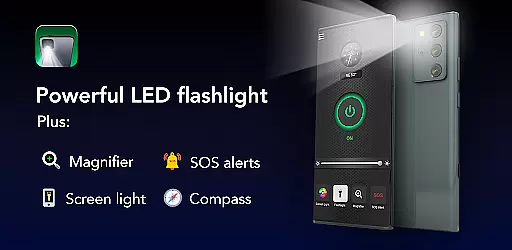
Brightest Flashlight Launcher is a versatile utility app that transforms your smartphone into an essential everyday tool. The app provides a super-bright flashlight, magnifying glass, and personal safety features such as a compass, SOS alerts, and screen light. Designed for both practical use and emergencies, it ensures you're prepared in various scenarios.
What sets this app apart is its launcher functionality, which revamps the home screen to offer instant access to critical tools. With one-swipe access, users can quickly activate the flashlight or magnifier. It also includes helpful widgets for time and weather, customizable wallpapers, and multi-touchpoint search capabilities. Whether navigating dark environments, reading fine print, or signaling for help, this app delivers convenience and reliability.
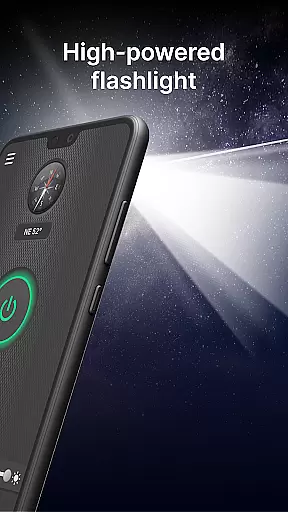
The Brightest Flashlight Launcher stands out with its comprehensive set of features tailored for utility and ease of access. Its brightest flashlight capability turns your device into a powerful light source with just one tap, making it ideal for nighttime navigation or finding lost items.
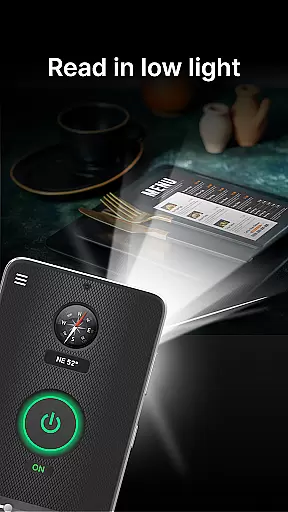
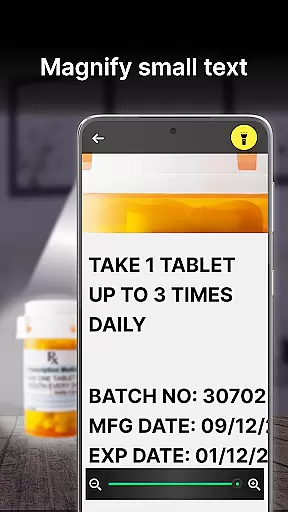
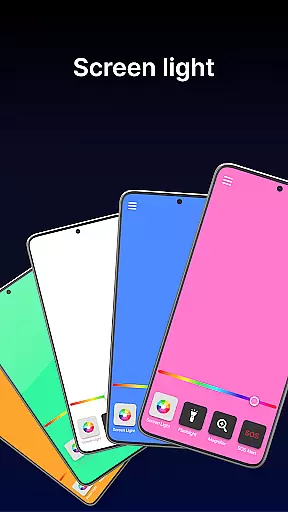
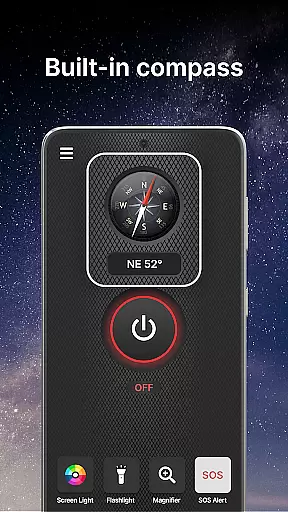
In addition to the flashlight, the app offers a magnifier function complete with illumination, perfect for reading small text or examining objects closely. A built-in compass ensures you'll never lose direction during outdoor adventures. For emergencies, the SOS alert feature can flash signals visible from afar, while the screen light function enhances visibility in low-light conditions using your phone's display.
Other notable features include customizable home screen widgets showing time and weather, themed wallpapers for personalization, and shortcuts for quick access to essential tools. These functionalities collectively make the app not only a flashlight but a multifunctional utility tool for everyday needs.
Flashlight Launcher stands out for its core functionality, which is designed to provide users with quick and reliable access to essential tools. The app transforms a smartphone into a versatile device offering a super bright flashlight, magnifier, compass, SOS alerts, and screen light. Each of these features has been optimized for efficiency and ease of use, ensuring that whether you're navigating in the dark, reading small print, or signaling for help, the app performs flawlessly.
The accuracy of the flashlight and magnifier functions is particularly noteworthy. With just one tap, users can activate a powerful flashlight capable of illuminating large areas, making it indispensable during power outages or outdoor adventures. The magnifier tool, enhanced by an integrated light, allows for clear viewing even in dim conditions, perfect for reading fine print or examining objects closely.
Moreover, the inclusion of a built-in compass and SOS alert system adds layers of utility and safety. These features have been carefully crafted to ensure they deliver precise readings and effective signaling, respectively. Such attention to detail in implementing these tools guarantees that users can depend on Flashlight Launcher in various scenarios, from hiking trips to emergency situations.
Ultimately, the effectiveness of Flashlight Launcher lies in its ability to combine multiple practical functions into one accessible platform. By prioritizing the accuracy and reliability of its core features, the app ensures that users have a dependable tool at their fingertips, enhancing both convenience and security in everyday life.
A key aspect of Flashlight Launcher's design philosophy is its commitment to interface simplicity and intuitiveness. Understanding that users require immediate access to critical tools, the app offers a streamlined home screen layout that places essential functions like the flashlight, magnifier, and safety tools within easy reach. This thoughtful arrangement minimizes the learning curve, allowing users to quickly adapt to the new interface without feeling overwhelmed.
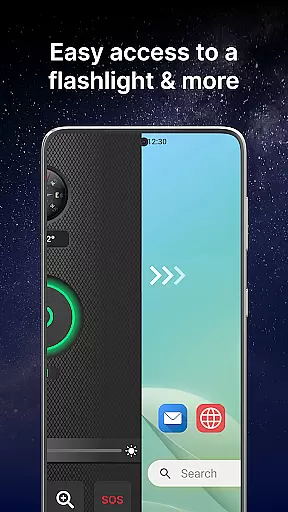
The app further enhances user experience through intuitive gestures and controls. For instance, a simple swipe right from the home screen grants instant access to the flashlight and magnifier, embodying the principle of one-swipe access. Additionally, the inclusion of a customizable widget displaying time, weather, and other information ensures that users can personalize their interaction with the app according to their preferences.
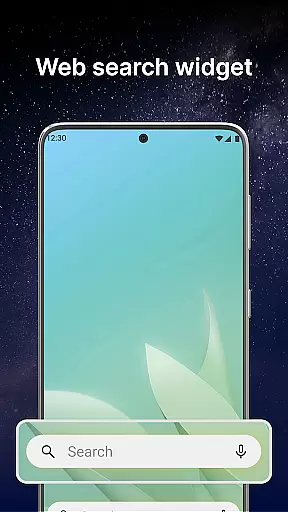
Another highlight is the availability of a home screen shortcut for the flashlight, providing another layer of accessibility. This feature, combined with multi-touchpoint search capabilities for apps and web searches powered by Yahoo, demonstrates the app's dedication to creating an environment where all necessary tools are merely a tap away. Such considerations significantly contribute to reducing operational complexity.
In summary, Flashlight Launcher excels in delivering an interface that balances simplicity with functionality. By focusing on intuitive navigation and straightforward controls, the app ensures that users of all technical backgrounds can effortlessly harness its full potential, making daily tasks easier and more efficient.
User-friendly interface
Comprehensive safety tools
Instant access to features
Customizable home screen
Reliable in emergencies
Home screen layout changes
Requires permissions
May drain battery
Limited design options
Potential learning curve

A convenient photo, video, and file recovery tool.
 4.00
4.00
Extremely fast, secure, and protects your privacy
4.80
Unit and currency converter with easy and simple UI.
4.80
Family Locator, Share location, StayConnect with your family in real time
3.90
Mirror your screen to Fire TV - Super fast and simple
4.40
Create your own custom widget with endless possibilities
3.90
Screen Mirroring with sound for Samsung TV, LG TV, Sony TV, Smart TV and Browser
4.20
A simple app to back up and restore SMS & MMS messages and call logs.
4.10
Button mapper, mouse toggle, sleep timer and a lot of another features
4.50
Enjoy smooth gameplay with Game Booster
4.90 4.50
4.50
Head tracking for PC sim games such as MSFS 2024 or Elite:Dangerous. No headset!
4.50
The Ultimate Bluetooth Keyboard & Mouse. Securely control your PC, Mac, and more
4.50
Use your phone as a webcam on your computer over WiFi or USB.
4.40
App that Recover your pictures, videos or files after you delete them.
4.20
Effortlessly run ADB commands directly on your device without a PC.
4.20
An open-source APK explorer for Android!
4.10
Introducing Smart Printer, your ultimate destination for printing solutions!
4.00
A non-root local ADB shell client. READ BELOW!
3.40


User Reviews