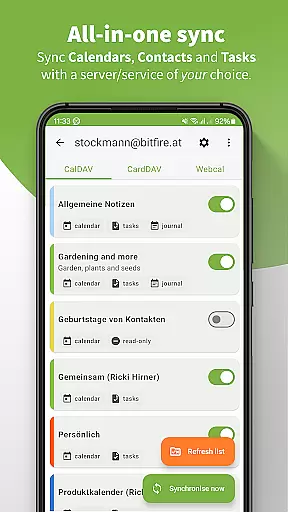
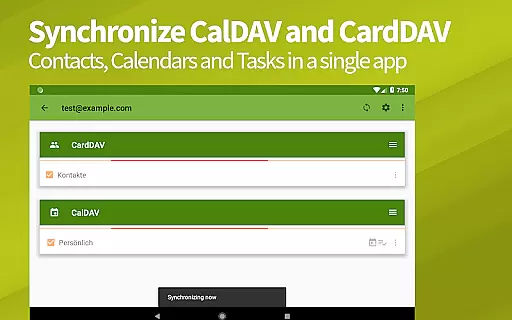
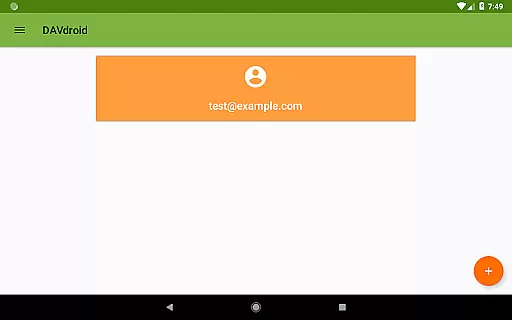
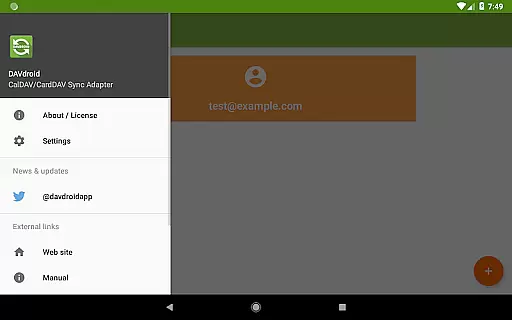
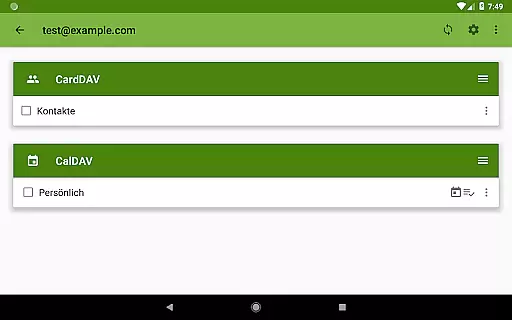
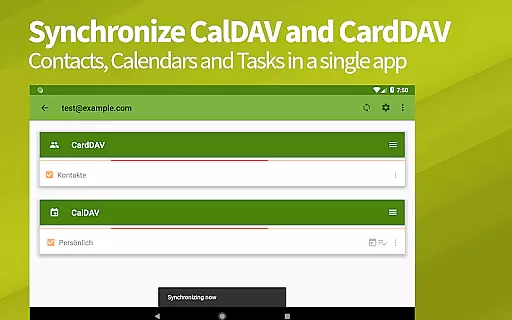
DAVx⁵ is a comprehensive productivity app designed for seamless synchronization of contacts, calendars, tasks, and WebDAV files. This all-in-one solution supports CalDAV, CardDAV, and WebDAV protocols, making it compatible with numerous servers like Nextcloud, iCloud, and Synology. Its standout feature is the ability to sync data across devices while maintaining user privacy and control.
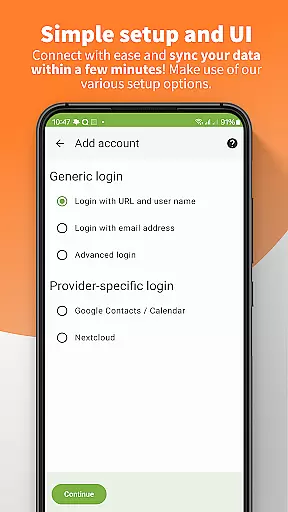
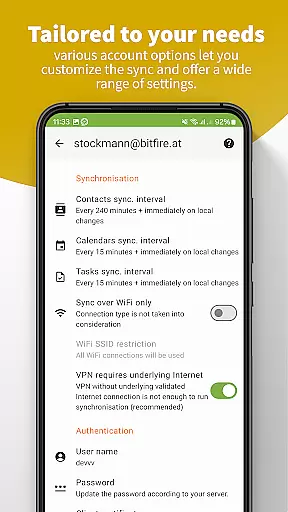
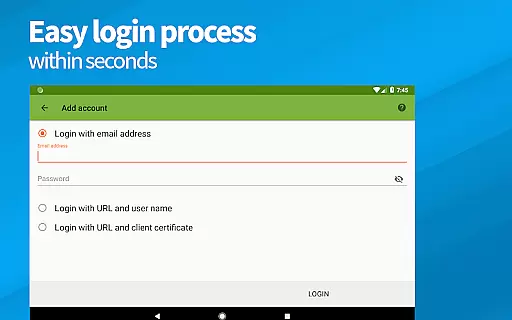
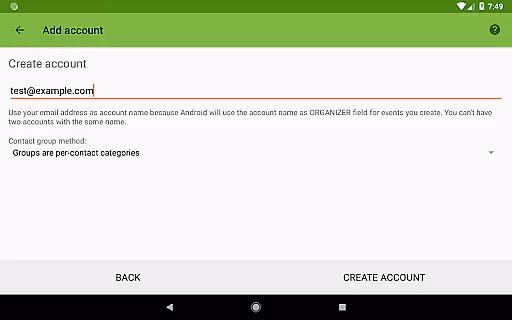
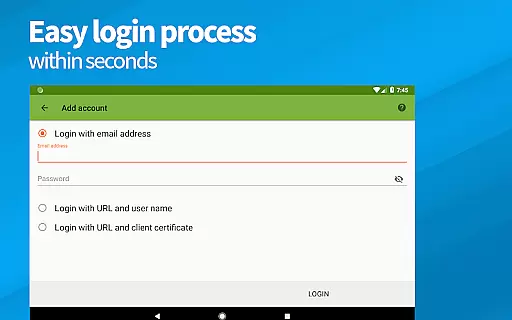
The app offers easy setup options, automatic resource detection, and support for self-signed certificates. Whether you're managing personal tasks or integrating with enterprise systems, DAVx⁵ provides high performance through optimized algorithms and multi-threaded sync capabilities. It respects user privacy with no ads or tracking, ensuring GDPR compliance and offering open-source transparency.
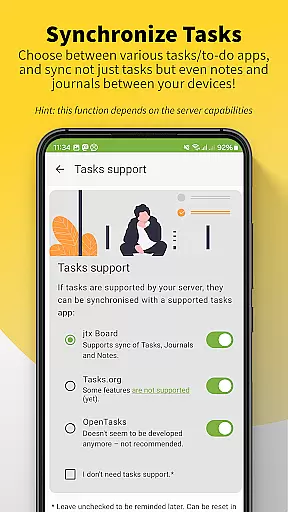
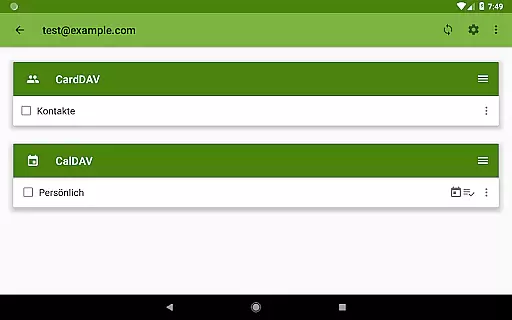
DAVx⁵ stands out with its extensive feature set tailored for productivity enthusiasts. The app enables two-way synchronization for calendars, address books, and task lists, ensuring your data is always up-to-date across devices. With support for VTODO via CalDAV, users can manage tasks efficiently while enjoying seamless integration with their preferred apps.
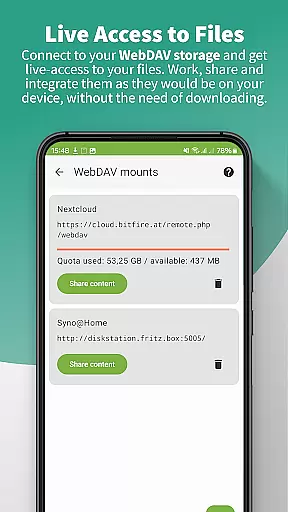
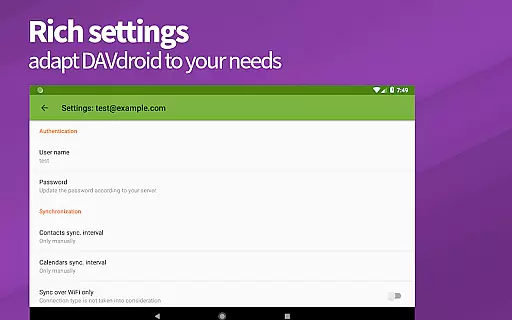
Advanced functionalities include access to remote WebDAV files as if they were local, fast sync algorithms using CTag/ETag, and limiting sync time ranges for past events. Additionally, DAVx⁵ allows management of calendars and address books directly within the app. Security is prioritized with no ads, no tracking, and full GDPR compliance, providing peace of mind for privacy-conscious users.
DAVxu2075 offers a comprehensive solution for managing core tasks, including calendar events, contacts, and to-do lists through its support for CalDAV, CardDAV, and VTODO standards. This all-in-one app ensures seamless two-way synchronization between your devices and servers, providing real-time updates and accessibility.
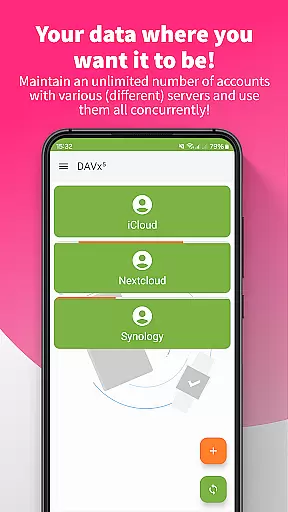
The application's strength lies in its ability to flawlessly integrate with various third-party services such as Nextcloud, iCloud, and Synology, making it versatile for both personal and professional use. With DAVxu2075, users can easily manage their schedules, maintain up-to-date contact lists, and track tasks efficiently, ensuring productivity is always at its peak.
Additionally, the app provides advanced management options, allowing users to create, modify, or delete calendars, address books, and to-do lists directly from their devices. This flexibility empowers users to tailor their task management systems according to their specific needs, enhancing overall usability and convenience.
One of the standout features of DAVxu2075 is its reliable cross-device synchronization capabilities. By leveraging fast algorithms and multi-threaded sync processes, the app ensures that all your data is consistently updated across all linked devices. Whether you're using a phone, tablet, or computer, you can trust that your information will be current and accurate.
DAVxu2075 supports a wide range of servers and services, including popular platforms like Google, iCloud, and various hosted DAV services. This compatibility ensures that no matter where your data resides, DAVxu2075 can synchronize it effectively, offering peace of mind and continuity in your digital life.
Furthermore, the app respects user privacy and security, adhering to GDPR compliance and employing robust encryption methods. Users can confidently sync sensitive information without worrying about unauthorized access or data breaches, making DAVxu2075 a secure choice for managing personal and professional data across multiple devices.
User-friendly interface
High compatibility
Strong security
Open-source
Privacy-focused
No free version
Complex setup
Limited UI customization
Advanced features require knowledge
Not ideal for beginners

Create study competitions, track your hours, and stay consistent with friends
 4.2
4.2
Easiest event planning, volunteer signups & parent teacher conference scheduling
2.20
Stay on top of your to-dos with Google Tasks, part of Google Workspace.
4.60
Functional QR scanner and barcode reader that requires little storage space.
4.60
Calendar 2023 widget for Android. Appointment scheduler, planner, and reminder
4.60
* block pre-roll ads, pop-up and forced redirect ads * Samsung certification app
4.00
This small app MUST BE INSTALLED after purchase, else license won't work
4.40
Lightweight PDF, Word, Excel reader.
4.60
Daily processing of PDF documents.
4.40
Native client for Forgejo and Gitea
5.00
8 custom complications. Custom Time Fonts. Beautiful color schemes. A++ Design.
5.00
Secure, fast, open-source, VNC and SSH Remote Desktop for Windows, Linux and Mac
4.70
App lock - lock apps with fingerprint, password, pin or pattern, protect privacy
4.70
Planet Free VPN - The best Fast Unlimited and Secure VPN Without Logs
4.50
Cloud storage, automatic phone backup, and more.
4.10
Unlock AutoNotification
4.00
Wake up & get tasks done! Add alarms & reminders on the Clock Launcher.
4.00
The ultimate file manager for rooted devices. The original and still the best.
4.00
Smart PDF reader & editor to view, organize and manage PDF documents easily.
3.70


User Reviews