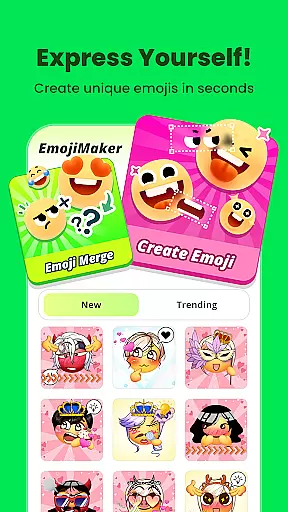
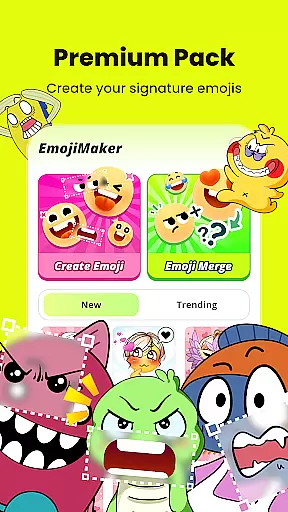
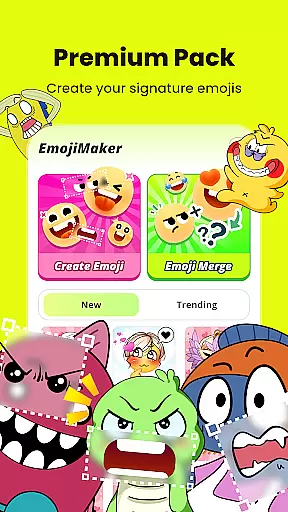
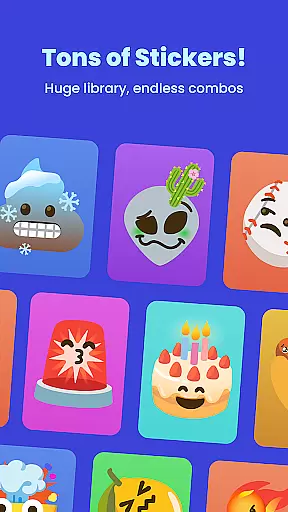
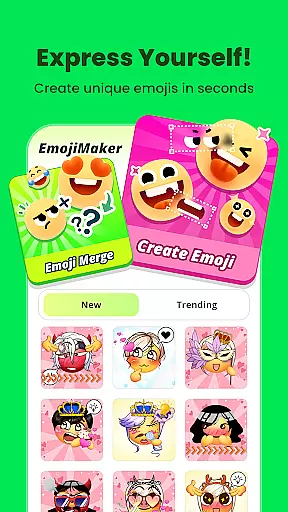
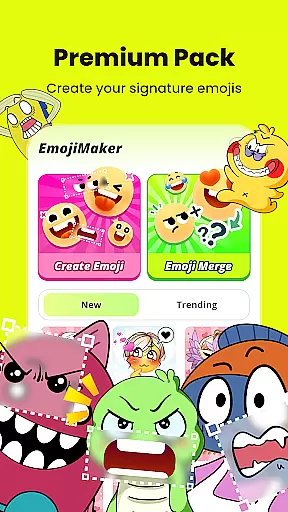
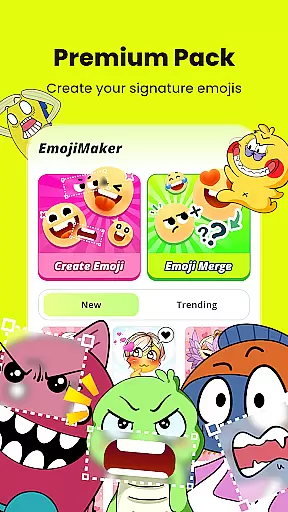
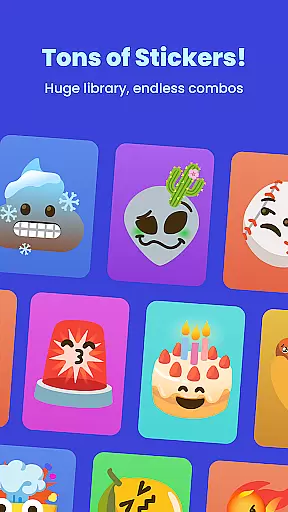
Gemoji is an innovative emoji creation platform that empowers users to design personalized emojis and stickers. With a rich library of customizable components, the app allows for endless combinations of facial features, accessories, and vibrant colors.
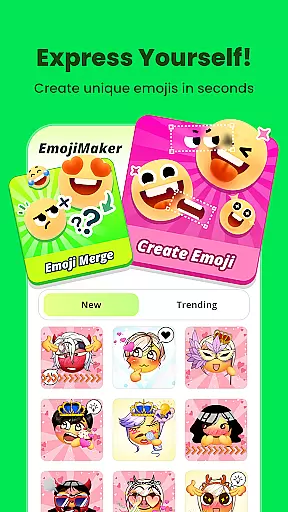
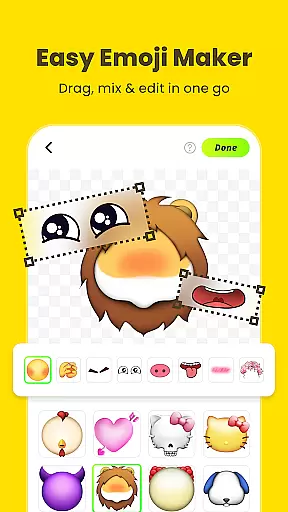
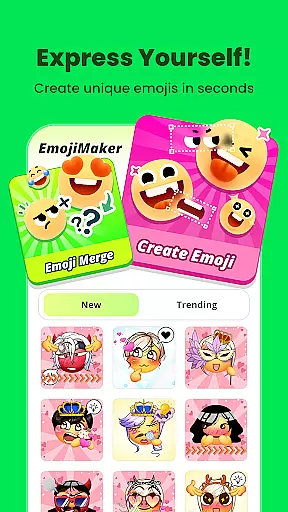
Users can create unique emojis for various occasions, from birthdays to everyday chats. The intuitive interface makes it easy to layer elements, preview changes in real-time, and save creations as stickers or images. Gemoji stands out with its professional designs and seasonal updates, ensuring fresh content for continuous creativity.
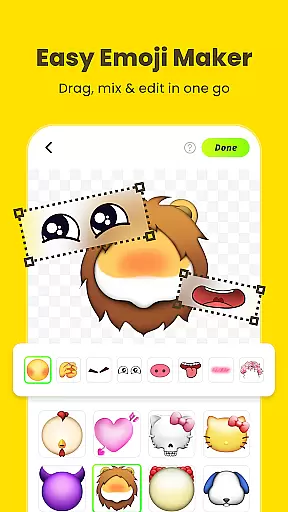
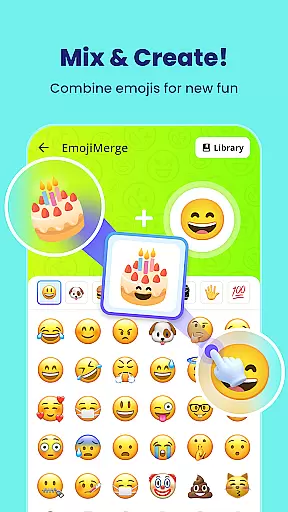
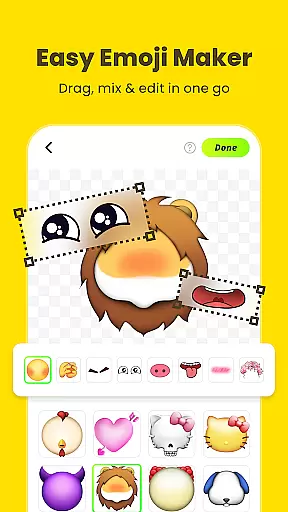
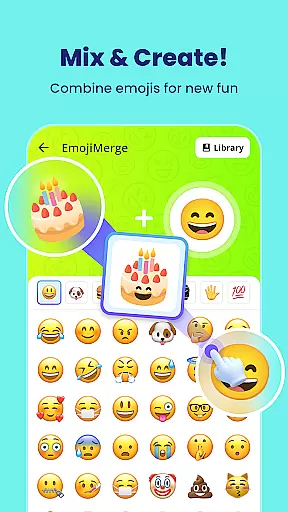
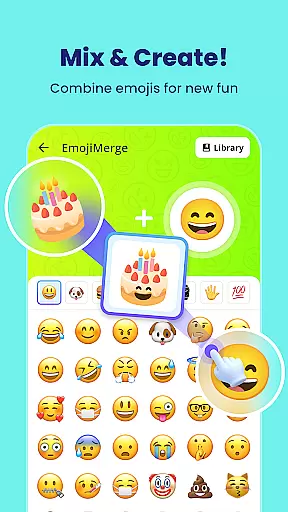
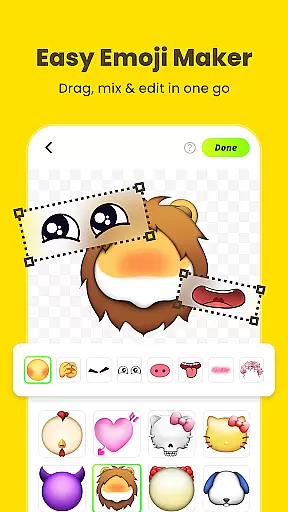
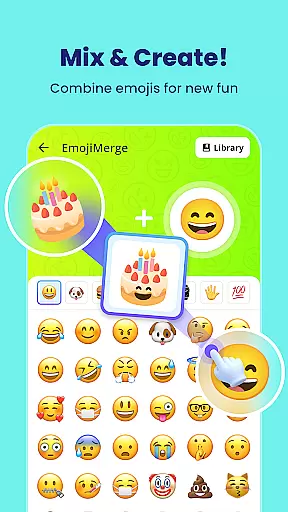
Gemoji offers an extensive range of features that make emoji creation both fun and simple. Users can mix and match different components including eyes, mouths, and accessories from a vast selection of beautifully crafted elements.
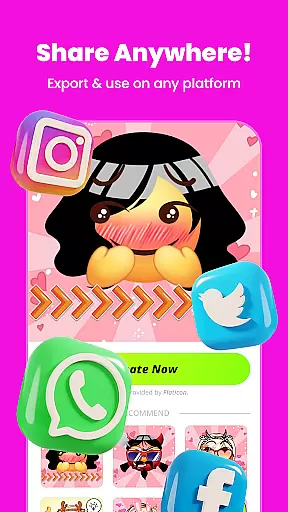
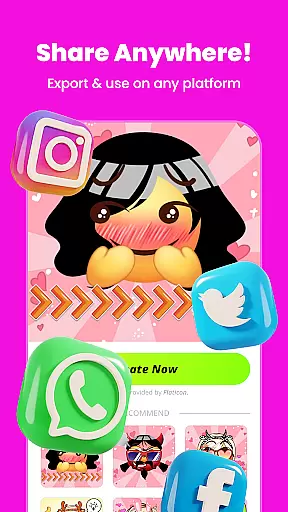
The app provides real-time customization capabilities where changes appear instantly, letting creators see their designs come to life. Additionally, Gemoji supports transforming custom emojis into messaging stickers, which can be shared across platforms. This feature-rich application caters to all age groups, making it perfect for personal expression through digital communication.
Customization is at the heart of Gemoji, allowing users to express their unique style through emojis. With a vast array of components including eyes, mouths, accessories, and more, the app provides endless possibilities for creativity. Users can mix and match these elements to craft custom emojis that perfectly match their mood, occasion, or personal flair.
The app's extensive customization options are designed to cater to every user's imagination. Whether you're aiming to create cute characters, quirky faces, or thematic stickers for special events, Gemoji supports your vision with a rich palette of colors and design elements. This flexibility ensures that each emoji you create is not just a symbol but a personal statement.
By offering real-time previews of changes, Gemoji makes the customization process intuitive and engaging. As you layer different elements, you can instantly see how they come together, enabling quick adjustments and fostering experimentation. This immediate feedback loop enhances the user experience, making emoji creation both enjoyable and rewarding.
Gemoji excels in theme compatibility, ensuring that your custom emojis look great across various platforms and devices. The app provides professionally designed components that maintain visual consistency, whether you're using your emojis on messaging apps, social media, or other digital platforms. This seamless integration allows your creations to shine wherever they are shared.
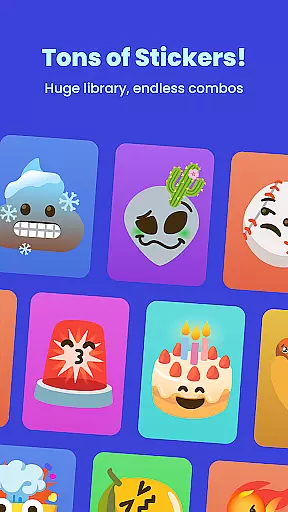
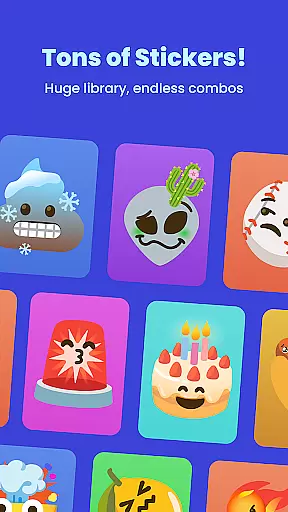
With frequent updates introducing new components and seasonal themes, Gemoji keeps its library fresh and relevant. These updates not only expand the creative possibilities but also ensure that your emojis remain compatible with current design trends and platform requirements. Users can continuously explore new styles and themes, keeping their emoji collections dynamic and engaging.
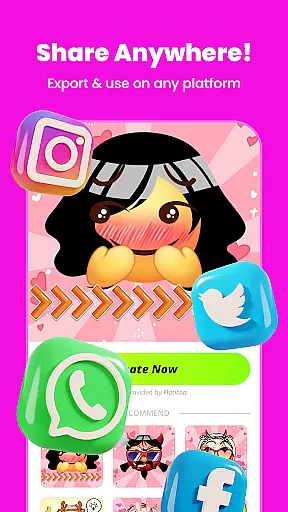
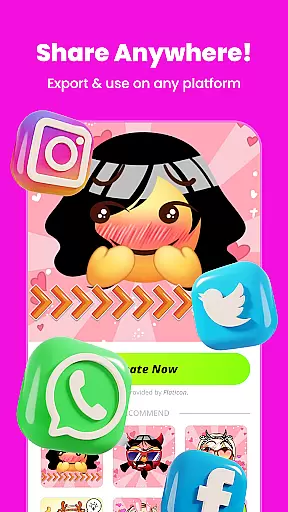
Moreover, Gemoji's dedication to compatibility extends to its export features. Once you've crafted your perfect emoji, you can download it as a sticker or image optimized for various uses. This versatility ensures that your personalized emojis retain their quality and impact, whether used in messages, posts, or any other form of digital communication.
User-friendly interface
Vibrant color options
Real-time previews
Customizable components
Frequent content updates
Limited free elements
In-app purchases required
Occasional bugs reported
High storage usage
Learning curve for new users

Stunningly Different look with Line Icons and Neon Colors
 4.60
4.60
Art & Emoji Keyboard with Cool Fonts, Cute Themes and Custom Designs.
4.40
Add cute Shimeji pets to screen, interact with them and relax with cute motions
4.60
Aesthetic Widgets, HD Wallpapers, Themes in Mico Widget for Home and Lock Screen
4.50
Adaptive Dot Style IconPack with Light & Dark Theme.
3.70
Customize your home screen with stunning themes, blur, widgets & icons.
4.60
Custom edge gestures for volume control, brightness, apps, and shortcuts.
4.5
Modern Glass Icon Pack with glossy icons, clean minimal theme & aesthetic style
4.0
set a new experience for the Android mobile phone
4.20
100+ Stylish Fonts, Emojis, Symbols keyboard for Instagram & TikTok!
4.80
400+ Beautifully crafted widgets inspired by NOTHING.
4.70
Bring adorable pets to life on your screen. Playful, interactive and full of fun
4.60
Choose your keyboard with RGB colors effect, themes, fonts, emojis.
4.60
Transform your phone with Launcher iOS 26 - Smooth & elegant iOS experience
4.50
Romantic Kiss Stickers App. Start romantic messaging now!
4.30
More than 3000+ themes and 9000+ wallpapers for everybody!
4.10
Customizable flower power digital watch face for Wear OS watches.
4.00
Realistic animated snow on your wrist, with 10 images landscapes to choose from
4.00
Customize glowing edges, wallpapers, and caller screen with EdgeAura.
3.50


User Reviews