
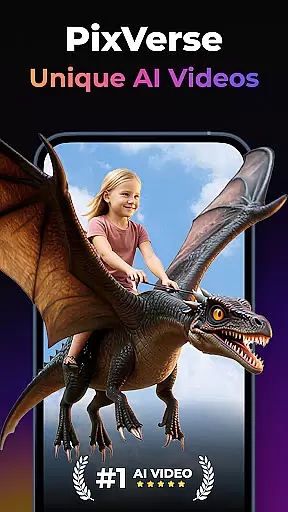
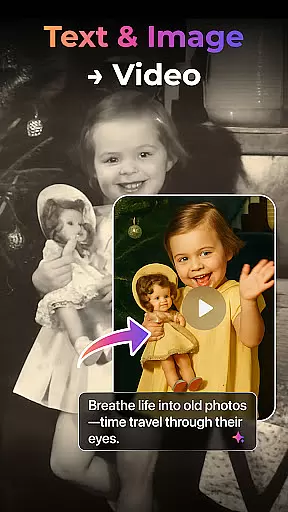

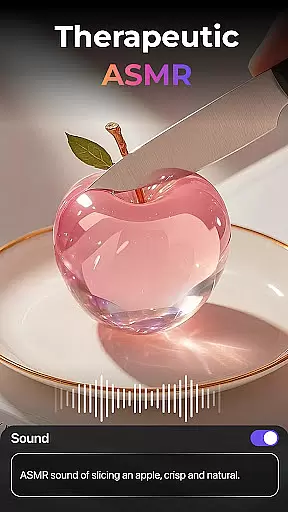
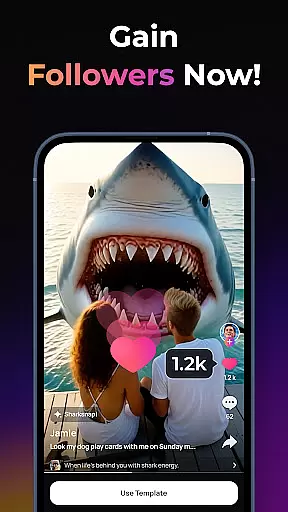
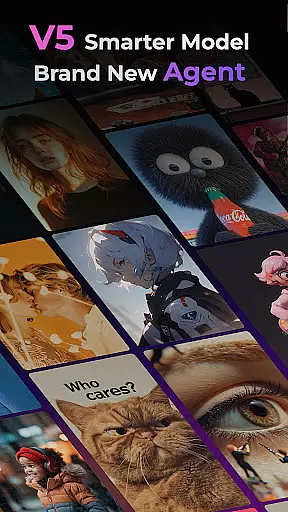
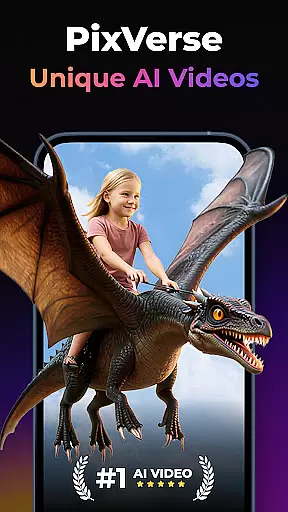

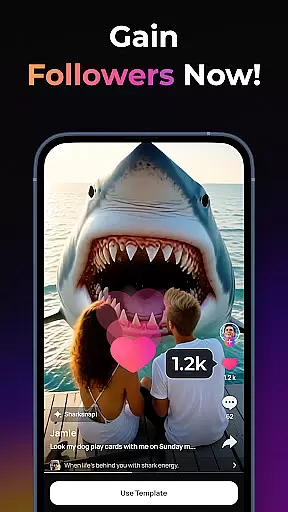
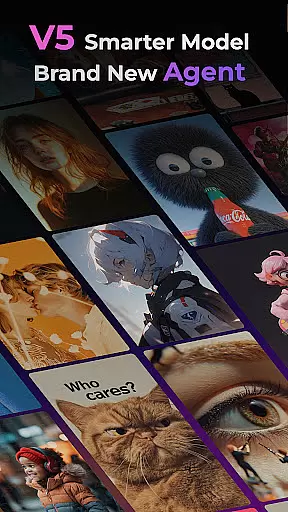
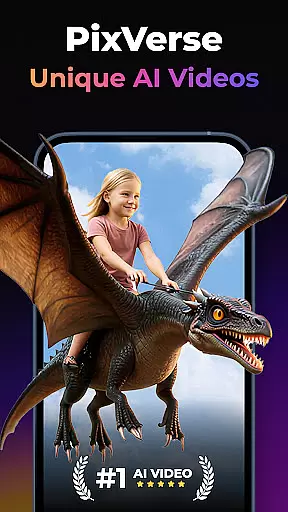
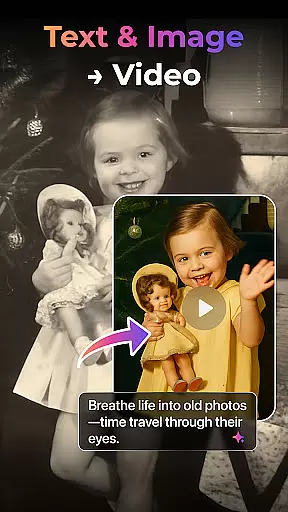

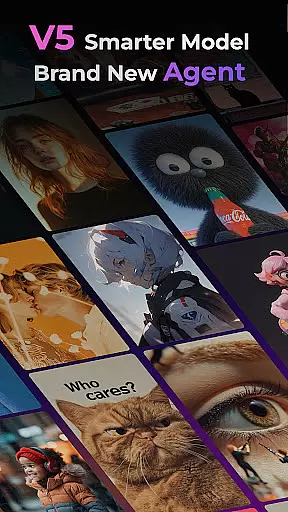
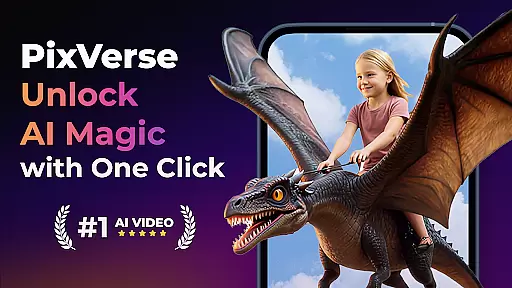

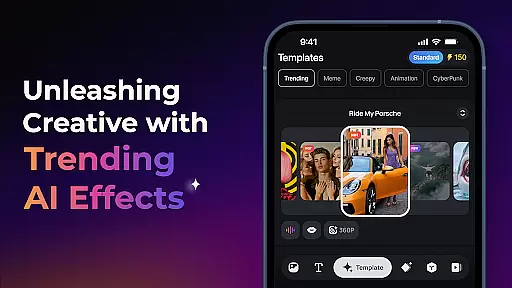
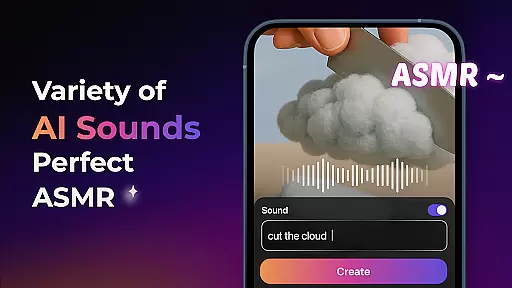
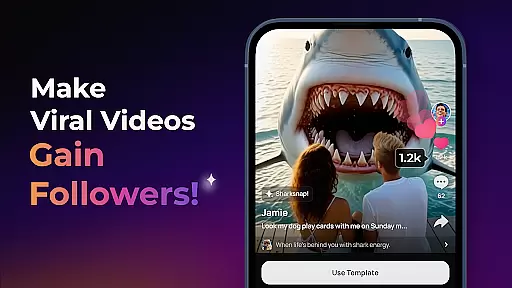
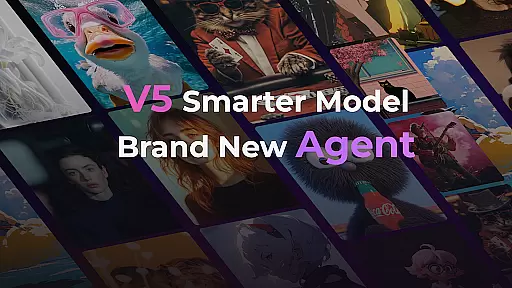
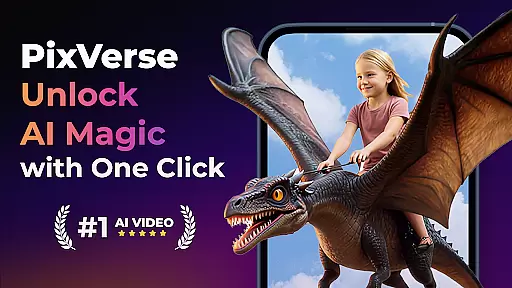

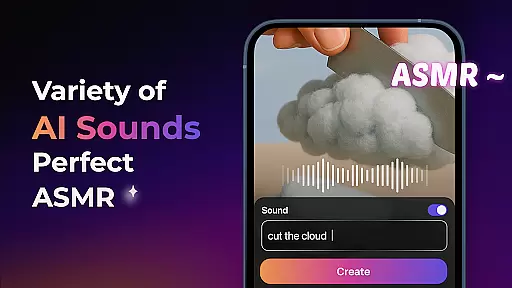
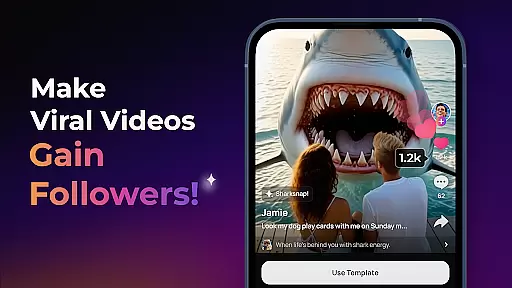
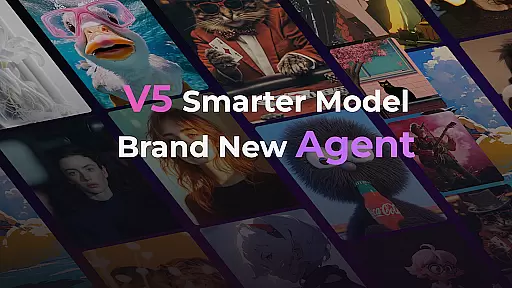
PixVerse is an AI-powered video creation suite that empowers users to convert photos, text, and videos into extraordinary content within seconds. The app features a smarter V5 model with lifelike details and natural movements, alongside a creative co-pilot agent for precise idea execution.
With multi-creation modes like Image to Video, Text to Video, and Video Extension, PixVerse offers versatile tools for content creation. Its advanced physics simulations and cinematic quality output make it ideal for creators seeking professional-grade results.
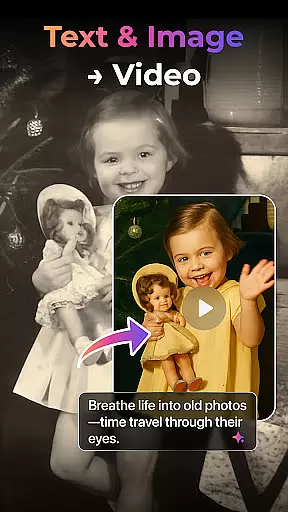
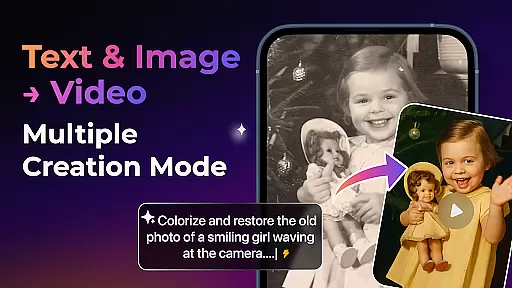
Whether you're reviving old photos or crafting viral dance sequences, PixVerse provides the tools to bring imagination to life. Suitable for storytellers, marketers, and hobbyists alike, this app redefines creativity through AI magic.
PixVerse boasts groundbreaking features such as the Smarter V5 Model, which ensures perfect prompt alignment and smooth animations. The Brand New Agent acts as a creative co-pilot, streamlining the process of transforming ideas into stunning visuals.
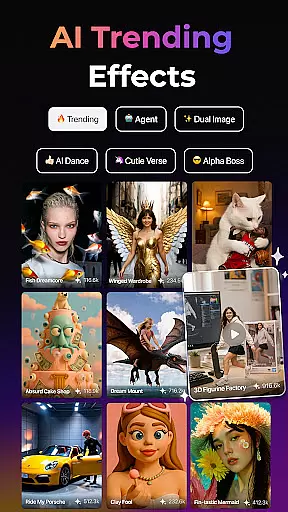
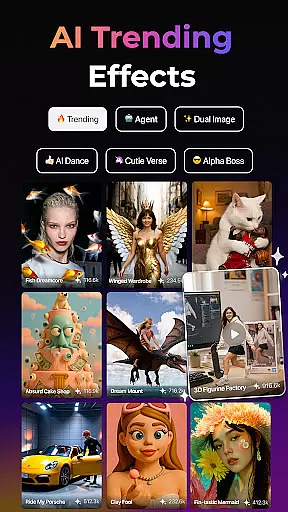
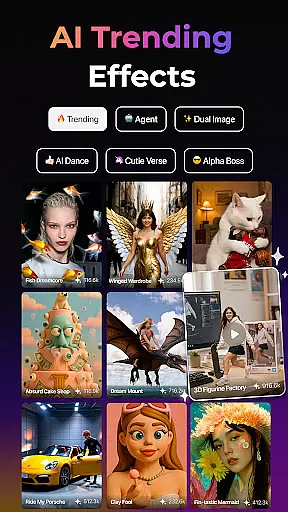
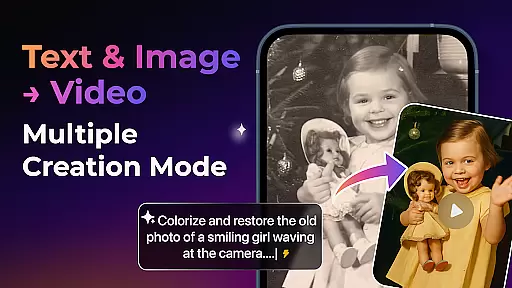
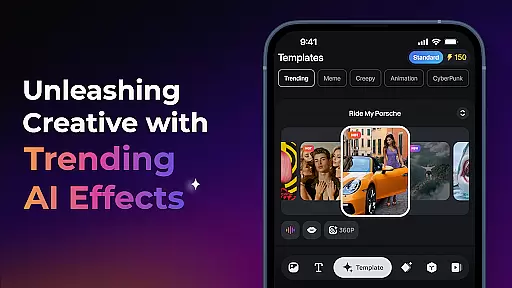
Users can explore Trending AI Effects like Old Photo Revival, Earth Zoom Challenge, and AI Dance Revolution, each designed to elevate content with unique flair. Key Frame Control allows custom video generation by uploading first and last frames, ensuring creative stability.
Additionally, Fusion enables combining up to three images into a single cohesive video. With constant updates and HD-quality outputs, PixVerse remains at the forefront of AI-driven creativity tools.
Real-time capture and preview functionality is essential for any photography app as it allows users to see exactly what their final output will look like before they commit to taking a photo. PixVerse offers this feature with an advanced twist, integrating AI-powered effects that provide instant visual feedback.
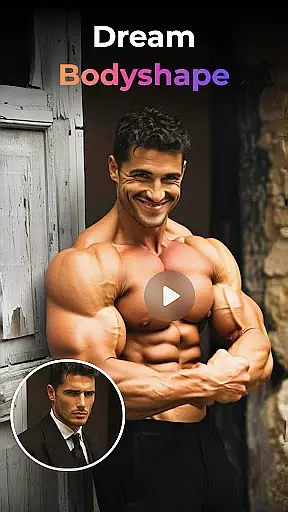
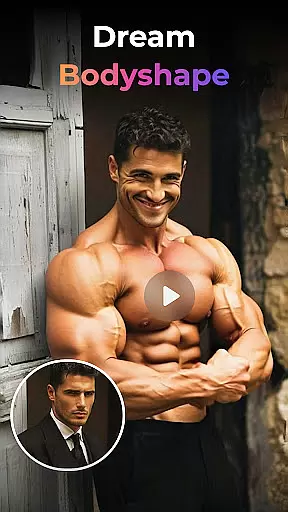
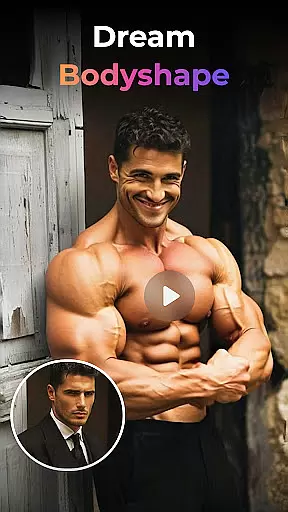
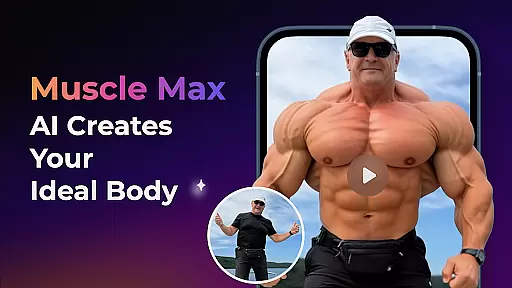
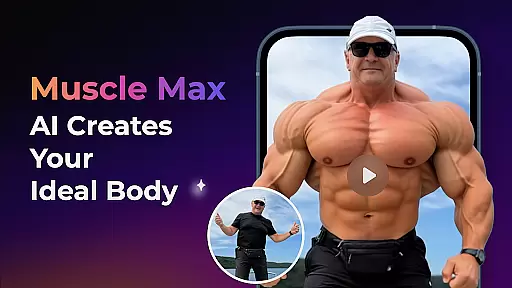
The app's real-time processing capabilities ensure that users can apply complex transformations such as Old Photo Revival or Muscle Max: Bodybuilder Champion and immediately see the results through their deviceu2019s camera. This empowers creators by giving them control over how their images will appear after applying various filters and effects.
With PixVerse, photographers and content creators have the advantage of experimenting with different styles without waiting for post-processing. The immediacy of these features not only saves time but also enhances creativity, allowing users to fine-tune their vision on-the-fly and produce unique visuals that stand out.
In the realm of photography apps, AI beauty and enhancement tools are designed to improve image quality while maintaining natural aesthetics. PixVerse excels in this area by offering hyper-realistic AI effects that enhance photos without making them look overly processed or artificial.
Features like Embrace Warmth use sophisticated algorithms to simulate genuine human emotions and interactions, ensuring that enhancements such as family bonds appear authentic rather than forced. Similarly, AI Dance Revolution transforms static poses into dynamic sequences with lifelike fluidity.
By focusing on naturalness, PixVerse ensures that every modification respects the original essence of the photograph. Users benefit from high-definition outputs where details remain crisp and true-to-life, resulting in professional-grade imagery suitable for both personal projects and commercial endeavors.
Effortless content creation
Advanced AI capabilities
Versatile creation modes
Cinematic HD output
Constant feature updates
Subscription fees may apply
Learning curve for beginners
Limited offline functionality
Dependent on internet speed
Resource-intensive processing

AI portrait generator and polaroid AI selfie, fun AI generated AI photo creator!
 4.30
4.30
Photobooth mini FULL app will allow you to add more fun to your parties
4.00
How old age camera Gender Swap App Face Shape Hairstyle App Hair Styler App fun!
4.00
Virtual makeup, hair filters & body tuner—edit from face to full body!
4.20
Natural Beauty, Selfie Retouch
4.30
Easily view, share, delete photos with Gallery.
4.70
A light meter for true photographers.
4.20
Effortlessly make high-quality GIFs from images & videos without any watermarks.
4.70
A unique animation app. Powerful, easy to use, and lots of fun.
4.30
A collection of tools and reference tables for DPs, ACs, DITs and Operators.
4.70
Android Native system HD camera app. Never been so simple and faster.
4.70
Enhance, upscale, and transform your images — on your device, without limits
4.70
Viewfinder, Light meter, Reciprocity failure time, DOF & Bellows Extension
4.60
Automatically backup your photos and videos to computer, NAS and Cloud services
4.60
PhotoSync Bundle Add-On License. Enables all features and services in PhotoSync.
4.60
HD Camera Pro with HD Video shooting, Panorama, Photo editor , Beauty Camera.
4.50
AI photo enhancer with Sora 2! Enhance, descratch, and colorize your old photos.
4.50
Edit like a pro with Hypic. Apply filters, AI effects, & magic touch.
4.40
An interval timer to automate photo taking process for timelapse
2.90


User Reviews