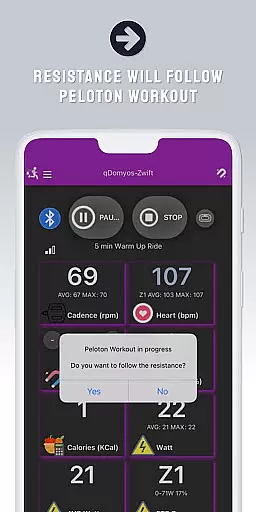
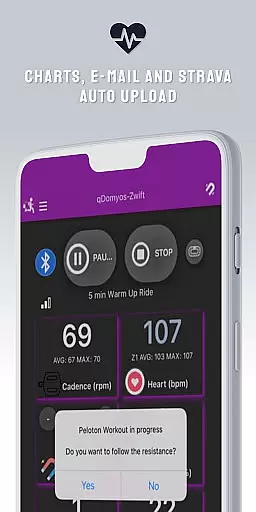
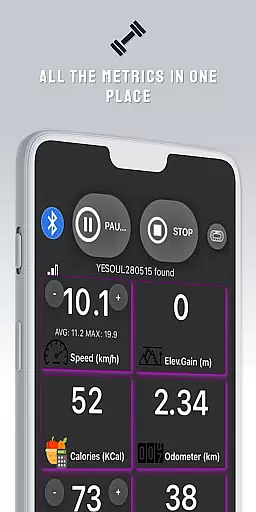
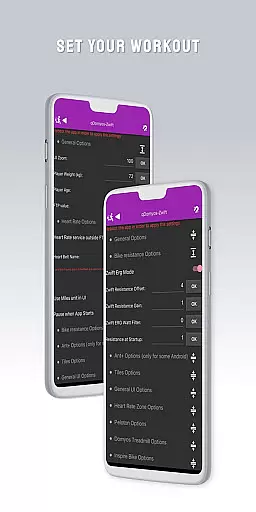
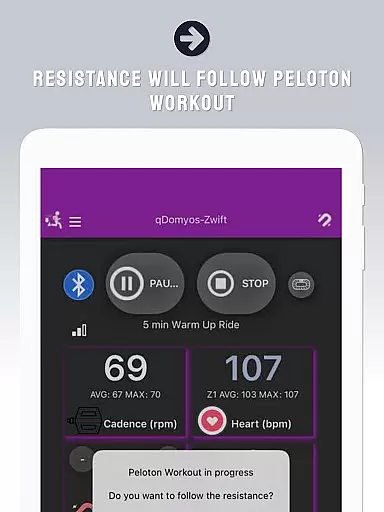
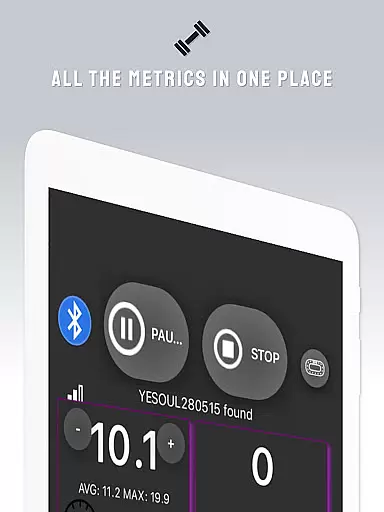
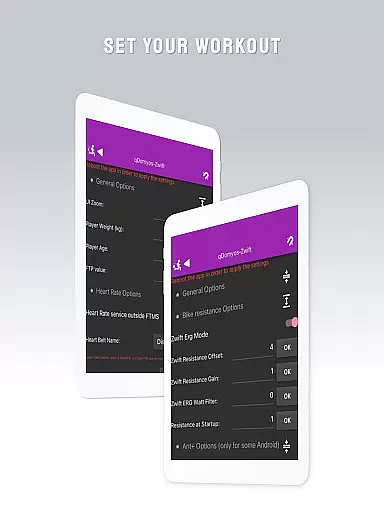
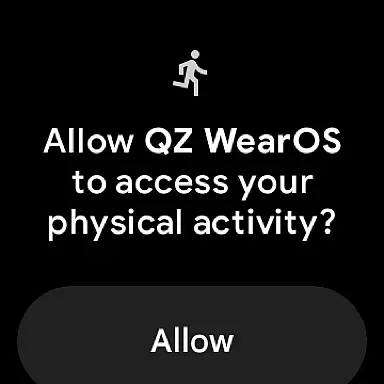
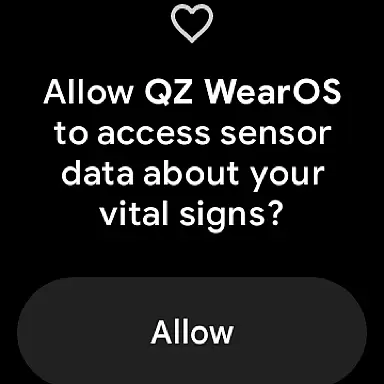
QZ is a versatile application designed to bridge the gap between various exercise equipment and popular fitness platforms like Zwift. This app breathes new life into machines such as Domyos, Echelon, Proform, Flywheel, Yesoul, and Toorx treadmills or bikes by enabling them to connect seamlessly with Zwift. With QZ, users can enjoy automated workout adjustments, including resistance changes for Peloton users, enhancing their interactive fitness experience.
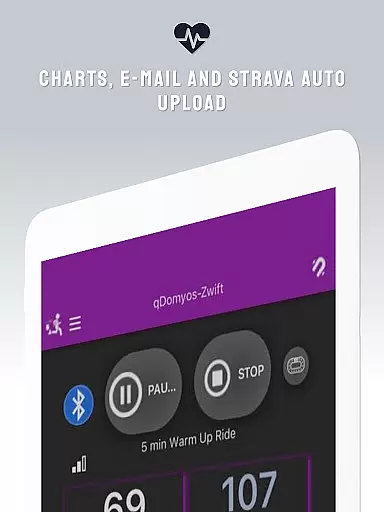
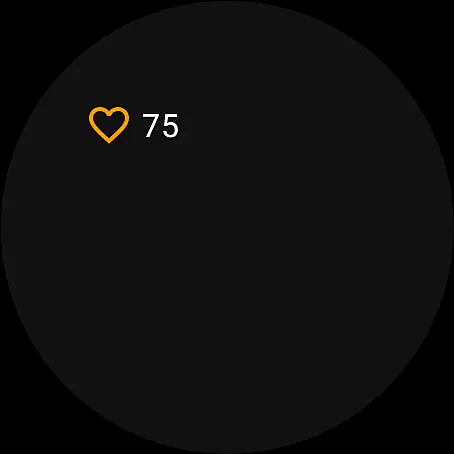
In addition to Zwift compatibility, QZ supports Strava Autopload, ensuring that your achievements are effortlessly shared with the community. The app also extends its functionality to Wear OS devices, allowing users to monitor heart rate directly from their smartwatches and integrate this data within the QZ ecosystem. Whether you're cycling indoors or running on a treadmill, QZ transforms your solo workouts into engaging virtual experiences.
QZ stands out with its extensive compatibility list, supporting an array of exercise equipment brands and models. It connects effortlessly with all Echelon and Domyos bikes, treadmills, and ellipticals, along with Keiser M3i bikes without needing a converter. Yesoul S1 and S3 bikes are supported, provided a cadence sensor is available for the M3 model. The app's reach extends to Sportstech and Inspire bikes, Schwinn IC4, Bowflex C6, Toorx bikes, spin bikes, and treadmills, Fassi treadmills, and JK Fitness treadmills.
For Proform bike enthusiasts, QZ offers comprehensive support, while seeking confirmation on Proform treadmill compatibility. Flywheel bike users benefit from a dedicated calibration tool, enhancing accuracy during workouts. By integrating these diverse machines with platforms like Zwift and Strava, QZ delivers a unified and enriched home fitness solution tailored to various equipment setups.
Companion app integration is essential for users who want a seamless experience between their wearable devices and main applications. QZ offers robust companion app features that ensure your Wear OS device works in harmony with the primary app.
The app allows you to connect your smartphone to treadmills or bikes, enabling Zwift to recognize your equipment effortlessly. This connectivity extends to reading heart rate data from your Wear OS device and transmitting it to the main QZ app, ensuring all your fitness metrics are centralized.
By integrating with Strava's Autopload feature, QZ ensures that your workout data is automatically uploaded, providing a comprehensive view of your fitness journey. This synchronization enhances user convenience and data accuracy.
Overall, QZ's companion app integration transforms your exercise routine by offering real-time data sharing and device compatibility, making your workouts more efficient and engaging.
Wear OS and device compatibility is crucial for users looking to maximize their wearable technology's potential. QZ excels in this area by supporting a wide range of devices and ensuring they work seamlessly with Wear OS.
The app is compatible with various exercise machines, including Echelon, Domyos, Proform, Flywheel, Yesoul, and Toorx treadmills and bikes. This extensive compatibility list ensures that regardless of your equipment, QZ can enhance its functionality through smart integrations.
Additionally, QZ supports Wear OS directly, allowing users to download the app on their smartwatches. This feature enables the watch to read heart rate data and send it to the main QZ app, creating a cohesive ecosystem for tracking fitness metrics.
With such broad device support and dedicated Wear OS features, QZ provides an unmatched user experience, ensuring that every piece of your fitness gear works together harmoniously.
User-friendly interface
Wide equipment compatibility
Automated resistance adjustment
Strava Autopload feature
Wear OS integration
No official endorsement from equipment makers
Limited treadmill support
Peloton specific functionalities
Keiser M3i requires no converter
Flywheel calibration needed

Animated Watch Face and Customizable with 24 Backgrounds. Perfect for Christmas!
 3.90
3.90
MyNISSAN® lets you remotely control your car from your phone.*
4.50
Beautiful artistic animated digital watch face, with a customizable layout!
4.40
sleep, alarm, snoring, stress, healing, focus, sound therapy, circadian rhythm
4.10
Locate your family members by GPS phone location tracker everywhere and anytime
4.30
A modern hybrid informative watch face for Wear OS designed by BALLOZI
4.80
Animated video-game inspired “secret agent” simulation, right on your wrist!
4.20
Fast and smart typing with Emojis, GIFs, and more
4.50
Simple, helpful messaging by Google
4.60
Beautiful, colorful and practical watch face. For Wear OS devices.
5.00
The Chevron App allows you to pay for fuel from the comfort of your car!
4.80
Rose gold watch face with festive lights & customizable features.
4.60
Retro digital watch face with customizable colors and a unique lighting effect
4.60
Ideal for surviving in the wasteland left after nuclear fallout
4.50
Christmas watch face. For Wear OS devices.
4.30
Snowflake Rose Gold Watch Face - Digital, modern, & sleek with GYRO effect.
4.10
Contemporary digital watch face with five complications
4.0
Minimalistic design modern digital watch face.
4.1
Hybrid Vibrant Health Watch Face for Wear OS
4.2


User Reviews