
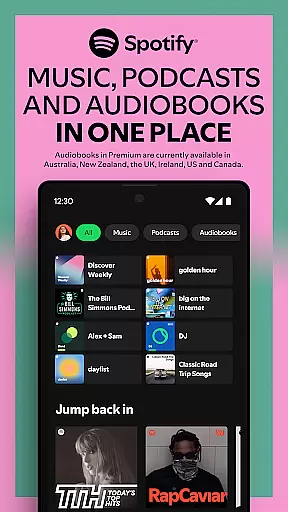


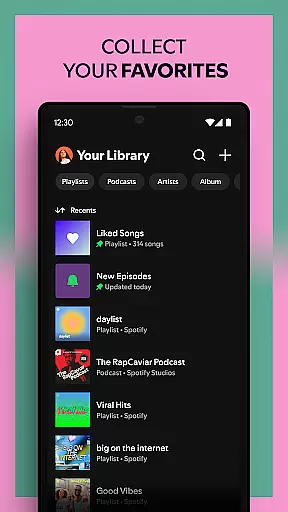
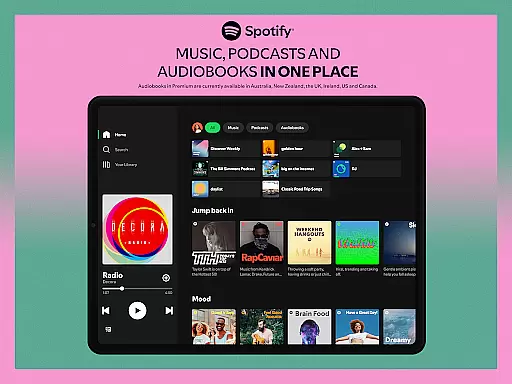

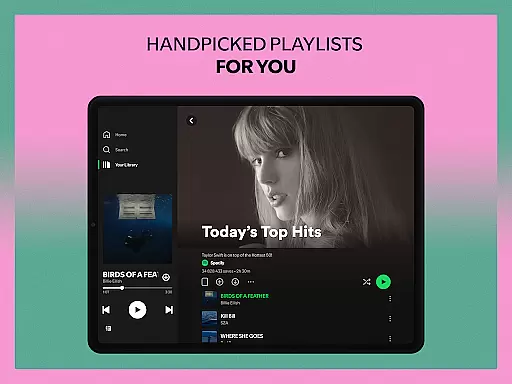
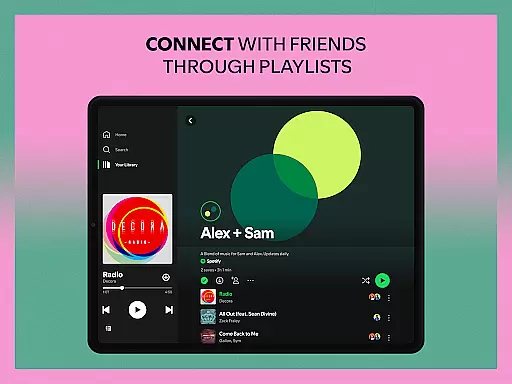
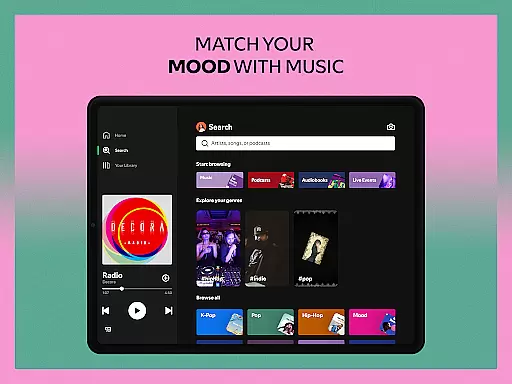
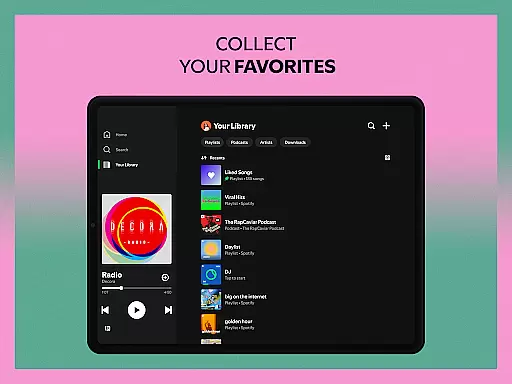
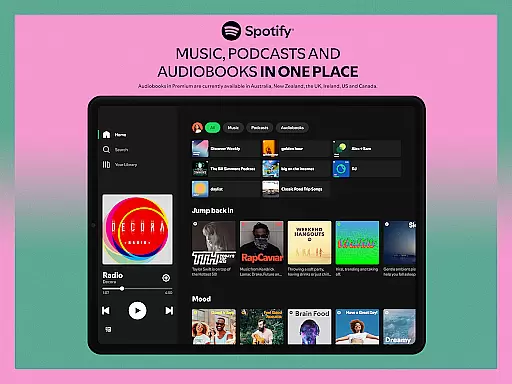

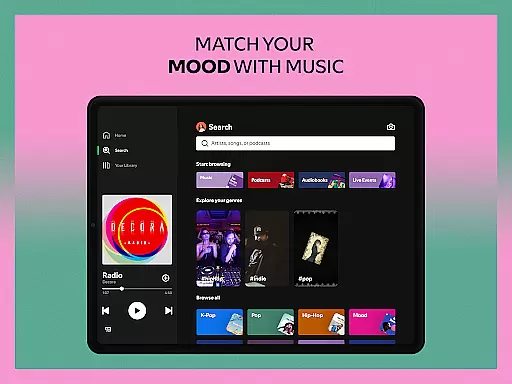
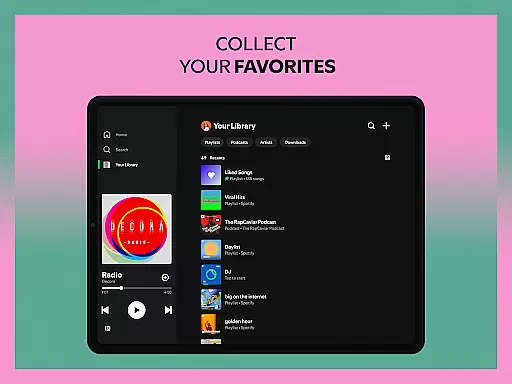
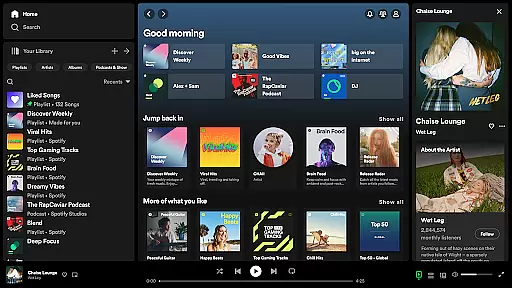
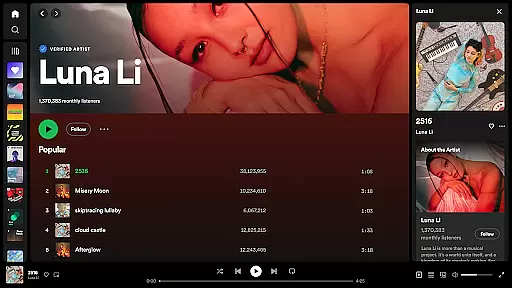
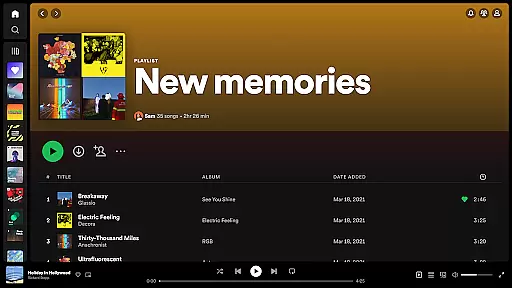


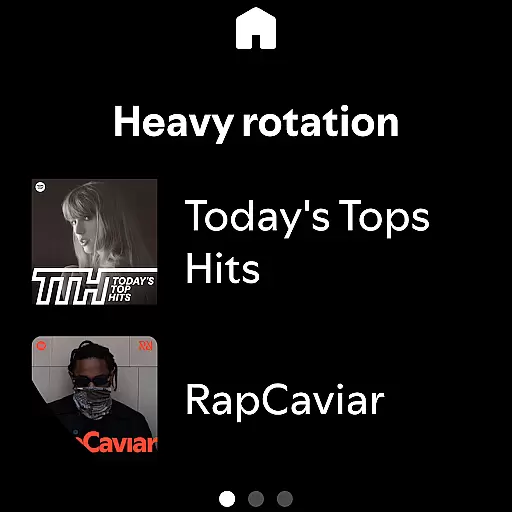
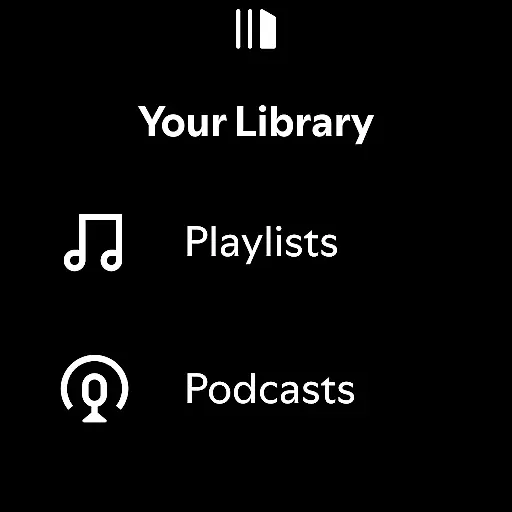
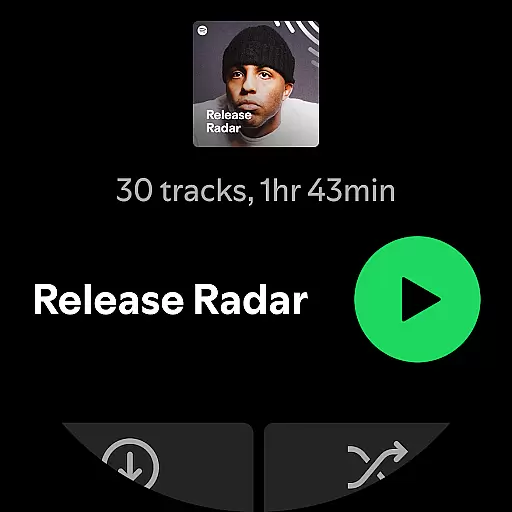
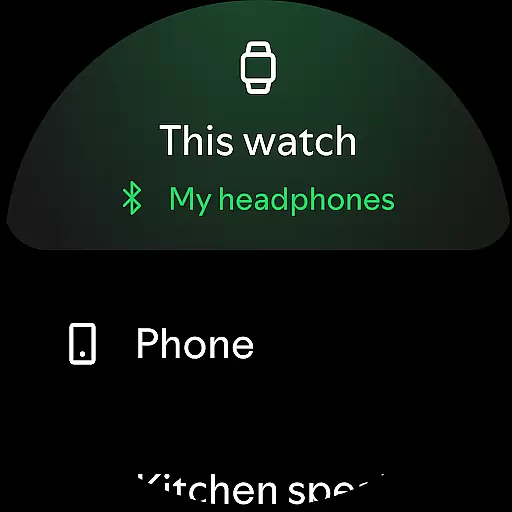

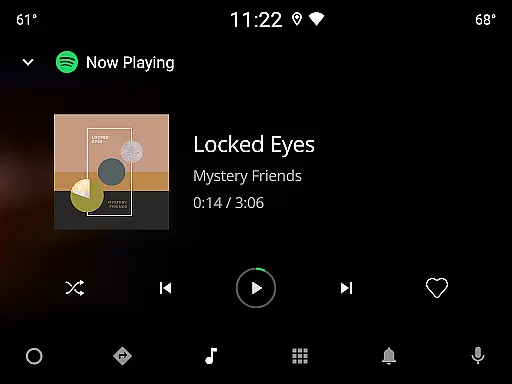

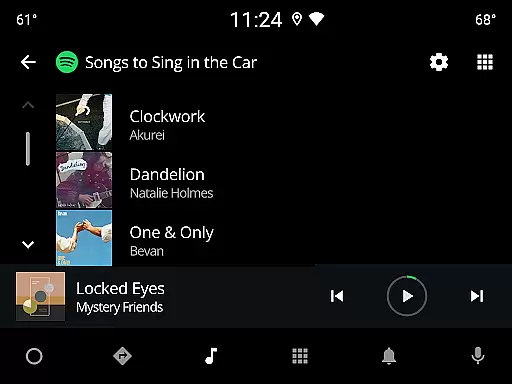
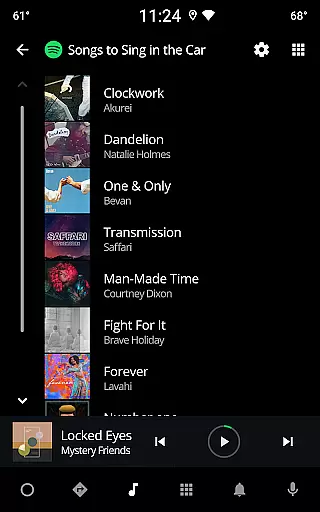
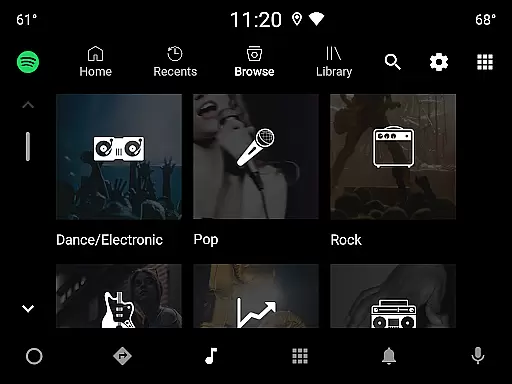
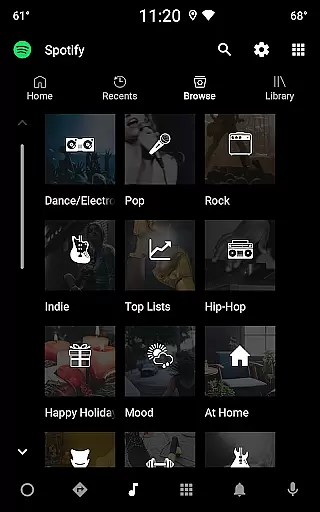
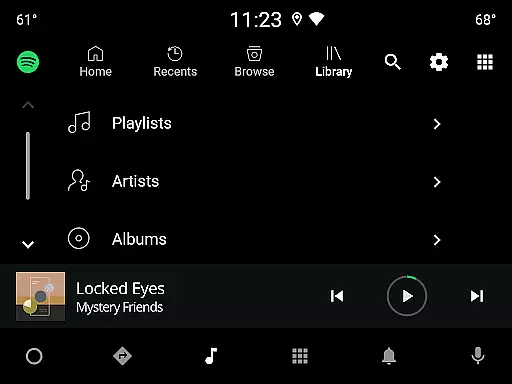
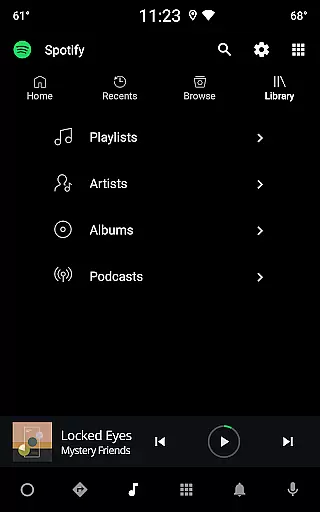
Spotify is a premier music and podcast streaming application that offers users access to millions of songs, albums, and curated playlists. With its Android Wear compatibility, you can control your music directly from your smartwatch, ensuring seamless playback whether you're working out or commuting.
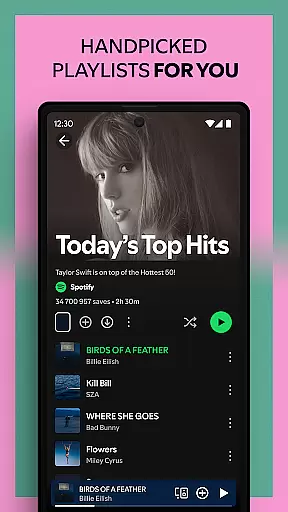
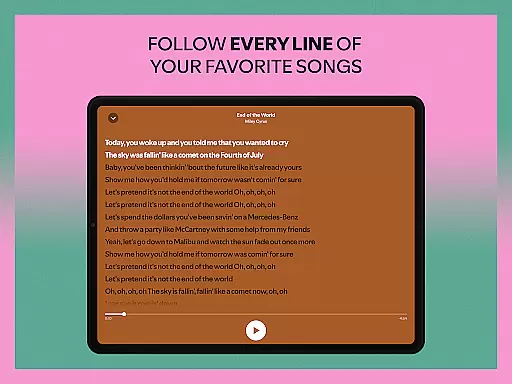
The app stands out with its personalized Daily Mixes, extensive genre categories, and exclusive podcast content. Users can discover new music through features like lyric-based searches and enjoy high-quality audio on any device. Spotify also supports offline downloads for Premium subscribers, making it ideal for those who need music on the go without internet connectivity.
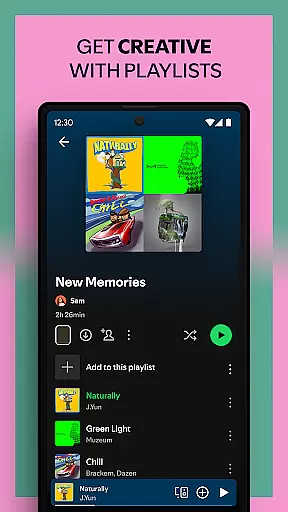
Whether you're looking to explore top charts, create custom playlists, or dive into popular podcasts, Spotify provides an immersive experience tailored to every user's preferences. Its cross-device functionality ensures you can transition smoothly between your phone, tablet, desktop, or wearable devices while maintaining uninterrupted access to your favorite content.
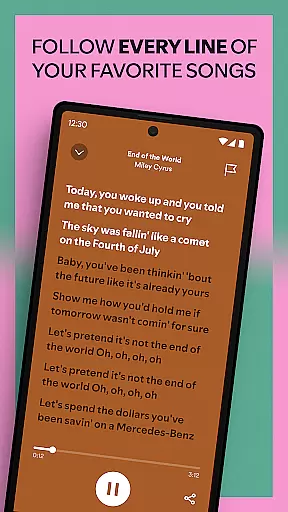
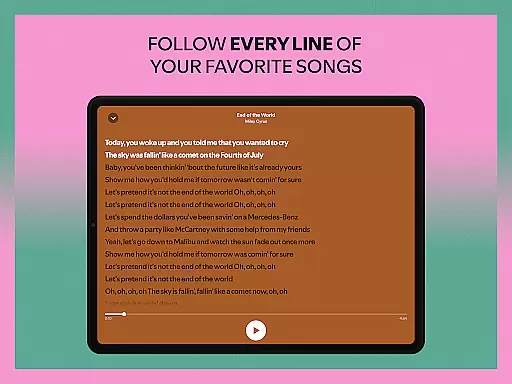
Spotify boasts an impressive array of features designed to enhance user engagement and convenience. One standout capability is the ability to search for songs using lyrics, allowing users to quickly find tracks even if they only remember a few words. Additionally, Spotify's vast library includes over 80 million songs and 4 million podcasts, catering to diverse tastes and interests.
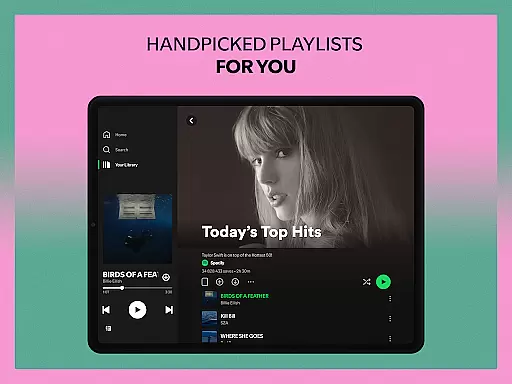
For audiobook enthusiasts, Spotify has introduced more than 300,000 titles, providing yet another layer of entertainment value. The app’s recommendation algorithms generate personalized playlists such as Daily Mixes and Discover Weekly, ensuring fresh content tailored to individual preferences. Furthermore, integration with platforms like PlayStation and Chromecast extends usability across multiple devices.
Premium subscribers benefit from ad-free listening, offline downloads, and improved sound quality. These advantages make Spotify not just a music player but a comprehensive multimedia platform suitable for various lifestyles and activities.
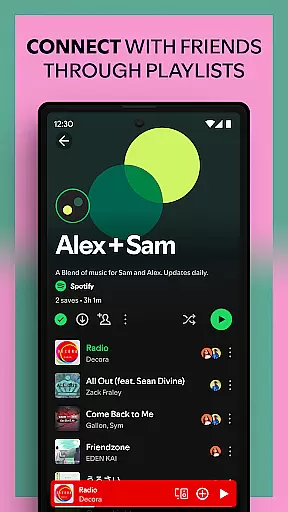
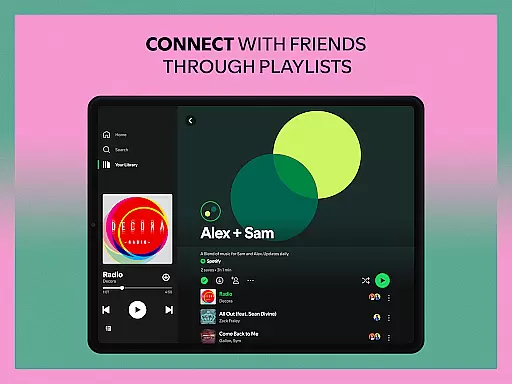
Companion app integration is crucial for users who want a seamless experience across multiple devices. Spotify excels in this area by allowing users to sync their music, podcasts, and audiobooks effortlessly between their mobile devices, tablets, desktops, and even Wear OS devices.
The integration ensures that your playlists, preferences, and listening history are consistently updated. Whether you start listening on your phone during your commute and switch to your desktop at work, or enjoy a podcast on your Wear OS smartwatch while jogging, the transition is smooth and uninterrupted.
This synchronization not only enhances user convenience but also enriches the overall experience by providing flexibility and continuity. Users can enjoy their favorite content without being tied to a single device, making Spotify a versatile choice for those who lead dynamic lifestyles.
Spotify's compatibility with Wear OS and various devices significantly broadens its usability. By supporting a wide range of platforms including mobile, tablet, desktop, PlayStation, Chromecast, TV, and Wear OS, Spotify ensures that users can access their music and podcasts from virtually any device they own.
For Wear OS users, this means enjoying your favorite tracks and podcasts directly from your smartwatch without needing your phone nearby. You can control playback, browse through playlists, and manage downloads with ease, all optimized for the smaller screen.
This extensive device compatibility underscores Spotify's commitment to accessibility and user-centric design. Regardless of where you are or what device you're using, Spotify provides a consistent and high-quality listening experience, reinforcing its position as a leader in the streaming service industry.
User-friendly interface
Extensive music library
Personalized recommendations
Cross-device compatibility
Offline listening option
Limited free version features
Occasional ads in free tier
Subscription cost for premium
High data usage on mobile
Regional content restrictions

an Analog Watch Face for winter season with freeze winter background for Wear OS
 4.1
4.1
Wear Os Watch Face - Animated Snow - Sesonal for Christmas & Winter
4.4
Stunning modern digital watch face with 7 complications and strong contrast
4.2
Easy Voice Recorder is your everyday companion to record important moments.
4.70
Simple Analog-Digital Watchface For Wear OS 3.0 and Up Smartwatches
4.5
Connect to your Bluelink equipped Hyundai vehicle from your smartphone.
4.50
To-Do List: daily schedule planner, task organizer, to do reminder app, calendar
4.60
A digital watch face that celebrates Christmas.
4.00
Hybrid watch face for Wear OS with customizable complications by Matteo Dini MD
4.70
Christmas Theme Watch Face for Wear Os
5.00
Gym Log & Workout Tracker | Fitness Journal, Training & Weight Lifting Planner
4.90
A modern hybrid informative watch face for Wear OS designed by BALLOZI
4.80
Walking app for weight loss: walk & step tracker, pedometer, indoor treadmill
4.60
Simple, helpful messaging by Google
4.60
Beautiful artistic animated digital watch face, with a customizable layout!
4.40
Your music, your playlists, and more—offline and unlimited.
4.20
Wear Os Watch Face - Animated Snow Effect & Magic Spark - 6 Scenes
4.10
Your local weather forecast, storm tracker, radar maps & live weather news
3.40
Artistic Digital Watchface
4.4


User Reviews