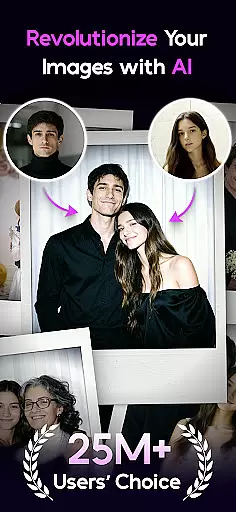

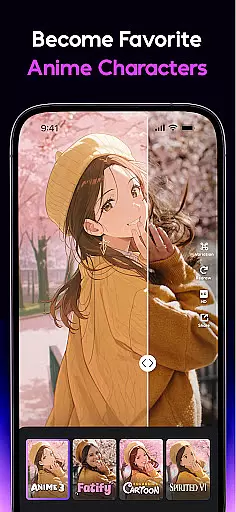
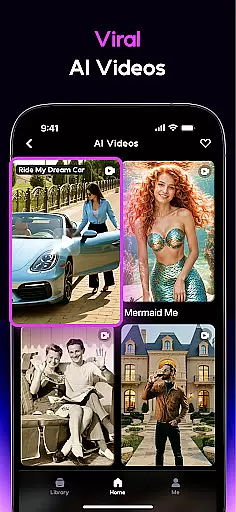
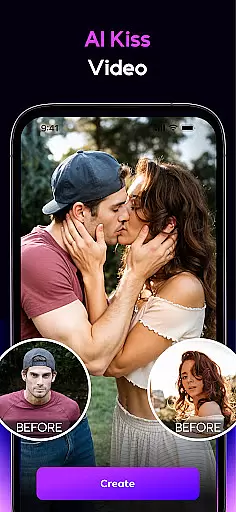
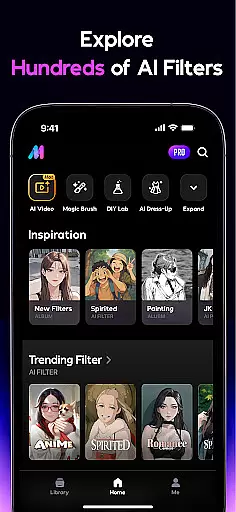
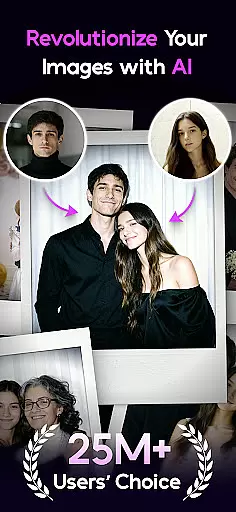

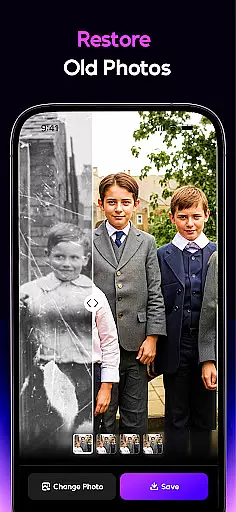
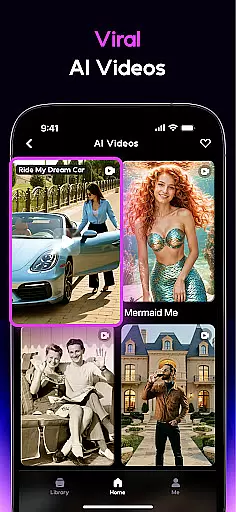
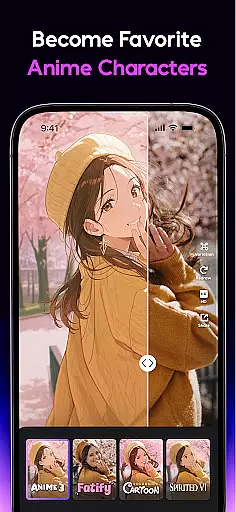
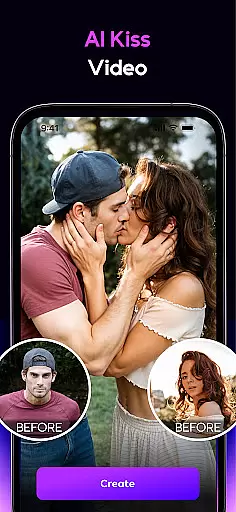
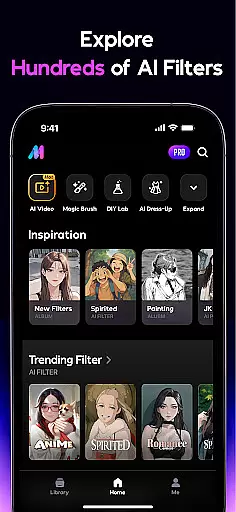
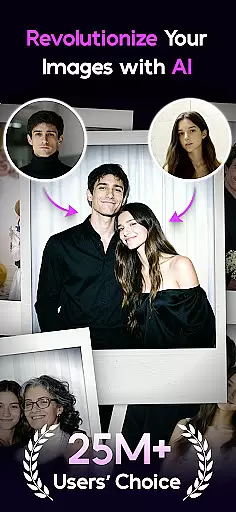

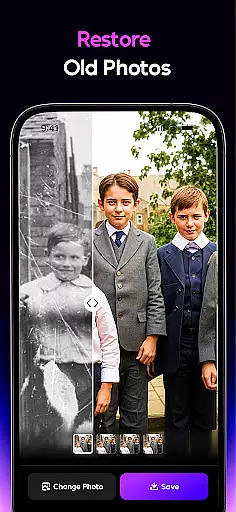
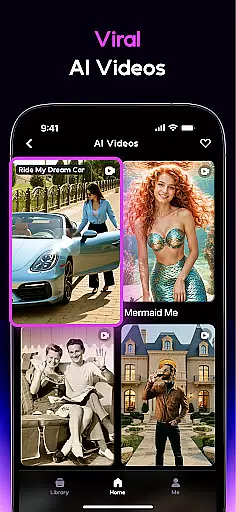
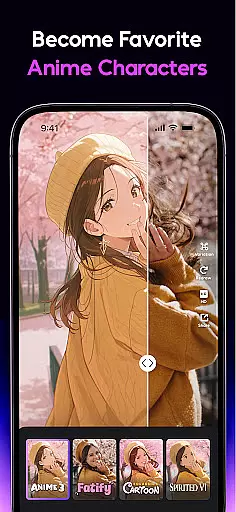
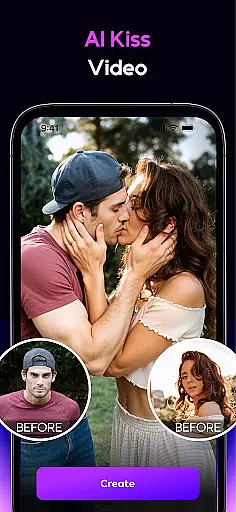
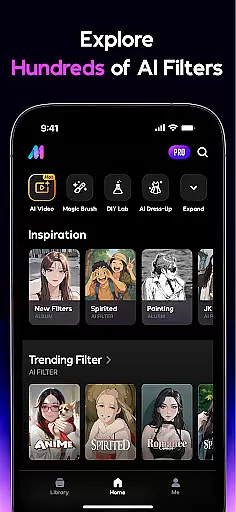
AI Mirror is a cutting-edge photography app that leverages artificial intelligence to revolutionize photo and video editing. With its powerful suite of AI-driven tools, users can effortlessly transform images and videos using dozens of filters and style transformations. Whether you're looking to create anime characters, restore old photos, or generate viral TikTok content, AI Mirror delivers professional-grade results.
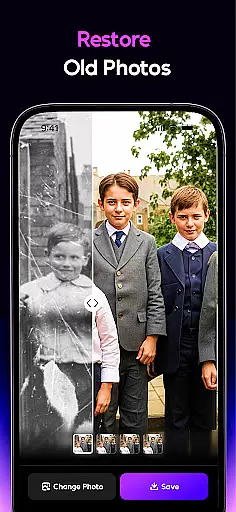
The app's standout features include the Image-to-Video function, which converts still photos into dynamic live images, and advanced restoration technology that revitalizes damaged or faded photographs. Additionally, AI Mirror offers creative tools like the AI Magic Brush, AI Photo Enhancer, and AI Background replacement, ensuring limitless customization possibilities for both casual users and professional creators.
AI Mirror boasts an impressive array of features tailored for creative enthusiasts. The app includes specialized tools such as the Anime Generator, Cosplay Creator, and Cartoon Filters, enabling users to explore diverse artistic styles. Its AI-powered functionalities extend beyond static images—tools like Magic Live Photo bring stills to life with motion effects, while Stylized Video allows users to apply unique filters to their footage.
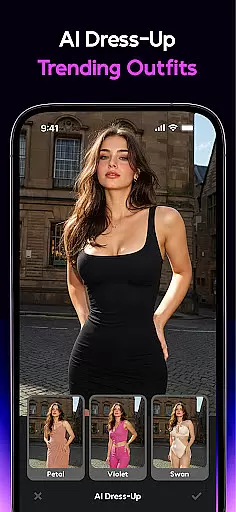
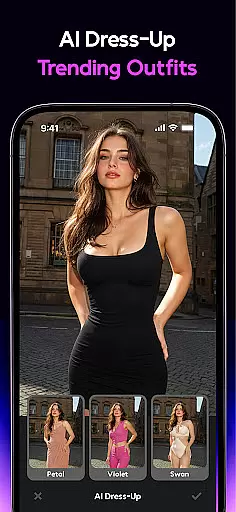
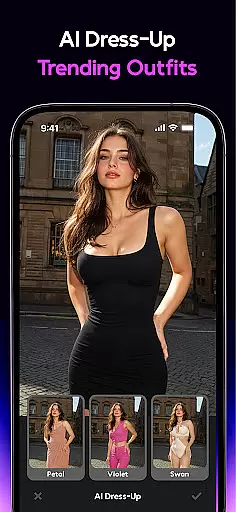
For those seeking precision editing, AI Mirror provides innovative options like AI Removal, AI Dress-Up, and Chat Edit, where natural language commands allow seamless modifications without manual adjustments. Furthermore, the Old Photo Restoration tool ensures cherished memories are preserved in vivid detail. Regular updates introduce new templates and trending effects, keeping users ahead on platforms like Instagram, TikTok, and Discord.
Real-time capture and preview functionality is essential for any photography app, allowing users to see exactly what their final image will look like before taking the shot. AI Mirror excels in this area by providing instantaneous previews of complex AI transformations directly within the camera interface.
The app's real-time processing capabilities enable users to experiment with various AI filters and styles while framing their shots. Whether you're turning a selfie into an anime character or previewing an old photo restoration, the changes appear seamlessly in the viewfinder.
This feature significantly enhances the creative process by letting users fine-tune their artistic choices on the fly. The immediate visual feedback helps in making precise adjustments to achieve the desired effect without any guesswork.
By offering such comprehensive real-time functionality, AI Mirror empowers users to push the boundaries of their creativity while maintaining complete control over the final output, resulting in professional-quality images with minimal effort.
AI-powered beauty enhancement features have become crucial in modern photography applications, and AI Mirror sets a new standard for natural-looking results. Unlike traditional beauty apps that often create artificial appearances, this application uses sophisticated algorithms to enhance facial features while preserving authentic characteristics.
The AI enhancement tools work by intelligently analyzing facial structures and applying subtle improvements that complement natural beauty. From smoothing skin imperfections to enhancing eye details, each modification maintains the unique traits that define individual appearance.
What makes AI Mirror exceptional is its ability to balance enhancement with realism. Users can adjust intensity levels for different features, ensuring their edited photos remain true to life while still benefiting from professional-grade touch-ups.
This approach to beauty enhancement not only produces more genuine-looking results but also promotes a healthier perception of beauty standards in digital media, making it an ideal choice for those seeking natural yet polished images for social media or professional use.
Advanced AI filters
Realistic photo animations
Professional restoration tools
Customizable editing options
Versatile style transformations
Requires learning curve
Premium features may cost extra
Occasional processing delays
Limited free template selection
High system resource usage

Long exposure camera with computational photography
 2.60
2.60
An interval timer to automate photo taking process for timelapse
2.90
Android Native system HD camera app. Never been so simple and faster.
4.70
Turn your phone into a professional camera - full DSLR manual photography
4.30
HD Camera Pro with HD Video shooting, Panorama, Photo editor , Beauty Camera.
4.50
See your baby AI baby face generator AI baby maker Face generator babymaker fun!
4.70
AI Photo Editor with 100+ Filters, Effects! Remove BG, Retouch & Photo Enhancer.
4.80
Fit multiple photos on one post. Create carousels & scroll layouts for Instagram
4.50
A light meter for true photographers.
4.20
Cartoon and artistic effects for your photos and videos
4.70
Create collages easily! Nice pic collage maker & background eraser for Instagram
4.50
Use AI Video Generator to turn your words to ai generated videos.
4.50
Edit like a pro with Hypic. Apply filters, AI effects, & magic touch.
4.40
All-in-One Editor & AI Photo Enhancer, Beautify & Retouch, Collage, Cartoonify
4.20
All-in-One Editor & AI Photo Enhancer, Collage, Cartoonify, Funny Stickers & BGS
4.10
The #1 app for B&W film developing featuring an advanced darkroom timer.
4.10
Photo editor: face & body editor, beauty cam, filters and quality enhancer.
4.00
How old age camera Gender Swap App Face Shape Hairstyle App Hair Styler App fun!
4.00
Professional video recording application with manual controls for filmmakers!
2.80


User Reviews