
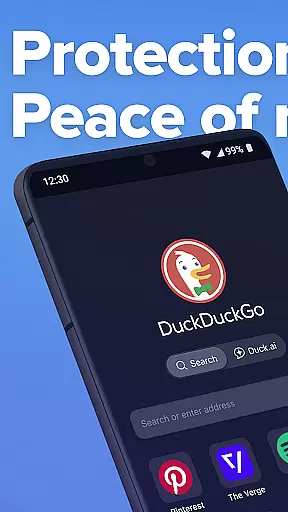
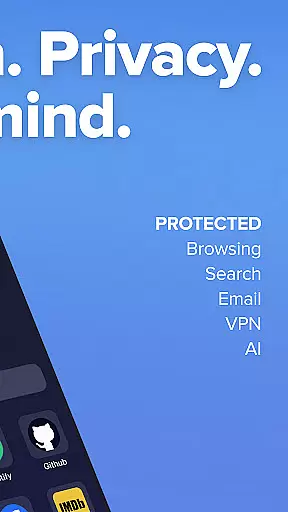
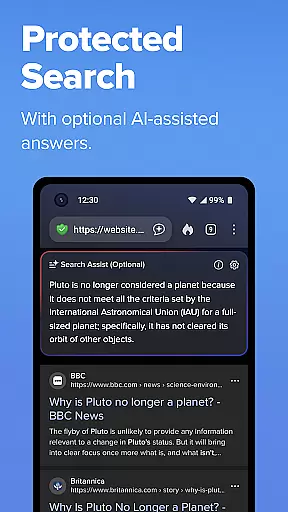
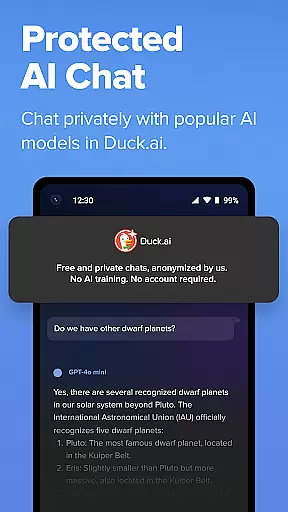
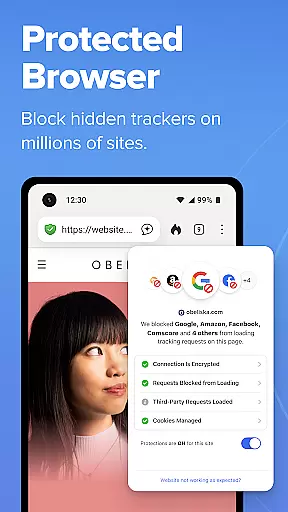
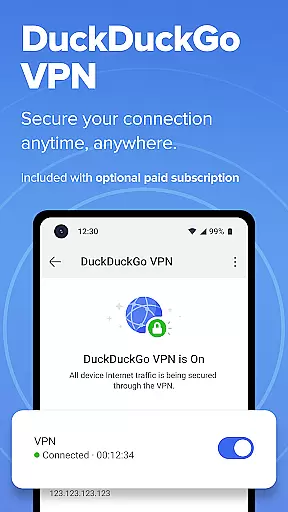
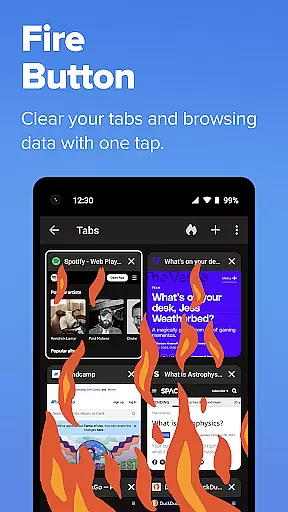
DuckDuckGo is a privacy-focused search engine and browser that prioritizes protecting your personal information. It offers built-in search capabilities without tracking, blocking ad trackers and cookies to prevent data collection. The app also includes optional AI features like Search Assist and Duck.ai, ensuring private interactions without using your data for AI training. With free usage supported by privacy-respecting ads, DuckDuckGo empowers users to take control of their online privacy.
Key features include tracker blocking, private AI chat, email protection, YouTube video viewing without targeted ads, automatic encryption enforcement, and cross-device syncing. These functionalities collectively create a secure browsing environment where user data remains confidential and protected from third-party exploitation.
DuckDuckGo stands out with its robust privacy protections. Its 3rd-Party Tracker Loading Protection blocks most trackers before they load, surpassing default protections in popular browsers. The app's Email Protection feature anonymizes your email address while blocking trackers, enhancing privacy further.
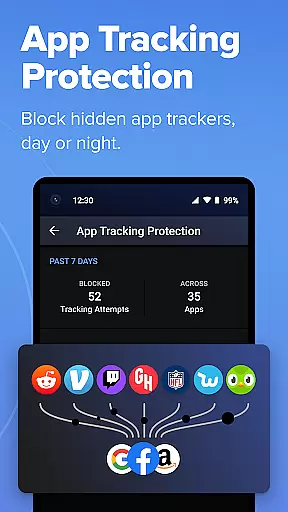
Additionally, DuckDuckGo provides unique tools like Duck Player for YouTube, which eliminates targeted ads and cookies, offering a cleaner viewing experience. App Tracking Protection extends these benefits to other apps on your device, blocking hidden trackers around the clock. These features ensure comprehensive privacy coverage across different digital activities.
In the realm of productivity, core task management is pivotal for organizing and executing tasks efficiently. DuckDuckGo, primarily known for its privacy-focused search engine, extends its philosophy into helping users manage their online activities without compromising personal data.
DuckDuckGo facilitates task management by integrating robust privacy protections directly into the browsing experience. Its built-in search engine operates similarly to Google but ensures that user searches remain untracked, thus allowing users to focus on their tasks without the distraction of being monitored.
Moreover, the browser includes features such as ad tracker blocking and cookie blocking, which are instrumental in preventing third-party companies from collecting user data. This creates a seamless environment where users can concentrate on their work or research without unnecessary interruptions from targeted ads or privacy invasions.
The true value of DuckDuckGo's approach to task management lies in its ability to offer a streamlined, secure, and private browsing experience. Users can execute searches, watch videos, and interact with content knowing that their personal information remains safeguarded against trackers and potential security threats.
Cross-device synchronization is essential for maintaining workflow continuity across multiple devices. DuckDuckGo addresses this need by providing reliable options for syncing encrypted bookmarks and passwords securely across devices.
This functionality ensures that users can transition smoothly between their desktop, tablet, or smartphone while retaining access to their important data. By encrypting this information, DuckDuckGo not only facilitates convenience but also upholds its commitment to protecting user privacy during the synchronization process.
Furthermore, optional features like Email Protection enhance cross-device operations by allowing users to hide their existing email address with @duck.com aliases. This feature helps maintain consistency in communication security regardless of the device being used at any given time.
By prioritizing both reliability and privacy in cross-device synchronization, DuckDuckGo empowers users to manage their digital lives seamlessly while ensuring that personal data remains confidential and protected across all platforms.
Privacy-focused search
Tracker blocking
Private AI chat
Email protection
Cross-device sync
Limited advanced features
No native video calls
Less customization
Fewer integrations
Premium subscription

AI Video AI Image Private LLM AI Browser Llama Gemma Ollama Connect LLM Studio
 4.2
4.2
8 custom complications. Custom Time Fonts. Beautiful color schemes. A++ Design.
5.00
⏰ Finally a timer app which can run multiple timers simultaneously on your watch
3.90
Make apps & sites with natural language prompts
4.10
Simple and reliable communication between inmates, friends and family
3.20
Enjoy classic gameplay with customizable features and retro-style graphics.
4.30
To do list widget with a notebook organizer, checklist, simple shopping list
4.60
Understand anything with a personalized AI research assistant
4.80
Okta MFA
4.70
Scientific calculator for Android - looks and operates like the real thing!
4.90
Planet Free VPN - The best Fast Unlimited and Secure VPN Without Logs
4.50
Experience Reading - Night Mode for Documents
4.40
Pwnagotchi companion app
4.20
Font maker keyboard with your own handwriting
4.10
Activate Two Factor Authentication (2FA or Multi OTP), Password manager and more
4.10
Experience real multitasking on your Android!
4.00
Customizable calendar widget for seamless event sync, planning & scheduling.
4.00
Experience and share your SolidWorks designs on your Android® phone and tablet.
2.50
The upgraded version of Name Wheel with AI and the power to add your own wheels.
4.5


User Reviews