
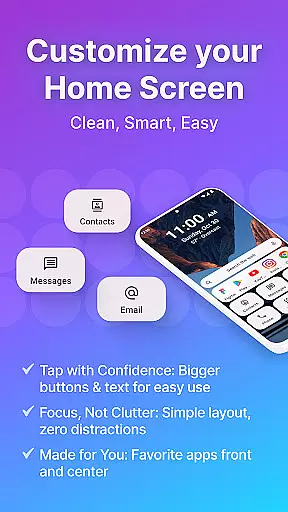
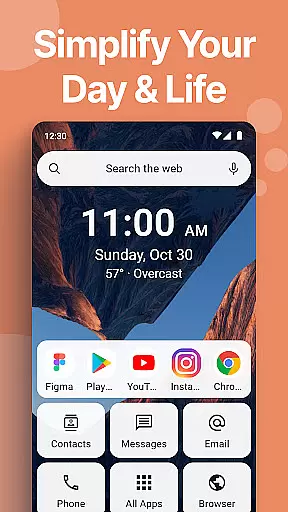
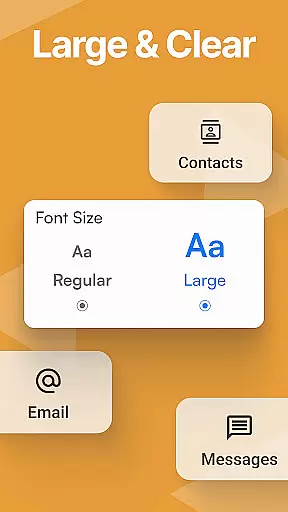
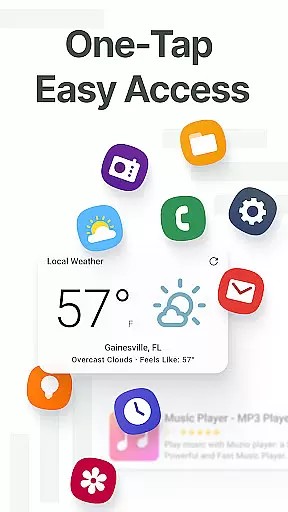
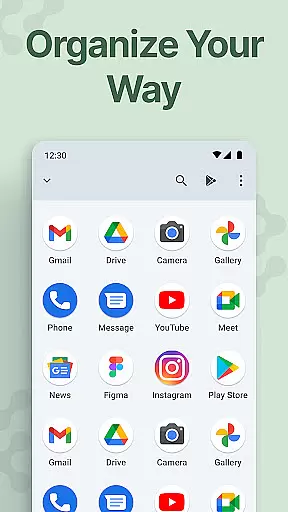
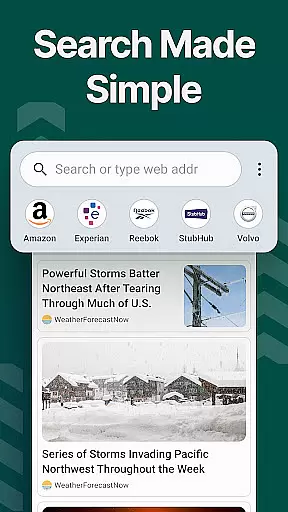
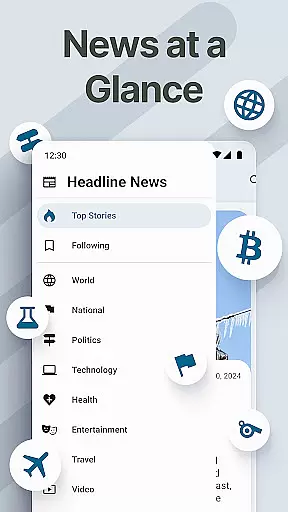
Easy Homescreen is a personalized home screen launcher designed to simplify and declutter your Android device. With its user-friendly interface, the app transforms chaotic screens into organized spaces by prioritizing frequently used apps and tools while hiding unnecessary ones. Its accessibility-first design features oversized buttons, clear fonts, and customizable themes, making it ideal for users of all ages who seek both functionality and ease of use.
This launcher also supports advanced customization options such as widget integration, lockscreen widgets, and adjustable app icons. Whether you're looking to streamline daily tasks or create a calming digital environment, Easy Homescreen adapts to your needs, offering a seamless blend of practicality and personalization.
Easy Homescreen stands out with its robust feature set tailored to enhance usability and aesthetics. The app provides an intuitive UI that emphasizes minimalism, reducing digital noise through clean layouts and smart organization. Users can customize their experience with unique fonts, themes, and icon packs, ensuring their phone reflects their personal style.
One of its key innovations is the adaptive display system, which intelligently highlights frequently accessed tools while concealing less-used features. Additionally, the optional Easy Keyboard offers larger keys for improved accessibility, catering to those who prioritize comfort during typing. These thoughtful functionalities ensure that Easy Homescreen not only simplifies navigation but also elevates the overall user experience.
Customization is at the heart of Easy Homescreen, offering users a wide array of options to tailor their smartphone experience. With features ranging from custom fonts and themes to personalized app icons, this launcher allows for an unprecedented level of personal expression.
The ability to modify the appearance of your home screen not only enhances aesthetic appeal but also improves usability. Users can opt for bold, playful designs or maintain a professional look, ensuring that their most-used apps are both beautiful and easily accessible.
Easy Homescreen's customization extends beyond mere aesthetics; it adapts to individual preferences by displaying frequently used tools while hiding unnecessary clutter. This ensures that each useru2019s interface is as unique as their fingerprint, promoting an intuitive and stress-free interaction with their device every day.
Theme compatibility in Easy Homescreen ensures that users can seamlessly integrate their favorite visual styles across all aspects of their phone's interface. Whether you prefer a minimalist design or vibrant themes, Easy Homescreen supports various aesthetics to match your personal taste.
This compatibility goes beyond simple color changes; it encompasses comprehensive design elements such as widget styles, icon packs, and even adaptive layouts. As a result, users enjoy a cohesive look and feel throughout their device, enhancing both functionality and visual harmony.
By prioritizing theme compatibility, Easy Homescreen empowers users to create a personalized yet unified digital environment. This approach not only elevates the user experience but also reinforces the sense of ownership and control over one's digital space, making daily interactions more enjoyable and less stressful.
User-friendly interface
Customizable themes
Accessibility-focused design
Smart app organization
Optional large-key keyboard
Limited iOS support
Advanced features may overwhelm beginners
Requires permissions for full functionality
Occasional performance lags
Third-party widget dependency

Run multiple accounts of the same app on a single device
 4.10
4.10
⭐ OneUI inspired Fluffy Icon Pack – Soft. Stylish. Standout. ⭐
4.0
Adaptive Dot Style IconPack with Light & Dark Theme.
3.70
Vibrant Adaptive Icons with Material You and Enhanced Monet Colors.
4.50
Design your screen with unique, vibrant clocks
3.80
300+ widgets inspired by Material You and Material 3 expressive design.
4.60
350+ widgets with a premium glass-style finish, perfect for home & lock screens.
4.70
Emoji Maker app - Design custom emojis and effortlessly blend them with Mixer
3.80
Your home screen, just the way you like it.
3.80
400+ Beautifully crafted widgets inspired by NOTHING.
4.70
Icons made of colorful linear lines
4.60
Stunningly Different look with Line Icons and Neon Colors
4.60
Handcrafted pixel art icons, widgets & wallpapers
4.60
Ninja Turtles Cowabunga SE watch face for Wear OS
4.50
Try creating your own keyboard with "Keyboard theme for android" app now!
4.50 4.50
4.50 4.50
4.50
A light in the dark, a unique style and an andless cutomization!
4.30
Create unique, fun emojis with Funny Emoji Maker! Unlimited creativity!
4.00


User Reviews