
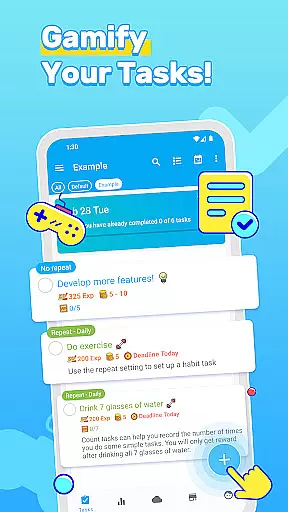
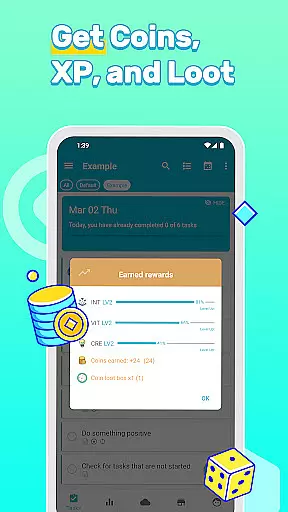
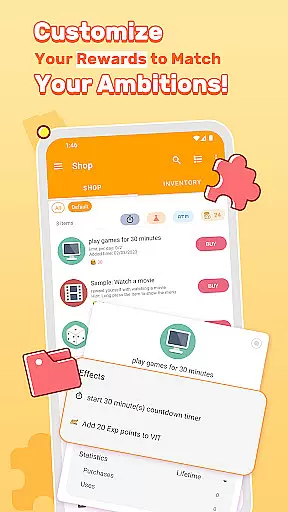


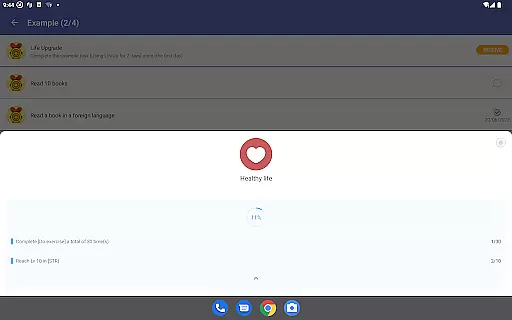
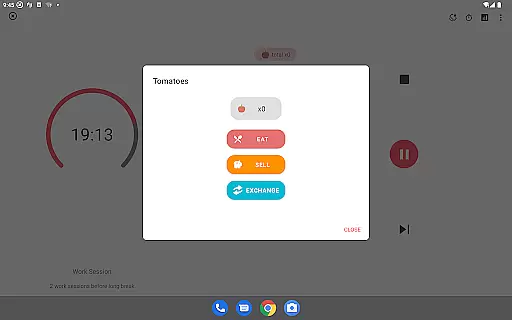
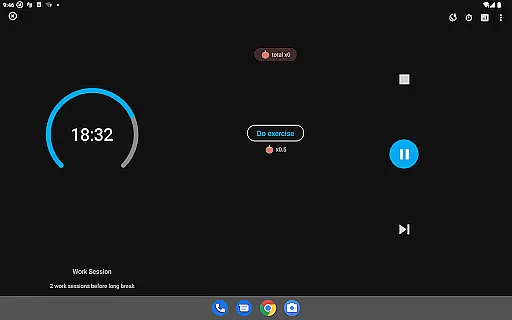
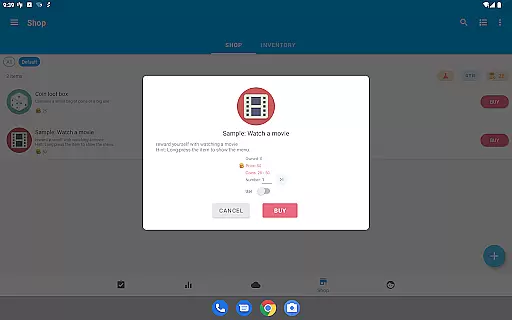

LifeUp is a hyper-customizable productivity RPG that transforms your daily tasks and habits into an epic quest designed by you. With the ability to create your own rules, skills, and rewards, this app offers a unique approach to personal development. Users can earn experience points for completing goals, gain virtual coins for real-life rewards, and level up personalized skills like 'Fitness' or 'Coding'.
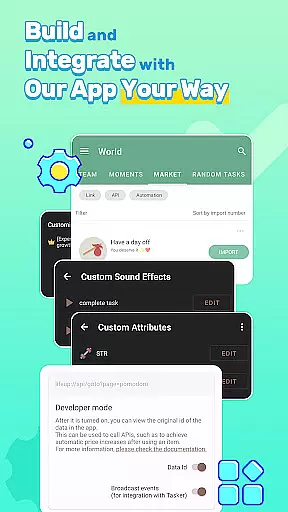
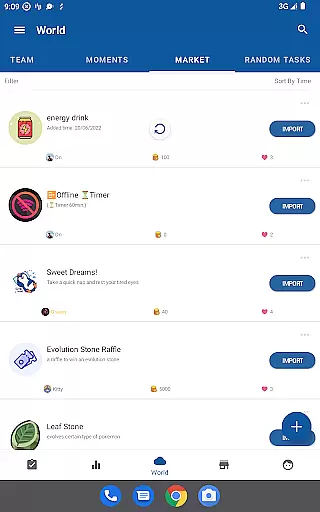
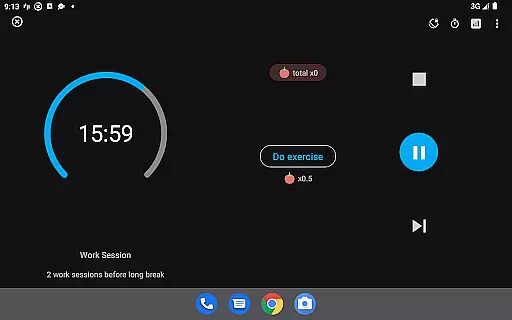
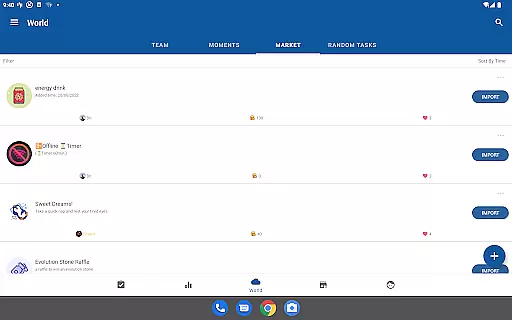
The app provides powerful productivity tools including a complete to-do system with repeats and reminders, habit tracking, and customizable timers. It also features a World Module for community interaction and dozens of customization options such as themes and widgets. LifeUp ensures privacy with offline-first functionality while offering optional cloud sync.
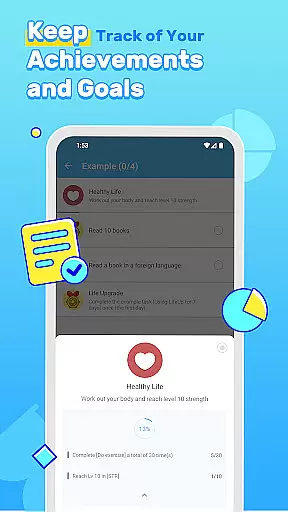
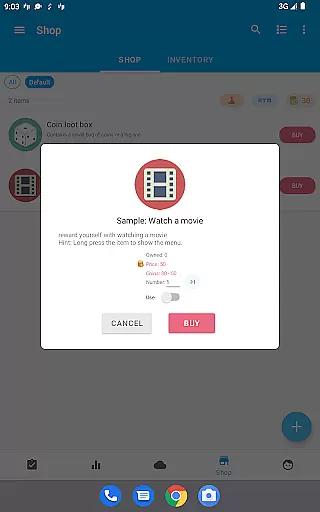
LifeUp stands out with its extensive customization capabilities, allowing users to design their own gamification world. You can build personal skills by linking them to tasks, create a shop with motivating rewards, and set unique milestones with self-defined achievements.
Beyond its game-like features, LifeUp includes comprehensive productivity tools. The habit tracker helps maintain streaks for positive behaviors, while the to-do functions support organization with reminders, deadlines, and attachments. Users also have access to statistics, a feelings tracker, and constant updates that enhance the experience.
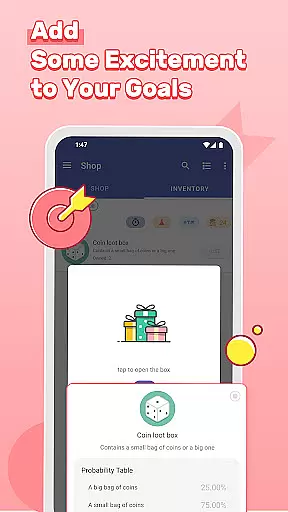
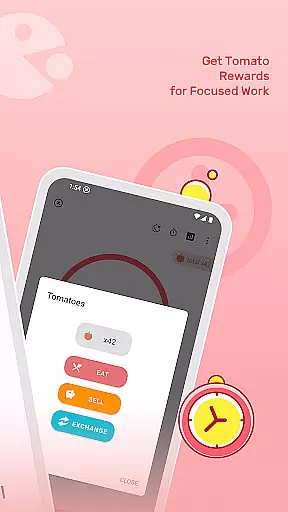
Innovative crafting recipes let you invent formulas for virtual rewards, and personalized loot boxes offer surprises controlled by you. With high customizability in themes and night mode options, alongside strong privacy measures, LifeUp delivers both functionality and security.
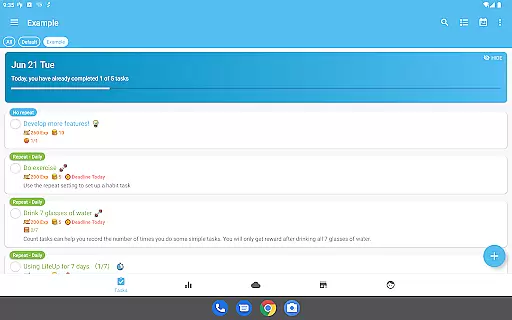
At the heart of LifeUp lies its robust core task management system, designed to transform how users approach productivity. This feature allows for the creation, tracking, and completion of tasks with unprecedented flexibility.
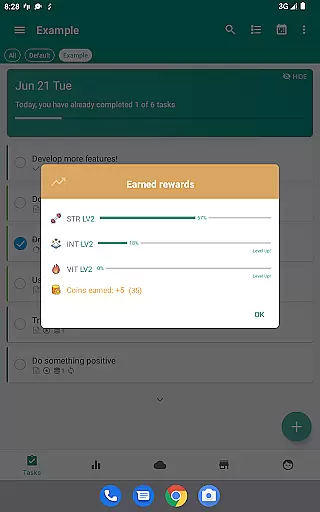
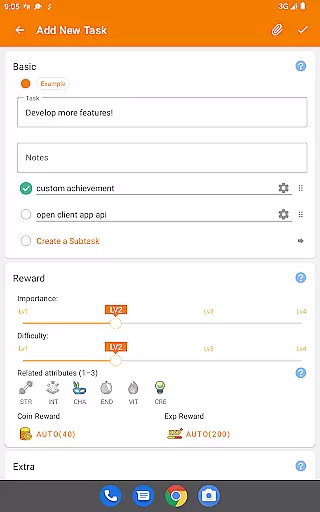
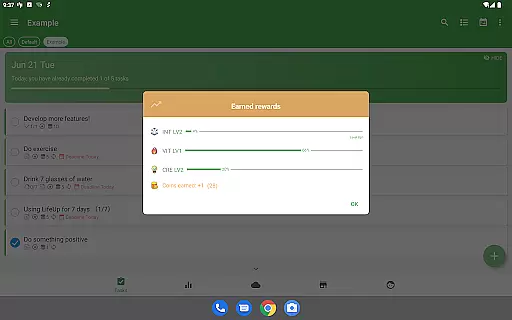
Users can design their own skills and link tasks to them, earning experience points (EXP) upon completion. This innovative approach not only gamifies daily activities but also encourages personal growth in areas that matter most to the individual.
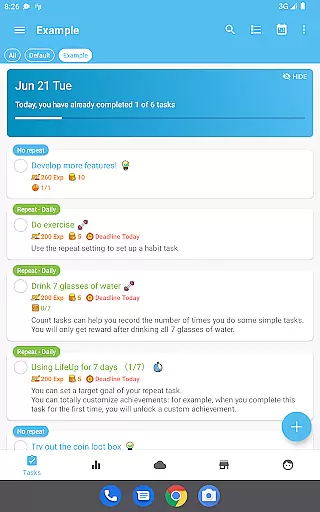
The app supports a wide array of task management functionalities including repeats, reminders, notes, deadlines, checklists, attachments, and history. These tools ensure that no detail is overlooked and every task is given the attention it deserves.
By integrating these features into a cohesive system, LifeUp empowers users to take control of their schedules, fostering a sense of accomplishment and progress. The ability to customize nearly every aspect of task management makes this app a standout choice for those seeking a personalized productivity solution.
LifeUp places a strong emphasis on cross-device synchronization reliability, ensuring that users can seamlessly transition between devices without losing any data. This functionality is crucial for maintaining continuity in both personal and professional contexts.
The app offers an offline-first approach, meaning that all data is stored locally on the device. This ensures that users can access and update their information even when they are not connected to the internet. For those who require cloud backups, optional Google Drive, Dropbox, and WebDAV sync options are available.
This dual approach to data management provides peace of mind, knowing that important information is safe and accessible from anywhere. Whether at home, in the office, or on the go, LifeUp keeps users connected to their productivity ecosystem.
By prioritizing reliable synchronization, LifeUp enhances user engagement and satisfaction. The confidence in knowing that data is consistently up-to-date across all devices encourages regular use and deeper integration into daily routines.
User-driven customization
Comprehensive task management
Engaging reward system
Strong privacy controls
Active community features
Steep learning curve
Premium price tag
Limited guidance
No built-in social
Complex setup

Create study competitions, track your hours, and stay consistent with friends
 4.3
4.3
All in one sketching tool. Technical and General drawing. Online Maps support.
3.70
⏰ Finally a timer app which can run multiple timers simultaneously on your watch
3.90
aCalendar+ makes your day, week and month
4.70
Make apps & sites with natural language prompts
4.10
Find and delete junk files & block unwanted notifications & manage files
3.70
Subscribe to Webcal & .ics calendars and keep them up-to-date!
4.50
Calendar 2023 widget for Android. Appointment scheduler, planner, and reminder
4.60
To do list widget with a notebook organizer, checklist, simple shopping list
4.60
Native client for Forgejo and Gitea
5.00
Mind Map and brainstorm, note taking and idea collection
4.80
Client for Nextcloud Deck
4.60
Lightweight PDF, Word, Excel reader.
4.60
Experience Reading - Night Mode for Documents
4.40
A lightweight JSON & XML files creator, editor and viewer (Premium Version)
4.40
Device's storage information in a simple and clear graphical form (infographics)
4.10
Wake up & get tasks done! Add alarms & reminders on the Clock Launcher.
4.00
Ultimate Virtual AI Character for immersive Roleplay Chat. Perfect Companion
3.90
The upgraded version of Name Wheel with AI and the power to add your own wheels.
4.4


User Reviews