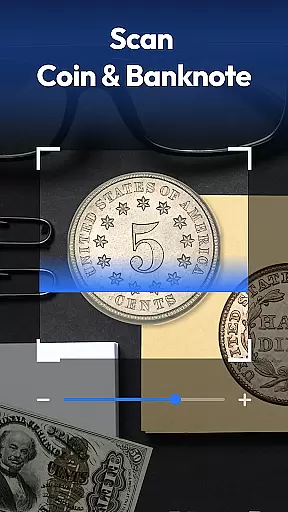
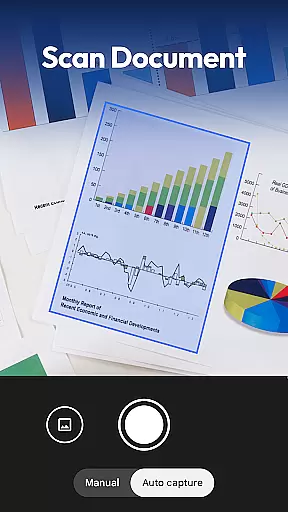
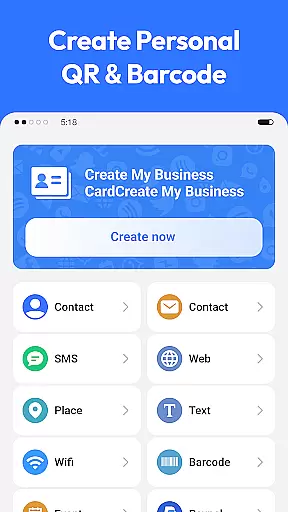
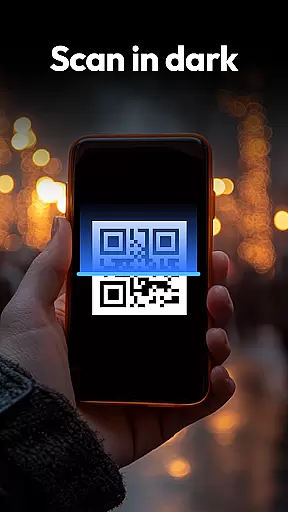
QR & Barcode Scanner is a versatile productivity tool designed to streamline various scanning tasks on Android devices. This all-in-one application specializes in reading QR codes and barcodes while extending its capabilities to coin, banknote, food label, and document scanning.
The app's standout feature is its comprehensive scanning ability that caters to multiple user needs. Whether you're managing digital documents, tracking nutritional information, or identifying collectible currency, this scanner delivers accurate results with remarkable speed. Its intuitive interface and privacy-first approach make it an essential utility for both personal and professional use.
With practical applications in shopping, collecting, and document management, QR & Barcode Scanner helps users save time and make informed decisions. The app's ability to generate QR codes and compare product prices across major retailers adds significant value for savvy Android users looking to maximize their productivity.
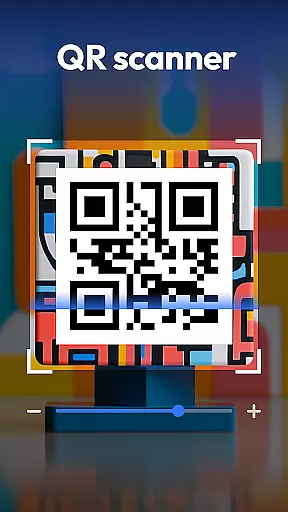
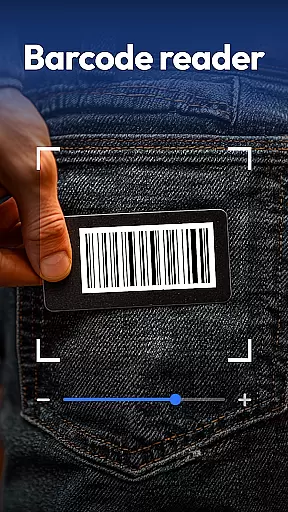
QR & Barcode Scanner distinguishes itself through an impressive array of features that enhance user experience. The application supports all standard scanning formats including QR, Data Matrix, UPC, EAN, and Code 39, ensuring compatibility with virtually any code you might encounter.
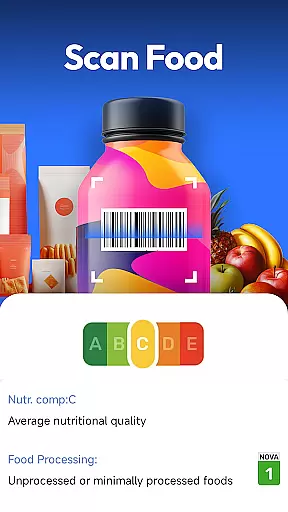
Beyond basic scanning, the app incorporates specialized recognition tools for coins and banknotes, making it invaluable for collectors and travelers. Its food scanner provides instant access to nutrition grades, allergen information, and ingredient lists, empowering users to make healthier choices. The document scanning feature transforms physical papers into searchable PDFs, perfect for digitizing receipts, notes, and contracts.
Additional innovations include automatic zoom functionality, low-light scanning with flashlight support, and a comprehensive scan history. These thoughtful additions demonstrate the app's commitment to delivering a seamless and efficient scanning experience across various use cases.
Task management is essential for productivity applications, ensuring users can efficiently handle their daily activities. QR & Barcode Scanner excels in this area by integrating multiple scanning functionalities into a cohesive system.
The app allows users to scan various items such as QR codes, barcodes, coins, and documents, organizing the scanned data systematically. This comprehensive approach ensures that users can manage different types of tasks without switching between multiple apps.
By providing features like scan history and document scanning, the app enhances user productivity. Users can easily retrieve past scans and convert physical documents into digital formats, streamlining their workflow and boosting efficiency.
Ultimately, the core task management capabilities of QR & Barcode Scanner empower users to stay organized and focused, making it an indispensable tool for both personal and professional use.
Cross-device synchronization is crucial for users who rely on multiple devices to manage their tasks. QR & Barcode Scanner offers reliable synchronization features that ensure seamless data access across different platforms.
With cloud-based storage, users can save their scan history and preferences, allowing them to access this information from any device with internet connectivity. This feature is particularly beneficial for individuals who work in dynamic environments and need consistent access to their data.
The app's synchronization process is designed to be fast and secure, minimizing delays and protecting user information. By prioritizing data integrity and privacy, QR & Barcode Scanner provides peace of mind for users concerned about sensitive information.
In summary, the robust cross-device synchronization offered by QR & Barcode Scanner enhances user convenience and data accessibility, making it a reliable choice for managing tasks across multiple devices.
Fast scanning speed
All-in-one solution
Privacy-focused design
Multi-format support
User-friendly interface
Limited iOS availability
Occasional scan errors
Ads in free version
Large app size
Requires camera access

Create study competitions, track your hours, and stay consistent with friends
 4.2
4.2
Unlock AutoNotification
4.00
The upgraded version of Name Wheel with AI and the power to add your own wheels.
4.4
Device's storage information in a simple and clear graphical form (infographics)
4.10
Stay on top of your to-dos with Google Tasks, part of Google Workspace.
4.60
Multilingual translator for text, voice, and image translation!
4.90
Access, manage and transfer files on Android, PC, Mac, NAS and cloud storages.
4.30
Understand anything with a personalized AI research assistant
4.80
Browse and view your photos and videos from the phone with photo & video hide.
4.10
We're working to become the best machining app on the market! www.cncdirt.com
4.80
Functional QR scanner and barcode reader that requires little storage space.
4.60
Lightweight PDF, Word, Excel reader.
4.60
This small app MUST BE INSTALLED after purchase, else license won't work
4.40
Secure your apps with lock screens, use custom themes and different features.
4.40
All in One PDF Reader: Manage, Read and Edit your Documents
4.20
The ultimate file manager for rooted devices. The original and still the best.
4.00
Access your phone's notifications, calls, apps, photos & texts on your PC
3.90
Mega cloud explorer plugin for Solid Explorer
3.80
AI Video AI Image Private LLM AI Browser Llama Gemma Ollama Connect LLM Studio
4.5


User Reviews