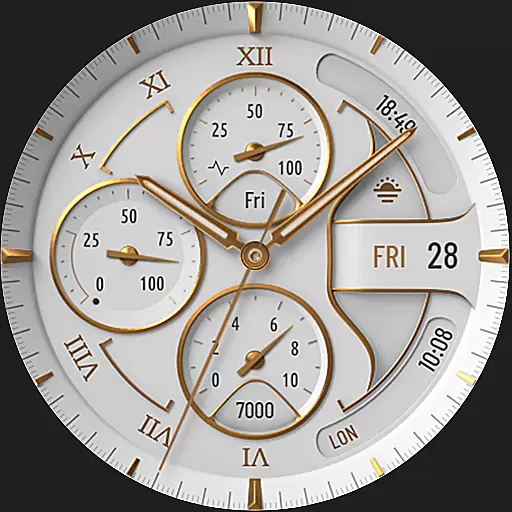
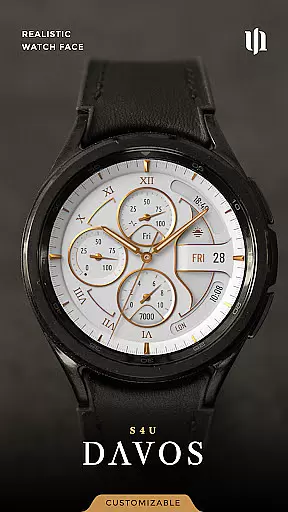
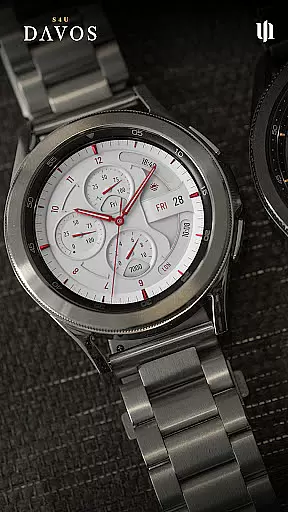
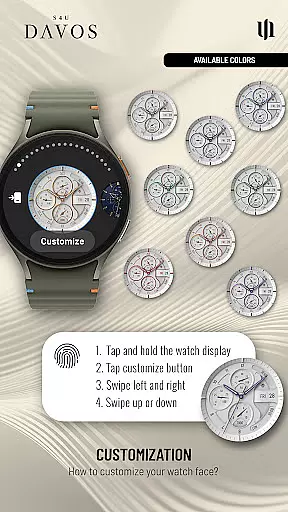
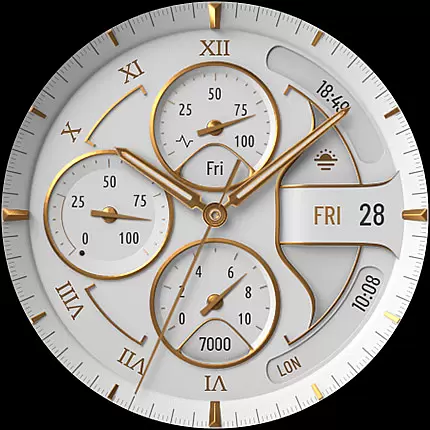
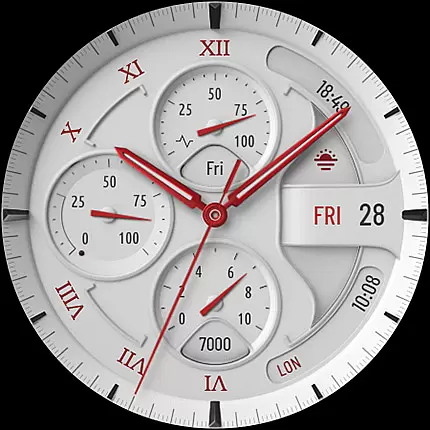
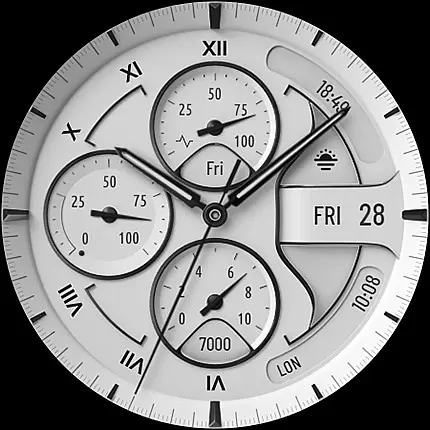
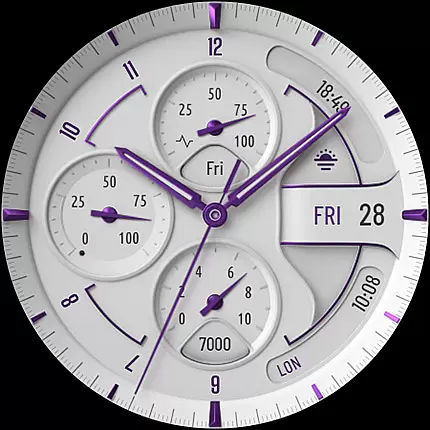
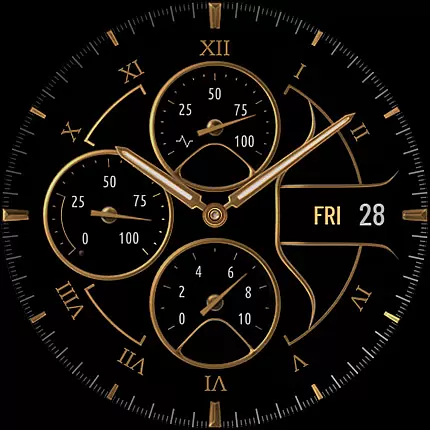
S4U Davos is a premium Wear OS watch face designed for smartwatches running Wear OS 4 or higher. It combines luxury and functionality with a classic white analog design, customizable options, and advanced features like Always-On Display (AOD) and editable complications.
With support for devices such as Samsung Galaxy Watch series and Google Pixel Watch, this app offers users a personalized experience through customizable dials, hands, colors, and widgets. Its elegant design and practical utility make it ideal for those seeking both style and performance on their smartwatch.
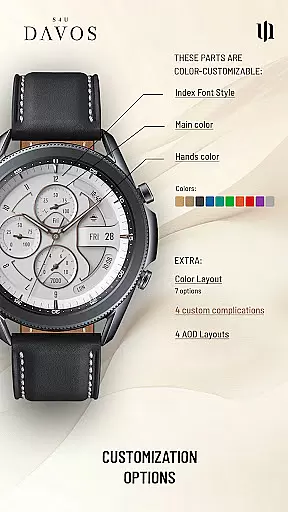
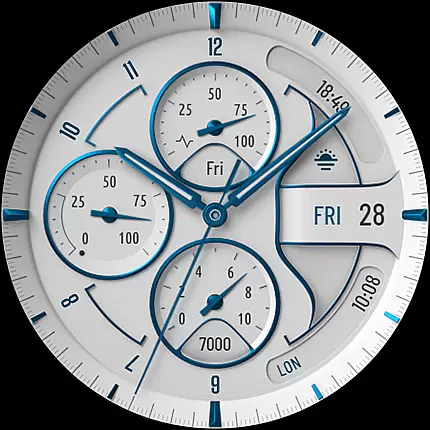
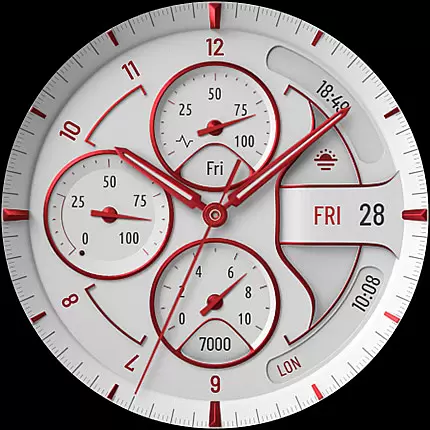
The S4U Davos watch face stands out with its beautifully realistic white analog dial and extensive customization capabilities. Users can personalize the main colors, hands, secondary elements, and index font styles to create a unique look tailored to their preferences.
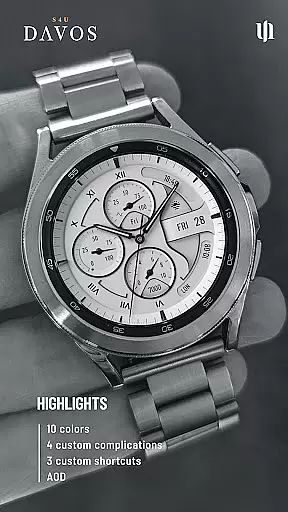
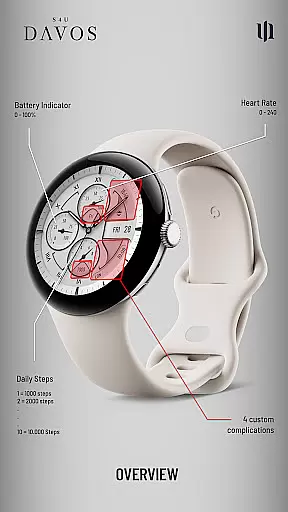
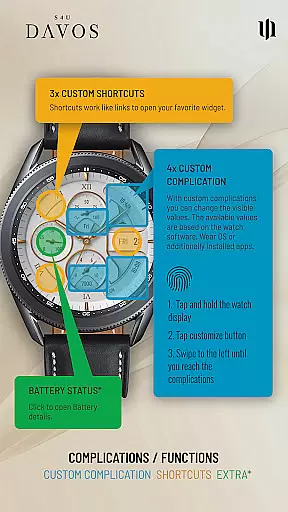
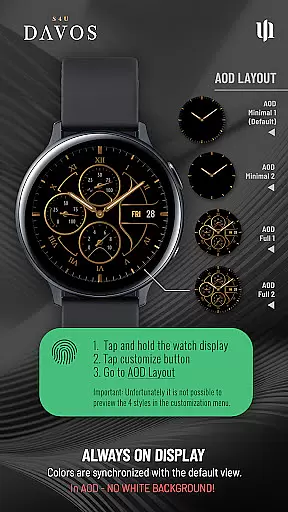
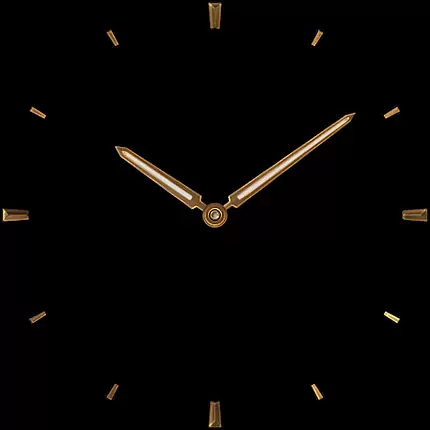
One of the key highlights is the inclusion of 4 editable complications and 3 app shortcuts, allowing users to display essential data and access favorite widgets effortlessly. Additionally, the Always-On Display feature provides two distinctive layouts, ensuring continuous timekeeping without compromising battery life significantly.
These features collectively enhance usability while maintaining an air of sophistication, making S4U Davos a top choice for tech-savvy individuals who value aesthetics and functionality in their wearable devices.
Companion app integration is a crucial feature for Wear OS applications like S4U Davos. This functionality ensures seamless synchronization between the smartwatch and its paired mobile device. By using the companion app, users can access advanced customization options, troubleshoot issues, and manage settings that may not be available directly on the watch.
S4U Davos provides a robust companion app experience. Users encountering installation or downloading problems can resolve them by following the steps outlined in the companion app's Install/Issues section. This guarantees a smooth setup process and enhances the overall user experience.
The companion app also serves as a support channel. If users face persistent challenges, they can reach out via email to wear@s4u-watches.com for personalized assistance. This direct line of communication ensures that any compatibility or operational concerns are swiftly addressed.
Ultimately, effective companion app integration enriches the functionality of S4U Davos by extending its capabilities beyond the watch itself. It empowers users with greater control over their watch face configurations, ensuring a tailored and trouble-free Wear OS experience.
Device compatibility is a fundamental aspect of any Wear OS application, determining its ability to function correctly across various smartwatch models. For S4U Davos, compatibility is specifically optimized for devices running Wear OS 4 or higher (Wear OS API 33+), ensuring access to the latest features and security updates.
This watch face supports an array of popular smartwatches, including Samsung Galaxy Watch series (4, 5, 6, 7, 7 Ultra, 8) and Google Pixel Watch models (1u20133). Additionally, it is compatible with other Wear OS 4+ smartwatches, offering broad accessibility to users with different devices.
Ensuring compatibility involves rigorous testing and optimization to deliver consistent performance. S4U Davos achieves this by adhering to Wear OS standards, which minimizes potential issues related to installation or operation on supported devices.
By focusing on Wear OS/device compatibility, S4U Davos guarantees that users enjoy a reliable and high-quality experience regardless of their specific smartwatch model. This dedication to compatibility underscores the application's commitment to meeting diverse user needs within the Wear OS ecosystem.
Highly customizable
Luxurious design
Advanced AOD options
Wide device compatibility
User-friendly interface
Wear OS 4+ only
Battery consumption
Complex setup
Limited free options
Premium cost

Embrace the holiday spirit with this magical animated watch face!
 4.40
4.40
Beautiful artistic animated digital watch face, with a customizable layout!
4.40
Contemporary digital watch face with five complications
4.1
Easy Voice Recorder is your everyday companion to record important moments.
4.70
A modern premium sporty hybrid watch face for Wear OS by Ballozi
4.70
Stylish digital watch face for Wear OS devices with customizable features
4.3
To-Do List: daily schedule planner, task organizer, to do reminder app, calendar
4.60
Bold weather Digital watchface with forecast & optional animated background
4.40
Your music, your playlists, and more—offline and unlimited.
4.20
Gym Log & Workout Tracker | Fitness Journal, Training & Weight Lifting Planner
4.90
The Chevron App allows you to pay for fuel from the comfort of your car!
4.80
Watch face for Wear OS.
4.20
Daily Weather forecast with 15 weather images for Day & Night plus Big Bold time
4.10
Hyper-Realistic Airplane Dashboard Watch Face With 10 Skins and Custom AOD
4.00
Viewer for Wyze/Yi/Eufy/Arlo/ONVIF/RTSP/P2P IP cams w/ adv. features & DIY DVR
4.00
Christmas is near, let's count together the days left until Santa comes
4.2
A heartwarming Christmas scene featuring a cute image of Santa and Rudolf
4.0
Stunning modern digital watch face with 7 complications and strong contrast
4.2
Hybrid Vibrant Health Watch Face for Wear OS
4.1


User Reviews