
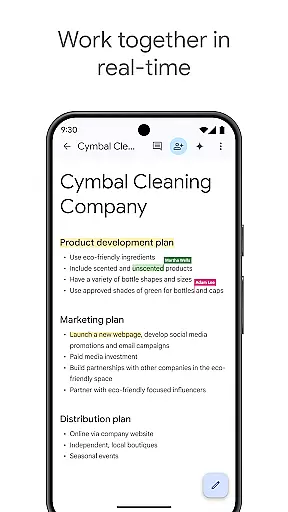
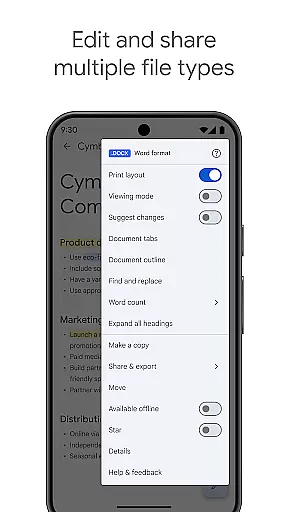
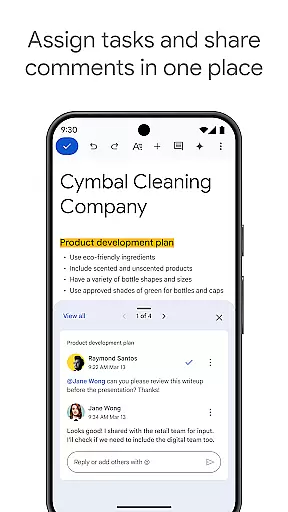
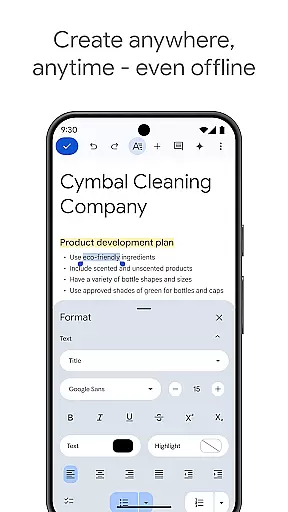
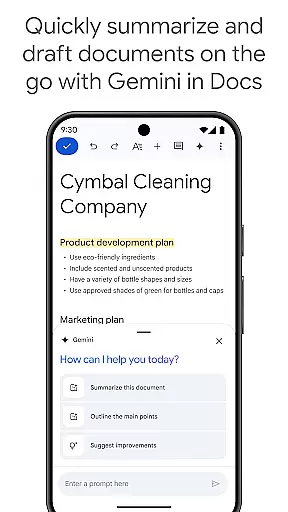
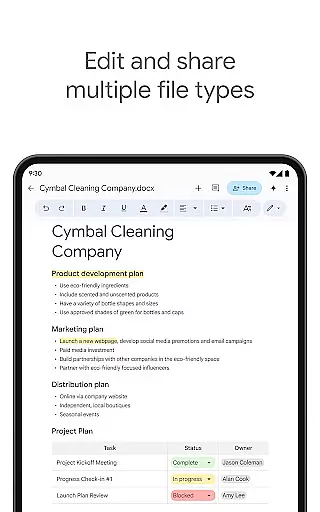
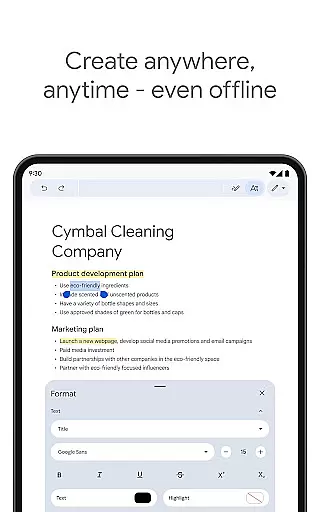
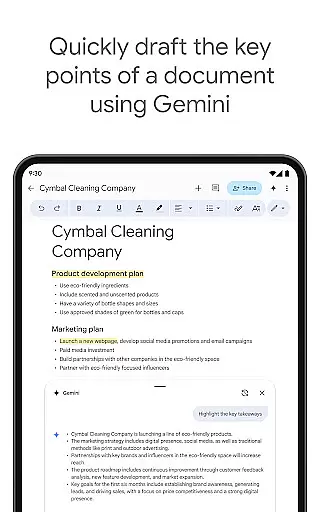
Google Docs is a powerful productivity app that allows users to create, edit, and collaborate on documents directly from their Android devices. The app supports real-time collaboration, enabling teams to work together seamlessly by sharing documents, editing content, leaving comments, and assigning action items without any delays. With offline mode functionality, users can capture ideas and continue working even without an internet connection. Google Docs also offers compatibility with multiple file types, including Microsoft Word files, and provides effortless conversion and exporting options. As part of Google Workspace, it integrates chat and collaboration features, making it an essential tool for individuals and teams looking to stay productive on the go.
In addition to its core features, Google Docs provides several premium functionalities for Google Workspace subscribers. These include AI-powered writing suggestions through Gemini in Docs, the ability to draft various document types quickly, and customizable images to enhance document presentation. Whether you're managing quick notes or drafting detailed reports, Google Docs ensures your workflow remains efficient, polished, and accessible from anywhere, at any time.
Google Docs stands out with its comprehensive set of features designed to maximize productivity. One of its key strengths is real-time collaboration, which allows multiple users to work on the same document simultaneously. This feature supports seamless teamwork by enabling instant edits, comments, and task assignments, ensuring everyone stays aligned. Another notable aspect is its robust offline mode, which lets users create and edit documents without an internet connection, syncing changes automatically once online. This flexibility makes it ideal for professionals who need to work while traveling or in areas with limited connectivity.
The app also excels in file compatibility and conversion. It supports a wide range of file formats, including Microsoft Word, and allows users to convert and export files effortlessly. Templates are another valuable feature, offering pre-designed formats that save time and enhance document quality. For Google Workspace subscribers, advanced features like AI-powered writing suggestions and image customization provide additional value, streamlining content creation and improving overall document aesthetics. These capabilities make Google Docs a versatile and indispensable tool for both personal and professional use.
Task management is a cornerstone of productivity applications, and Google Docs excels in this area by providing users with robust tools to handle documents efficiently. The app allows real-time collaboration, enabling multiple users to edit and comment on documents simultaneously, which significantly enhances team productivity.
Google Docs supports the creation and editing of various file types, including Microsoft Word files, ensuring that teams can work together without compatibility issues. This flexibility extends to its seamless integration with other Google Workspace apps, allowing users to easily convert and export files as needed.
For users who need to work on the go, Google Docs offers offline mode, ensuring that productivity doesn't halt due to lack of internet access. Additionally, the app provides easy-to-use templates that save time and add a professional touch to documents, making it easier for users to produce high-quality work quickly.
Cross-device synchronization is crucial for maintaining workflow continuity, and Google Docs ensures reliable and real-time updates across all devices. Whether you're switching from your phone to a tablet or a desktop, your documents are always up-to-date, thanks to Google's powerful cloud infrastructure.
The synchronization process is not only fast but also secure, ensuring that all changes are saved automatically without any user intervention. This feature is particularly beneficial for teams collaborating on documents, as everyone has access to the most recent version, reducing confusion and errors.
Google Workspace paid subscribers enjoy additional benefits, such as AI-powered suggestions and the ability to create unique images to customize documents. These features enhance the overall user experience, making document management more intuitive and visually appealing while maintaining top-notch synchronization performance.
User-friendly interface
Real-time collaboration
Offline mode available
Wide file compatibility
AI-powered suggestions
Limited offline formatting
Fewer templates than competitors
Requires Google account
Occasional sync issues
Premium features locked

A customizable calendar for your Wear OS watch
 4.20
4.20
Smart PDF reader & editor to view, organize and manage PDF documents easily.
3.70
A lightweight JSON & XML files creator, editor and viewer (Premium Version)
4.40
IP Camera Viewer - Android TV : RTSP Surveillance camera viewer for Android TV
4.4
ID.me Authenticator is a simple and free Two Factor Authentication solution
3.50
A comprehensive suite of tools designed specifically for Lactation Consultants
4.2
Use powerful, industry-leading AI tools to generate visual charts from any data
4.80
Understand anything with a personalized AI research assistant
4.80
AT&T Internet customers can use this app to personalize their Wi-Fi network.
4.40
Great calculator for Android named one of USA TODAY's "25 Essential Apps".
4.90
The Pro Version of Android's tiniest Notepad app. Just 0.3MB but feature-packed!
4.60
PDF scanner & converter for files, photos, lottery, QR codes. One swipe away!
4.50
A Pixel Art watchface inspired by other iconic 90s designs for Wear OS devices!
4.40
This small app MUST BE INSTALLED after purchase, else license won't work
4.40
Access, manage and transfer files on Android, PC, Mac, NAS and cloud storages.
4.30
Font maker keyboard with your own handwriting
4.10
Cloud storage, automatic phone backup, and more.
4.10
Take control of your clipboard with Clipper!
3.90
AI Video AI Image Private LLM AI Browser Llama Gemma Ollama Connect LLM Studio
4.1


User Reviews