
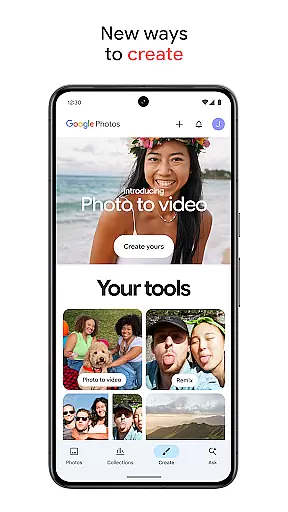
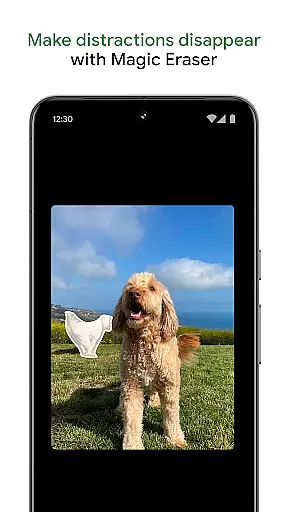
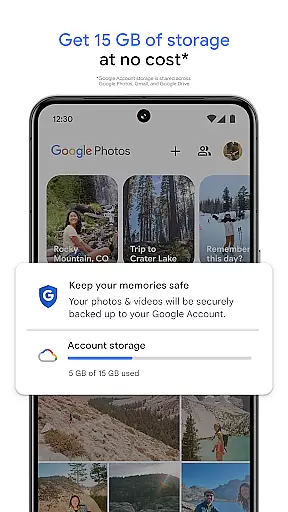
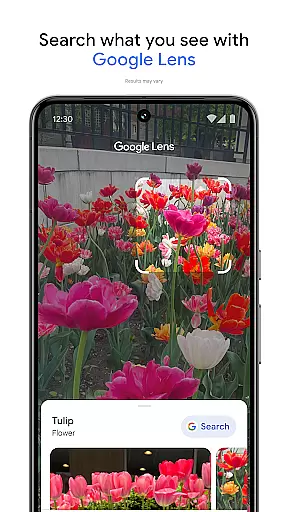
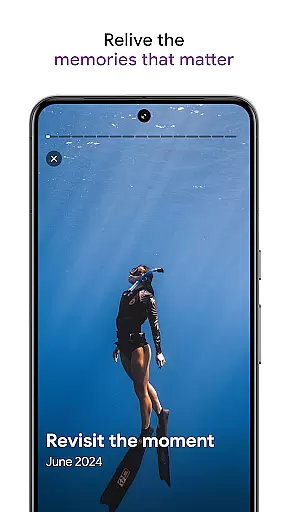
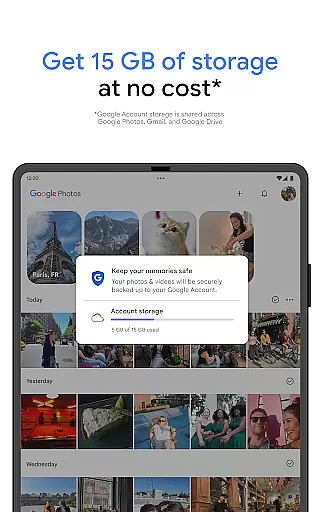
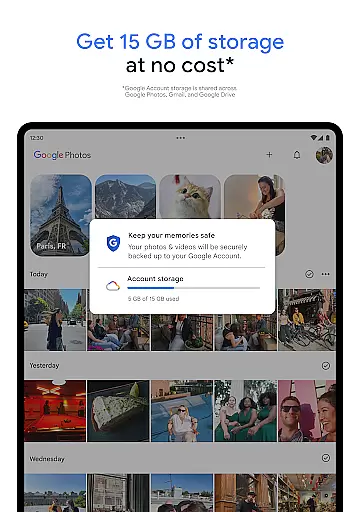
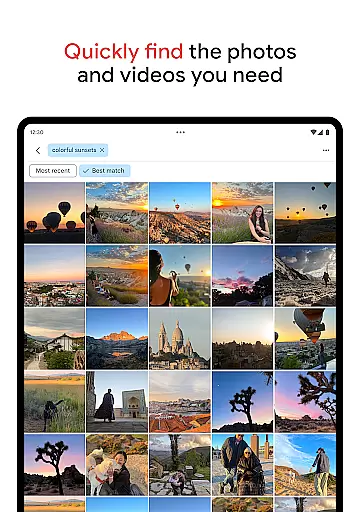
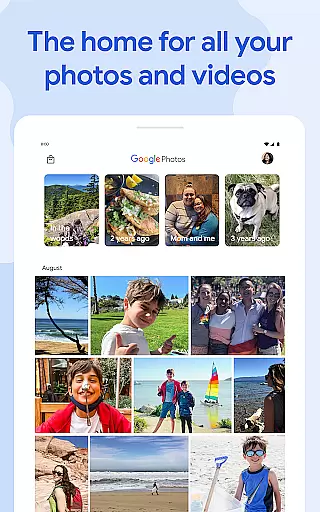
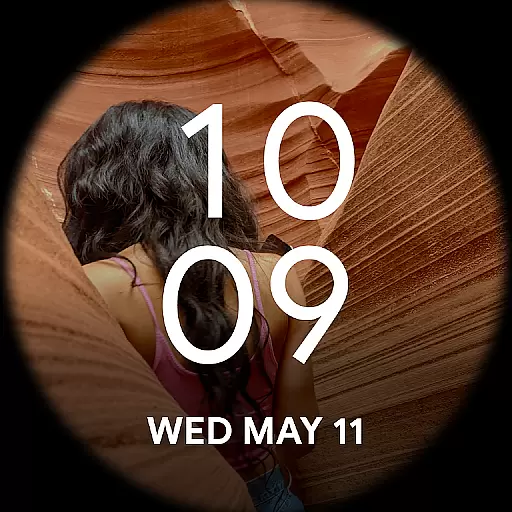
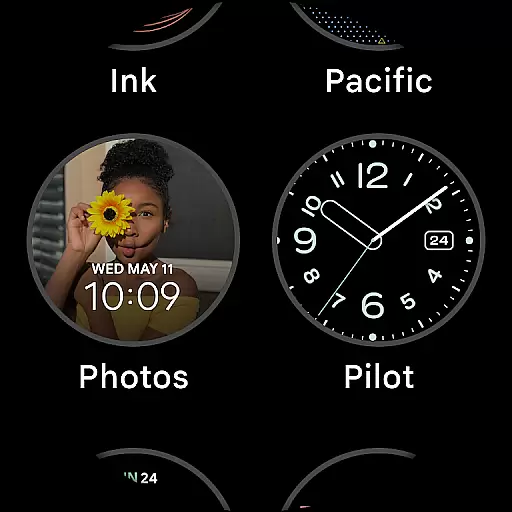
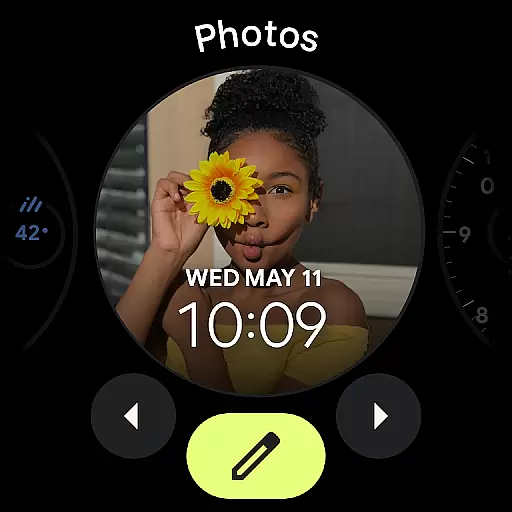
Google Photos is a comprehensive photo and video management application that leverages Google AI to help users back up, edit, organize, and search their memories. The app provides 15 GB of free cloud storage for every Google account, ensuring automatic backup and safety of your digital memories across all devices. With advanced features like AI-powered editing tools, users can make complex edits easily, such as removing unwanted objects with Magic Eraser or enhancing lighting with Portrait Light.
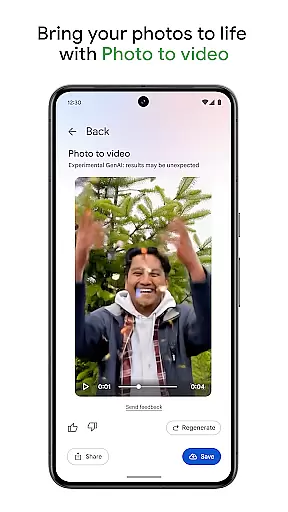
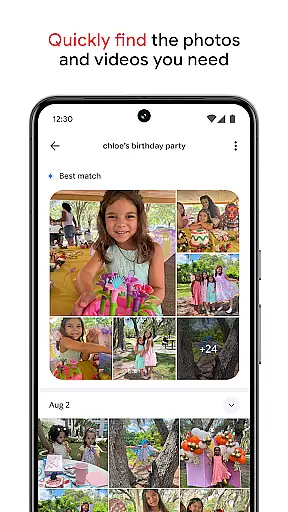
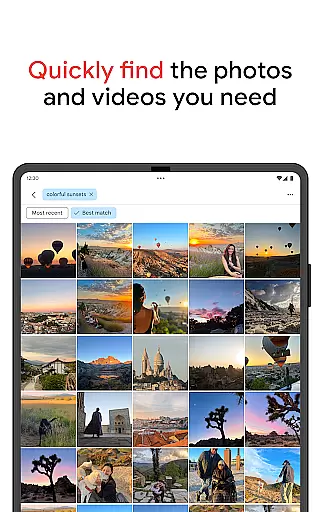
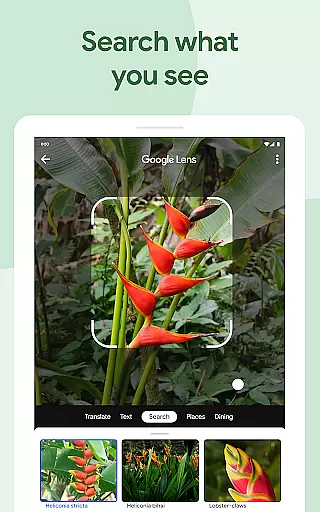
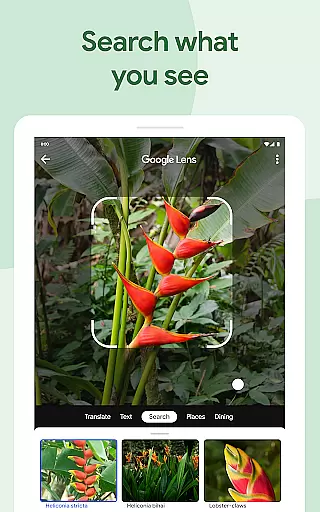
Beyond basic functionality, Google Photos offers creative tools like Remix and Photo to video, which transform static images into dynamic content. The app simplifies searching through vast collections by allowing intuitive queries, whether it's finding pictures of pets or specific recipes. Additionally, the app helps declutter galleries by organizing duplicates and similar photos into stacks, while sensitive content can be secured in a locked folder. Sharing favorite moments becomes effortless, even with those not using Google Photos.
One of the standout features of Google Photos is its robust AI-powered editing suite. Tools like Magic Eraser allow users to remove distractions from photos seamlessly, while Unblur improves out-of-focus images. Portrait Light enhances brightness and lighting conditions in portraits, making them look professional-grade. These intelligent tools ensure that users can achieve high-quality results without needing extensive photo editing skills.
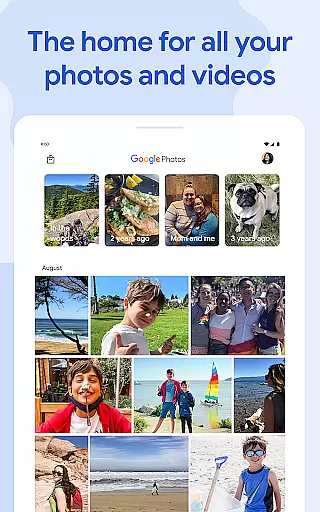
Organization is another key strength of Google Photos. The app automatically groups duplicates and similar photos into Photo Stacks, helping maintain an orderly gallery. Smart folders categorize screenshots, documents, and daily camera rolls, offering a personalized experience. Furthermore, the app supports transferring photos from other apps and devices, consolidating all memories in one place. Security is prioritized, with advanced infrastructure protecting stored and shared content. Users also benefit from freeing up device space by removing backed-up photos with a single tap.
Companion app integration is essential for wearable devices to function seamlessly with smartphones. Google Photos ensures that your photos and videos are automatically backed up and synchronized across all your devices, including Android Wear watches.
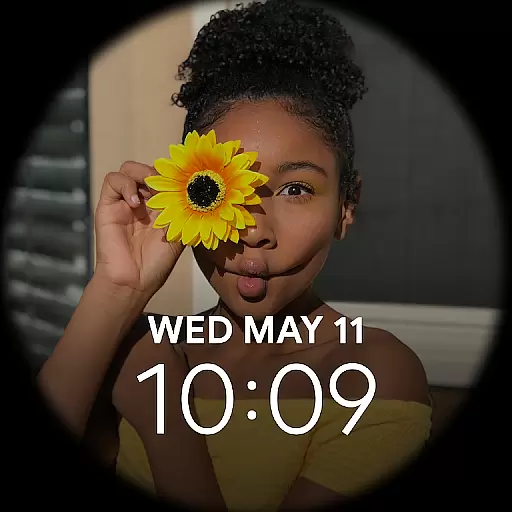
This synchronization allows users to access their recent photos directly from their wearable device. Whether you want to show a photo to a friend or simply glance at a cherished memory, the integration ensures that your content is readily available.
The application also supports quick actions from your wearable device. This means you can capture photos remotely or browse through your gallery without needing to take out your phone. Such features enhance user convenience and make daily interactions smoother.
By maintaining a consistent experience across devices, Google Photos leverages companion app integration to keep your memories accessible and manageable, no matter which device you're using.
Ensuring compatibility with Wear OS and various devices is crucial for providing a seamless user experience. Google Photos is designed to work flawlessly with Wear OS, allowing users to view and manage their photos directly from their smartwatches.
The app supports a wide range of devices, ensuring that whether you have an older model or the latest Wear OS device, you can enjoy a smooth and responsive experience. This broad compatibility helps users stay connected to their memories without worrying about technical limitations.
Google Photos also takes advantage of device-specific features. For instance, if your watch has a high-resolution display, the app optimizes image quality to match the screen capabilities. This attention to detail enhances the visual experience on every compatible device.
With reliable Wear OS and device compatibility, Google Photos ensures that your photos and videos are always within reach, offering both functionality and ease of use across different platforms.
User-friendly interface
Advanced AI editing tools
Secure cloud storage
Efficient organization features
Creative content options
Limited free storage
Paid subscription required
Occasional sync issues
Privacy concerns
Feature complexity

"PER27 Galaxy Digital" is a digital Wear OS watch face designed by PERSONA
 4.10
4.10
WTW M17 is a premium and luxurious hybrid watch face
4.70
Current temperature, weather hourly, weather radar by the weather forecast app
4.40
Elegant animated Christmas tree with multiple customization options
4.20
A modern premium sporty hybrid watch face for Wear OS by Ballozi
4.70
Let's celebrate Thanksgiving - Wear Os watch face
4.20
Hybrid watch face for Wear OS with customizable complications by Matteo Dini MD
4.70
Back up your contacts & access them anywhere
4.30
Spam call blocker and caller ID for automatic call protection!
4.40
Christmas - Festive - Christmas Village - Winter - Christmas lights
5.00
Your second brain for organizing your life: to-do, calendar, reminder.
4.70
Beautiful artistic animated digital watch face, with a customizable layout!
4.40
Premium hybrid watch face with many customizations for Wear OS devices.
4.40
Locate your family members by GPS phone location tracker everywhere and anytime
4.30
A digital watch face that celebrates Christmas.
4.00
Your local weather forecast, storm tracker, radar maps & live weather news
3.40
an Analog Watch Face for winter season with freeze winter background for Wear OS
4.3
Analog watch face with 8 complications and expedition styling
4.1
Stunning modern digital watch face with 7 complications and strong contrast
4.0


User Reviews