
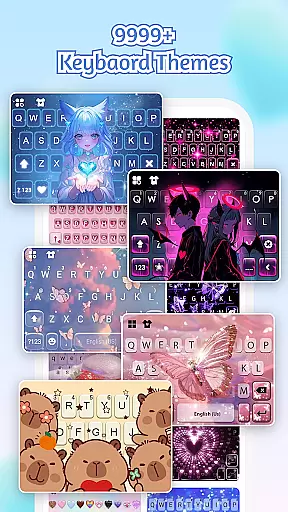
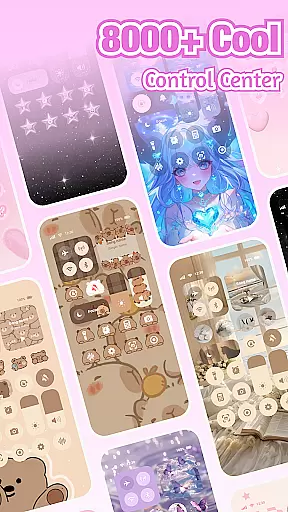
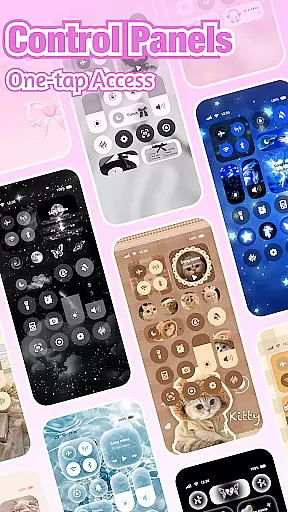

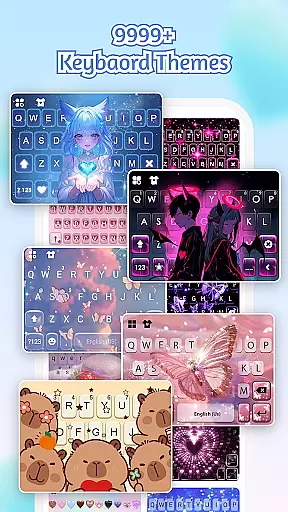
iControl is a feature-rich personalization app designed to transform your Android device into a canvas of creativity. With its comprehensive suite of tools, the app allows users to customize their phone's appearance and functionality through aesthetic control packs, keyboard themes, and advanced screen management features.
The app offers a Control Center that combines smart tools with stylish design elements. Users can easily adjust brightness, toggle dark mode, manage Wi-Fi and Bluetooth connections, activate Do Not Disturb mode, lock screen rotation, enable Airplane Mode, and access the flashlight—all from one convenient location. Additionally, iControl provides powerful typing capabilities including multi-language support, contextual prediction, and customizable keyboard themes.
Whether you're looking to personalize your home screen or optimize your typing experience, iControl delivers a unified aesthetic and functional enhancement for your Android device. Its intuitive interface and extensive customization options make it an ideal choice for those seeking to express their unique style while enjoying practical utility.
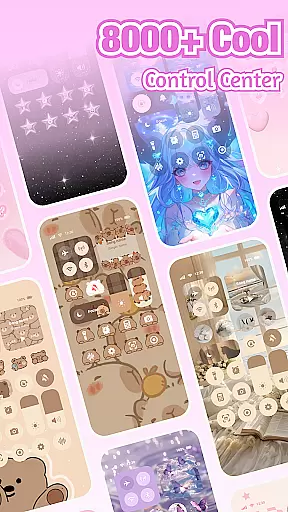
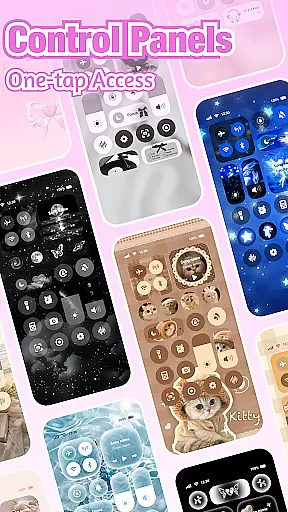
iControl stands out with its diverse range of features tailored for personalization enthusiasts. The app includes a sophisticated Control Center that integrates essential phone functions such as brightness adjustment, volume control, and network management within a stylish interface. This centralized hub streamlines daily device interactions while maintaining a visually appealing design.
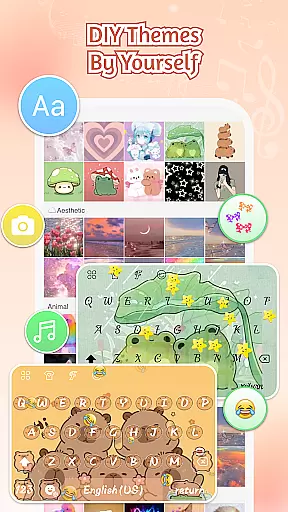
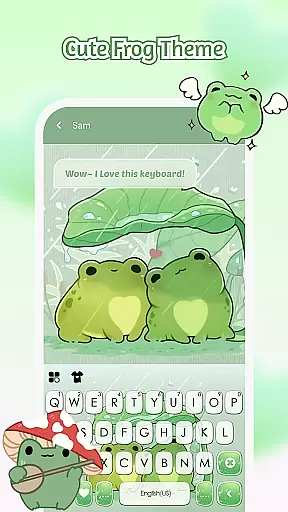
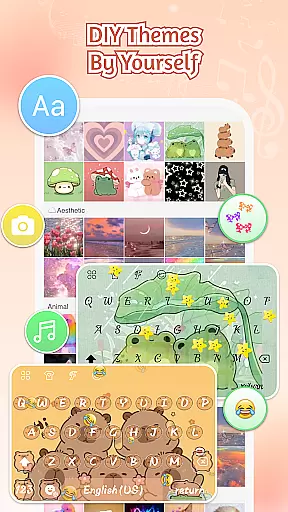
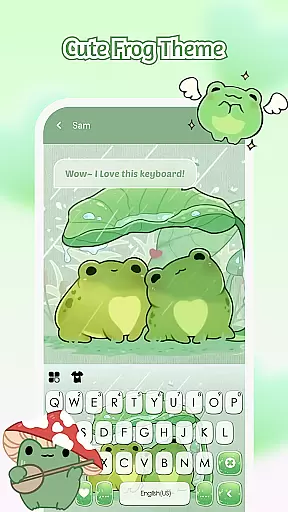
One of the app's most notable features is its Custom Keyboard functionality. Users can create exclusive keyboard themes by selecting personal photos and customizing colors, backgrounds, sounds, effects, fonts, and layout. The Smart Typing feature enhances productivity with multiple clipboard support, gesture typing, automatic error correction, and cloud-based prediction for improved accuracy.
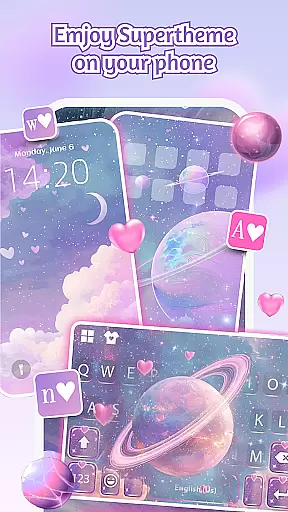
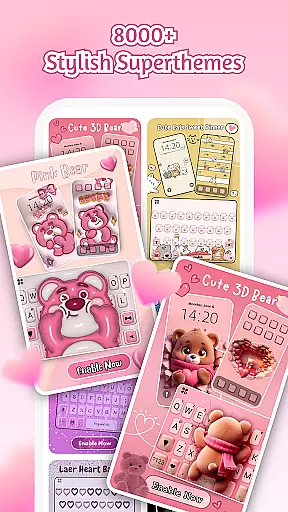
Additionally, iControl offers SuperTheme templates and Zero-Skill DIY options, enabling users to craft professional-level designs without technical expertise. With over 500 designer templates updated daily and support for more than 150 languages, the app caters to a global audience seeking both aesthetic and functional customization. These comprehensive features collectively establish iControl as a versatile tool for personalizing Android devices.
Customization is at the heart of iControl, offering users a vast array of options to personalize their Android devices.
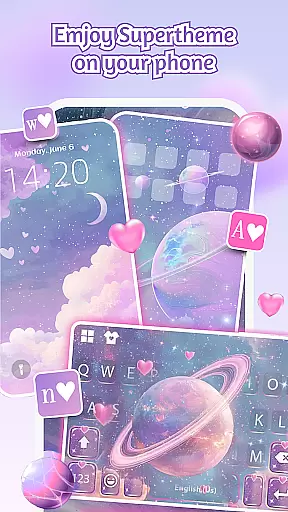
With aesthetic control packs and keyboard themes, you can transform your phone's interface into a reflection of your personal style. Whether you prefer simple, trendy, or unique designs, iControl provides the tools necessary for crafting a personalized home screen that stands out.
The app includes features such as the Control Center, which combines smart tools with stylish design, allowing adjustments for brightness, volume, and more. Additionally, it offers a custom keyboard feature where users can select photos or pictures to create an exclusive keyboard theme with customizable colors, backgrounds, sounds, effects, fonts, and layout.
By empowering users to be their own home screen designers, iControl ensures that each individual can express their creativity through their phoneu2019s appearance, making every interaction with their device a unique and enjoyable experience.
iControl excels in theme compatibility, ensuring that all elements of your phone's interface work together harmoniously.
From the SuperTheme feature that unifies aesthetics across your device to the Zero-Skill DIY options that allow anyone to become a designer, iControl makes certain that themes are not only visually appealing but also functionally cohesive.
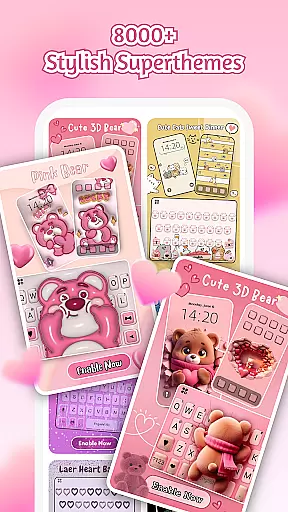
Users can reshape keys, tweak transparency, add touch effects and sounds, and even use AI-generated art for professional-level designs. The app boasts over 500 designer templates updated daily, enabling users to import photos and craft their own unique themes.
This dedication to compatibility and customization ensures that whether you're adjusting your control center or designing a keyboard theme, every element will integrate seamlessly, providing a unified and aesthetically pleasing experience throughout your device.
User-friendly interface
Extensive customization options
Multi-language support
Advanced typing features
Regular theme updates
Requires accessibility permissions
Some features may drain battery
Premium themes cost extra
Occasional performance lags
Learning curve for new users

Stunningly Different look with Line Icons and Neon Colors
 4.60
4.60
Ninja Turtles Cowabunga SE watch face for Wear OS
4.50
Transform your phone with Launcher iOS 26 - Smooth & elegant iOS experience
4.50
Sparkle your screen with Glitter Wallpapers For Girls and Cute Backgrounds!
4.80
A launcher for Samsung Good Lock and Good Guardians modules without ads
4.70 4.50
4.50
Launcher OS™ Pro without ads help make your phone simple and pretty
4.30
Unleash Your Creativity and Connect with Loved Ones with Lockscreen Drawing!
4.20
300+ Beautifully crafted widgets inspired by OneUI.
4.60
A Colorful and Minimal icon pack in an Outline Style - Over 13,600 icons!
4.70
Bring adorable pets to life on your screen. Playful, interactive and full of fun
4.60
Icons made of colorful linear lines
4.60
AI-powered Copilot. Personalized keyboard with gifs, stickers & themes
4.40
Art & Emoji Keyboard with Cool Fonts, Cute Themes and Custom Designs.
4.40
Wear Os Watch Face - Seasonal - Animated Snow Effect - 9 Animals
4.20
Customizable flower power digital watch face for Wear OS watches.
4.00
Ultimate widget creator. Design custom widgets for a truly unique home screen!
3.90 3.50
3.50
Modern Glass Icon Pack with glossy icons, clean minimal theme & aesthetic style
4.0


User Reviews