

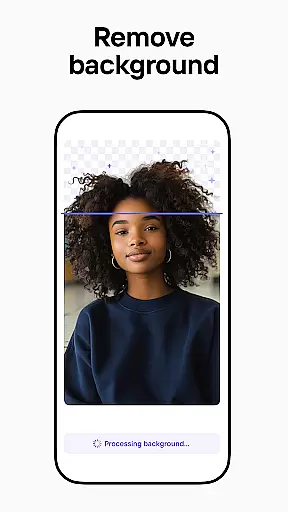

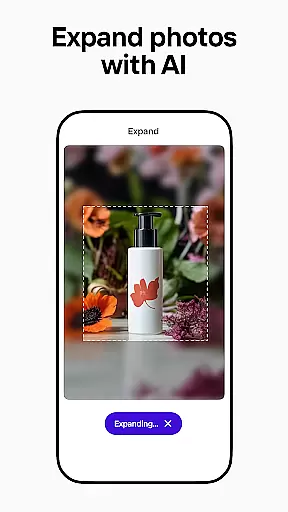

Photoroom AI Photo Editor is a powerful photography app designed to help users create professional-quality images with ease. Using advanced AI technology, the app allows you to design, edit, erase, and replace backgrounds in your photos effortlessly. Whether you're an e-commerce seller, content creator, or social media manager, Photoroom provides tools that elevate your brand and boost engagement.
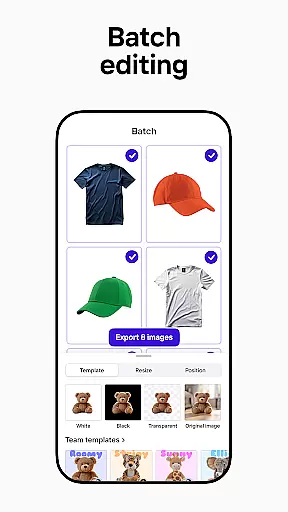
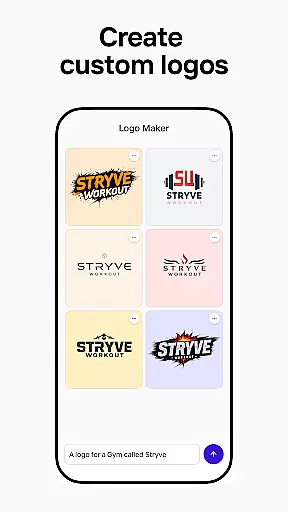
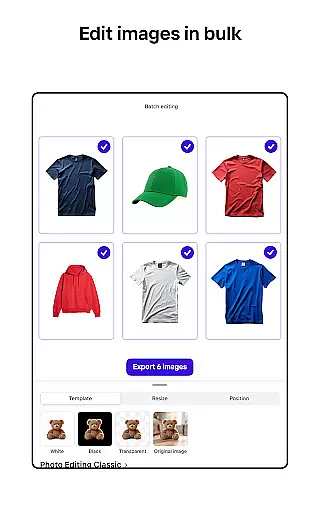
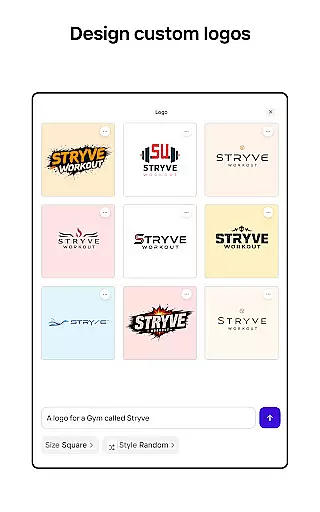
The app's standout feature is its AI-powered design capabilities. You can describe your creative ideas, and the app will generate professional designs, scenes, logos, and more within seconds. Additionally, it offers enhanced photo editing features such as object removal, lighting adjustments, and batch editing for multiple images at once. These tools ensure your visuals are polished and ready for platforms like Instagram, Facebook, Amazon, and Shopify.
Photoroom is particularly beneficial for businesses looking to optimize their product listings and marketing materials. By transforming ordinary images into professional-grade visuals, the app helps drive sales and improve brand consistency across various digital platforms.
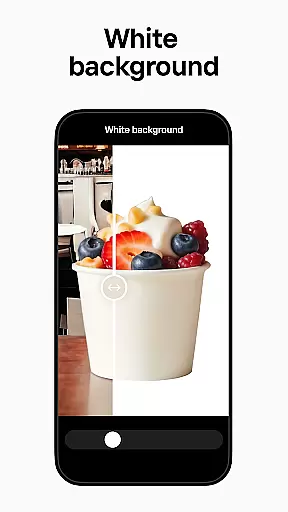
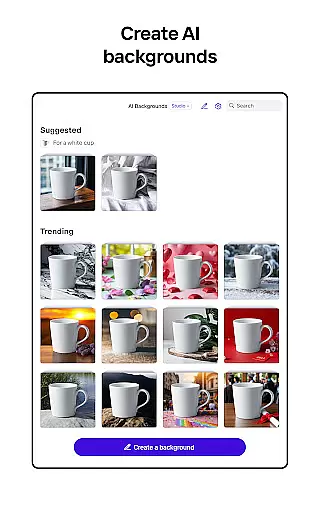
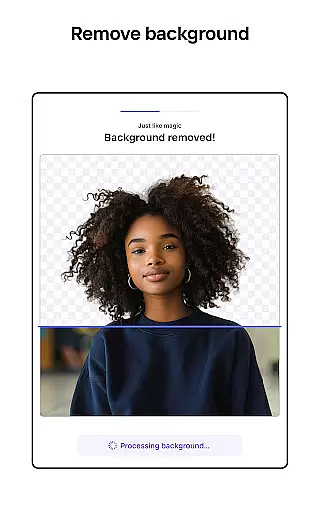
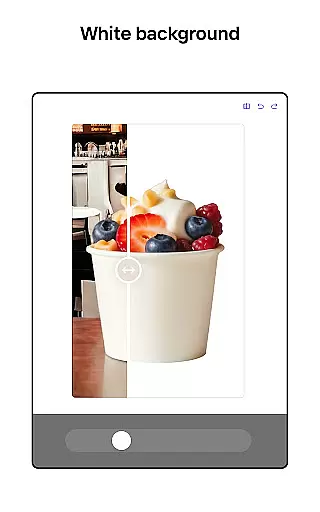
Photoroom AI Photo Editor stands out with its comprehensive suite of AI-driven features tailored for both amateur and professional photographers. One of its core functionalities is the ability to remove and replace backgrounds seamlessly. The smart eraser tool allows users to clean up imperfections or erase unwanted objects from photos, while the background replacement feature creates polished, ad-ready images instantly.
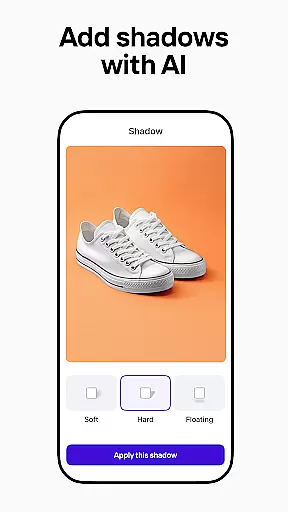
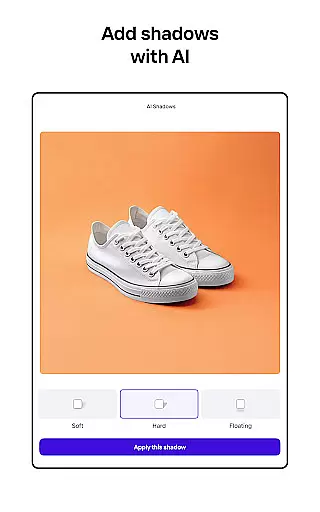
In addition to background editing, the app offers robust photo enhancement tools. Users can adjust lighting, shadows, and sharpness to achieve professional results. The Product Beautifier feature transforms product images by placing them on virtual models or in staged scenes, making them more appealing to potential customers. Furthermore, the app supports batch editing, enabling users to apply consistent styles and edits across multiple images simultaneously—a crucial feature for e-commerce sellers.
Another notable aspect is the customizable brand kit, which stores logos, colors, and fonts for consistent use. With real-time collaboration tools, teams can work together efficiently, ensuring cohesive branding and faster project completion. These innovative features make Photoroom an indispensable tool for anyone looking to produce high-quality visuals quickly and easily.
Real-time capture and preview functionality is essential for ensuring that every photo taken meets professional standards. With Photoroom AI Photo Editor, users can instantly see the results of their edits as they make them, providing a seamless editing experience.
The app's advanced AI technology allows for real-time adjustments to lighting, shadows, and sharpness, enabling users to fine-tune their images on the fly. This immediate feedback loop ensures that users can achieve the desired look without any guesswork.
For e-commerce sellers and content creators, this feature is invaluable. It allows them to create polished product shots and engaging social media posts with confidence, knowing exactly how the final image will appear. The ability to preview changes in real time significantly enhances productivity and creativity.
Overall, Photoroom's real-time capture and preview capabilities empower users to produce high-quality visuals efficiently, making it an indispensable tool for anyone looking to elevate their brand through professional imagery.
AI beauty and enhancement features are crucial for creating natural-looking edits that enhance the subject without appearing artificial. Photoroom AI Photo Editor excels in this area by offering tools that intelligently adjust and beautify images while maintaining their authenticity.
The app's AI algorithms work to erase imperfections, smooth skin tones, and enhance facial features in a way that looks genuine. This ensures that edited photos retain their original character and charm, which is particularly important for portraits and lifestyle imagery.
For users across various industries, from fashion to real estate, these enhancements mean they can present their products or services in the best possible light. The natural results produced by Photoroom help build trust with audiences, as the images appear more relatable and true-to-life.
By prioritizing natural enhancement, Photoroom AI Photo Editor stands out as a tool that not only improves image quality but also respects the integrity of the original photograph, making it a top choice for professionals seeking realistic yet polished outcomes.
AI-powered design
Effortless background removal
Batch editing support
Real-time collaboration
Customizable templates
Premium features locked
Subscription required
Limited free exports
Advanced tools costly
Occasional glitches

What celebrity do you look like? Celebs will find your celebrity match!
 4.10
4.10
Superimpose one photo on top of another using the original Superimpose app!
3.20
Turn your phone into a professional camera - full DSLR manual photography
4.30
Raw Image Viewer. Gallery with support of raw images (.cr3, .cr2, .nef, .raf).
2.00
GCamera allows all GCam features on all phone models! Better photos with GCamera
3.30
See your baby AI baby face generator AI baby maker Face generator babymaker fun!
4.70
Easily view, share, delete photos with Gallery.
4.70
Use AI Video Generator to turn your words to ai generated videos.
4.50
Edit photos with the picture generator: PS2 & AI Clay filters, cartoon effects.
4.50
AI Photo Editor with 100+ Filters, Effects! Remove BG, Retouch & Photo Enhancer.
4.80
Safe & smart flight with Go Fly drone controller for 40+ drone camera, zone map
4.50
Create collages easily! Nice pic collage maker & background eraser for Instagram
4.50
HD Camera Pro with HD Video shooting, Panorama, Photo editor , Beauty Camera.
4.50
Photo editor & gallery. Crop pictures & edit photos offline, no wifi!
4.50
Edit like a pro with Hypic. Apply filters, AI effects, & magic touch.
4.40
Smart, light, and fast photo and video gallery
4.30
Virtual makeup, hair filters & body tuner—edit from face to full body!
4.20
live datamoshing
4.00
Add a dreamy vibe to your selfies and videos with soft style filters
4.2


User Reviews