
QR & Barcode Scanner Launcher is a powerful and versatile tool designed to simplify your scanning needs. This app allows users to effortlessly scan any QR code or barcode with just a swipe from the home screen, making it an essential utility for both personal and professional use. Whether you need to access URLs, check product details, or retrieve important information, this app guarantees a quick, secure, and seamless experience.
In addition to its core scanning capabilities, the app offers several launcher features that enhance user convenience. These include one-swipe access to scanning, a customizable home screen widget displaying time and weather, beautiful themed wallpapers, and multiple search touchpoints powered by Yahoo. With functionalities like Scan History, Auto-copy to clipboard, and instant notifications through vibration or beep, this app ensures an efficient and organized scanning experience.
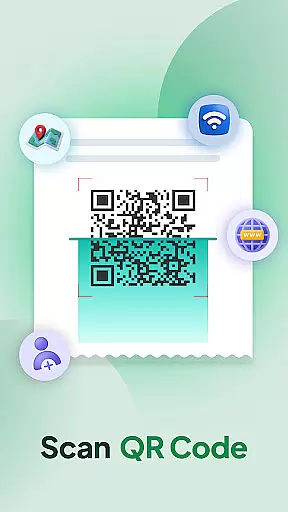
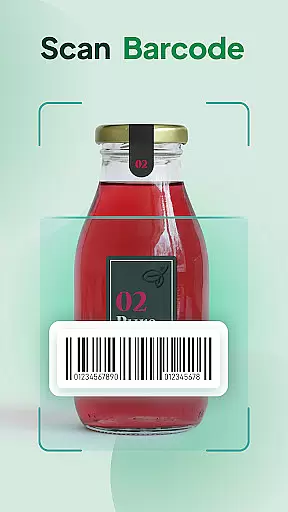
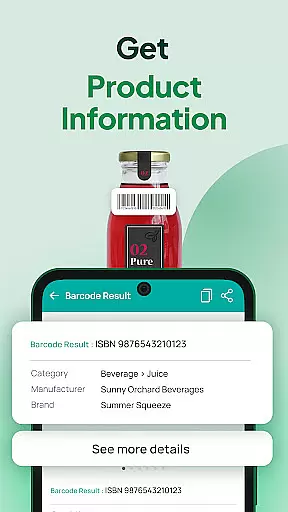
QR & Barcode Scanner Launcher stands out with its comprehensive feature set tailored for efficiency and ease of use. The app's primary feature is its lightning-fast scanning capability, supporting both QR codes and barcodes. Users can simply point their smartphone's camera at any code to instantly decode it, accessing Wi-Fi credentials, event invitations, contact details, coupons, and more. The Barcode Scanner function provides real-time product information, helping users make informed purchasing decisions.
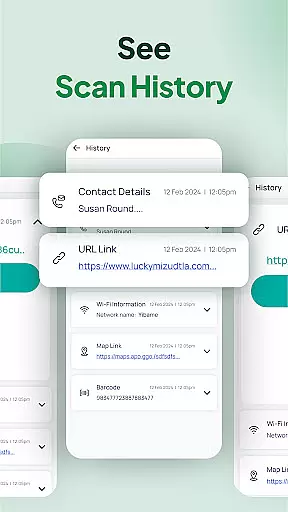
Beyond scanning, the app includes practical tools such as Scan History, which automatically saves all scanned codes for future reference, and Auto-copy functionality that copies scanned content directly to the clipboard. Users also benefit from customizable notification settings, choosing between vibration or beep alerts upon successful scans. Additional launcher features include a home screen shortcut for fast access, multi-touchpoint search capabilities, and a selection of beautiful wallpapers to personalize your device, ensuring a highly adaptable and user-friendly experience.
QR & Barcode Scanner Launcher stands out for its exceptional core functionality, offering users an efficient and reliable scanning experience. The app's primary purpose is to decode QR codes and barcodes with precision, ensuring that every scan delivers accurate results. This level of accuracy is crucial, especially when scanning sensitive information such as Wi-Fi credentials, event invitations, or product details.
The app employs advanced algorithms and leverages the smartphone's built-in camera to capture and interpret codes swiftly. Whether you're accessing URLs, checking product specifications, or managing personal data, the app ensures a seamless decoding process. Its ability to auto-copy scanned content to the clipboard further enhances user convenience, eliminating the need for manual input and reducing errors.
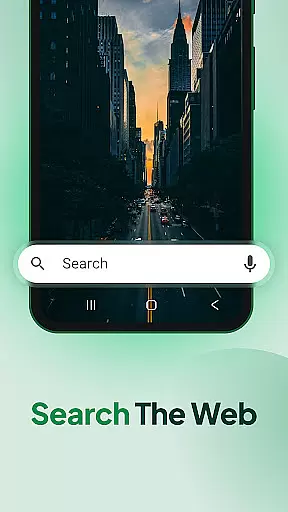
Users benefit significantly from the app's multi-touchpoint search feature, which allows them to explore both installed apps and web content powered by Yahoo. This integration streamlines the search process, making it faster and more intuitive. Additionally, features like vibration or beep notifications upon successful scans provide immediate feedback, reinforcing the app's reliability and user-centric design.
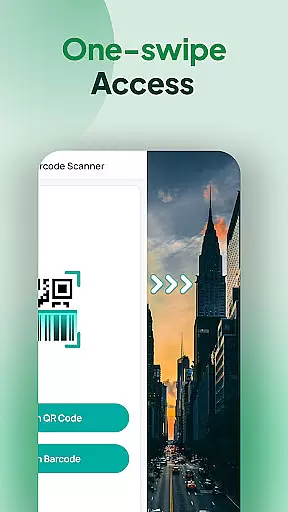
A hallmark of QR & Barcode Scanner Launcher is its commitment to delivering a simple yet powerful user interface. The app's design prioritizes ease of use, ensuring that even first-time users can navigate its features effortlessly. With one-swipe access from the home screen, users can instantly activate the scanner, eliminating unnecessary steps and enhancing overall efficiency.
The inclusion of a home screen widget further exemplifies the app's focus on accessibility. This widget displays essential information such as time and weather, keeping users informed without cluttering their screens. Moreover, customizable wallpapers allow for personalization, enabling users to tailor the app's appearance to their preferences while maintaining a clean and organized layout.
Additional elements like home screen shortcuts and an intuitive scan history feature contribute to the app's streamlined experience. These components are strategically placed to minimize cognitive load, allowing users to focus on their tasks without distraction. Overall, QR & Barcode Scanner Launcher combines functionality with simplicity, creating an interface that is both effective and enjoyable to use.
Fast scanning
User-friendly interface
Comprehensive feature set
Customizable options
Free to use
Home screen layout changes
Requires permissions
Notification sounds limited
No offline support
Dependent on camera quality

Easily install aab(Android App Bundle) files on your Android device with our app
 4.80
4.80
A convenient photo, video, and file recovery tool.
4.00
Detect hidden spy camera with advanced scanning {{ Premium version }}
4.00
With videos, electrical calculators, and built-in ebook, Ugly’s has your answer.
4.50
The Ultimate Bluetooth Keyboard & Mouse. Securely control your PC, Mac, and more
4.50
Play your X-Box games remotely in 1080p with any controller and zero latency
4.60
Connect wirelessly to your computer to watch movies, browse the web, play games
5.00
Automate everything from settings to photos, SMS to speech. ADC2 prize winner.
4.10
Your personal health butler
3.60
Navigate with Ease and Style
4.90
Optimize your WiFi network, turn your phone into Wifi Analyzer
4.70
The one-and-only remote control for PC, Mac, and Linux
4.70
Creation, Learning, Entertainment & More — The All-in-One AI Search Engine
4.70
Button mapper, mouse toggle, sleep timer and a lot of another features
4.50
Fluid navigation gestures for all of us!
4.30
Making emulation easy for everyone!
4.30
An open-source APK explorer for Android!
4.10
Create your own live wallpaper or check out thousands already made presets
3.90
Create your own custom widget with endless possibilities
3.90


User Reviews