
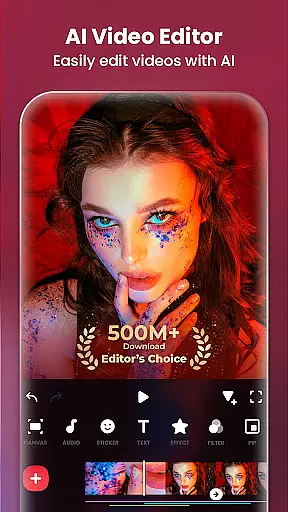
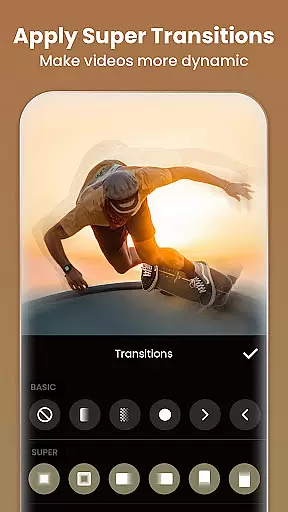
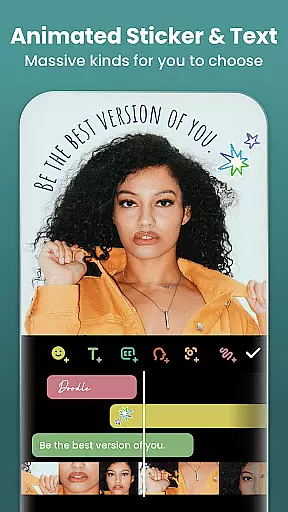
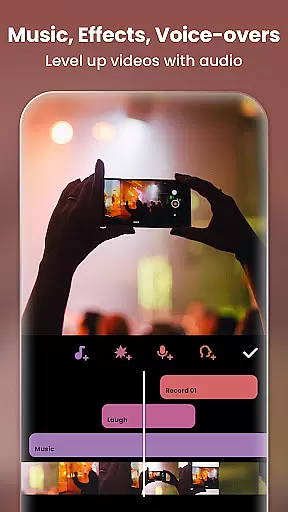
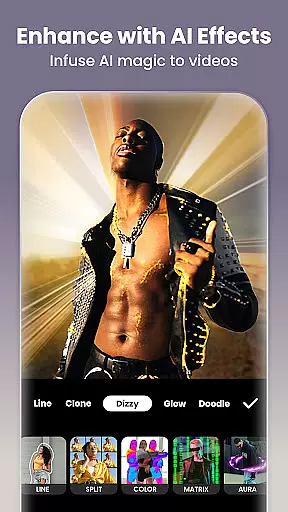
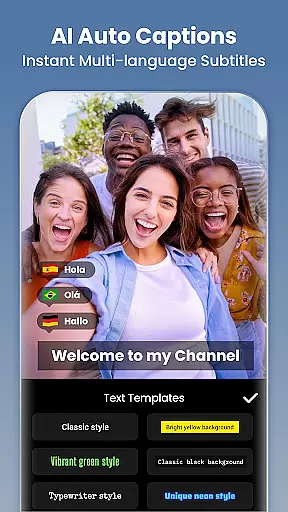
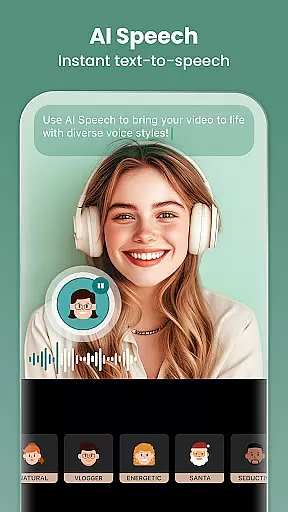
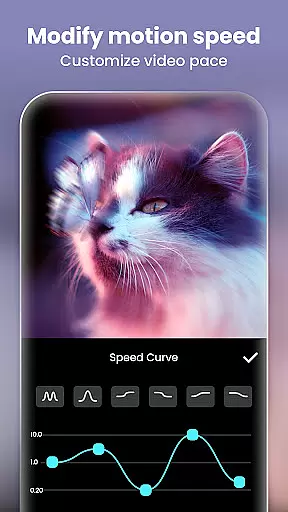
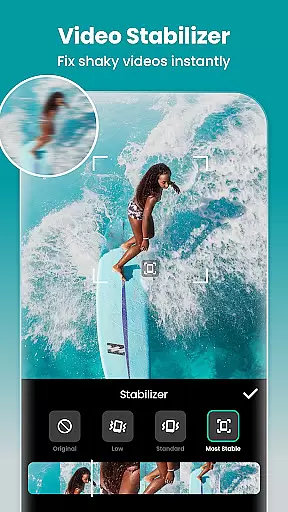
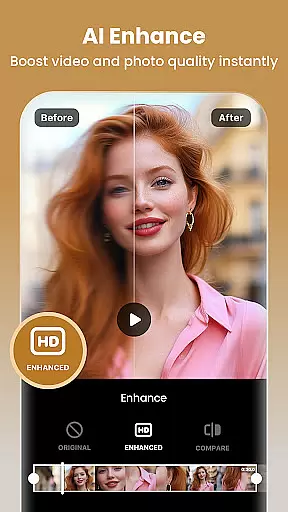
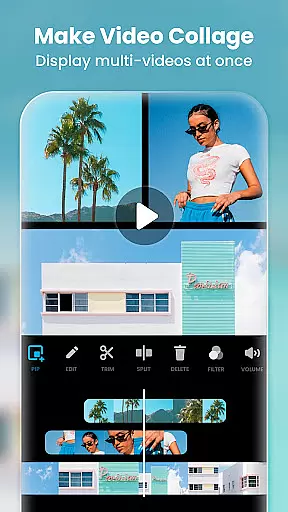

InShot is a versatile video editing and photo enhancement application designed for both casual users and professional content creators. This all-in-one tool allows you to edit videos with features such as trimming, merging clips, adding music, text, and transition effects. It also supports advanced functionalities like chromakey editing, speed control, and keyframe animations.
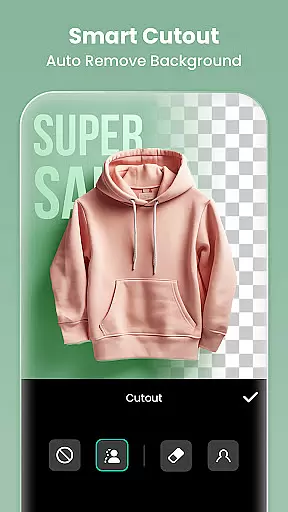
Beyond video editing, InShot serves as a powerful photo editor and collage maker. You can blur backgrounds, apply filters, adjust HSL settings, and remove unwanted objects from photos effortlessly. With its AI-powered tools, including auto captions and background removal, the app makes sophisticated edits accessible to everyone. Whether you're creating vlogs or stylish Instagram posts, InShot helps optimize your content for various social media platforms.
InShot stands out with its comprehensive suite of editing tools that cater to diverse creative needs. The app includes AI-driven features such as body effects, smart tracking, and automatic background removal, which streamline complex editing tasks. These tools allow users to enhance their videos and images with just a single tap, making high-quality edits more accessible.
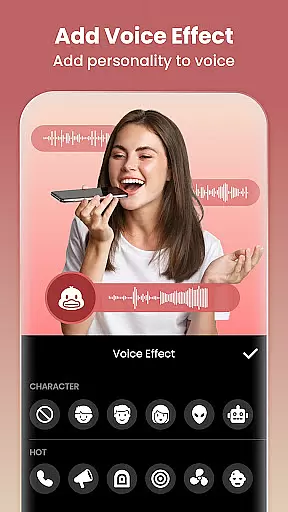
The app offers full-featured video editing capabilities, including trimming, merging, reversing clips, and adjusting video ratios. Users can add music, sound effects, voice-overs, and exclusive stickers to enrich their content. Advanced options like speed ramping, chromakey editing, and picture-in-picture provide dynamic ways to create multi-layered videos. Additionally, InShot's photo editing tools include blurring backgrounds, applying filters, and removing unwanted objects, ensuring your photos are as polished as your videos.
Real-time capture and preview functionality is essential for any photography or video editing application. It allows users to see exactly what their camera is capturing, ensuring that the framing, lighting, and composition are perfect before they take a shot or start recording. This feature is particularly important in video editing apps like Video Editor & Maker, where precision in capturing content can significantly affect the final output.
Video Editor & Maker provides an intuitive real-time capture system that ensures high-quality previews of your shots. The app supports various aspect ratios and resolutions, allowing creators to tailor their content specifically for platforms like Instagram, TikTok, or YouTube. With instant feedback on exposure, white balance, and focus, users can make necessary adjustments on the fly, thus enhancing the overall quality of their videos.
The benefits of this feature extend beyond just better video quality. By offering precise control over the capture process, Video Editor & Maker empowers users to be more creative and confident in their work. Whether you're shooting a professional vlog or a casual video for social media, having reliable real-time capture and preview capabilities ensures that your content stands out. This functionality ultimately saves time by reducing the need for reshoots and enhances user satisfaction by delivering professional-grade results every time.
In today's digital age, AI beauty and enhancement features have become a staple in photography applications. These tools leverage advanced algorithms to automatically enhance facial features, smooth skin, and adjust lighting, making portraits look polished yet natural. For Video Editor & Maker, incorporating such sophisticated AI-driven enhancements means users can achieve stunning visual effects without needing extensive editing skills.
The AI beauty features in Video Editor & Maker include automatic skin smoothing, blemish removal, and eye enhancement, all designed to maintain the subject's natural appearance while elevating their best features. Additionally, the app offers AI-powered background blur and bokeh effects, which help to focus attention on the subject and create a professional look akin to DSLR photography. These enhancements are applied seamlessly, ensuring that edits are subtle and lifelike.
Users benefit greatly from these AI enhancements as they simplify the editing process and democratize access to high-quality photo and video editing. Whether you're an influencer looking to boost your social media presence or someone who simply enjoys capturing life's moments, Video Editor & Maker's AI beauty tools ensure your content looks its best. By prioritizing naturalness in enhancements, the app strikes a balance between aesthetic appeal and authenticity, resulting in visually pleasing yet genuine-looking media.
User-friendly interface
Extensive editing tools
AI-powered features
High-quality export options
Versatile content creation
Some features require payment
Ads may interrupt workflow
Advanced tools have learning curve
Occasional performance lags
Limited free export resolution

Photobooth mini FULL app will allow you to add more fun to your parties
 4.00
4.00
Perfect body tune & face app - photo retouch, makeup, slim body & beautify face.
4.80
AI photo editor with hair editor, retouch tools, hair color changer & filters!
4.50
Be your best in every shot! Fix, edit and retouch your face in selfies & photos.
3.70
The #1 app for B&W film developing featuring an advanced darkroom timer.
4.10
USB Storage Access for Photos, Videos, Music and Documents
3.80
Unblur, enhance & restore photos with powerful AI photo enhancer tools.
4.60
Unlock the full potential of your DJI drone with Litchi
4.50
Welcome to ProShot, the most powerful camera app on Android.
4.20
Cartoon and artistic effects for your photos and videos
4.70
Viewfinder, Light meter, Reciprocity failure time, DOF & Bellows Extension
4.60
Light-weight Media Gallery app for Android made with Jetpack Compose
4.60
Automatically backup your photos and videos to computer, NAS and Cloud services
4.60
Create collages easily! Nice pic collage maker & background eraser for Instagram
4.50
Movie camera, supports pro recording settings for filming. Try it and be amazed!
4.50
Photo editor & gallery. Crop pictures & edit photos offline, no wifi!
4.50
Search, tag and rate your way to an organized image gallery
4.40
Professional photography on your mobile phone
4.20
GCamera allows all GCam features on all phone models! Better photos with GCamera
3.30


User Reviews