
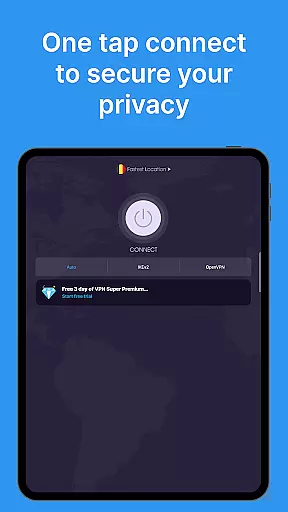
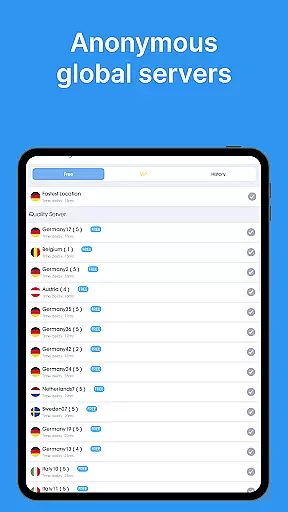
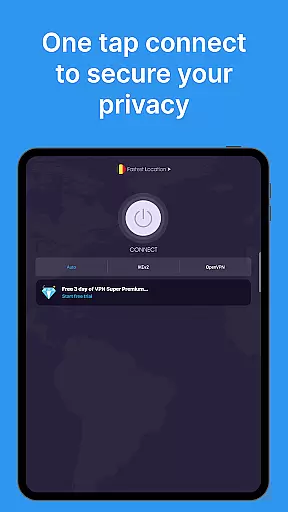
VPN - Super Unlimited Proxy is a robust and user-friendly virtual private network application designed for Android users seeking secure internet access. This free VPN service offers unlimited bandwidth, turbo-fast speeds, and military-grade encryption across thousands of servers worldwide. With no registration or login required, users can connect with a single tap to enjoy encrypted connections that protect their privacy on public Wi-Fi networks, while streaming, gaming, or browsing.
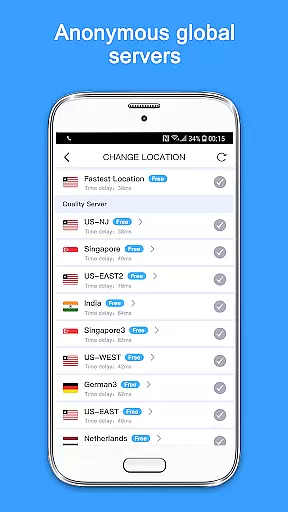
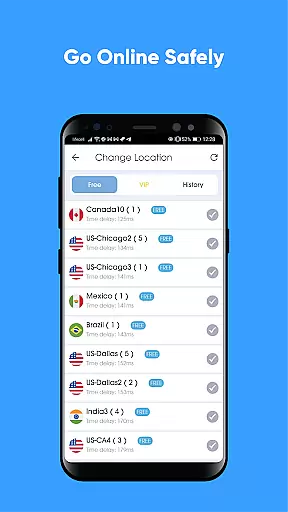
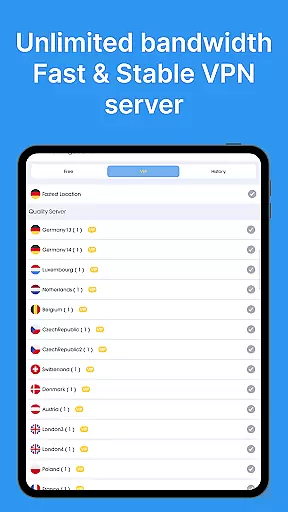
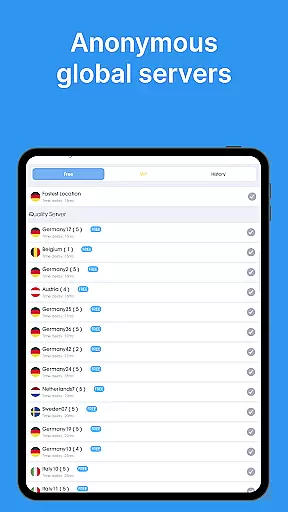
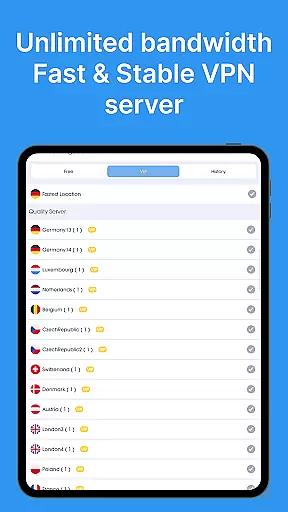
The app provides access to over 5,000 servers in 55+ countries, including detailed city-level options in the U.S., ensuring optimal performance through smart server selection. Whether you're accessing content from different regions or safeguarding your online activity, this VPN solution delivers both security and flexibility without compromising speed or usability.
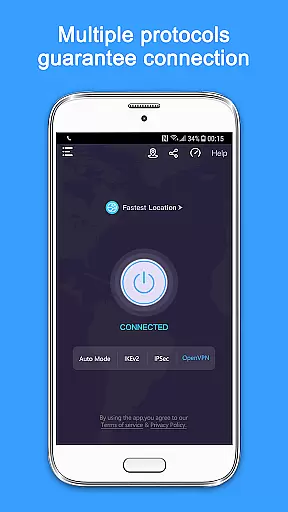
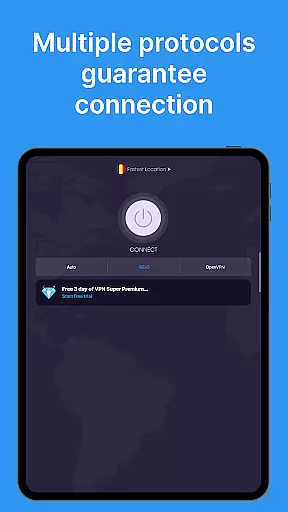
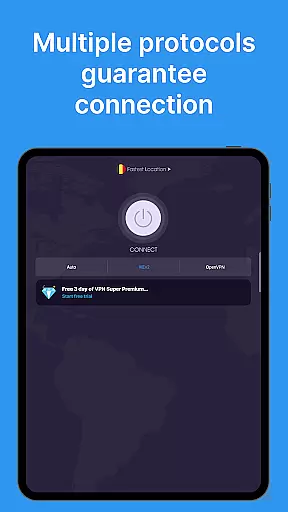
One of the standout features of VPN - Super Unlimited Proxy is its completely free offering, which includes unlimited speed, bandwidth, and usage without ads, time limits, or speed caps. It supports multiple protocols such as OpenVPN, IKEv2, Super, and V2Ray, with an Auto Mode to select the fastest option based on your location. The strict no-logs policy ensures that user activity is never tracked or stored, providing peace of mind for privacy-conscious individuals.
For those seeking premium capabilities, the app offers advanced features like 10 Gbps ultra-fast servers, ad-free browsing, access to all 55+ countries, and protection for up to 10 devices under one account. These functionalities make it suitable not only for casual browsing but also for high-demand activities such as streaming services like Netflix and Hulu, playing mobile games like PUBG Mobile, and unblocking social platforms like Instagram and TikTok.
A reliable VPN service must prioritize both accuracy and effectiveness to ensure users receive the privacy and security they expect. The VPN - Super Unlimited Proxy app excels in these areas by providing military-grade encryption, which guarantees that your internet traffic is securely routed through its global network of servers. This level of encryption ensures that your online activities remain private and protected from unauthorized access.
Moreover, the app offers unlimited bandwidth and turbo-fast speeds across thousands of servers worldwide, ensuring that users can browse, stream, and game without experiencing bottlenecks or speed caps. The smart server selection feature further enhances this experience by automatically connecting you to the optimal server for the best performance, based on your location and network conditions.
The true effectiveness of a VPN lies in its ability to maintain a stable and secure connection under various circumstances. Whether you're using public Wi-Fi or cellular networks, including 5G, LTE/4G, and 3G, this app provides consistent protection. It hides your IP address and encrypts your internet connection, safeguarding your data from potential threats while allowing unrestricted access to content from over 25 server locations.
By eliminating the need for registration and offering instant connectivity, the app simplifies the user experience while maintaining high standards of security and performance. Users can enjoy peace of mind knowing their online activities are shielded from prying eyes, making it an essential tool for anyone seeking privacy and freedom on the internet.
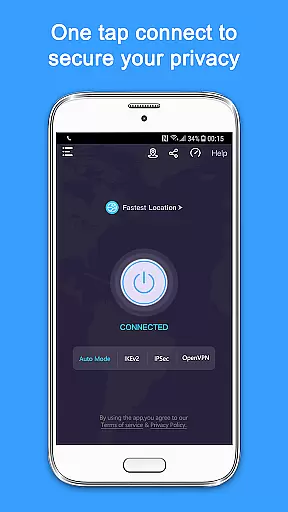
An intuitive interface is crucial for any application, especially for tools like VPN services where ease of use directly impacts user adoption and satisfaction. The VPN - Super Unlimited Proxy app boasts a simple yet powerful design that allows users to connect with just a single tap. This straightforward approach eliminates the learning curve typically associated with more complex applications, making it accessible even to those who may not be tech-savvy.
The app's layout is clean and uncluttered, focusing on delivering essential features without overwhelming the user. With clearly labeled buttons and minimalistic design elements, navigating through the app becomes a seamless experience. Users can easily switch between different server locations, adjust settings, and monitor their connection status without having to delve into complicated menus or options.
Furthermore, the inclusion of advanced features such as multiple protocol support does not detract from the overall simplicity. Options like OpenVPN, IKEv2, Super, and V2Ray are presented in an easy-to-understand manner, allowing users to choose the best option for their specific needs without requiring extensive technical knowledge. The recommended Auto Mode simplifies this process further by selecting the fastest available protocol automatically.
Overall, the combination of a user-friendly interface and robust functionality makes the VPN - Super Unlimited Proxy app stand out among its competitors. By prioritizing simplicity and intuitiveness, it ensures that users can focus on enjoying a secure and unrestricted internet experience without being bogged down by unnecessary complexity.
Free unlimited bandwidth
No activity logs stored
Wide server network
Strong encryption standards
User-friendly interface
Limited free protocol options
Premium features locked behind paywall
Occasional connection drops
Basic UI design
Customer support could be improved

Family Locator, Share location, StayConnect with your family in real time
 3.90
3.90
Canon PRINT is a companion app for your Canon printer.
4.60
Effortlessly run ADB commands directly on your device without a PC.
4.20
Mirror your screen to Chromecast and Android TV - Super fast and simple
4.60
Create your own custom widget with endless possibilities
3.90
Introducing Smart Printer, your ultimate destination for printing solutions!
4.00
Creation, Learning, Entertainment & More — The All-in-One AI Search Engine
4.70
Screen recorder with audio to record high-quality videos and take screenshots.
4.40
fast and easy mp3 music downloader
4.80
Enjoy smooth gameplay with Game Booster
4.90
The ultimate tool for network analysis, wifi scanning and problem detection.
4.90
Excellent scientific calculator with symbolic algebra, integrals, derivatives
4.80
Bedrock Together: Join any bedrock server on Xbox/PS
4.80
WiFi Signal Strength Meter help you detect WiFi Signal Strength in real time.
4.80
Complete kernel toolbox with features to manage and tweak your rooted device
4.30
Quickly check the frequency of the Earth
4.30
Signal Strength, Mobile, Wifi, Speed Test, Bad Signals, Cellular, 5G, LTE, 4G
4.20
PDF Reader - Document Viewer: Read, Manage & Organize Your Documents
3.10
card-reader app
2.20


User Reviews