
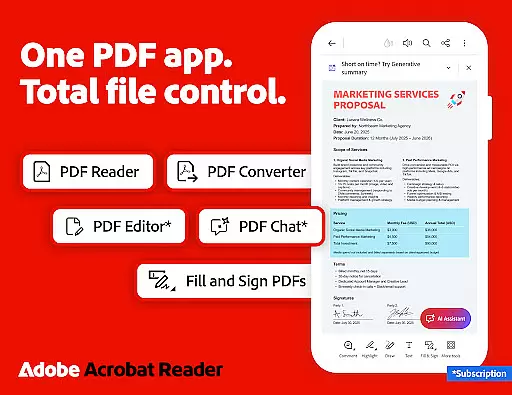
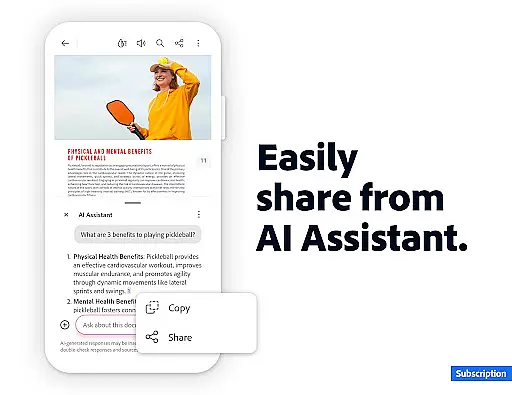
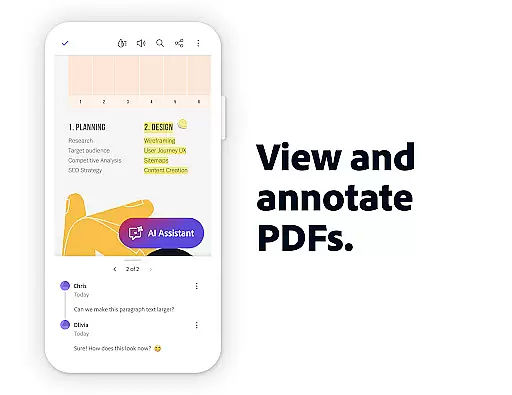
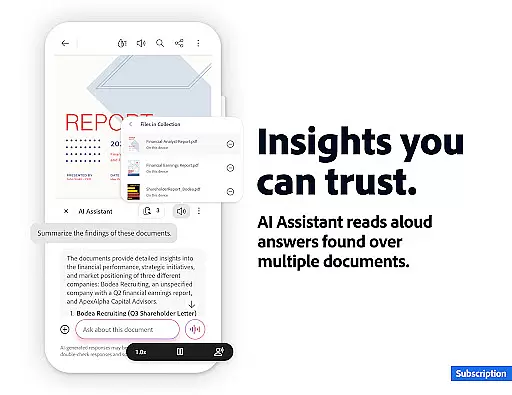
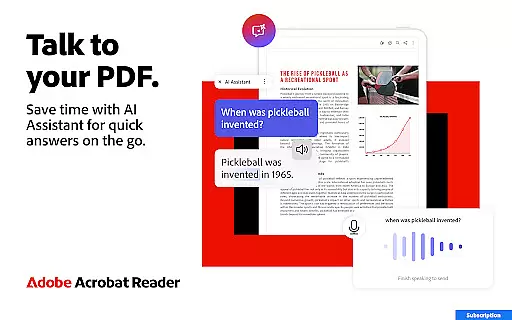
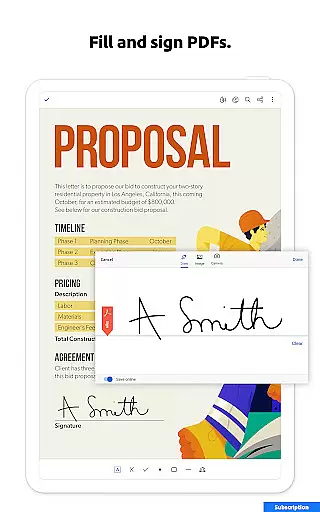

Adobe Acrobat Reader is a comprehensive PDF solution that combines document viewing, editing, and collaboration features. The app's standout feature is the new Adobe Acrobat AI Assistant, which allows users to work across multiple files using PDF Spaces, ask questions about document content through Figures Q&A, and generate instant summaries with Generative AI Summaries.
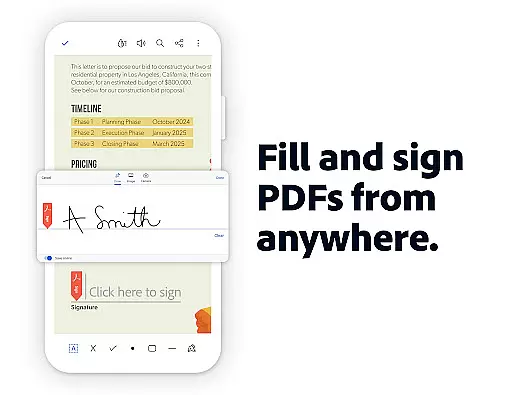
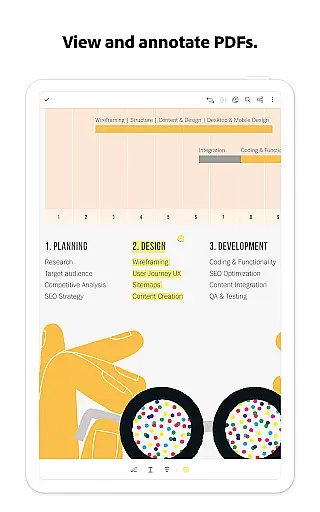
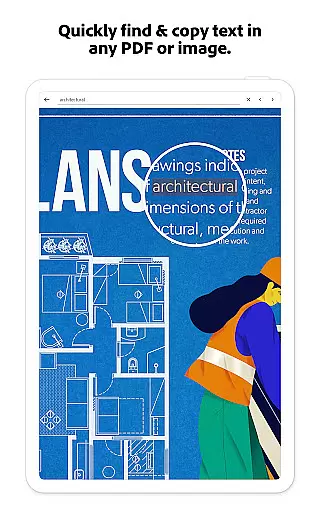
The application serves as an all-in-one PDF editor, signer, and annotator while providing cloud storage integration for document access anywhere. Its powerful capabilities include OCR functionality for scanned documents, PDF creation from various file formats, and advanced editing tools for text and images. These features make it particularly valuable for professionals who need to manage complex documents and workflows efficiently.
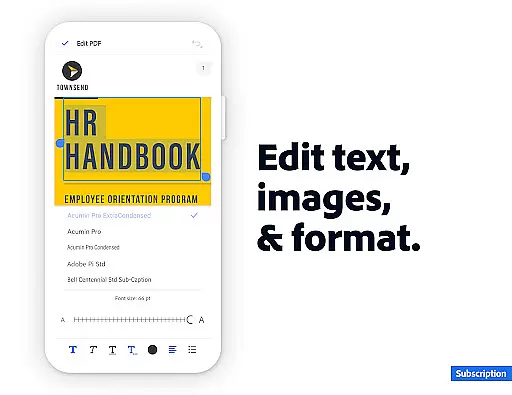
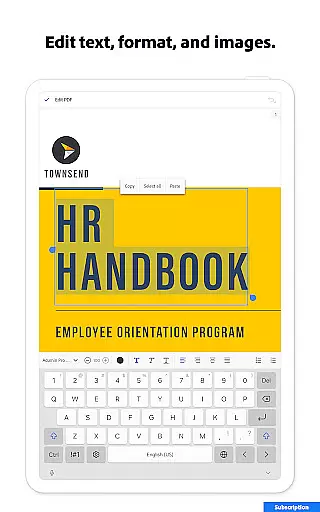
Acrobat Reader distinguishes itself through its extensive feature set designed to enhance productivity. The AI Assistant enables natural language queries and cited answers, allowing users to extract specific information from charts and tables. The PDF editor provides precise control over document elements, letting users modify text, images, and page layouts directly within PDFs.
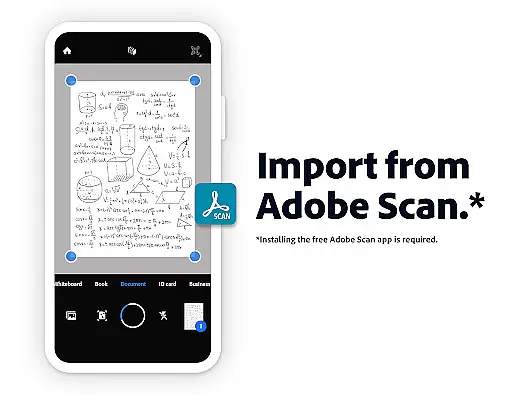
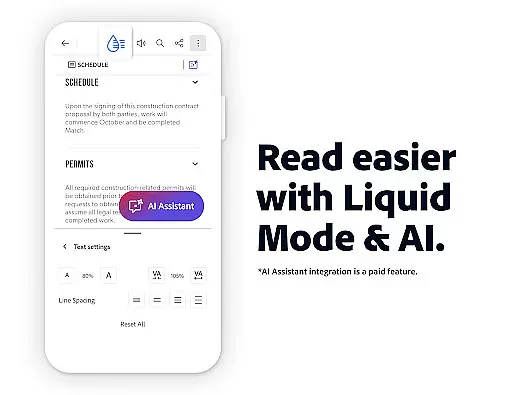
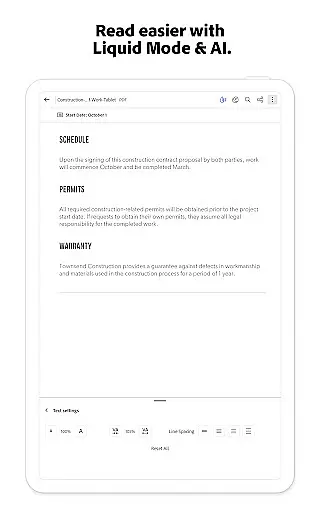
Advanced functionalities like Optical Character Recognition (OCR) transform scanned documents into editable content, while the PDF converter handles merging, splitting, and format conversion tasks seamlessly. The app's compression tools and security features ensure documents are both manageable and protected. Additionally, the Liquid Mode optimizes reading experiences across devices by adjusting layout elements for different screen sizes.
Task management is a cornerstone of productivity applications, and Adobe Acrobat Reader excels in this area by offering users comprehensive tools to handle PDF documents efficiently. The app provides functionalities such as editing text and images directly within PDFs, which streamlines the workflow for professionals who frequently work with these file types.
Adobe Acrobat Reader enables users to organize their PDF files effectively through features like merging, splitting, and reordering pages. This ensures that all necessary information is contained in a single, easy-to-navigate document, which can greatly enhance productivity during both individual tasks and collaborative projects.
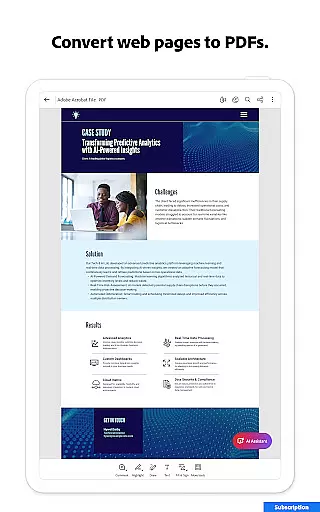
Moreover, the ability to convert various file formats into PDFs and vice versa adds another layer of flexibility to task management. Users can seamlessly integrate Acrobat Reader into their existing workflows, regardless of the original file format, making it an indispensable tool for managing digital documents.
The application's capability to compress PDF files without losing quality also contributes to efficient task management. Smaller file sizes mean quicker uploads, downloads, and sharing, which saves time and storage space. Overall, Adobe Acrobat Reader empowers users to take full control of their PDF-related tasks, enhancing their overall productivity.
Cross-device synchronization is vital for users who need consistent access to their documents across multiple devices. Adobe Acrobat Reader addresses this need by providing reliable synchronization capabilities that ensure users can access their PDFs from any device with minimal latency.
The app integrates with popular cloud storage services such as Microsoft OneDrive, Dropbox, and Google Drive, allowing users to store their files online and retrieve them whenever needed. This seamless integration ensures that no matter where a user logs in, their documents are up-to-date and readily available, promoting a smooth cross-device experience.
Furthermore, Adobe Acrobat Reader's subscription model enhances synchronization reliability by enabling real-time updates and backups. Any changes made to a document on one device are instantly reflected across all linked devices, ensuring that users always have the most current version at their fingertips.
This level of synchronization reliability not only boosts productivity but also provides peace of mind, knowing that important documents are securely stored and easily accessible. By prioritizing cross-device functionality, Adobe Acrobat Reader supports modern work habits and helps users maintain continuity in their daily tasks.
Comprehensive PDF editing tools
Advanced AI-powered document analysis
Seamless cloud integration
Robust security features
Cross-platform functionality
Premium features require subscription
Some tools have learning curve
Basic features may feel limited
Occasional performance issues
Large app size

Experience Reading - Night Mode for Documents
 4.40
4.40
Total remote control for your Android device, PC and cloud services (IFTTT)!
4.20
Make your handwriting beautiful, even more than pen on paper.
3.60
Remotely view listen control and record cameras.
3.70
Activate Two Factor Authentication (2FA or Multi OTP), Password manager and more
4.10
ID.me Authenticator is a simple and free Two Factor Authentication solution
3.50
A beautiful digital clock with autostart and many other functions
4.70
Scientific calculator for Android - looks and operates like the real thing!
4.90
Daily processing of PDF documents.
4.40
Multilingual translator for text, voice, and image translation!
4.90
Great calculator for Android named one of USA TODAY's "25 Essential Apps".
4.90
App lock - lock apps with fingerprint, password, pin or pattern, protect privacy
4.70
Client for Nextcloud Deck
4.60
Lightweight PDF, Word, Excel reader.
4.60
Secure your apps with lock screens, use custom themes and different features.
4.40
A customizable calendar for your Wear OS watch
4.20
Access your phone's notifications, calls, apps, photos & texts on your PC
3.90
Simple and reliable communication between inmates, friends and family
3.20
Experience and share your SolidWorks designs on your Android® phone and tablet.
2.50


User Reviews