
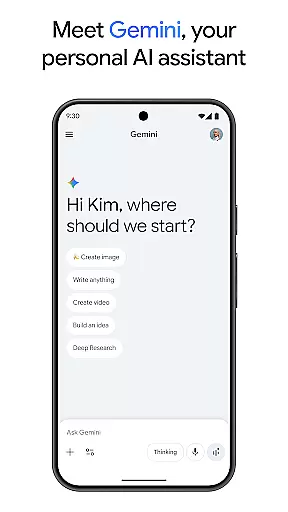
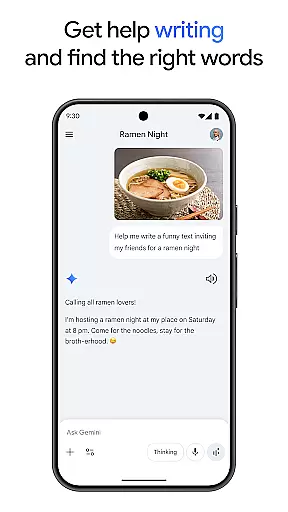
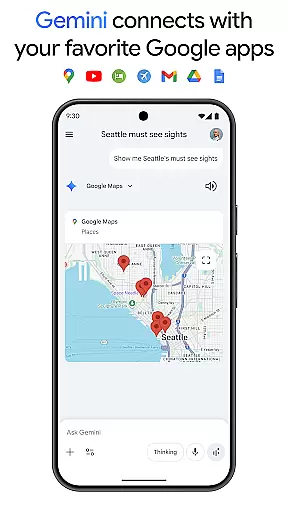
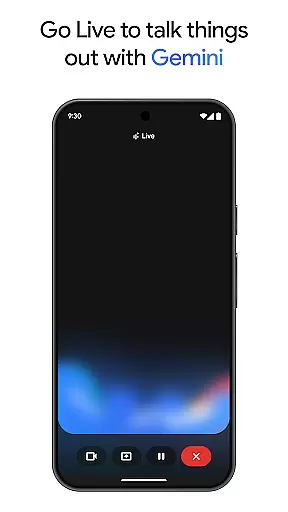
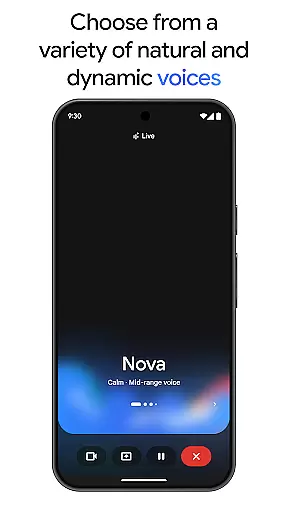
Gemini is a powerful AI assistant developed by Google, designed to enhance both creativity and productivity. This app provides direct access to Google's advanced family of AI models, enabling users to brainstorm ideas, simplify complex topics, and even rehearse for important events through its Gemini Live feature. By integrating with popular Google services like Search, YouTube, Maps, and Gmail, it creates a seamless experience across the Google ecosystem.
One of Gemini's standout features is Canvas, which allows users to bring their ideas to life by creating apps, games, web pages, infographics, and more. Additionally, it supports educational activities by generating quizzes and flashcards, offering interactive visuals, and providing real-world examples. The app also includes innovative tools such as turning files into podcasts, editing images from simple text descriptions, and planning trips efficiently. With optional Pro and Ultra plans, users can access enhanced capabilities like a 1M token context window, video generation, and early access to new AI innovations.
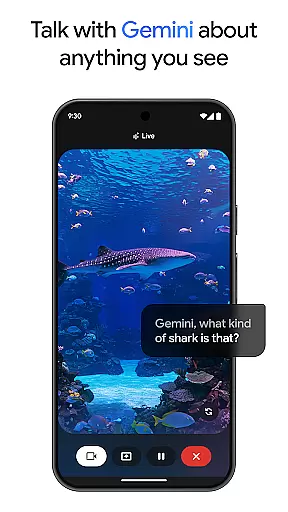
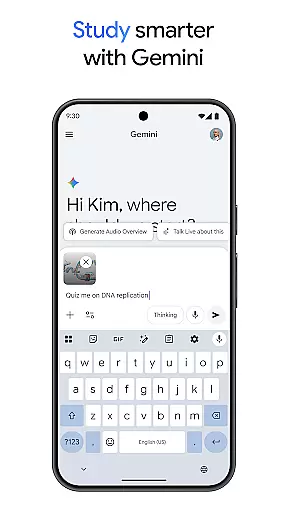
Gemini offers an extensive array of features that cater to various needs. Its Gemini Live functionality allows users to engage in dynamic conversations by sharing their camera or screen, making it easier to discuss visual content. The Canvas tool is particularly useful for creative professionals, enabling them to prototype apps, design games, and develop web pages effortlessly. Educational tools within the app help students study smarter by creating interactive quizzes and flashcards, along with providing detailed visual aids.
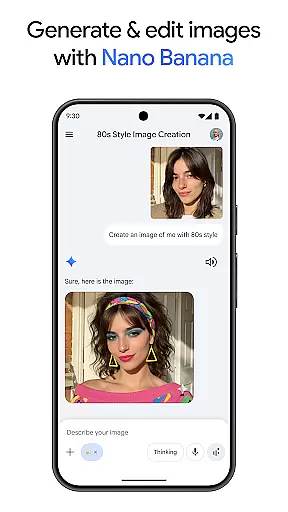
For those interested in multimedia, Gemini can transform any file into a podcast, create and edit images based on textual input, and assist in planning trips quickly and efficiently. The Nano Banana feature enhances image generation and editing capabilities, allowing users to blend images, design posters, and build diagrams with ease. Upgrading to the Pro or Ultra plans unlocks additional benefits, including a large context window for processing extensive texts or code, video generation, and priority access to cutting-edge AI features like Agent Mode.
Gemini by Google redefines core task management by integrating advanced AI capabilities into everyday workflows. The app allows users to brainstorm ideas, simplify complex topics, and rehearse for important moments through its Gemini Live feature. This functionality is crucial for individuals seeking an interactive way to manage tasks and projects.
The app's integration with popular Google services like Search, YouTube, Gmail, and Google Maps enhances its task management abilities. Users can seamlessly connect their workflows across these platforms, ensuring that all essential information is centralized and easily accessible. This interconnected ecosystem significantly boosts productivity and ensures no detail is overlooked.
For those needing to create content or study efficiently, Gemini offers tools such as Canvas for prototyping apps, games, web pages, and more. Additionally, it supports learning through quiz and flashcard creation, interactive visuals, and real-world examples. These features collectively ensure that users can manage both creative and educational tasks effectively.
By upgrading to the Pro or Ultra plans, users gain access to even more powerful features, including a 1M token context window and higher access to models like 3 Pro. These enhancements allow for tackling complex tasks with greater efficiency, making Gemini an indispensable tool for modern task management.
Cross-device synchronization is a cornerstone of productivity, and Gemini excels in this area by providing reliable and seamless data sharing across multiple devices. Whether you're working on your phone, tablet, or computer, Gemini ensures that all your information is up-to-date and accessible wherever you are.
The app's ability to sync with various Google services enhances its reliability. By connecting with platforms like Gmail, Google Maps, and YouTube, Gemini ensures that your data is not only synchronized but also enriched with relevant information from these services. This comprehensive integration helps maintain consistency and accuracy across all your devices.
Gemini's advanced AI models support real-time updates, ensuring that any changes made on one device are immediately reflected on others. This feature is particularly beneficial for users who need to switch between devices frequently, allowing them to pick up right where they left off without missing a beat.
Furthermore, the availability of Gemini as part of Google Workspace business and education plans underscores its commitment to reliable cross-device functionality. With additional benefits like video generation and deep research capabilities, Gemini provides a robust solution for users seeking dependable synchronization across their digital ecosystem.
Advanced AI models
Seamless Google integration
Creative Canvas tool
Educational support
Optional Pro features
Paid Pro plan
Complex interface
Limited free features
High system requirements
Privacy concerns

Ads Free App! Editor, Hide File, Copy, Move, Delete and Rename.. all facility av
 1.70
1.70
Send files, sync SMS, notifications & clipboard across devices via local network
4.40
Device's storage information in a simple and clear graphical form (infographics)
4.10
Make your handwriting beautiful, even more than pen on paper.
3.60
Font maker keyboard with your own handwriting
4.10
Calendar 2023 widget for Android. Appointment scheduler, planner, and reminder
4.60
* block pre-roll ads, pop-up and forced redirect ads * Samsung certification app
4.00
Use powerful, industry-leading AI tools to generate visual charts from any data
4.80
Set up, print, and get support—in one place
4.20
Best Tool for the professionals Electrician, Electrical contractors, etc.
4.90
Understand anything with a personalized AI research assistant
4.80
Secure, fast, open-source, Remote Desktop Client for Windows and Linux with SSH
4.60
App Lock with fingerprint, password: Lock apps & hide photos with lock screens
4.60
All document reader, all in one file viewer read PDF, DOCX, XLS, PPT, TXT files.
4.60
A simple Whisper AI keyboard for reliable speech transcription and rewording
4.60
Planet Free VPN - The best Fast Unlimited and Secure VPN Without Logs
4.50
Customizable calendar widget for seamless event sync, planning & scheduling.
4.00
⏰ Finally a timer app which can run multiple timers simultaneously on your watch
3.90
The upgraded version of Name Wheel with AI and the power to add your own wheels.
4.4


User Reviews