
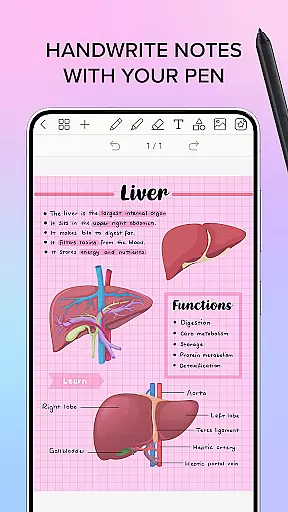
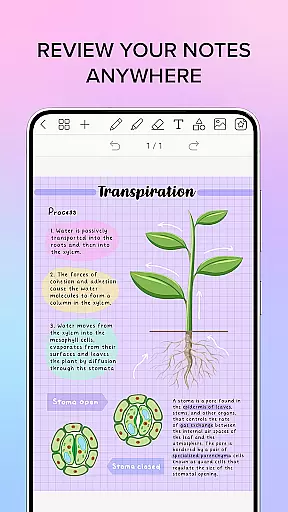
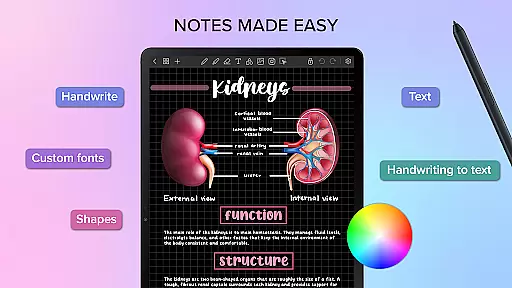
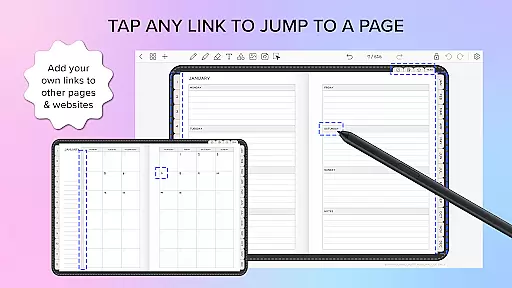
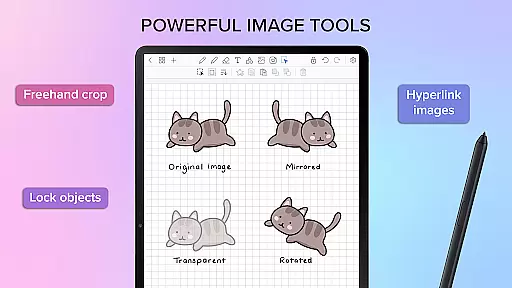
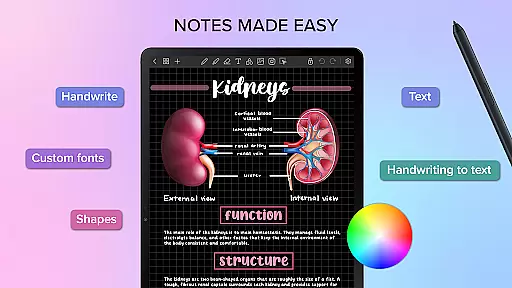
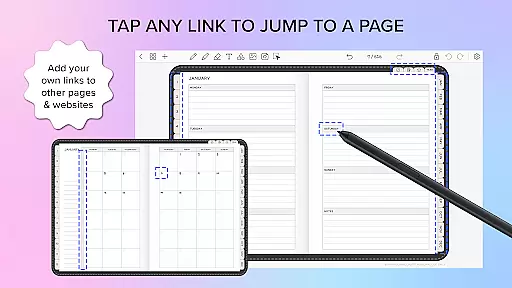
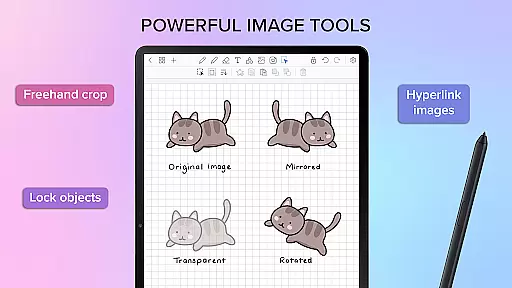
Penly is a comprehensive digital planner, journal, and note-taking app designed to enhance productivity and creativity. With its intuitive interface and robust features, users can seamlessly integrate handwritten notes, text, images, and shapes into their documents.
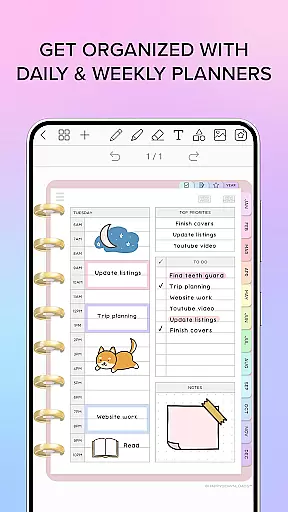
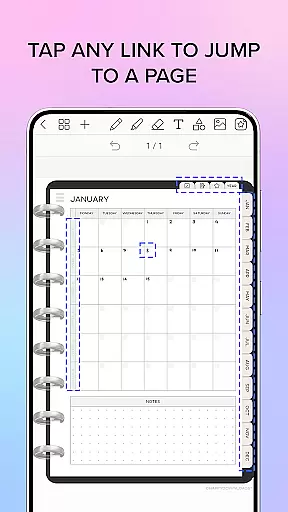
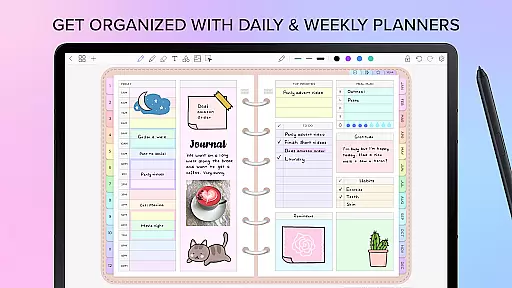
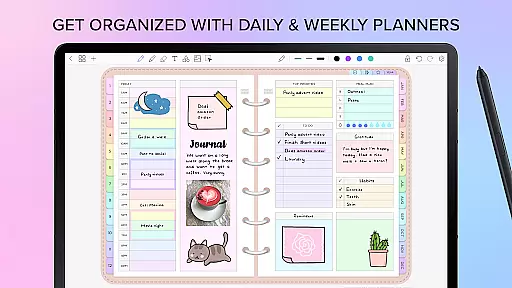
The app includes four digital planners with hyperlinked pages, undated and reusable templates, and various styles to suit different preferences. Penly supports importing PDF files, creating custom hyperlinks, and organizing stickers and images efficiently. Syncing between Android devices via Google Drive ensures your work is always up-to-date.
Penly offers an array of powerful tools including smooth handwriting recognition, automatic handwriting to text conversion, and smart eraser functionality. Users can highlight, underline, transform, group, and lock objects within their notes, providing a versatile editing experience.
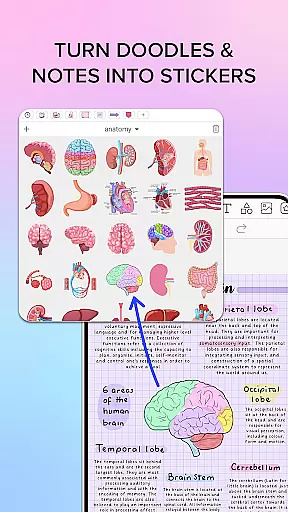
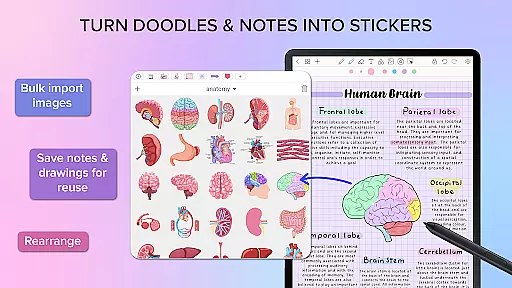
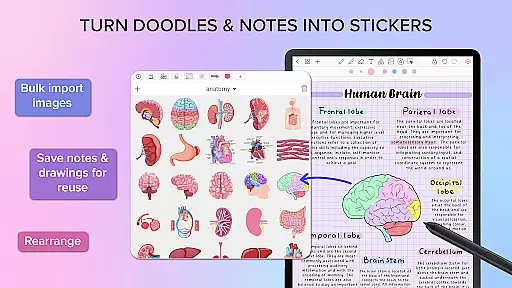
Additional features include the ability to import custom fonts, create sticker collections, and organize pages and documents with folders and sub-folders. The app's hyperlink creation tool allows any object to become a hyperlink, directing users to specific pages or websites, enhancing navigation and document management.
Penly offers a comprehensive suite of tools for managing tasks and organizing your digital life. The app includes features like hyperlinked monthly, weekly, and daily planners that are undated and reusable, allowing users to customize their schedules flexibly.
With the ability to import any PDF file, Penly transforms into a versatile digital planner. Users can navigate these files using existing hyperlinks and export them as editable Penly files or PDFs, ensuring seamless document management.
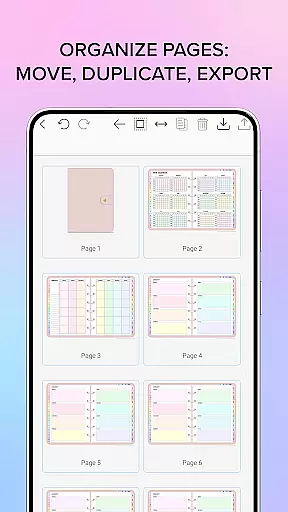
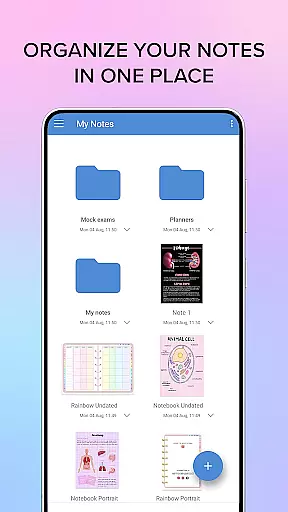
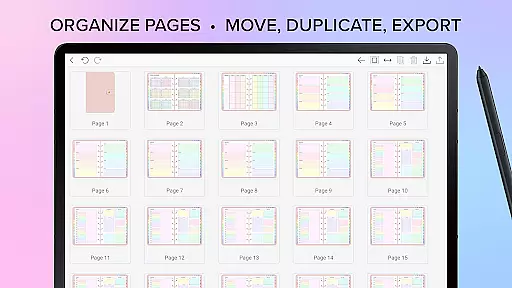
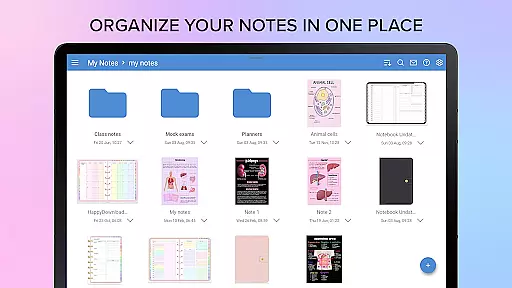
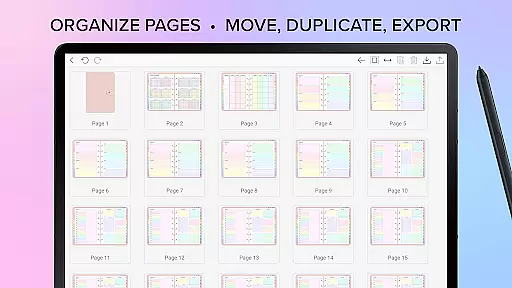
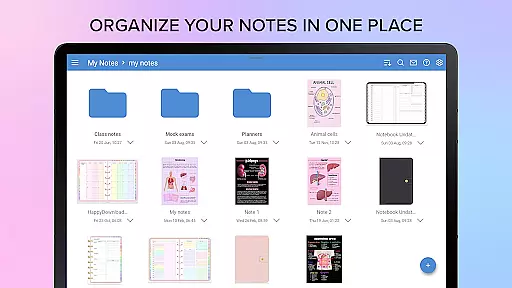
The app's organizational prowess extends to its page and document management system. Users can copy, paste, delete, and rearrange pages effortlessly. Documents are managed within a folder and sub-folder structure, reopening exactly where you left off, which enhances productivity significantly.
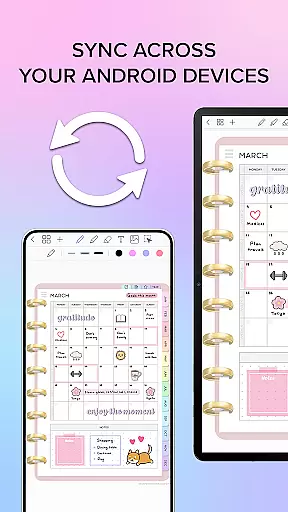
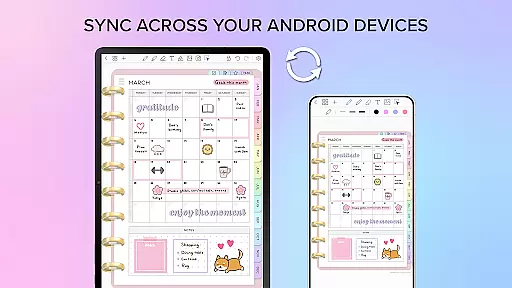
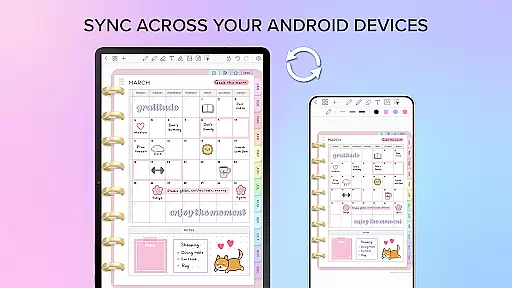
Cross-device synchronization is crucial for maintaining workflow continuity, and Penly excels in this area by integrating with Google Drive. This feature allows users to sync their data manually or automatically whenever the app is opened or closed.
By linking Google Drive to Penly, users ensure that their planners, notes, and documents are consistently updated across all Android devices. This reliable syncing mechanism guarantees that no data is lost and every modification is reflected instantly on all linked devices.
This synchronization capability not only boosts productivity but also provides peace of mind, knowing that your digital workspace is always up-to-date regardless of the device you choose to use at any given moment.
User-friendly interface
Handwriting to text feature
Versatile sticker tools
Efficient page organization
Reliable syncing capabilities
Limited language support
No iOS version available
Premium features require payment
Occasional sync issues
Learning curve for new users

Client for Nextcloud Deck
 4.60
4.60
The long-awaited modern gallery app for your Nextcloud server
4.70
Mega cloud explorer plugin for Solid Explorer
3.80
Wake up & get tasks done! Add alarms & reminders on the Clock Launcher.
4.00
A lightweight JSON & XML files creator, editor and viewer (Premium Version)
4.40
We're working to become the best machining app on the market! www.cncdirt.com
4.80
Secure, fast, open-source, Remote Desktop Client for Windows and Linux with SSH
4.60
PDF scanner & converter for files, photos, lottery, QR codes. One swipe away!
4.50
Seamlessly read, manage, and organize all your PDF files solution in one place
4.40
Seamlessly integrate data and reports to build your presentation to impress
4.80
Absolutely the best CNC machinist speed and feed calculator around. fswizard.com
4.60
A Pixel Art watchface inspired by other iconic 90s designs for Wear OS devices!
4.40
This small app MUST BE INSTALLED after purchase, else license won't work
4.40
Access, manage and transfer files on Android, PC, Mac, NAS and cloud storages.
4.30
A customizable calendar for your Wear OS watch
4.20
All in One PDF Reader: Manage, Read and Edit your Documents
4.20
Device's storage information in a simple and clear graphical form (infographics)
4.10
Access your phone's notifications, calls, apps, photos & texts on your PC
3.90
Ultimate Virtual AI Character for immersive Roleplay Chat. Perfect Companion
3.90


User Reviews