
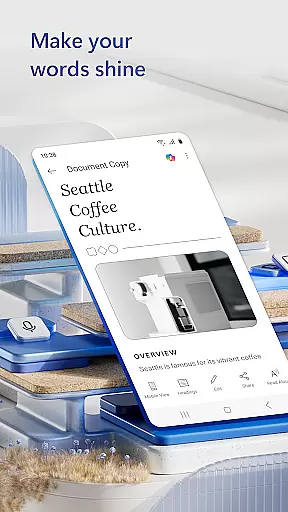
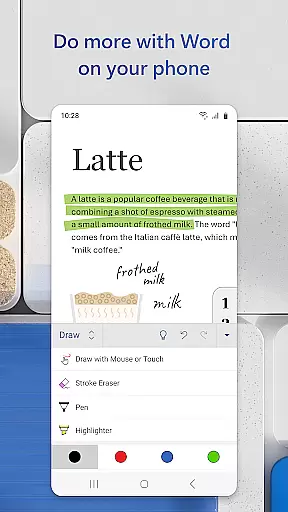
Microsoft Word is the quintessential mobile document editor, empowering users to create, edit, and collaborate on documents directly from their mobile devices. With capabilities mirroring the desktop version, this app allows for seamless document management on the go. Users can craft detailed cover letters, convert files to PDF, and access a rich gallery of templates for resumes, newsletters, and more.
The app's strength lies in its ability to simplify complex tasks such as PDF conversion, file sharing, and collaborative editing. Whether you're a blogger, writer, or project manager, Microsoft Word adapts to your needs, ensuring that document formatting and layout remain intact. Its intuitive interface and powerful features make it an indispensable tool for professionals who require flexibility and functionality in mobile document management.
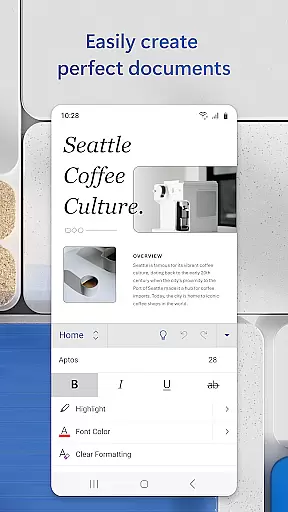
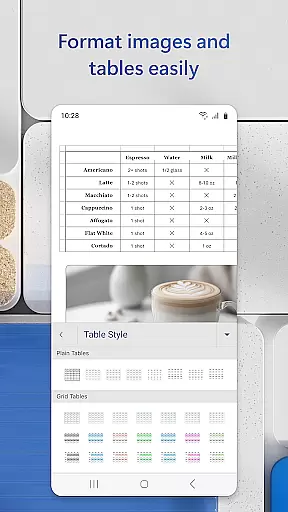
Microsoft Word stands out with its comprehensive feature set tailored for productivity. The app provides beautiful, modern templates for various document types including resumes, cover letters, and forms, making professional document creation accessible to everyone. Its advanced editing tools allow for rich formatting and layout adjustments, ensuring documents maintain their intended appearance across devices.
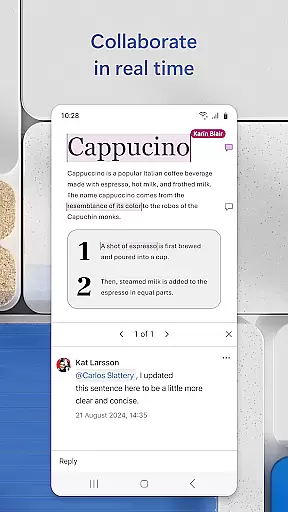
Collaboration is made effortless with features that support real-time document commenting and editing. Users can easily track changes, view editing history, and revert to previous versions when necessary. Additionally, the built-in PDF converter and viewer enable users to work with PDF files as conveniently as with Word documents, further enhancing the app's versatility in document management.
Microsoft Word revolutionizes core task management by offering a comprehensive suite of tools that streamline document creation, editing, and collaboration. The app allows users to create documents with professional templates, ensuring tasks like resume building or letter writing are both efficient and visually appealing.
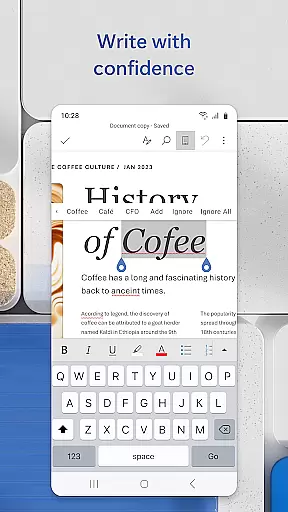
Task management within Microsoft Word extends beyond simple document creation. Users can seamlessly convert files between Word and PDF formats, proofread, check spelling, and even leave comments next to text for collaborative projects. This ensures that all aspects of document handling, from initial drafting to final sharing, are managed within a single, intuitive interface.
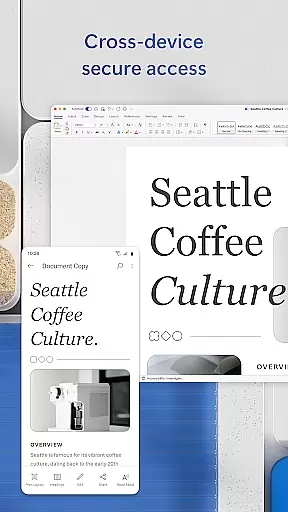
The real value lies in its cross-device functionality, enabling users to access, edit, and share their documents from any location. With features like editor history and built-in document viewers, staying on top of changes and ensuring consistency across drafts becomes effortless, making it an indispensable tool for anyone needing to manage document-based tasks efficiently.
Cross-device synchronization is a cornerstone of Microsoft Word's productivity enhancement, allowing users to start a document on one device and continue working on another without missing a beat. Whether you're switching from a PC to a mobile device or vice versa, the transition is seamless, maintaining all formatting, layouts, and edits.
This reliable synchronization is supported by cloud integration, ensuring that every change made is automatically saved and updated across all devices. This means team members can collaborate in real time, viewing and editing documents simultaneously, regardless of their physical location or the device they are using.
Moreover, Microsoft Word's synchronization extends to permission management, where users can control who has access to specific documents and track ongoing edits. This feature not only enhances security but also streamlines workflow, as users can see who is working on what, thus avoiding conflicts and ensuring that everyone is always on the same page.
User-friendly interface
Extensive template library
Real-time collaboration tools
Powerful PDF integration
Cross-device compatibility
Requires Microsoft account
Limited functionality on small screens
Occasional sync issues
Advanced features need subscription
Heavier on device resources

AI Video AI Image Private LLM AI Browser Llama Gemma Ollama Connect LLM Studio
 4.4
4.4
A customizable calendar for your Wear OS watch
4.20
Total remote control for your Android device, PC and cloud services (IFTTT)!
4.20
Easily read and manage all your PDF files
4.10
CalenGoo is a very flexible and feature-rich calendar app
4.40
ID.me Authenticator is a simple and free Two Factor Authentication solution
3.50
Create and edit presentations with Google Slides, part of Google Workspace.
4.00
Great calculator for Android named one of USA TODAY's "25 Essential Apps".
4.90
Simple notepad & memo. Take notes, to-do list, shopping list with reminders.
4.80
Multilingual translator for text, voice, and image translation!
4.90
Absolutely the best CNC machinist speed and feed calculator around. fswizard.com
4.60
A simple Whisper AI keyboard for reliable speech transcription and rewording
4.60
To do list widget with a notebook organizer, checklist, simple shopping list
4.60
Font maker keyboard with your own handwriting
4.10
The ultimate file manager for rooted devices. The original and still the best.
4.00
All in one sketching tool. Technical and General drawing. Online Maps support.
3.70
Simple and reliable communication between inmates, friends and family
3.20
Experience and share your SolidWorks designs on your Android® phone and tablet.
2.50
IP Camera Viewer - Android TV : RTSP Surveillance camera viewer for Android TV
4.2


User Reviews