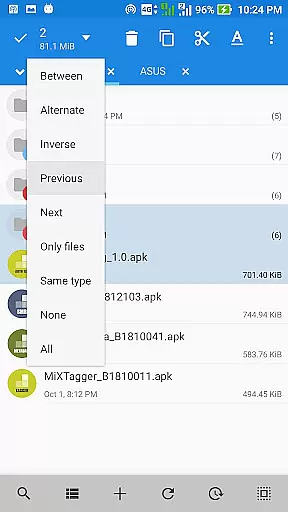
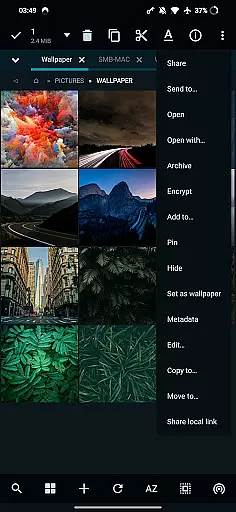
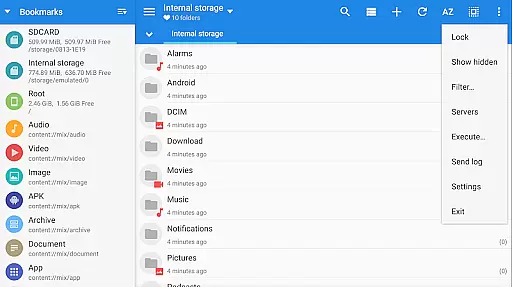
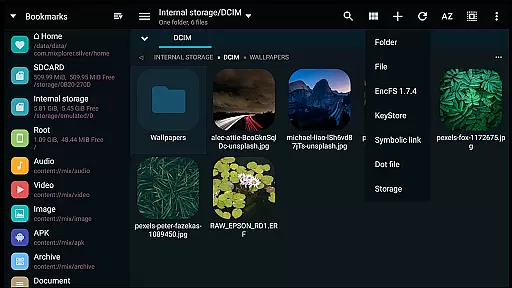
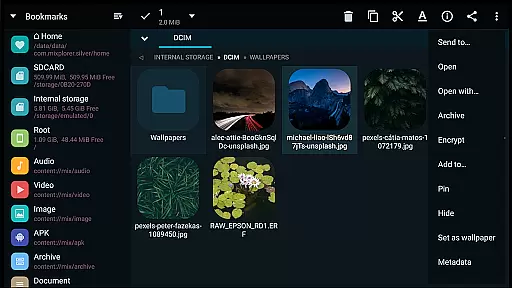
MiXplorer Silver is a comprehensive file management solution designed for productivity enthusiasts who require advanced tools in an intuitive interface. This premium app bundles the core MiXplorer file manager with essential add-ons including Archiver, Image viewer, Tagger, and PDF reader, providing users with a versatile toolkit for handling various file types efficiently.
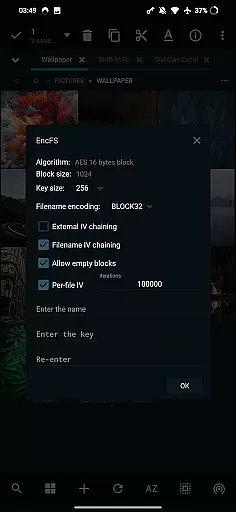
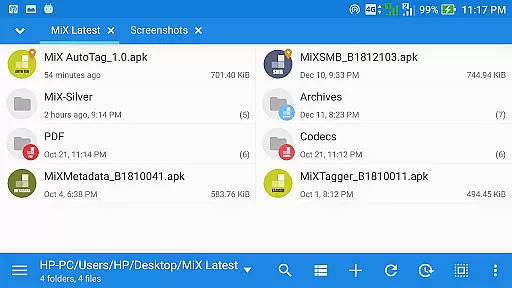
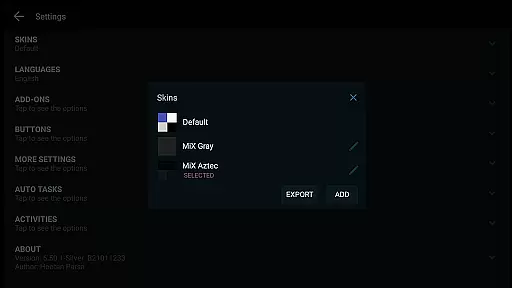
The app stands out with its themable interface, allowing complete customization of colors, menu options, and action buttons. Its support for unlimited tabbed browsing, dual panels in landscape mode, and drag-and-drop functionality between panels makes multitasking seamless. Additionally, MiXplorer Silver offers cloud storage integration, root access for advanced operations, and EncFS volume support, making it an indispensable tool for both casual users and power users seeking robust file management capabilities.
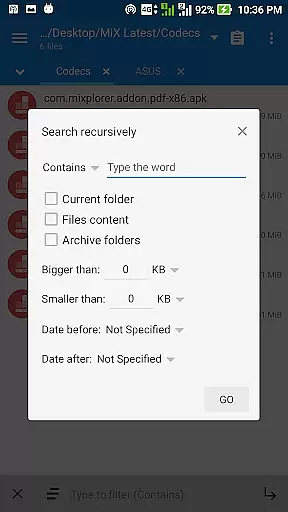
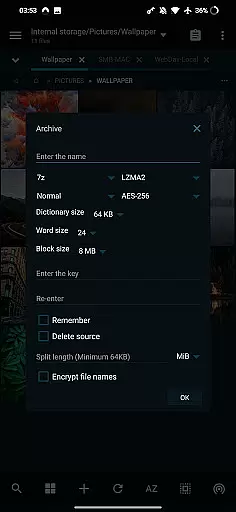
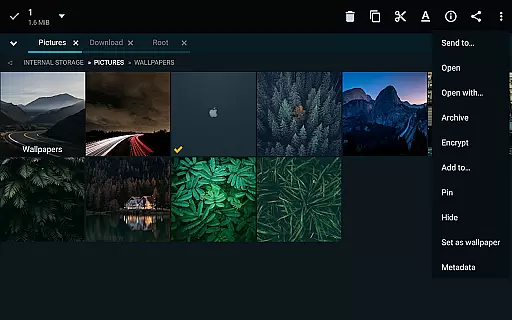
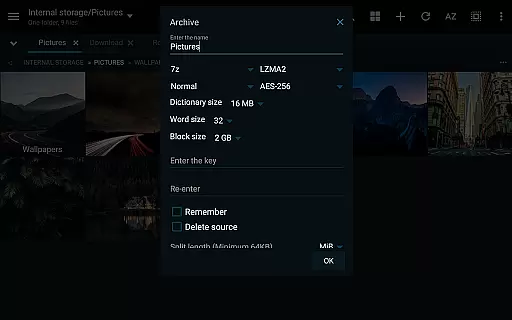
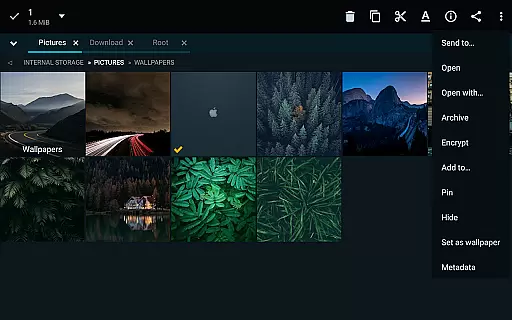
MiXplorer Silver distinguishes itself through its extensive feature set tailored for productivity. The app supports over 20 archive formats for packing and unpacking, including 7z, Zip, TAR, and specialized formats like RAR5 and Zstandard. Its advanced search functions and customizable bookmarks drawer allow users to organize and retrieve files with remarkable efficiency.
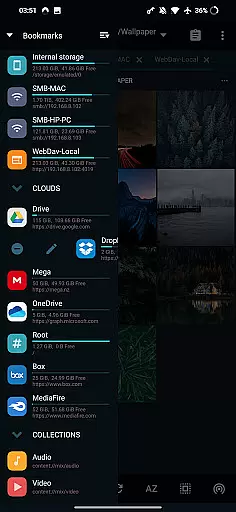
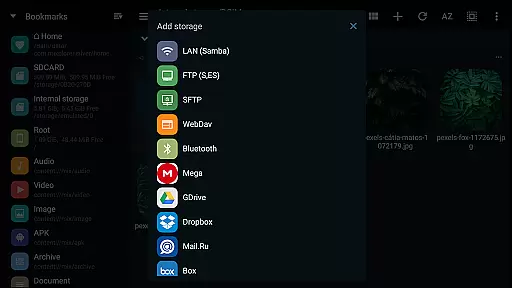
One of the standout features is its cloud storage integration, supporting popular providers like Google Drive, Dropbox, and OneDrive, as well as WebDAV-compatible services. The built-in servers (FTP, HTTP, WebDAV) and clients (SAMBA, SFTP) enable seamless network file management. Additionally, the app includes viewers and editors for multiple file formats such as EPUB, PDF, and various image types, along with a powerful text editor for coding. These features collectively ensure that users can manage, view, and edit almost any file type without leaving the app.
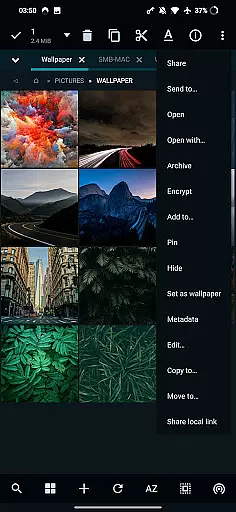
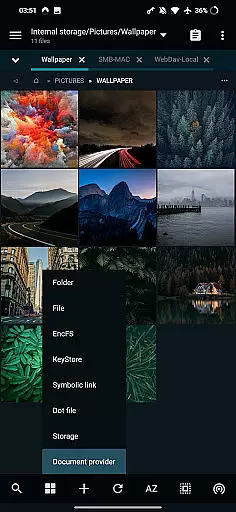
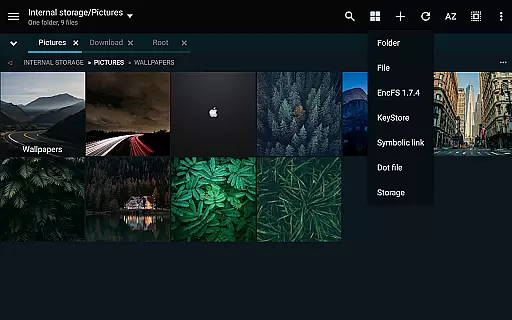
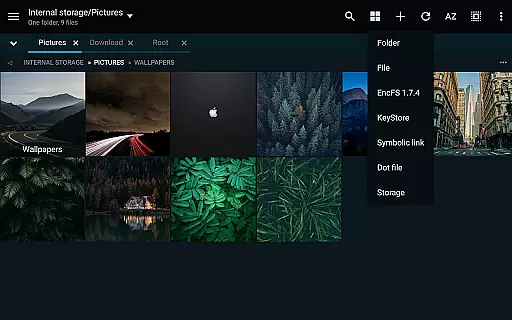
In the realm of file management, MiXplorer Silver stands out with its robust core task management capabilities. This feature allows users to handle multiple operations such as copying, moving, and other file manipulations simultaneously through an intuitive task creation system.
Users can easily create and manage tasks, ensuring that complex file operations are executed smoothly and efficiently. The ability to multitask various file operations not only saves time but also enhances productivity by allowing users to focus on other important activities while the app manages the heavy lifting.
The app's task management system is designed to be both powerful and user-friendly, making it accessible for users of all skill levels. Whether you're organizing personal files or managing large datasets, MiXplorer Silver ensures that your tasks are completed reliably and swiftly.
MiXplorer Silver excels in providing reliable cross-device synchronization, a crucial feature for users who work across multiple devices. This functionality ensures that your file management preferences, bookmarks, and customized skins are consistently synchronized, offering a seamless experience no matter which device you use.
The synchronization process is designed to be fast and dependable, maintaining data integrity and consistency across all linked devices. Users can export and import all preferences, ensuring that their personalized settings are preserved and easily transferable.
This level of synchronization reliability not only simplifies the user experience but also enhances productivity by eliminating the need to manually adjust settings on each device. With MiXplorer Silver, your file management environment remains consistent and efficient, regardless of the device you choose to work on.
Highly customizable interface
Extensive cloud storage support
Advanced file encryption
Powerful archive management
Root access for advanced users
Paid app with no free version
Steeper learning curve
Occasional performance lags
Limited customer support
Heavy on system resources

Seamlessly integrate data and reports to build your presentation to impress
 4.80
4.80
Take control of your clipboard with Clipper!
3.90
We're working to become the best machining app on the market! www.cncdirt.com
4.80
App lock - lock apps with fingerprint, password, pin or pattern, protect privacy
4.70
Stay on top of your to-dos with Google Tasks, part of Google Workspace.
4.60
PDF scanner & converter for files, photos, lottery, QR codes. One swipe away!
4.50
Subscribe to Webcal & .ics calendars and keep them up-to-date!
4.50
Secure, open-source, SPICE and SSH Remote Desktop for QEMU KVM virtual machines
4.00
2026 USPS Alpha/Color coded calendar Sunday/Rotating day off schedules
4.4
QuickBooks Workforce lets teams view pay info and track time in one place.
4.70
Absolutely the best CNC machinist speed and feed calculator around. fswizard.com
4.60
Functional QR scanner and barcode reader that requires little storage space.
4.60
Automates browsing any website and notifies you of important changes or events
4.30
A customizable calendar for your Wear OS watch
4.20
Cloud storage, automatic phone backup, and more.
4.10
Remotely view listen control and record cameras.
3.70
Find and delete junk files & block unwanted notifications & manage files
3.70
Auto-shutoff Alarm with Sunrise, Sunset & Fixed Options.
3.50
Create study competitions, track your hours, and stay consistent with friends
4.0


User Reviews