
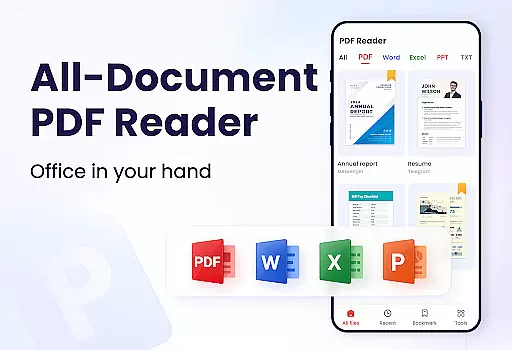
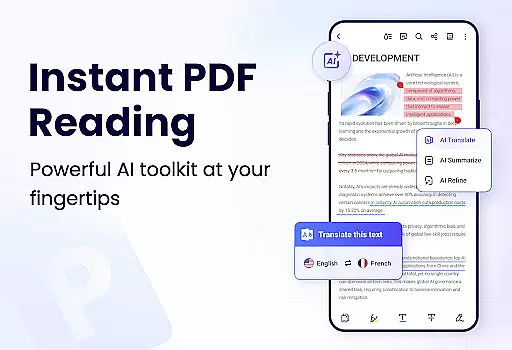
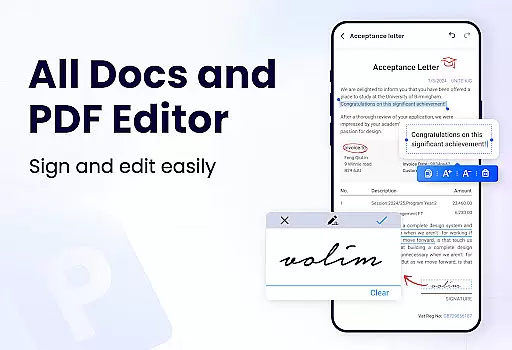
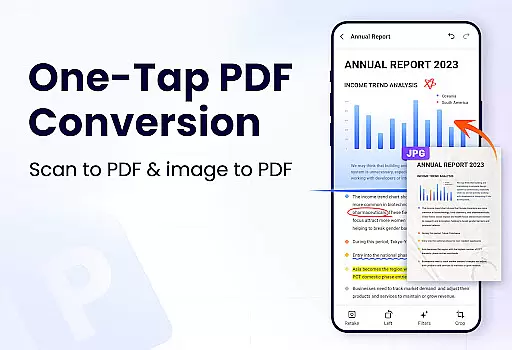
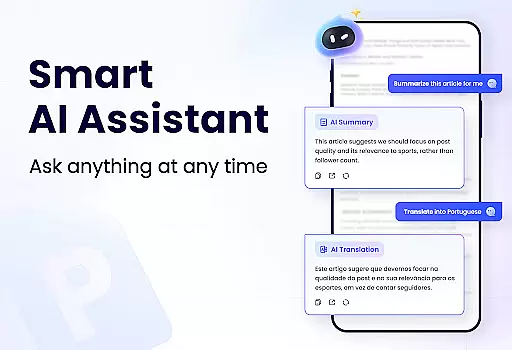
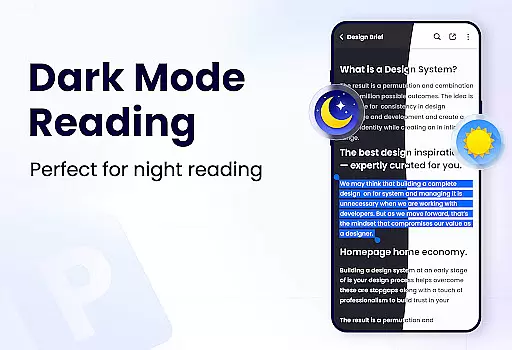
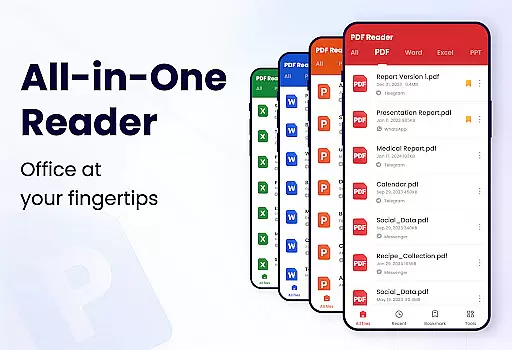
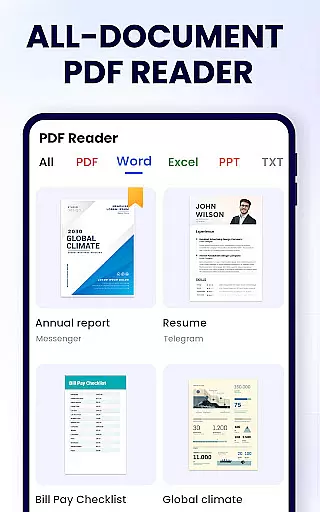
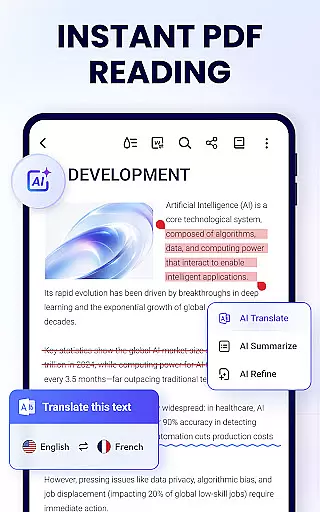
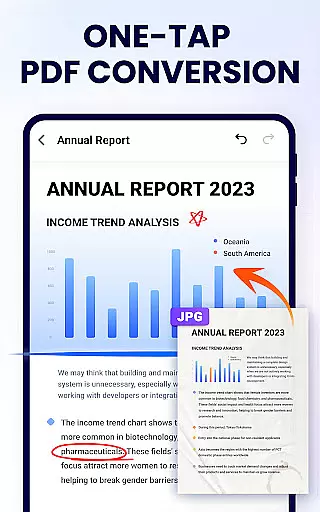
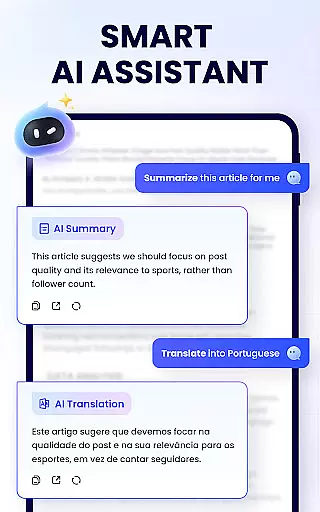
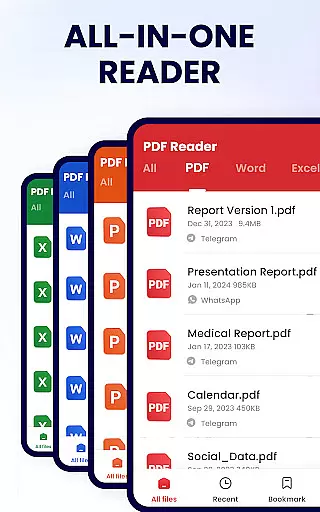
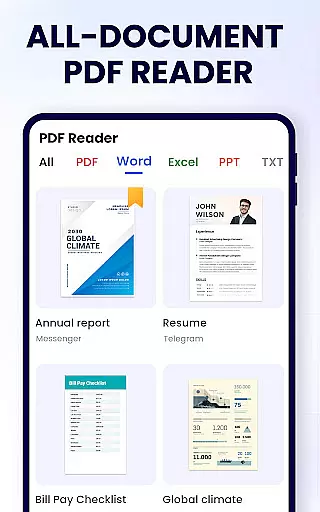
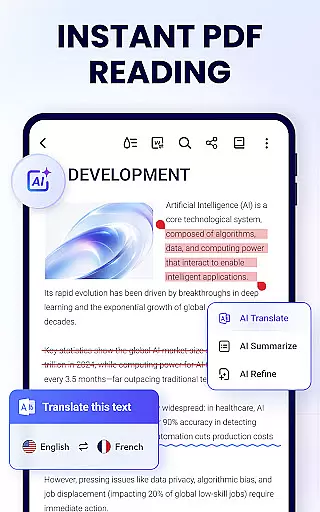
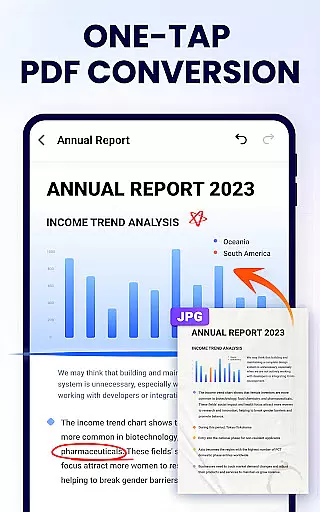
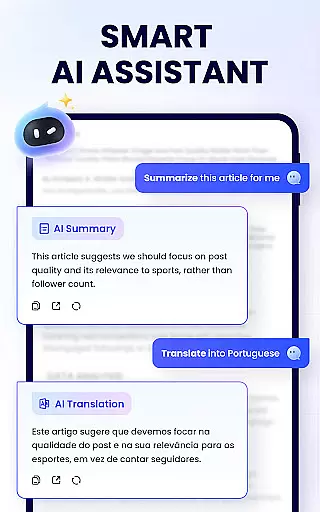
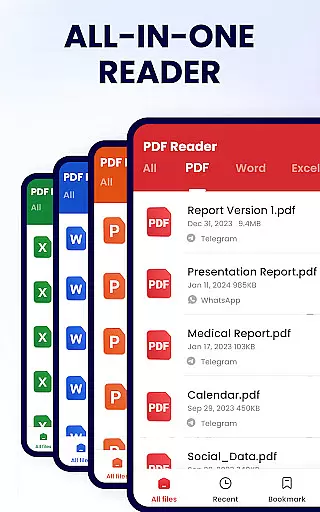
PDF Reader - PDF Viewer is a comprehensive productivity tool designed for Android users who need to manage, edit, and view PDF documents efficiently. This free app, A+ Read, offers an extensive range of features including reading, editing, merging, splitting, and securing PDF files with passwords. It stands out as not just a viewer but also a capable editor and manager, making it ideal for both work and study environments.
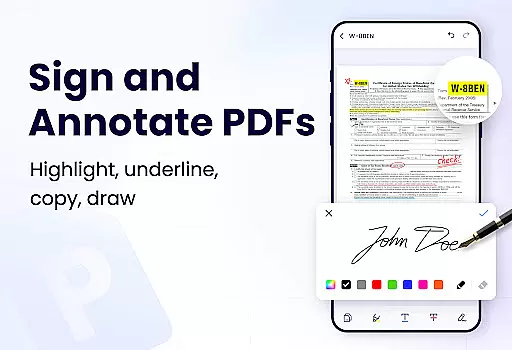
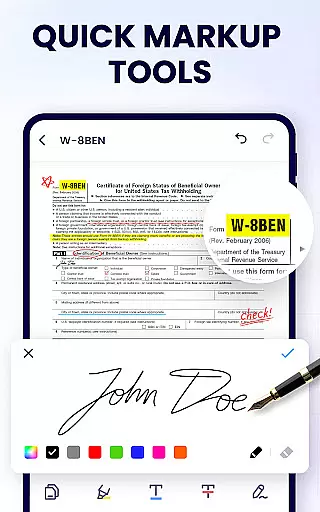
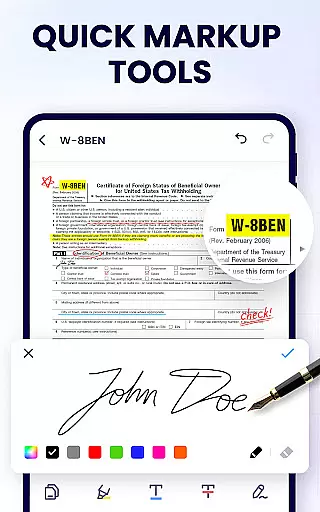
The app supports various viewing modes such as page by page, continuous scrolling, full screen, and zoom functionalities, ensuring a customizable reading experience. Additionally, its efficient file management system allows users to organize, protect, and share their PDFs effortlessly. With the ability to annotate, highlight, underline, and even doodle on PDFs, this app caters to all your document handling needs in one place.
PDF Reader - PDF Viewer boasts a multitude of features that enhance document management and readability. Its convenient PDF viewer automatically searches and displays all PDF files on your device, providing quick access and a clear list view. The smart PDF reader supports multiple viewing modes including horizontal, vertical, and full screen, along with zoom capabilities and direct page navigation.
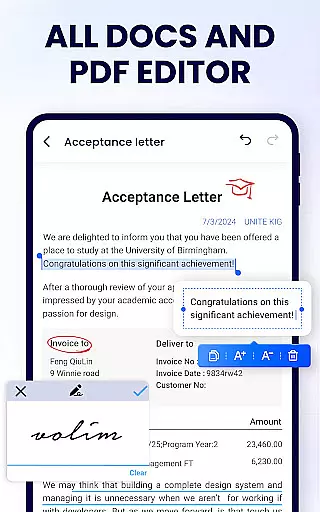
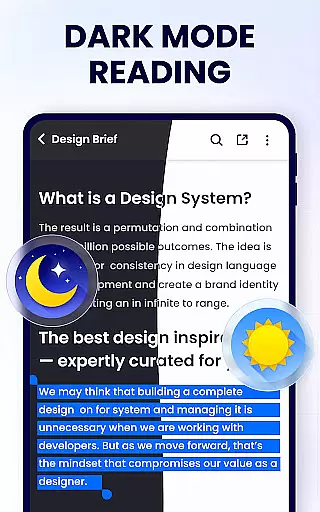
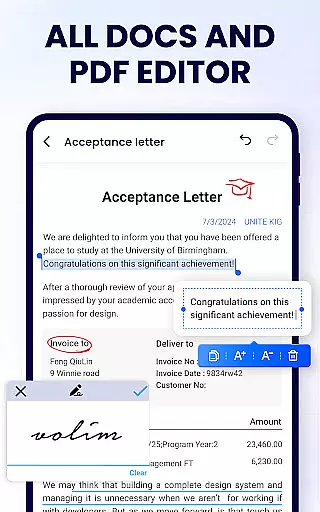
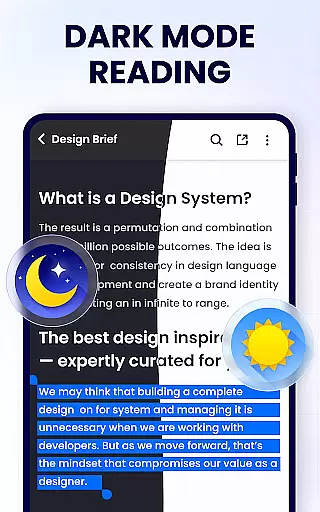
As an efficient PDF editor, it allows users to annotate documents, apply highlights, underlines, and strikethroughs, and even doodle directly on pages. The full-featured PDF manager enables merging and splitting of files, setting passwords, managing recently opened files, and sharing via social media platforms. Moreover, the app is lightweight, occupying only 12MB of space, and includes future updates like dark mode, PDF compression, form filling, e-signature addition, and conversion between PDF and other formats.
In the realm of productivity, managing tasks efficiently is paramount. PDF Reader - PDF Viewer excels in this area by offering a comprehensive suite of tools designed to streamline your document handling experience.
This application allows users to not only view PDFs but also to actively engage with them. With features such as annotation, highlighting, and the ability to doodle directly on pages, it transforms a simple PDF viewer into an interactive workspace. These capabilities ensure that any task related to document review or collaboration can be performed seamlessly within the app.
Moreover, the app provides advanced file management options. Users can merge and split documents, set passwords for document protection, and even rename files according to their preferences. This level of control over document management tasks significantly enhances workflow efficiency and data security.
The value derived from these features is clear: whether you're studying or working, having an all-in-one tool simplifies complex processes. The convenience of performing multiple operations without switching applications results in a more organized and productive day-to-day experience.
For professionals and students alike, having reliable access to documents across various devices is crucial. PDF Reader - PDF Viewer addresses this need by ensuring that your files are accessible wherever you go, without compromising on quality or performance.
Although explicit details about cloud integration are not provided in the description, the app hints at future enhancements like dark mode and smart PDF scanning. These upcoming features suggest an ongoing commitment to improving cross-device usability and functionality.
Currently, the app supports sharing via social media platforms, which implies a degree of connectivity between devices. While direct synchronization might not be explicitly mentioned, the ease of transferring documents indicates a foundational step towards robust multi-device support.
Ultimately, the promise of expanded features and the existing capability to manage and share documents conveniently point to a reliable cross-device experience. Users can look forward to enhanced mobility and flexibility in their document management tasks, making this app a dependable choice for those who require consistent access to their files.
User-friendly interface
Comprehensive editing tools
Secure file protection
Efficient file management
Lightweight application size
Limited advanced features
Occasional ads in free version
Requires permissions for full functionality
Some features still in development
Potential compatibility issues

Experience real multitasking on your Android!
 4.00
4.00
Auto-shutoff Alarm with Sunrise, Sunset & Fixed Options.
3.50
Secure, fast, open-source, Remote Desktop Client for Windows and Linux with SSH
4.60
App lock - lock apps with fingerprint, password, pin or pattern, protect privacy
4.70
Find and delete junk files & block unwanted notifications & manage files
3.70
Secure, open-source, SPICE and SSH Remote Desktop for QEMU KVM virtual machines
4.00
A comprehensive suite of tools designed specifically for Lactation Consultants
4.3
Experience and share your SolidWorks designs on your Android® phone and tablet.
2.50
AT&T Internet customers can use this app to personalize their Wi-Fi network.
4.40
Multilingual translator for text, voice, and image translation!
4.90
Protect and view your important info on your phone and tablet with eWallet®
4.80
Quickly and easily keep track of your work shifts
4.70
Absolutely the best CNC machinist speed and feed calculator around. fswizard.com
4.60
Tally and goal counter for Wear OS & mobile
4.50
CalenGoo is a very flexible and feature-rich calendar app
4.40
This small app MUST BE INSTALLED after purchase, else license won't work
4.40
Customizable calendar widget for seamless event sync, planning & scheduling.
4.00
Create and edit presentations with Google Slides, part of Google Workspace.
4.00
A simple, portable logger for POTA, SOTA, Field Day, and more
4.3


User Reviews