


Docusign is a leading productivity app that revolutionizes agreement management by offering secure and legally binding eSignature solutions. The app allows businesses and individuals to sign, send, and manage agreements from virtually anywhere, at any time, using almost any device. With its intuitive interface and robust functionality, Docusign simplifies the entire agreement process while maintaining high security standards.
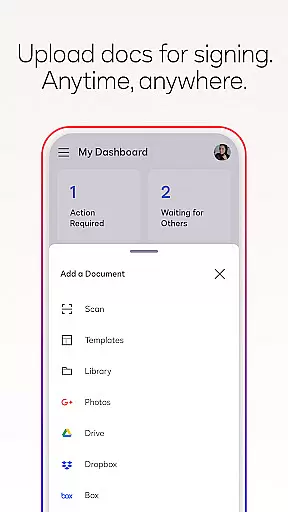
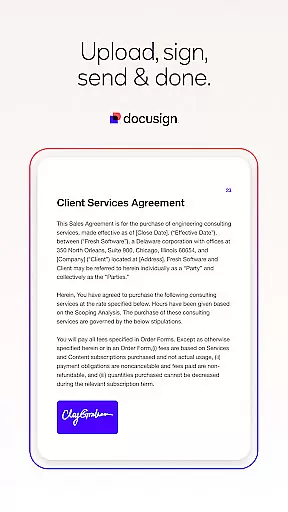
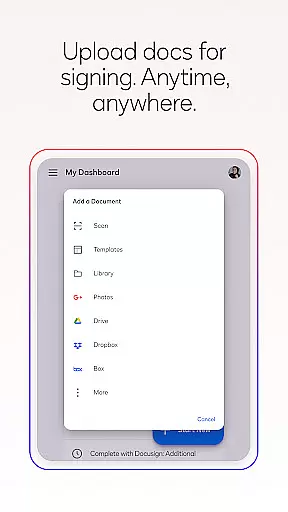
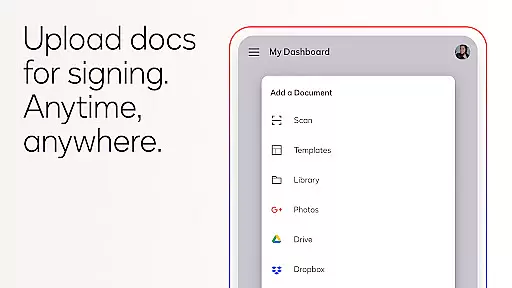
One of the standout features of Docusign is its ability to streamline document workflows. Users can upload documents via multiple platforms such as email, Google Drive, or DropBox, and prepare them for signature with customizable tags. The app supports various document types including PDFs, Word files, and images, making it versatile for different use cases like NDAs, sales contracts, and lease agreements. Its responsive signing functionality ensures an optimal experience across devices.
The app's value lies in its comprehensive approach to agreement management. It provides real-time notifications, unlimited free signing, and advanced features through subscription plans. Whether you're handling simple personal documents or complex business contracts, Docusign offers a reliable solution that enhances productivity and efficiency.
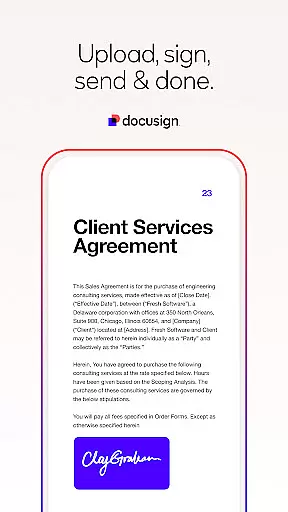
Docusign stands out with its rich feature set designed to simplify and secure the agreement process. One of its core functionalities is the ability to create customized digital signatures directly on your device, allowing users to sign documents quickly and easily. This feature is complemented by seamless document uploads from various sources such as email, cloud storage services, and photo scanning, ensuring maximum flexibility.
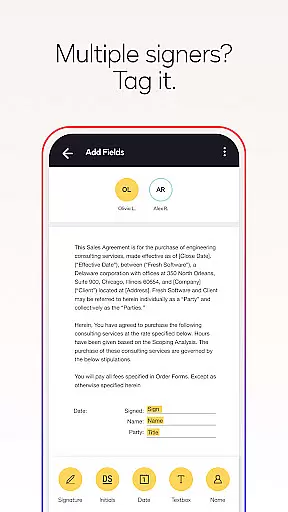
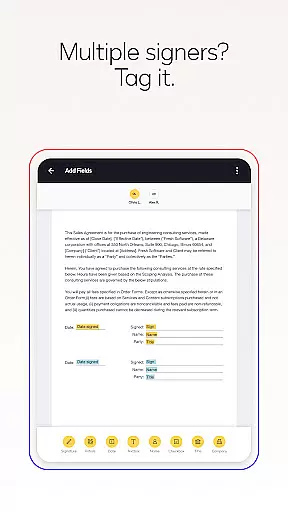
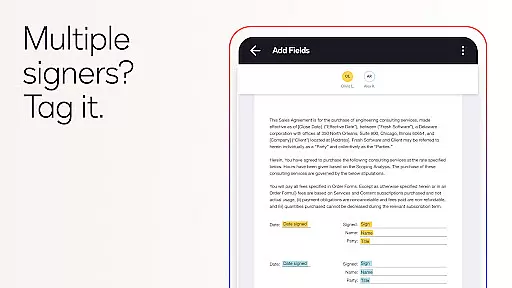
Another significant aspect is its streamlined document management system. Users can prepare documents with specific tags indicating where to sign or add additional information. The app supports both in-person and remote signing, with options to set signing orders and workflows for multiple signers. Responsive signing technology automatically adjusts documents to fit the signer's device, providing a smooth user experience regardless of screen size or orientation.
Docusign also emphasizes security and compliance. It adheres to the eSign Act, ensuring that all agreements are legally binding with complete audit trails. Documents are encrypted, offering enhanced protection compared to traditional paper-based methods. Additionally, premium subscription plans provide advanced features like reusable templates, reminders, and voiding capabilities, catering to diverse user needs from personal tasks to complex business operations.
In the realm of productivity, core task management is pivotal for organizing and executing tasks efficiently. DocuSign excels in this area by offering a streamlined process to manage agreements from creation to completion.
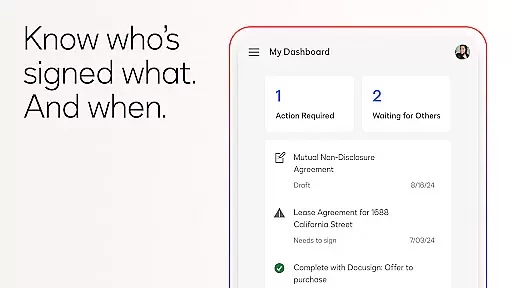
The app allows users to create customized digital signatures, upload documents from various sources like Google Drive or Dropbox, and prepare these documents with specific tags that indicate where to sign or add information. This structured approach ensures that every step, from sending out documents for signatures to tracking who has signed, is handled with precision.
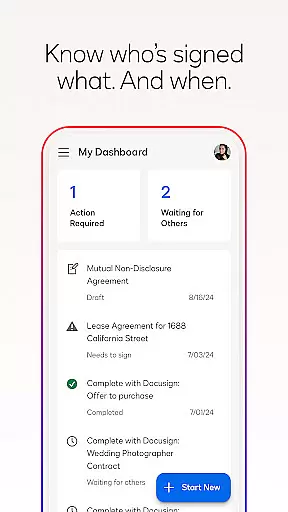
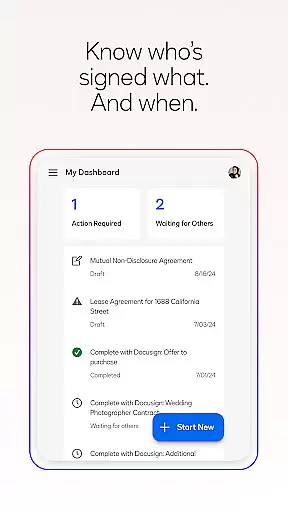
For users, this means an intuitive experience where they can easily monitor the progress of their agreements. They receive real-time notifications when documents are signed, which keeps them informed and able to respond quickly to any further actions required.
Ultimately, DocuSign's task management capabilities save time and reduce complexity, allowing individuals and businesses to focus on their core activities while ensuring all agreements are processed securely and efficiently.
Cross-device synchronization is essential for productivity apps, ensuring that users have a seamless experience across all their devices. DocuSign provides reliable synchronization that supports users in managing their agreements wherever they are.
With DocuSign, users can start a document on one device and continue working on it from another without missing a beat. Whether it's through email, cloud services like Google Drive, or even photo scanning, the app maintains consistency and availability of documents across platforms.
This reliability extends to the signing process as well. Users can send documents for signatures and receive real-time push notifications on any device when the document is signed. This feature is particularly beneficial for professionals who are always on the move and need to stay updated on their tasks.
By providing dependable cross-device functionality, DocuSign enhances user engagement and satisfaction, making certain that no matter where you are or what device you use, your important documents are always at your fingertips.
User-friendly interface
Secure and legally compliant
Supports multiple file formats
Real-time notifications
Flexible document upload options
Limited free sending in Personal Plan
Subscription required for advanced features
No offline functionality mentioned
Occasional connectivity issues reported
Learning curve for new users

Send files, sync SMS, notifications & clipboard across devices via local network
 4.40
4.40
Secure, fast, open-source, Remote Desktop Client for Windows and Linux with SSH
4.60
App lock - lock apps with fingerprint, password, pin or pattern, protect privacy
4.70
Simple and reliable communication between inmates, friends and family
3.20
Access, manage and transfer files on Android, PC, Mac, NAS and cloud storages.
4.30
A Pixel Art watchface inspired by other iconic 90s designs for Wear OS devices!
4.40
AT&T Internet customers can use this app to personalize their Wi-Fi network.
4.40
QuickEdit is a fast, stable and full featured text and code editor.
4.20
Note taking, handwriting, record audio, PDF annotation, planner & journal
4.20
Scan paperwork into PDF/JPG, generate your own e-signature and send fax or email
4.70
Absolutely the best CNC machinist speed and feed calculator around. fswizard.com
4.60
All in One PDF Reader: Manage, Read and Edit your Documents
4.20
Wake up & get tasks done! Add alarms & reminders on the Clock Launcher.
4.00
Access your phone's notifications, calls, apps, photos & texts on your PC
3.90
Ultimate Virtual AI Character for immersive Roleplay Chat. Perfect Companion
3.90
Find and delete junk files & block unwanted notifications & manage files
3.70
AI Video AI Image Private LLM AI Browser Llama Gemma Ollama Connect LLM Studio
4.0
Create study competitions, track your hours, and stay consistent with friends
4.2
IP Camera Viewer - Android TV : RTSP Surveillance camera viewer for Android TV
4.3


User Reviews