
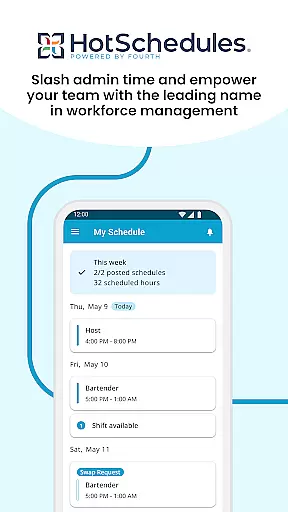
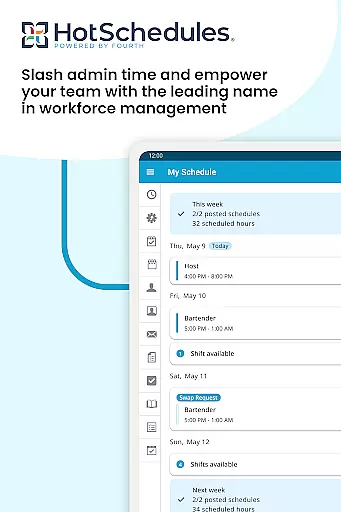
HotSchedules is a leading productivity app designed specifically for workforce management in businesses such as restaurants, retail, and hospitality. The app's core functionality revolves around employee scheduling, enabling both managers and team members to efficiently manage work shifts. For employees, the app allows easy shift swapping, automatic time-off requests, and calendar synchronization that keeps them updated with manager-approved changes. Managers benefit from advanced features like one-click shift change approvals, sales and labor monitoring, and performance snapshots accessible from anywhere. This makes it an essential tool for maintaining operational efficiency while fostering a connected and productive team environment.
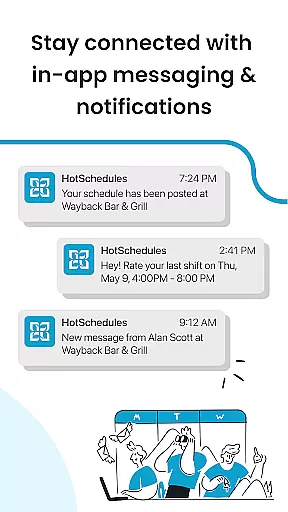
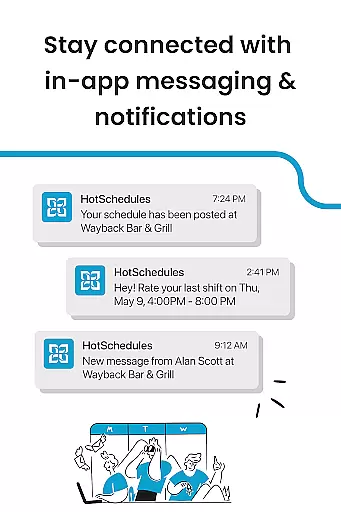
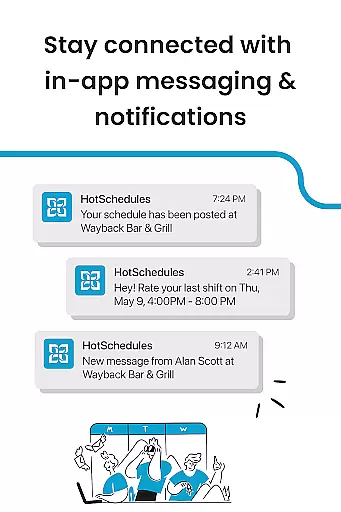
The app also supports seamless communication through broadcast and one-to-one messaging, ensuring that teams stay aligned and informed. With its robust set of features, HotSchedules helps businesses save significant time on administrative tasks, allowing managers to focus more on business growth and team satisfaction. Its integration capabilities and real-time updates make it a reliable solution for modern workforce challenges.
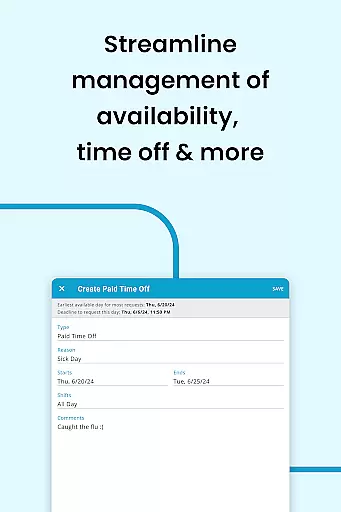
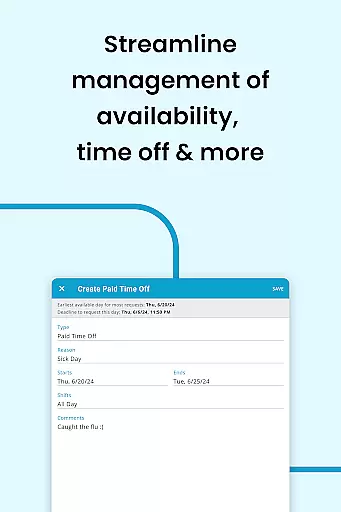
HotSchedules offers a comprehensive suite of features tailored to streamline workforce management. One standout feature is its automated scheduling system, which allows managers to build schedules up to 75% faster than traditional methods. This is complemented by one-click approval for shift swaps or time-off requests, drastically reducing manual workload. Employees can easily manage their availability and preferences, ensuring better work-life balance. Additionally, the app provides real-time notifications and updates, ensuring everyone stays informed about schedule changes.
Another key feature is its ability to monitor business performance remotely. Managers can access sales and labor data snapshots anytime, helping them make informed decisions without being tied to the office. The app also includes integrated messaging tools, supporting both team-wide broadcasts and private communications. These features collectively enhance team collaboration and ensure smooth operations. With its user-friendly interface and powerful functionality, HotSchedules stands out as a top choice for businesses seeking efficient scheduling solutions.
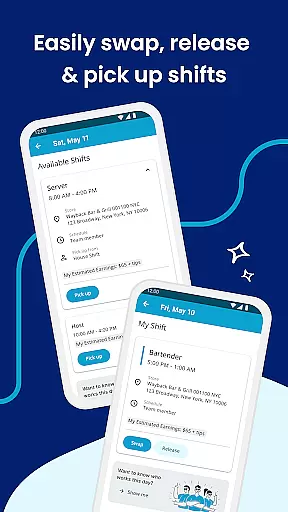
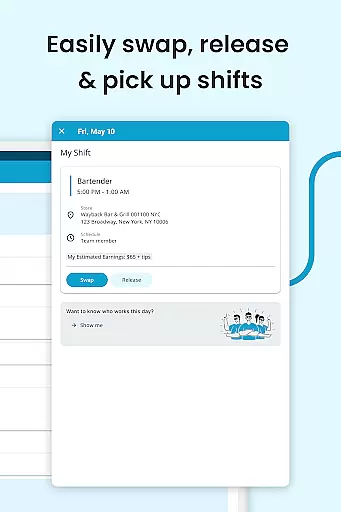
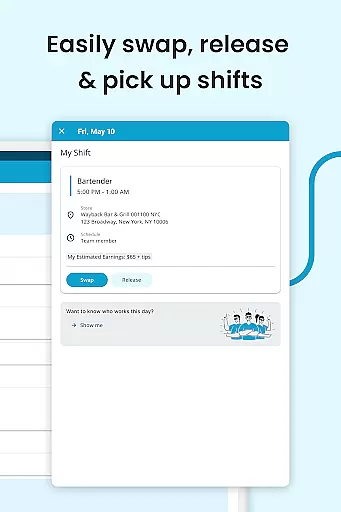
HotSchedules excels in core task management by providing a comprehensive suite of tools designed to streamline scheduling and enhance team communication. The app allows for quick shift swaps, pickups, and releases with just one click, making it effortless for team members to manage their work-life balance.
For managers, the app offers significant time savings, reducing the time spent on building schedules by 75%. This efficiency is achieved through intuitive design and one-click approvals for shift changes, allowing managers to focus more on business performance rather than administrative tasks.
The ability to monitor sales and labor snapshots from anywhere ensures that managers can stay connected with their team's performance without being tied to the back office. This feature supports better decision-making and resource allocation, ultimately leading to improved productivity and operational efficiency.
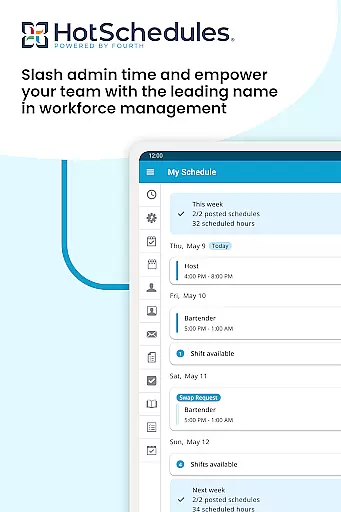
Cross-device synchronization is a critical feature of HotSchedules, ensuring that all schedule updates and manager-approved changes are automatically synced across devices. This reliability is maintained through seamless calendar integration and real-time notifications, keeping everyone informed and up-to-date.
Team members benefit from automatic updates to their schedules, which are instantly reflected on their phones. This ensures that whether they are using an Android device or any other platform, their schedules remain consistent and accurate, enhancing their ability to manage personal and professional commitments effectively.
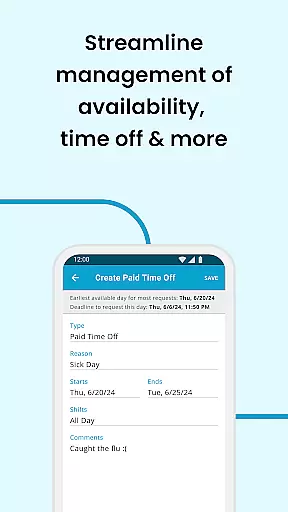
Moreover, the appu2019s robust synchronization capabilities support a dynamic and flexible work environment. By enabling features like time off requests and automatic shift pick-ups, HotSchedules ensures that both employees and managers can maintain a balanced and productive workplace, regardless of the device they use.
User-friendly interface
Real-time updates
Efficient scheduling
Remote performance monitoring
Seamless communication tools
Requires employer account
Limited to specific industries
Dependent on internet connectivity
Premium features may incur extra costs
Initial setup can be complex

Mega cloud explorer plugin for Solid Explorer
 3.80
3.80
Android Wallet Password Manager
4.80
⏰ Finally a timer app which can run multiple timers simultaneously on your watch
3.90
ID.me Authenticator is a simple and free Two Factor Authentication solution
3.50
Enjoy classic gameplay with customizable features and retro-style graphics.
4.30
Experience and share your SolidWorks designs on your Android® phone and tablet.
2.50
Share files & memories safely. Keep your photos and videos secure.
4.40
Daily processing of PDF documents.
4.40
Note taking, handwriting, record audio, PDF annotation, planner & journal
4.20
Use powerful, industry-leading AI tools to generate visual charts from any data
4.80
Mind Map and brainstorm, note taking and idea collection
4.80
Secure, fast, open-source, VNC and SSH Remote Desktop for Windows, Linux and Mac
4.70
Quickly and easily keep track of your work shifts
4.70
Scan paperwork into PDF/JPG, generate your own e-signature and send fax or email
4.70
The Pro Version of Android's tiniest Notepad app. Just 0.3MB but feature-packed!
4.60
Stay on top of your to-dos with Google Tasks, part of Google Workspace.
4.60
Pwnagotchi companion app
4.20
Activate Two Factor Authentication (2FA or Multi OTP), Password manager and more
4.10
Smart PDF reader & editor to view, organize and manage PDF documents easily.
3.70


User Reviews