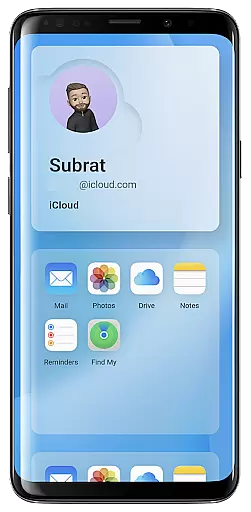
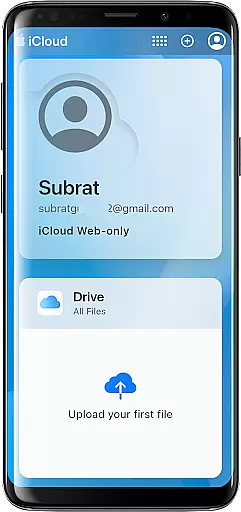
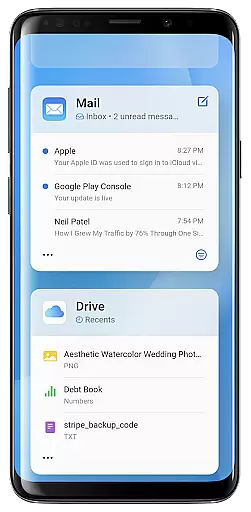
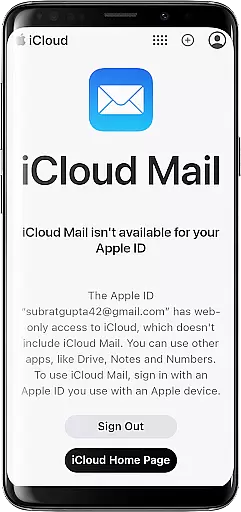
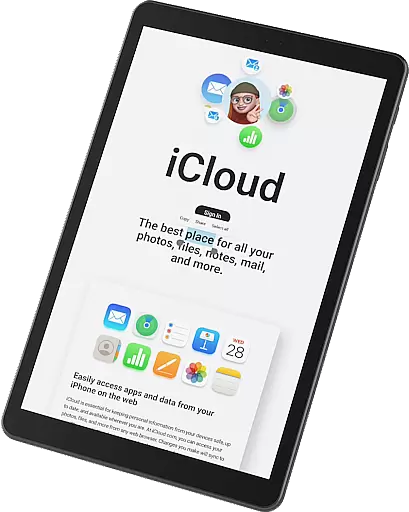
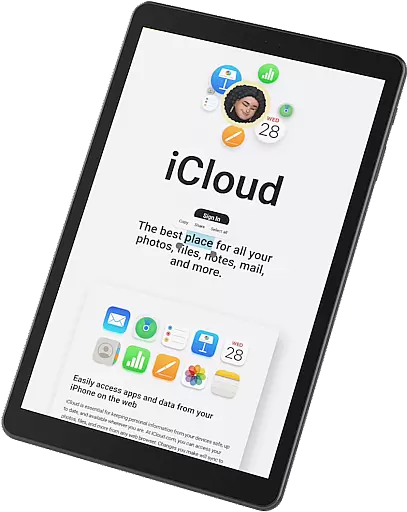
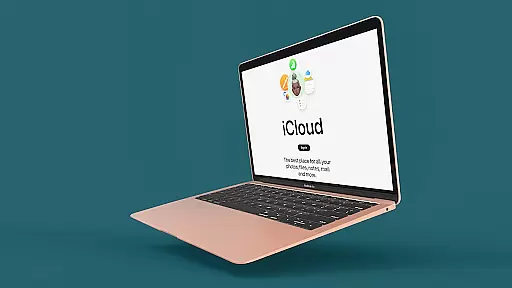
iSync Premium is a productivity-focused application that bridges the gap between Android and Apple ecosystems. It allows users to access their iCloud account and its applications directly from an Android device, offering seamless integration across platforms.
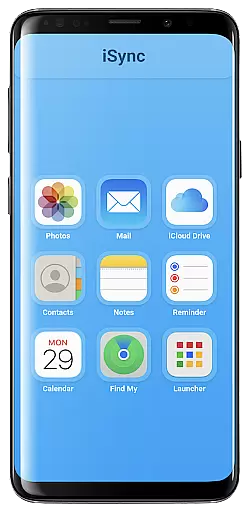
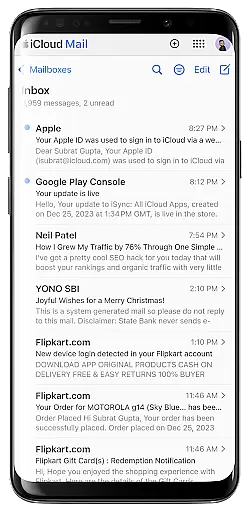
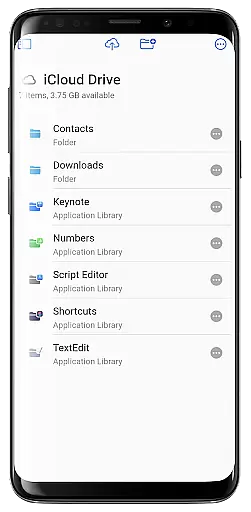
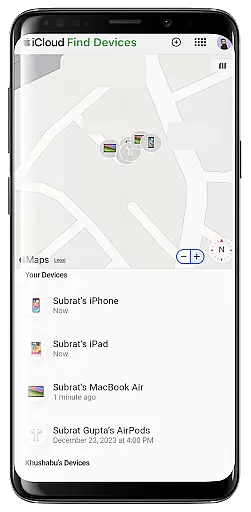
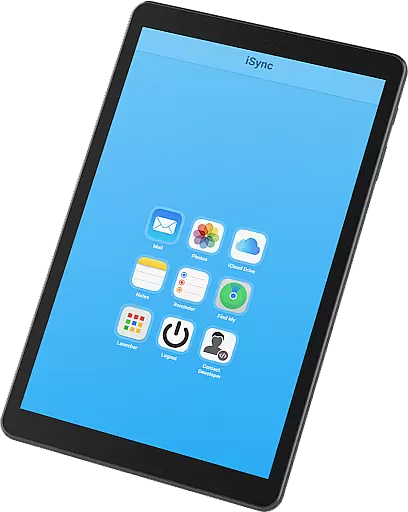
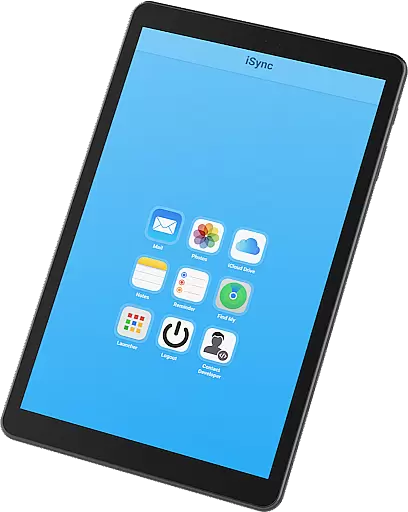
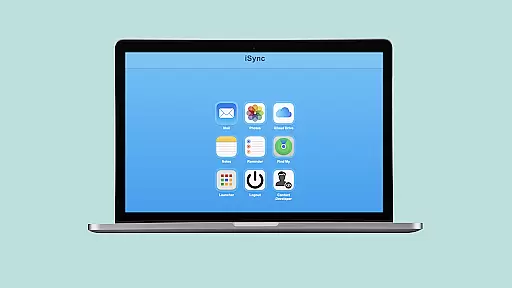
Key features include access to iCloud Mail, Photos, iCloud Drive, Notes, Reminders, and Find My service. Whether you need to manage emails, view photos, access files, jot down notes, organize reminders, or locate lost devices, iSync Premium provides all these capabilities within a single app.
This app is particularly useful for users who operate in both Android and Apple environments, ensuring they stay connected and productive regardless of the platform they are using at any given moment.
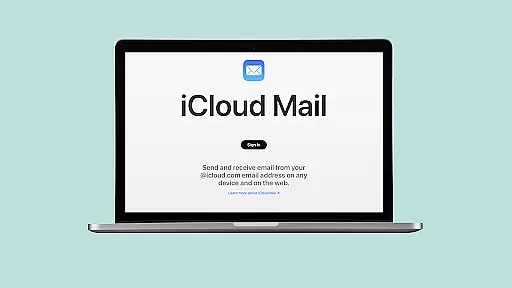
iSync Premium stands out with its comprehensive suite of features tailored for productivity. The app offers direct access to iCloud Mail, allowing users to send, receive, and manage emails without switching devices.
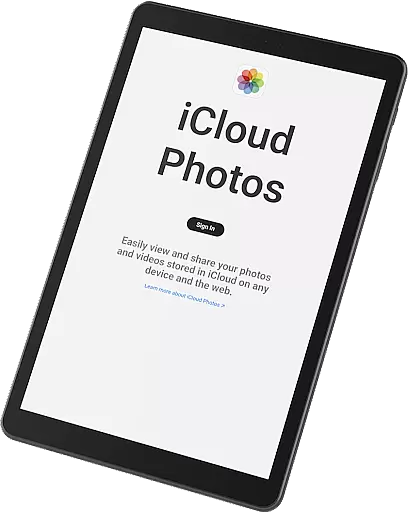
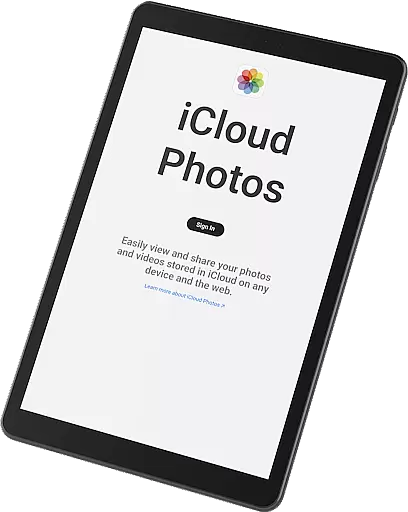
With the Photos feature, users can effortlessly carry their memories by viewing, downloading, and sharing iCloud photos. The iCloud Drive functionality ensures that files and documents are always within reach, enhancing workflow continuity.
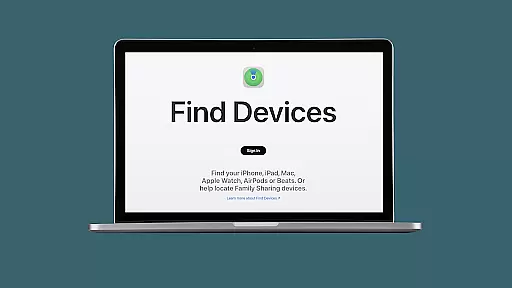
Additional features like Notes, Reminders, and Find My service provide added convenience, helping users stay organized and secure. The intuitive Launcher provides one-touch access to favorite iCloud apps, streamlining the user experience.
Task management is a cornerstone of productivity applications, and iSync Premium excels in this area by offering seamless integration with iCloud Reminders. This feature allows users to organize their tasks efficiently, ensuring that nothing falls through the cracks.
iSync Premium provides Android users with the ability to manage their iCloud reminders directly from their device. With intuitive controls and easy-to-navigate interfaces, staying organized has never been easier. Users can add, edit, and mark tasks as complete, syncing changes across all their devices instantaneously.
The app's dedication to task management extends beyond mere functionality; it encompasses design aspects that enhance user experience. The clean layout ensures that users can focus on their tasks without distraction, while smart notifications keep them on track throughout the day.
By bridging the gap between Apple's ecosystem and Android devices, iSync Premium empowers users to maintain productivity regardless of the platform they are on. This cross-platform capability is invaluable for those who operate in multi-device environments.
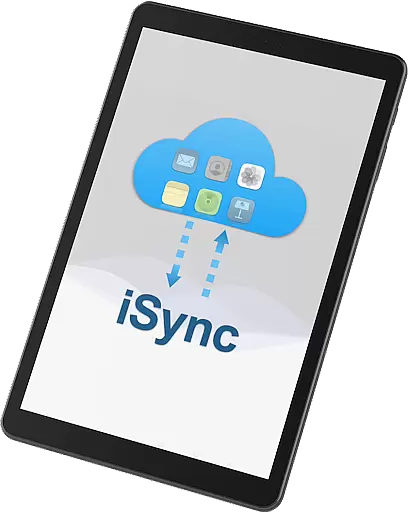
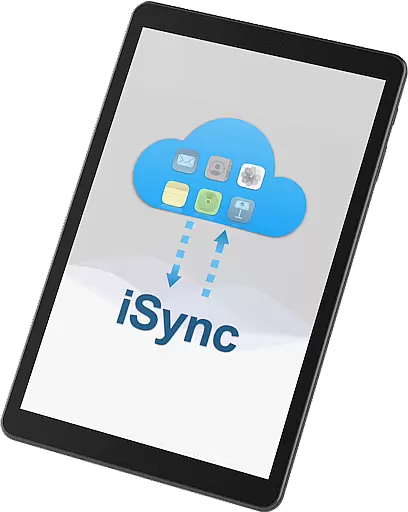
Cross-device synchronization is vital for users managing data across multiple platforms. iSync Premium addresses this need by providing reliable synchronization between iCloud services and Android devices, ensuring that your information is always up-to-date.
With iSync Premium, every change made to your iCloud Mail, Photos, Drive, Notes, or Reminders is automatically synced across all your connected devices. This means you can start an email on your Android phone and finish it on your MacBook without missing a beat.
The reliability of this synchronization process is one of the standout features of iSync Premium. Users can trust that their data will be accurately reflected everywhere, reducing the risk of errors or lost information due to sync failures.
This level of integration not only enhances convenience but also boosts productivity by allowing users to switch between devices seamlessly. Whether at work, home, or on the go, iSync Premium ensures that your digital life remains cohesive and synchronized.
User-friendly interface
Comprehensive feature set
Seamless cross-platform integration
Enhanced productivity tools
Reliable security measures
Limited to Android users
Requires iCloud account
Premium features may require subscription
Occasional sync delays
Dependent on internet connectivity

Ads Free App! Editor, Hide File, Copy, Move, Delete and Rename.. all facility av
 1.70
1.70
Pwnagotchi companion app
4.20
Easiest event planning, volunteer signups & parent teacher conference scheduling
2.20
App Lock with fingerprint, password: Lock apps & hide photos with lock screens
4.60
Find and delete junk files & block unwanted notifications & manage files
3.70
A Pixel Art watchface inspired by other iconic 90s designs for Wear OS devices!
4.40
Quickly and easily keep track of your work shifts
4.70
Daily processing of PDF documents.
4.40
Seamlessly read, manage, and organize all your PDF files solution in one place
4.40
Mind Map and brainstorm, note taking and idea collection
4.80
QuickBooks Workforce lets teams view pay info and track time in one place.
4.70
Functional QR scanner and barcode reader that requires little storage space.
4.60
CalenGoo is a very flexible and feature-rich calendar app
4.40
Automates browsing any website and notifies you of important changes or events
4.30
Activate Two Factor Authentication (2FA or Multi OTP), Password manager and more
4.10
Experience real multitasking on your Android!
4.00
The ultimate file manager for rooted devices. The original and still the best.
4.00
Take control of your clipboard with Clipper!
3.90
Smart PDF reader & editor to view, organize and manage PDF documents easily.
3.70


User Reviews